> ## Documentation Index
> Fetch the complete documentation index at: https://captions.ai/llms.txt
> Use this file to discover all available pages before exploring further.
# Denoise Audio
> Remove background noise, echo, wind, and crowd sounds from your videos with Captions AI Denoise for clean, studio-quality vocals in one tap.
# Remove Background Noise and Echo from Your Videos
## Overview
If your video was recorded in a noisy environment, Captions can easily separate the vocal track from the background track easily, making your video sound as though it was recorded in a professional studio. Denoise can remove echo, wind, crowd noise, and other background sounds, which means you can easily fix it in post.
## How It Works
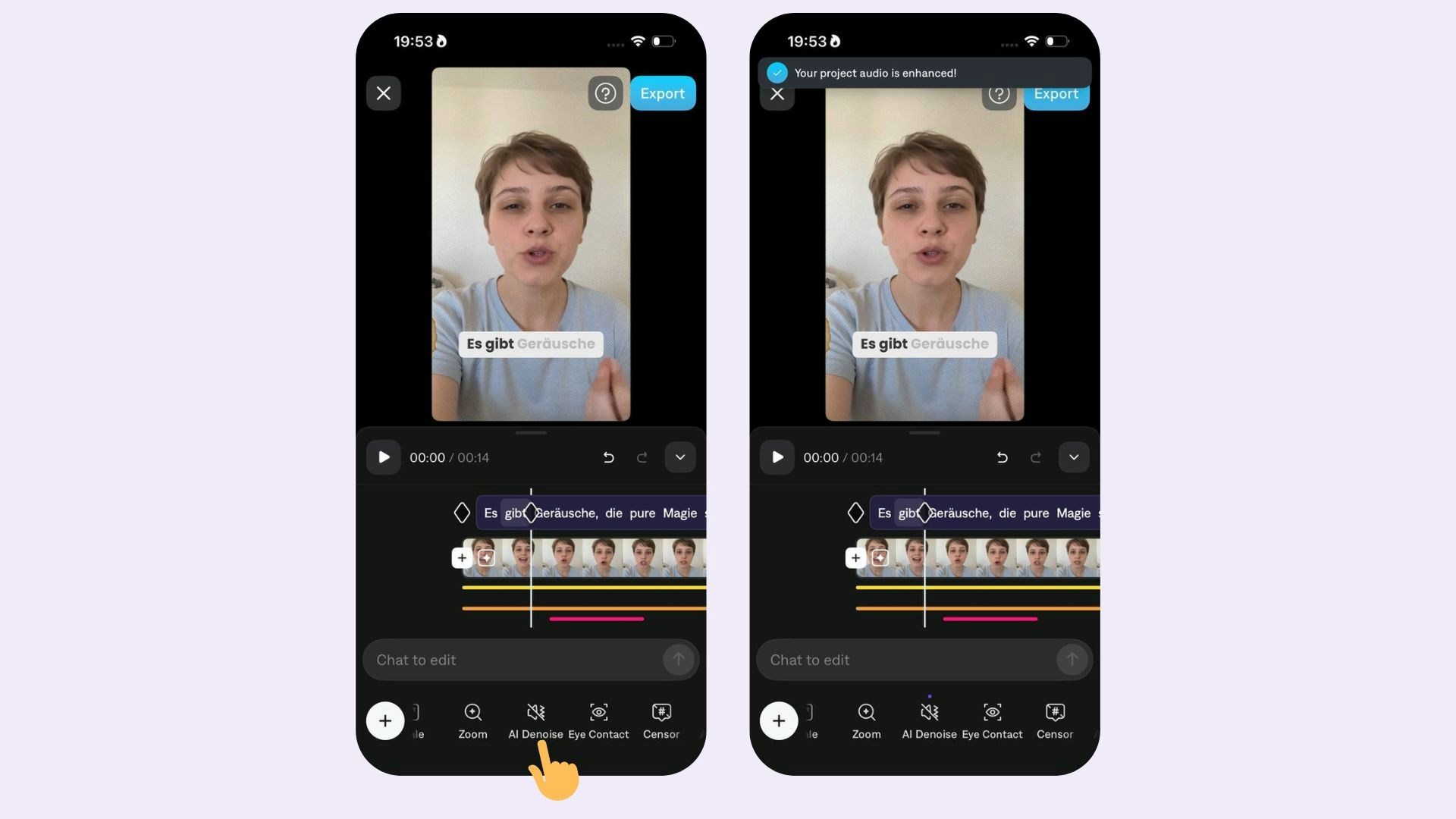
* To apply **Denoise**, simply tap **Denoise**.
* To disable **Denoise**, simply tap **Denoise** again.
 ## Frequently Asked Questions
It is not possible to control how much denoise you apply. Captions will automatically remove the necessary amount of background noise to ensure your vocals sound great.
## Frequently Asked Questions
It is not possible to control how much denoise you apply. Captions will automatically remove the necessary amount of background noise to ensure your vocals sound great.