> ## Documentation Index
> Fetch the complete documentation index at: https://captions.ai/llms.txt
> Use this file to discover all available pages before exploring further.
# Adjust Timing
> Fine-tune when captions appear on screen in Captions by adjusting single word timing or dragging the start and end handles of full caption phrases.
## Adjust Single Word Timing
To adjust the timing of a single word:
* Tap or click any word
* Scroll to the right and select **Timing**
* Drag from the beginning of the word to adjust the start time
* Drag from the end of the word to adjust the end time
* Tap **Apply**
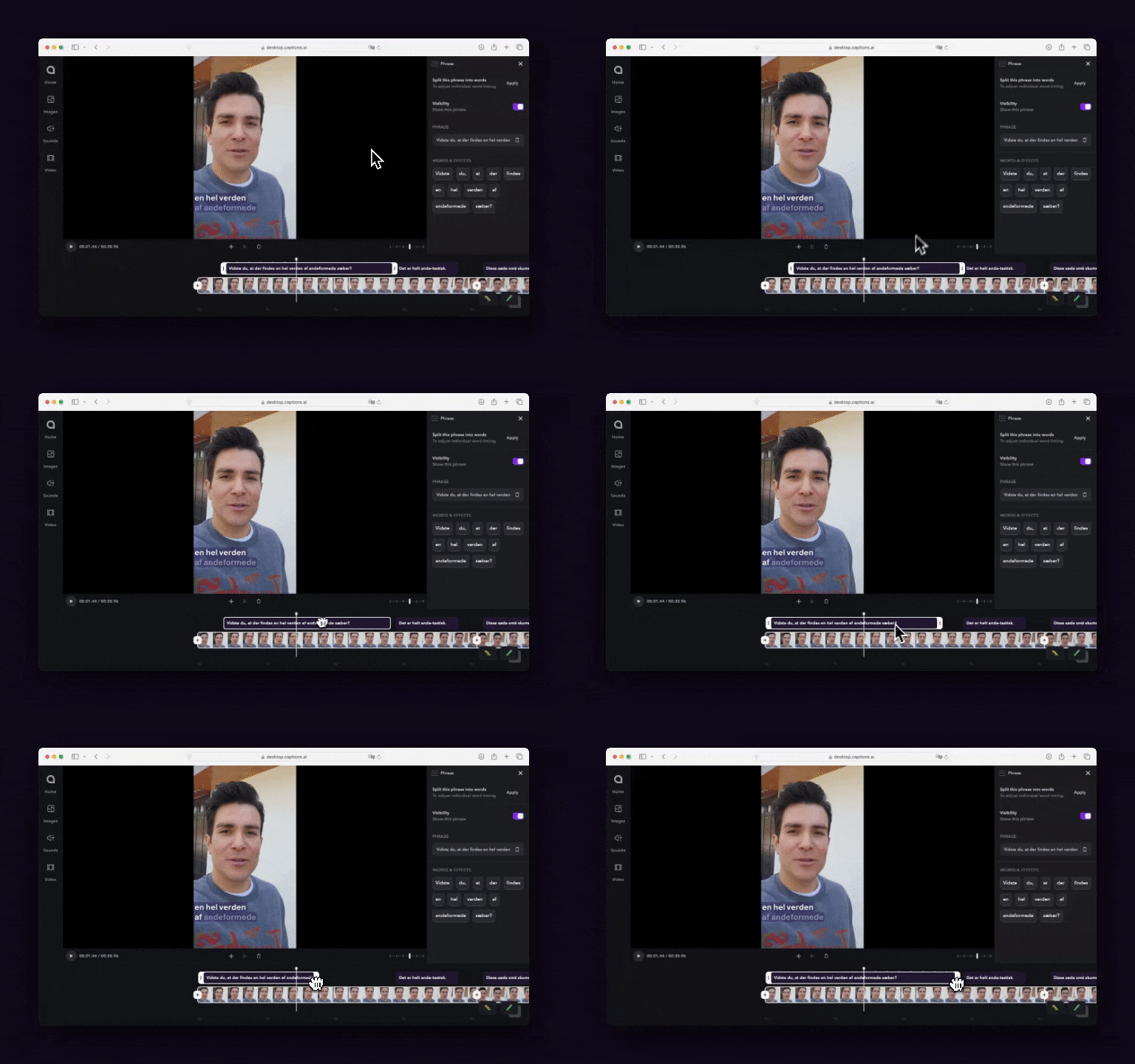 ## Adjust Timing By Phrase
**To adjust the timing of a phrase:**
* Tap **Captions** on the bottom navigation
* Drag the 6 dots left or right to change the starting position
* Drag the end of the phrase left or right to change the end position
## Adjust Timing By Phrase
**To adjust the timing of a phrase:**
* Tap **Captions** on the bottom navigation
* Drag the 6 dots left or right to change the starting position
* Drag the end of the phrase left or right to change the end position