> ## Documentation Index
> Fetch the complete documentation index at: https://captions.ai/llms.txt
> Use this file to discover all available pages before exploring further.
# Reorder Shots
> Rearrange the order of shots on the Captions timeline by tapping a shot, selecting Reorder, and dragging it forward or backward in your video project.
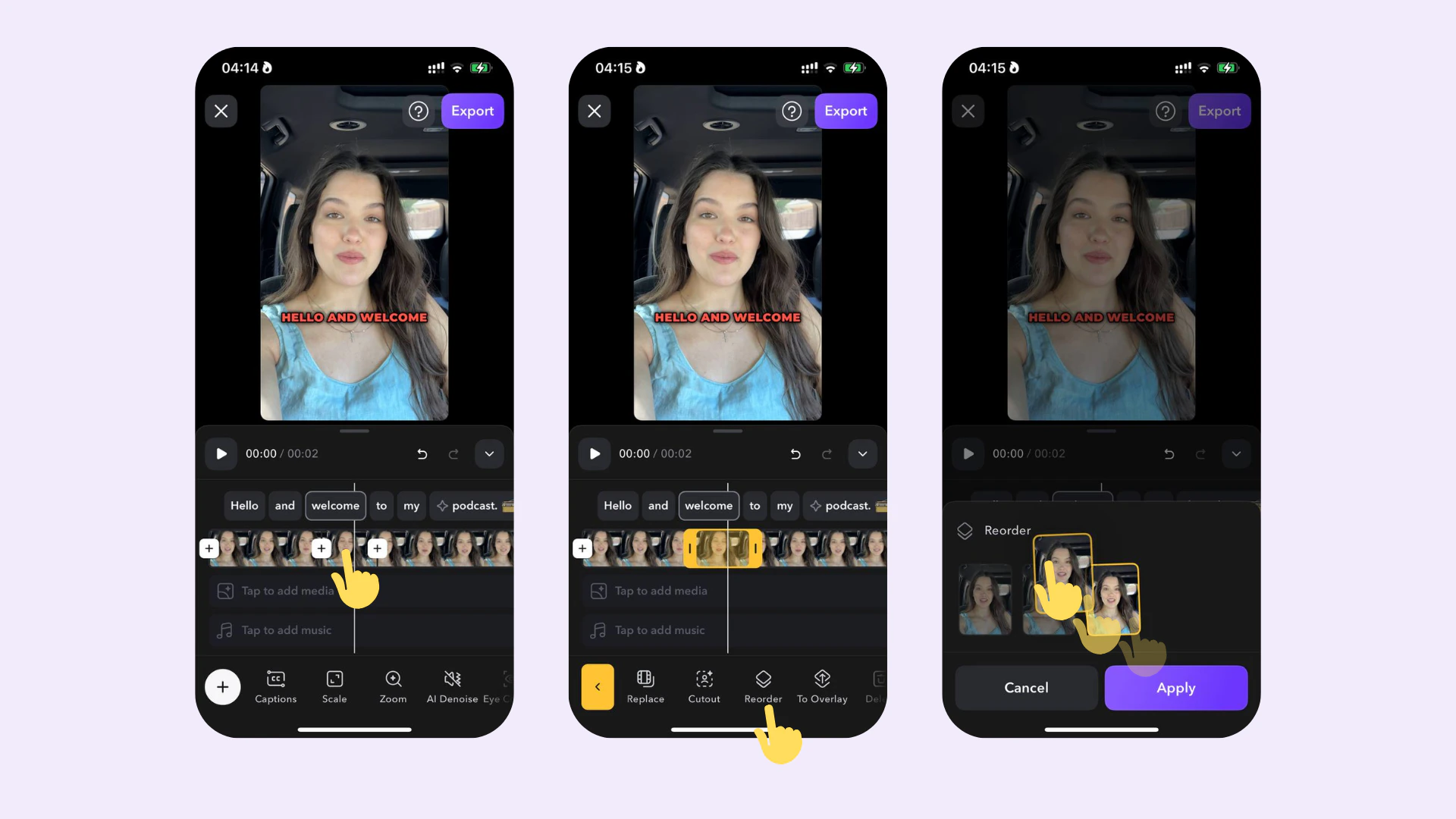 ## How it works
To adjust the order of a shot:
1. Tap on the shot in the timeline
2. Tap on **Reorder**
3. Rearrange the shot by dragging it forward or backward
## How it works
To adjust the order of a shot:
1. Tap on the shot in the timeline
2. Tap on **Reorder**
3. Rearrange the shot by dragging it forward or backward