

Find your video style with AI Edit
Styled edits. Stellar results. Here's your official guide to Captions' AI Edit library.
Last updated: June 8, 2026
Everyone’s feeds are cluttered. Videos that win make their mark fast, with strong hooks, solid pacing and engaging storytelling. The edit shapes how the video feels, bringing viewers in and inspiring them to keep watching.
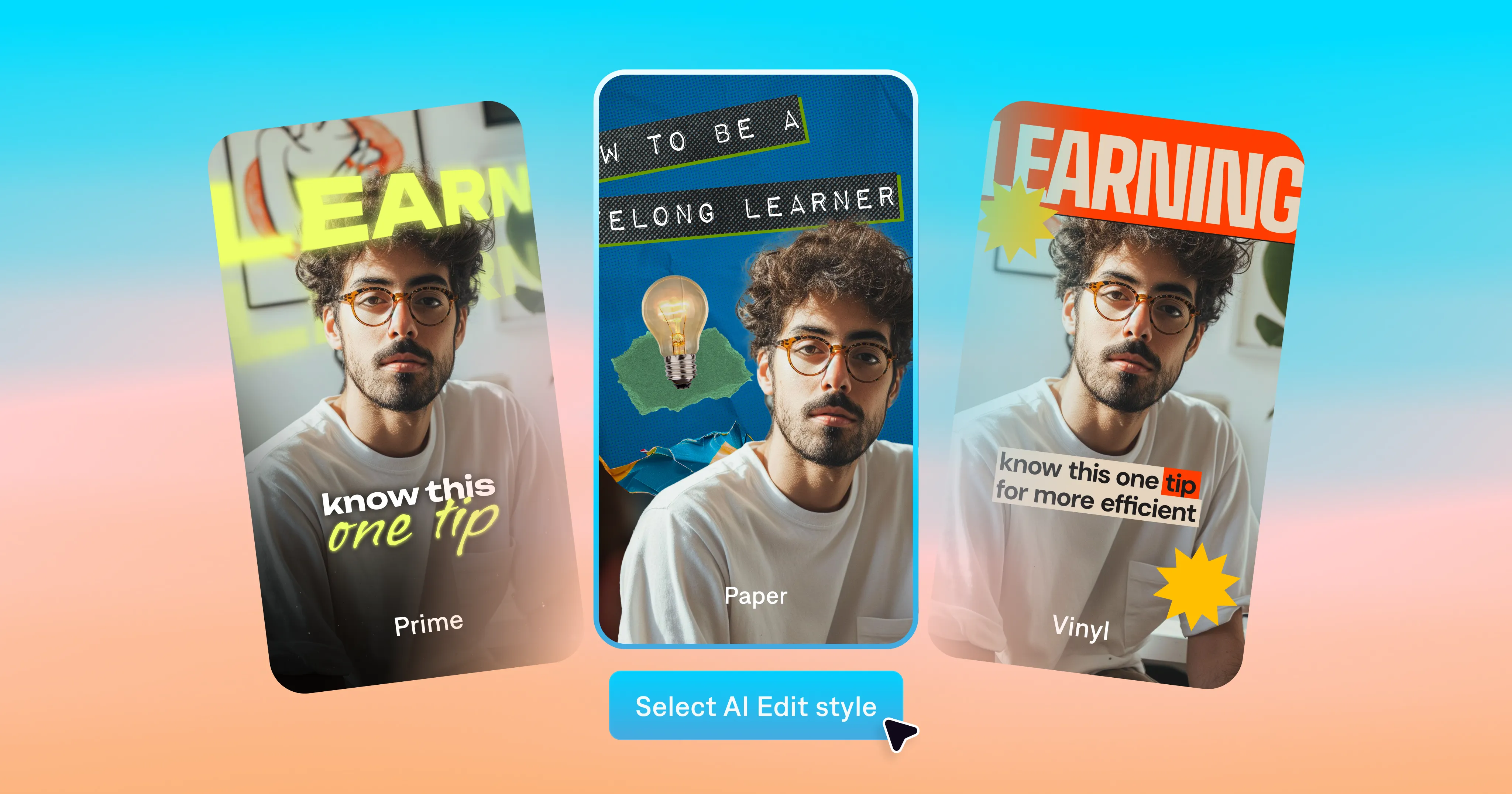
That may sound daunting to pull off, but Captions has a secret weapon. Our AI Edit feature turns your footage into a fully edited video. Explore the library to find styles you like, then apply them to your original footage. AI Edit adds transitions, subtitles, visuals and even music. It’ll look like the professionally edited videos you see on social—but the app edits the video for you.
Explore the AI Edit style library
Our team has developed a full library of styles to complement different video topics and aesthetics. Every style shapes your story differently, so you might want to test a couple to see what you like best. You’ll find the styles organized by theme in the Captions app, with some styles listed under multiple themes.
Here’s a guide to available themes and how they’ll look:
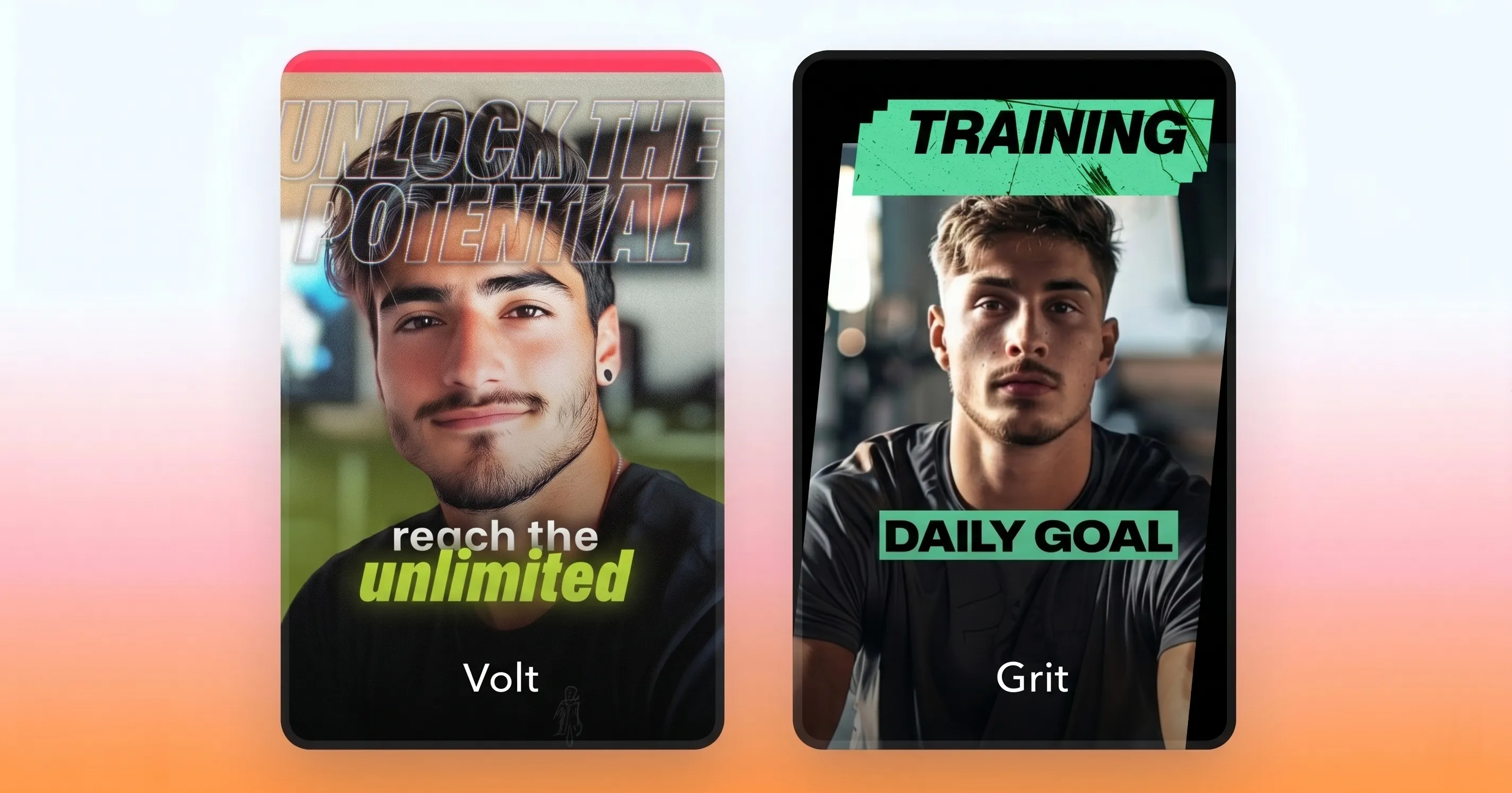
Bold
The vibe: High-energy and big on personality.
What to expect: Fast cuts, kinetic typography, and aggressive transitions. Bold styles are built for attention, so you’ll sense the momentum from the moment you hit play.
Best for: Content that energizes the audience in the first few seconds.
Styles include: Rocket, Grit, Pulse, Volt
Entertainment
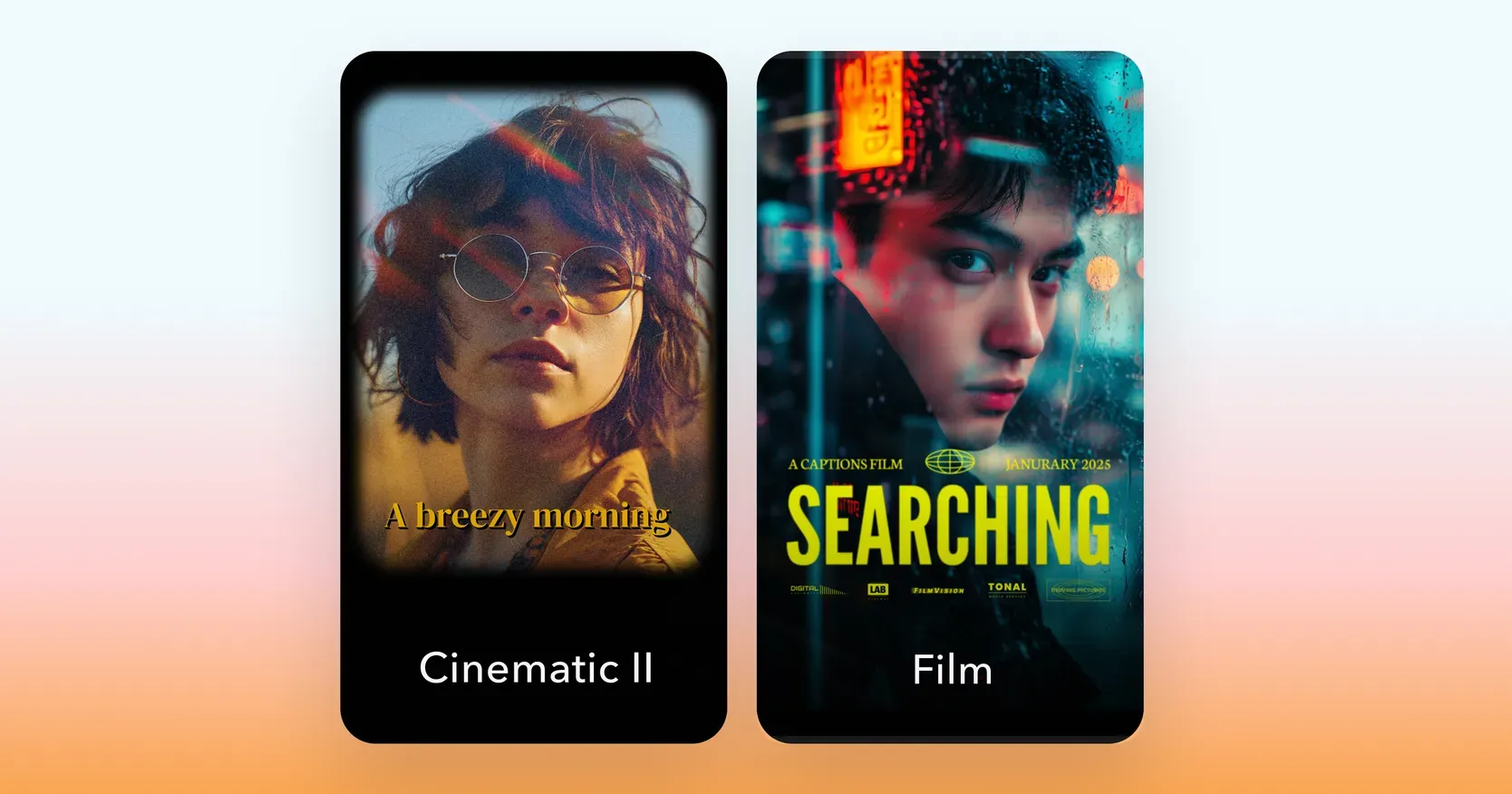
The vibe: Cinematic, immersive, and built to hold an audience.
What to expect: Rich color grading, film textures and dramatic transitions. Entertainment styles are designed to keep people immersed in your story and its world.
Best for: Lifestyle and culture content that leans into a strong visual identity.
Styles include: Neon, Cinematic II, Film, Story
Business
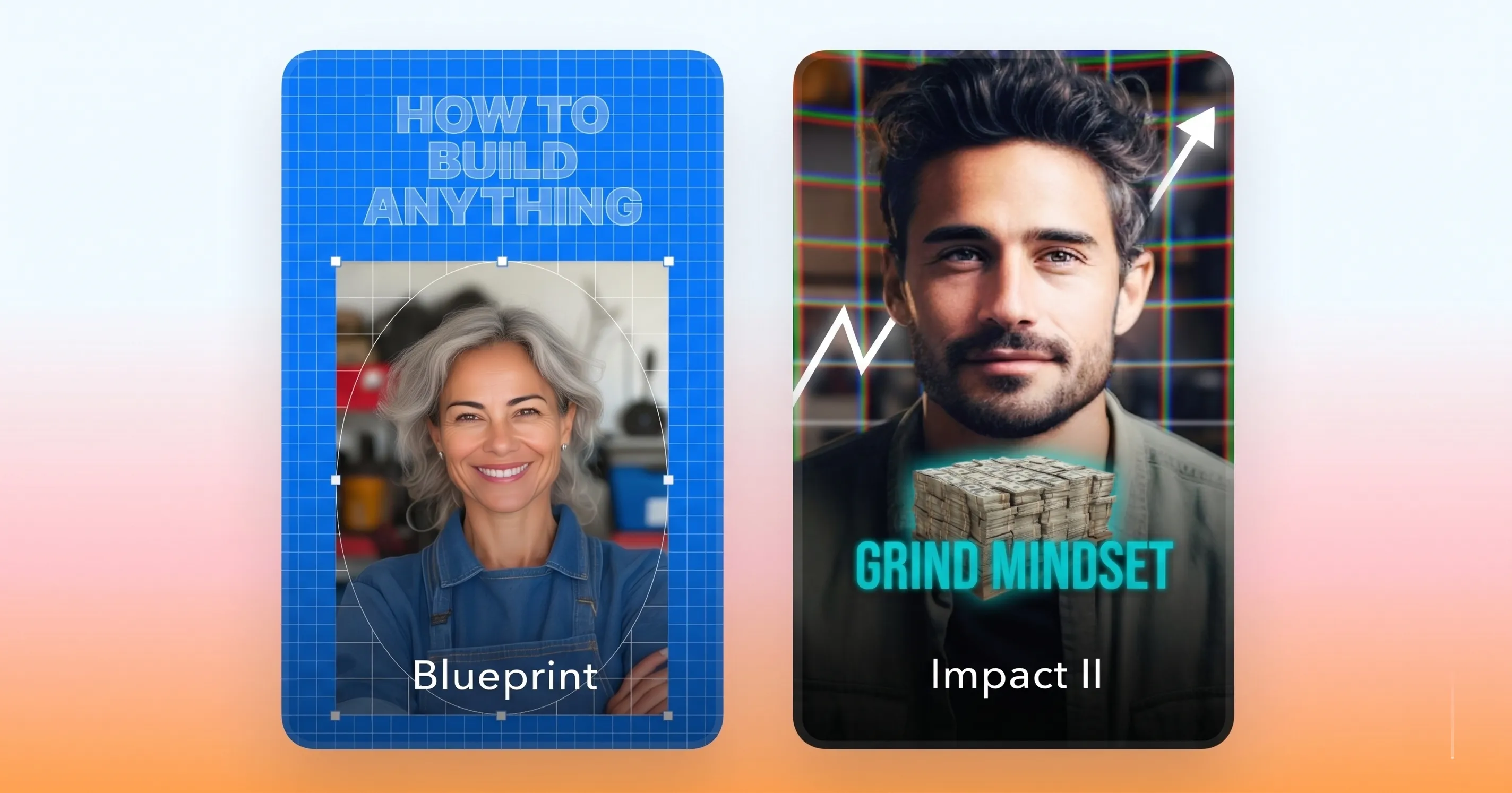
The vibe: Sharp, professional, and built for retention.
What to expect: Quick zooms, clean transitions, and bold sound design. The Business styles vary in aesthetic, but they’re all designed to make you look credible and keep your audience engaged.
Best for: Content where you need to build authority fast.
Styles include: Blueprint, Impact II, Growth, Stack
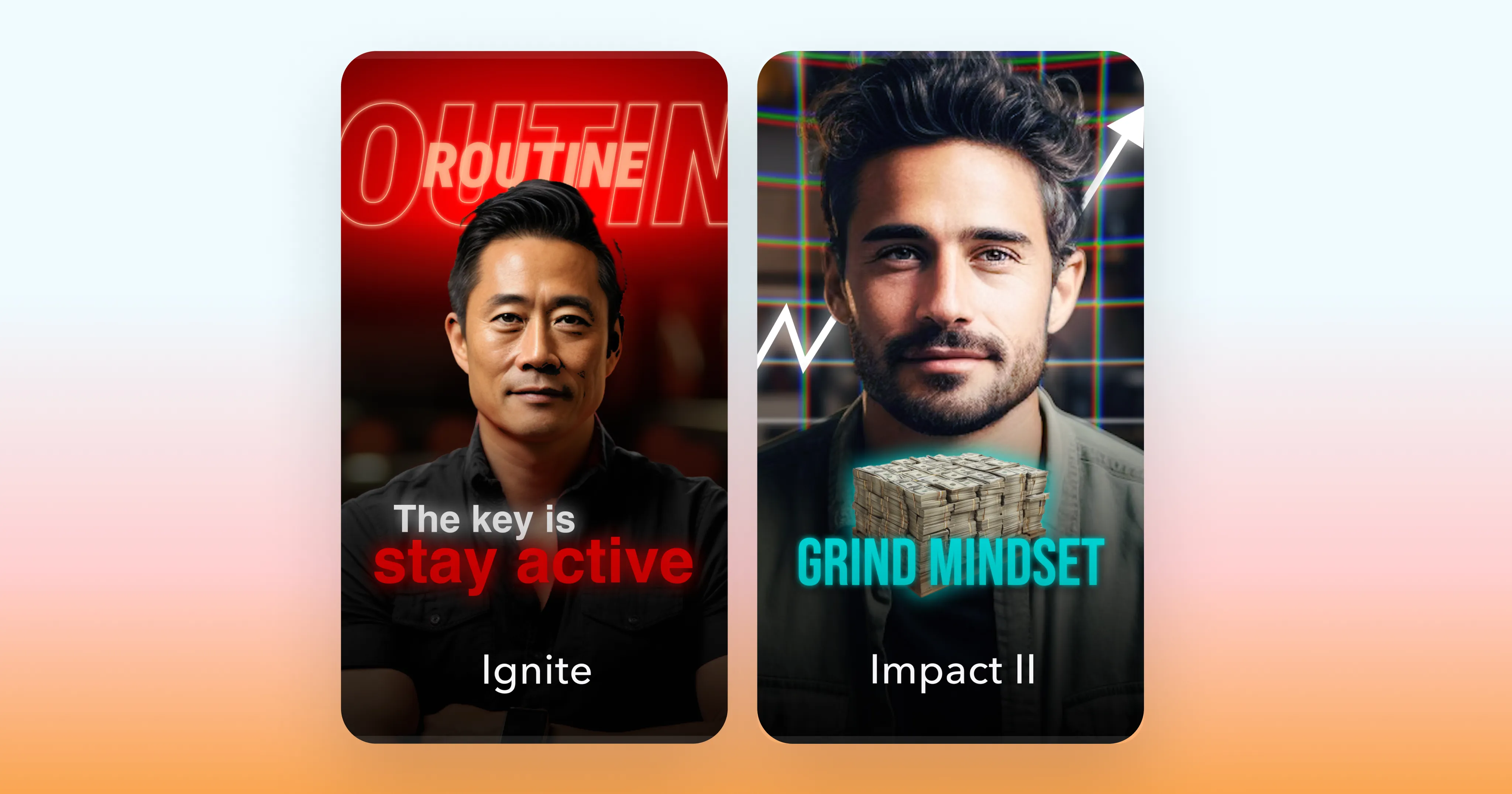
Motivation
The vibe: Intense, emotional, and designed to move people.
What to expect: Powerful pacing, bold filters, and visuals with a cinematic undercurrent. The Motivation styles stop the scroll and get people to feel something.
Best for: Videos where the goal is to inspire action or reflection.
Styles include: Ignite, Impact II, Kai, Ember
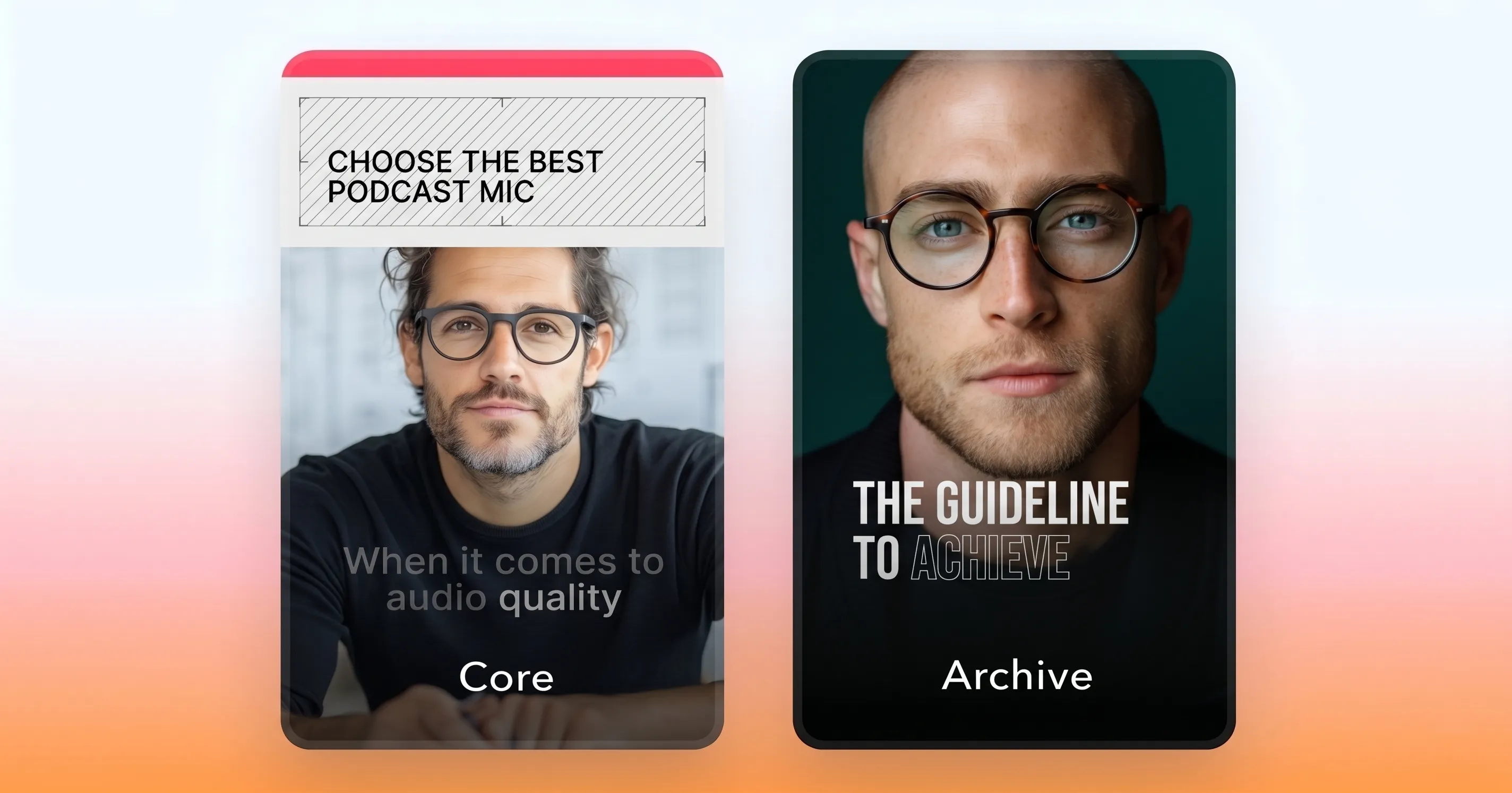
Minimal
The vibe: Clean, modern, and effortlessly understated.
What to expect: Simple transitions, clean layouts and restrained typography. Minimal doesn’t mean boring; it means every element earns its place. These styles are where structure and simplicity converge.
Best for: Focused, clear storytelling.
Styles include: Archive, Core, Clarity, Lumen
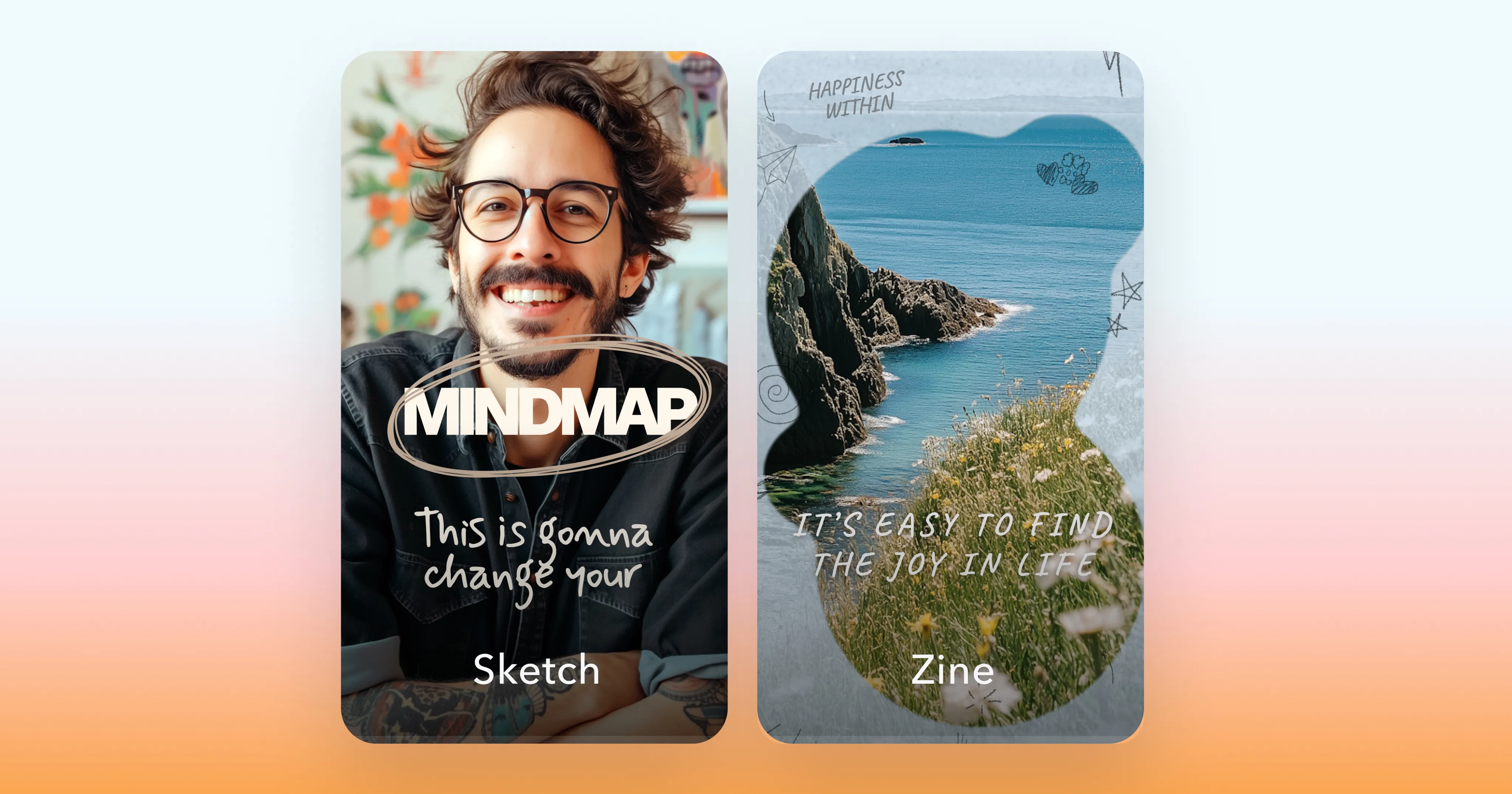
Polished
The vibe: Editorial, design-forward, and magazine-worthy.
What to expect: Print-inspired layouts, layered typography and a premium feel. Polished styles have personality make videos look like they belong in a masthead spread.
Best for: Creators whose visual brand is a big part of their identity.
Styles include: Byline, Sketch, Rebel, Zine
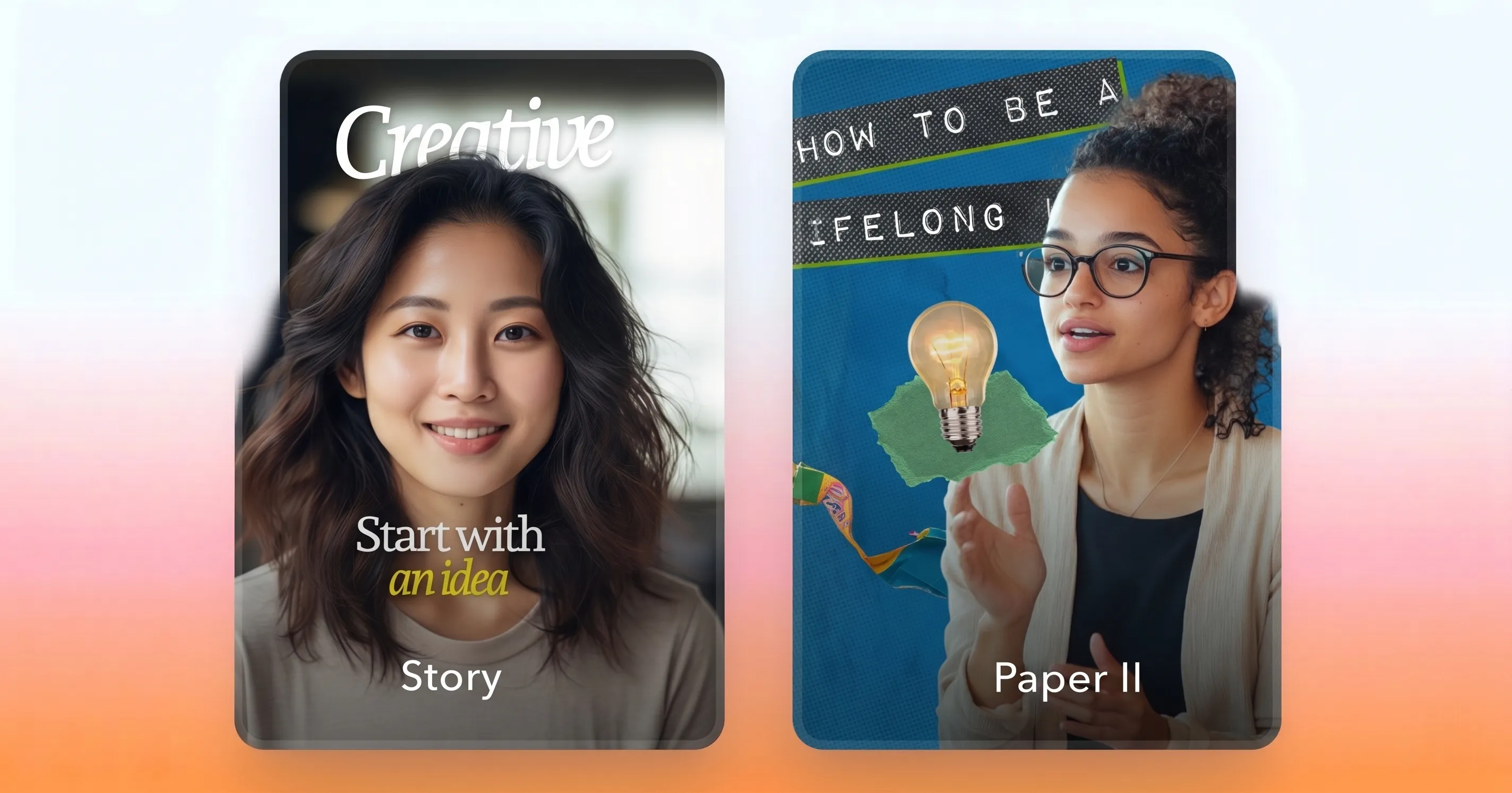
Lifestyle
The vibe: Warm, personal, and scroll-stoppingly real.
What to expect: Soft textures, natural pacing, and visuals that feel human. These styles are unpretentious, and make everyday moments look worth watching.
Best for: Lifestyle and routine content.
Styles include: Linen, Story, Paper II, Bloom
How to get the most out of AI Edit
Every AI Edit style brings its own rhythm and personality, so it’s worth experimenting a bit. Try running the same clip through a few styles to see how it impacts tone and pacing. And if a style gets you close to your vision but not quite there, you can always adjust the media, colors, or audio using Captions’ other AI editing tools or the chat-based editor.
If you need more inspiration, check out the “New” and “Trending” categories in the style library. They highlight our latest drops and the styles people are loving most. No matter what you try, your videos will be ready for their closeup.
AI Edit works for creators across every niche. Whether you’re a financial creator building credibility with polished Business or Contemporary edits, a fitness creator using Motivation styles to pump up your audience, or a beauty creator showcasing looks with Scrapbook aesthetics—there’s a style in the library that fits your content.
