
Correct eye contact with AI
Forget to look at the camera? Look at your script too many times? It's no problem with the Captions app. Fix issues fast, no matter how the original footage looks.
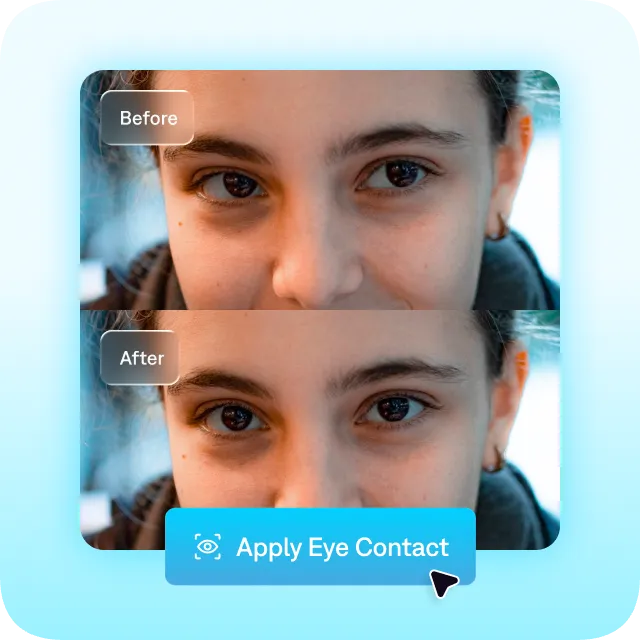
Record once, edit to perfection
You don't need the perfect take
Stop worrying about getting everything right in one take. Just choose your best recording and apply the eye contact AI feature later.
Correction in seconds
Captions' AI eye contact feature quickly removes inconsistencies for a steadier gaze. It uses AI to analyze your video and find any unintentional breaks in eye contact. Then, it intelligently updates your footage for you.
Natural delivery, every time
Captions makes your video look polished and intentional, but never robotic. Little glances or intentional pauses stay in your footage so your delivery always looks organic and natural.
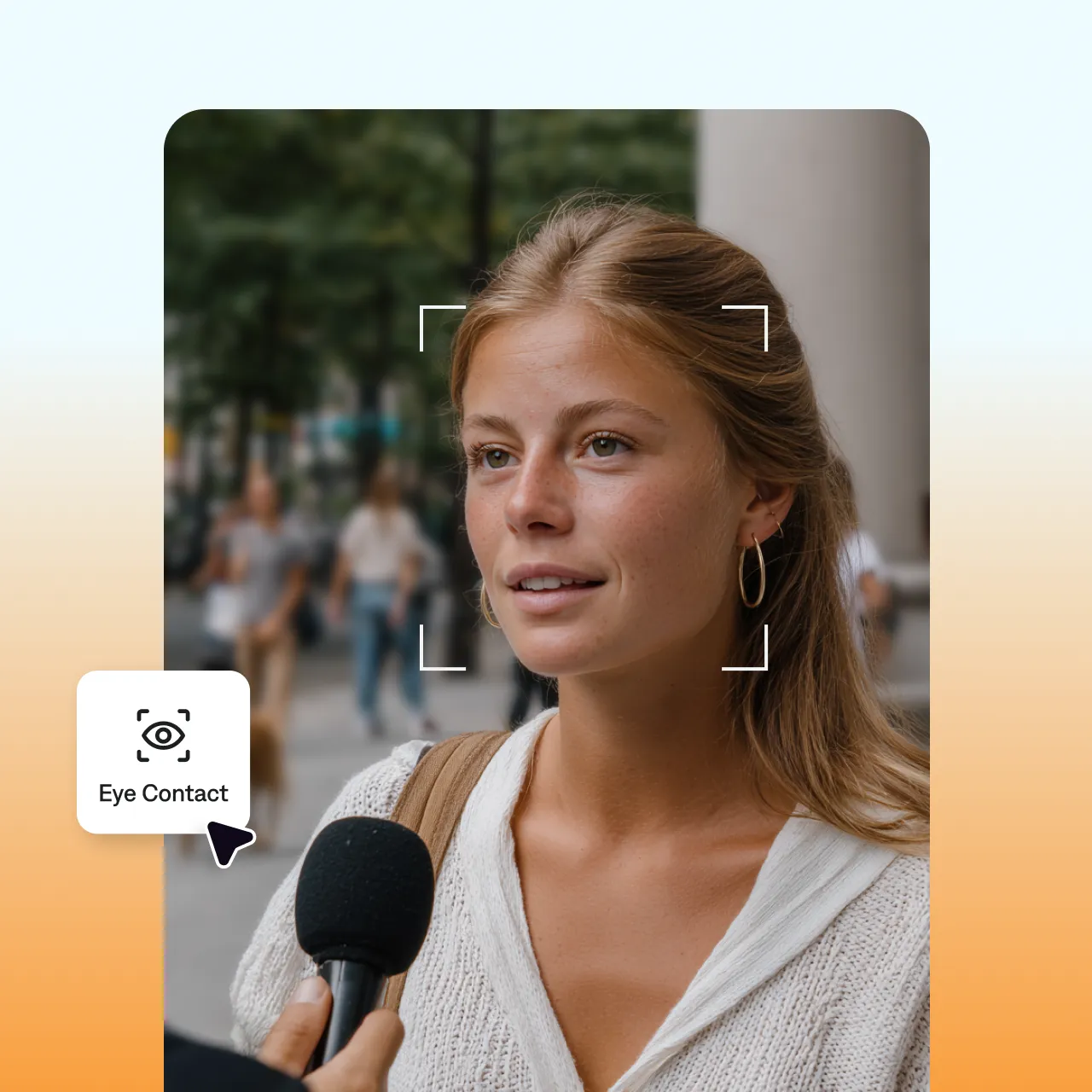
How to fix eye contact in Captions
It only takes two steps! Upload a video or record new footage in the Captions app. You can even use the built-in camera and teleprompter if you still need to record. Then, open the editing panel and select "Eye contact." An easy fix, and ready to export.
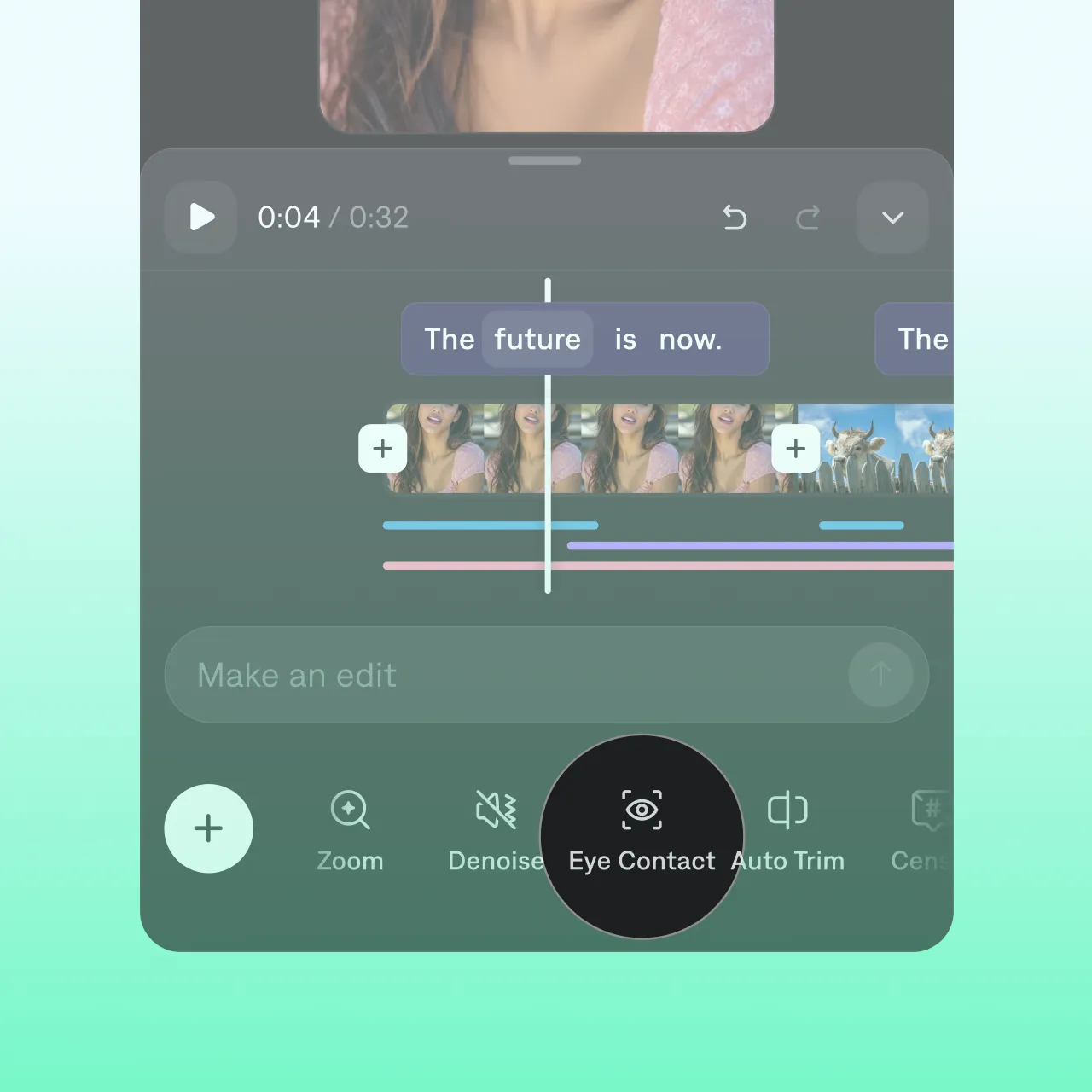
Get started
Frequently asked questions
How does AI correct eye contact?
Different products use different technology, but they share a common concept. AI eye corrector features analyze your original video, then apply edits to achieve a better video quality. They implement changes like realigning the speakers' eyes to the camera and stabilizing someone's gaze. The final video makes it look like speakers always look at the camera, even if the original recording had more inconsistencies.
How can I improve my natural eye contact in videos?
Our eye-tracking tool can correct a lot of common issues we see in talking videos. If you want the best results, try to follow these tips for your original recording. First, make sure you're close enough to the camera that it can see your full eyes, whites and all. Then, if you need a script, position it slightly above or to the side of the camera. This helps you avoid looking down while you're recording.
What's the best eye tracker for videos?
You'll want a tool that's simple to use and delivers consistent result. Captions is designed to provide precise and instant adjustments to your gaze in videos. It quickly analyzes your footage and realigns your eyes to the camera, so it looks as if you’re always making direct eye contact with your viewers.
Why should I correct eye contact in videos?
There are a lot of benefits for eye tracking software and AI eye contact features. Strong eye contact makes videos appear more compelling, professional, and personal. When you look directly at the audience, you reinforce that they're important to you, and that your message is important to them. AI solutions make it much faster so you don't have to worry about getting that original footage just right.