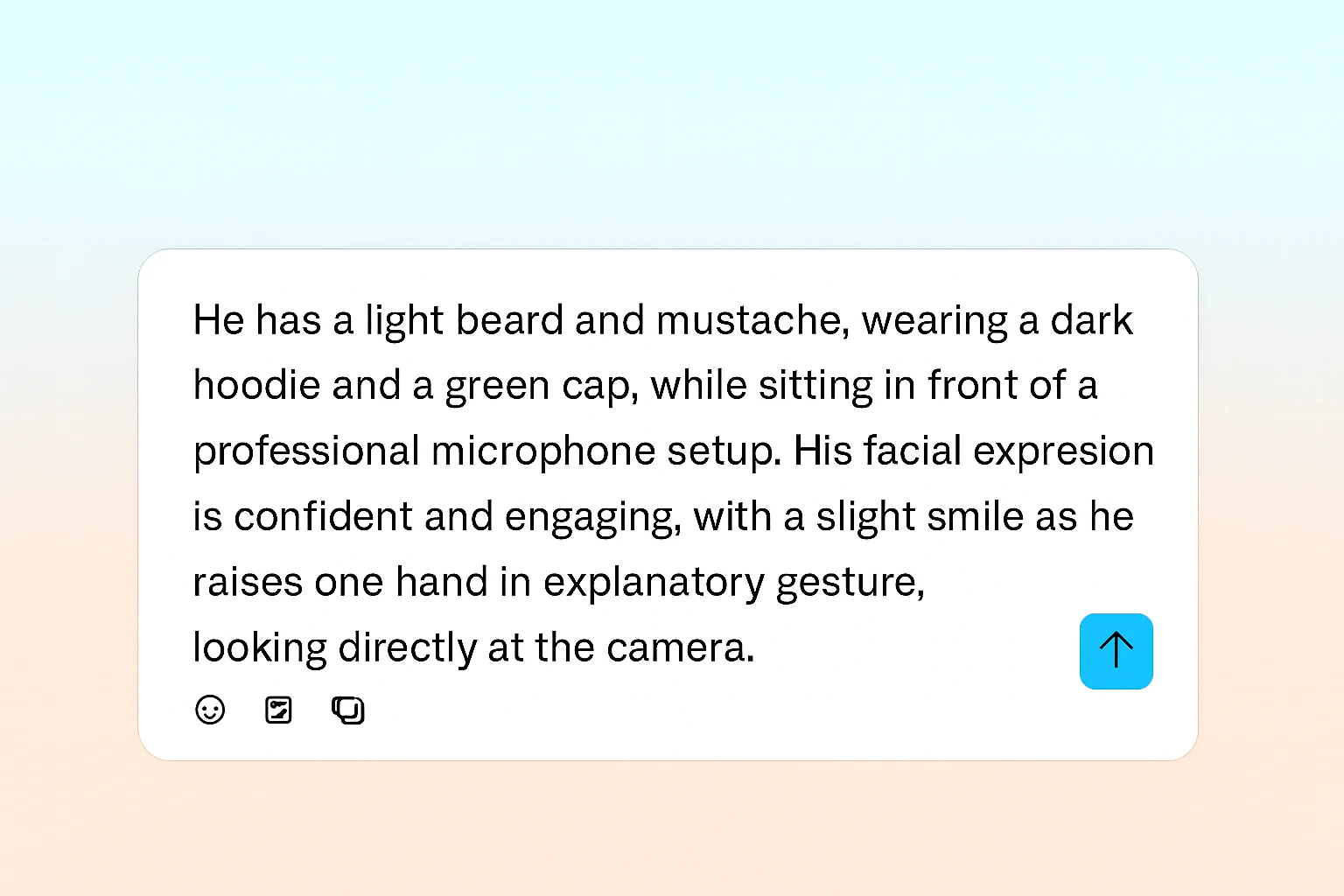
Captions uses a single, unified prompt to generate both your actor and background. Write your prompt as a complete scene description that naturally flows from describing the person to their environment.
Writing Effective Prompts
Create comprehensive scene descriptions by combining these key elements into one cohesive prompt:
Actor Elements
Include these details about your actor in a natural, flowing description:
Expression & Movement
Add life to your actor with these behavioral details:
Environment & Technical Details
Complete your scene with setting and camera specifications:
Best Practices
Write complete, flowing descriptions: Combine all elements into a single, natural paragraph. For example:“A professional Black woman in her early 30s with natural curly hair, wearing a crisp white shirt and navy blazer, sitting confidently at a modern glass desk in a bright corporate office. She’s looking directly at the camera with a warm, engaging smile while gesturing naturally as she speaks. Behind her, floor-to-ceiling windows reveal a city skyline. The shot is framed as a medium close-up with soft, natural lighting and a slightly blurred background.”
Important considerations for best results:
- Voice-visual matching: Ensure your actor’s appearance matches the voice you’re using (e.g., female voice = female-presenting actor)
- Audio-environment consistency: Match audio quality with the environment (clean audio for indoor settings, appropriate ambience for outdoor scenes)
- Keep it realistic: Avoid overly complex or unrealistic combinations that don’t exist in real life
- Be specific but concise: Provide enough detail for clarity without overcomplicating
- Check your spelling: Typos can affect generation quality
Example Prompts
Pro Tips for Better Results
Start with the actor
Begin your prompt by describing the person - their appearance, clothing, and position
Add behavior and expression
Describe how they’re interacting with the camera and their emotional state
Set the scene
Naturally transition to describing the environment and setting
Specify technical details
End with camera framing, lighting, and any atmospheric details
Remember: Captions processes your entire prompt as one unified instruction. The more naturally your description flows, the better your results will be. Think of it as describing a scene to someone who will recreate it exactly as you envision.