Adjust Single Word Timing
To adjust the timing of a single word:
- Tap or click any word
- Scroll to the right and select Timing
- Drag from the beginning of the word to adjust the start time
- Drag from the end of the word to adjust the end time
- Tap Apply
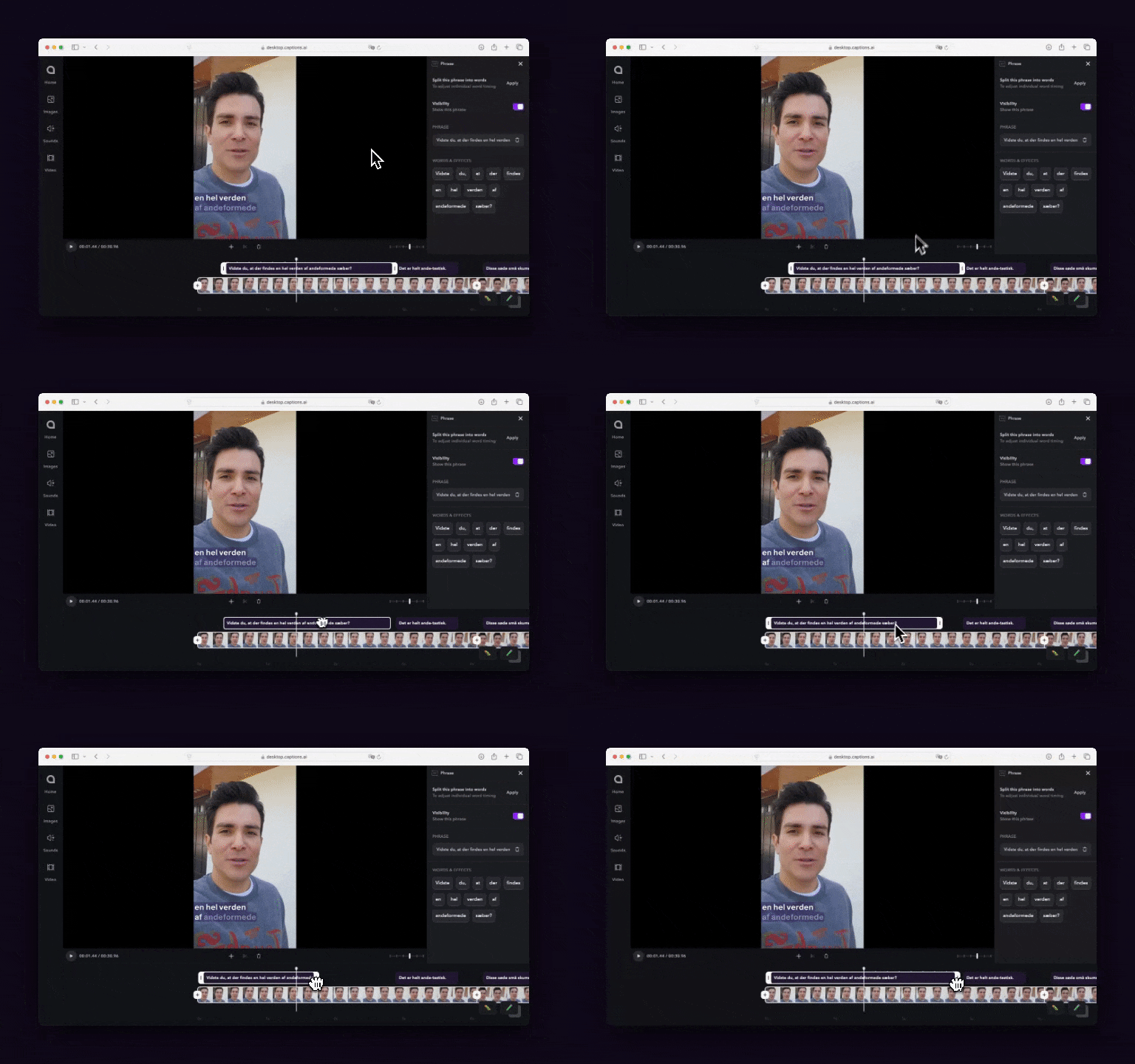
Adjust Timing By Phrase
To adjust the timing of a phrase:
- Tap Captions on the bottom navigation
- Drag the 6 dots left or right to change the starting position
- Drag the end of the phrase left or right to change the end position
Last modified on July 29, 2026