Documentation Index

Fetch the complete documentation index at: https://help.mirage.app/llms.txt

Use this file to discover all available pages before exploring further.

Adjust captions for the entire project

To adjust captions location, size, and rotation for an entire project:
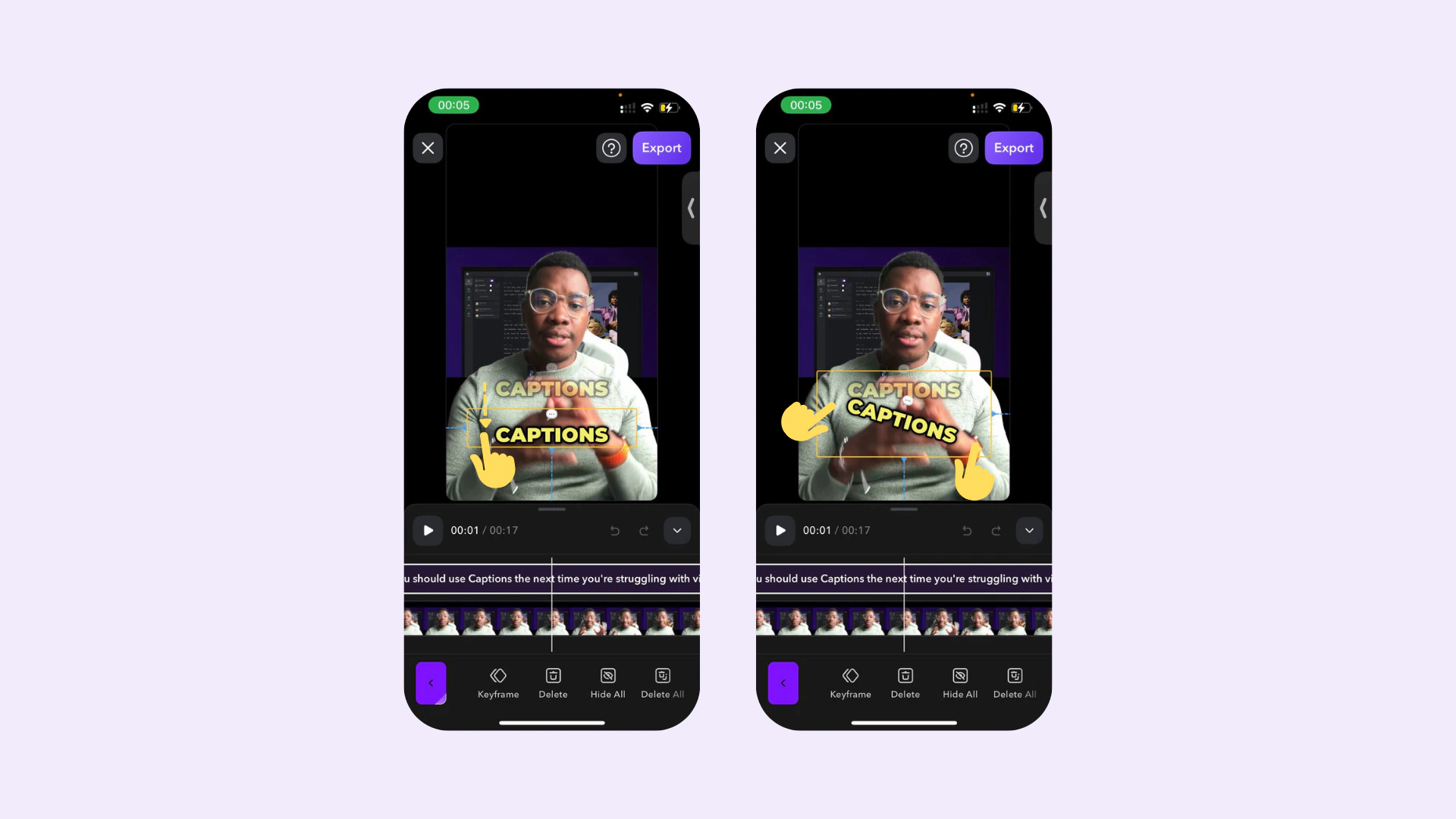
  • Location: Use one finger to drag to a new location
  • Size: Use two fingers and pinch in or out to make them smaller or larger
  • Rotation: Use two fingers to rotate

To adjust captions multiple times within a single project, see Keyframes
Captions iOS showing pinch-to-resize and drag-to-move handles on a caption
Last modified on April 20, 2026