Edit spelling
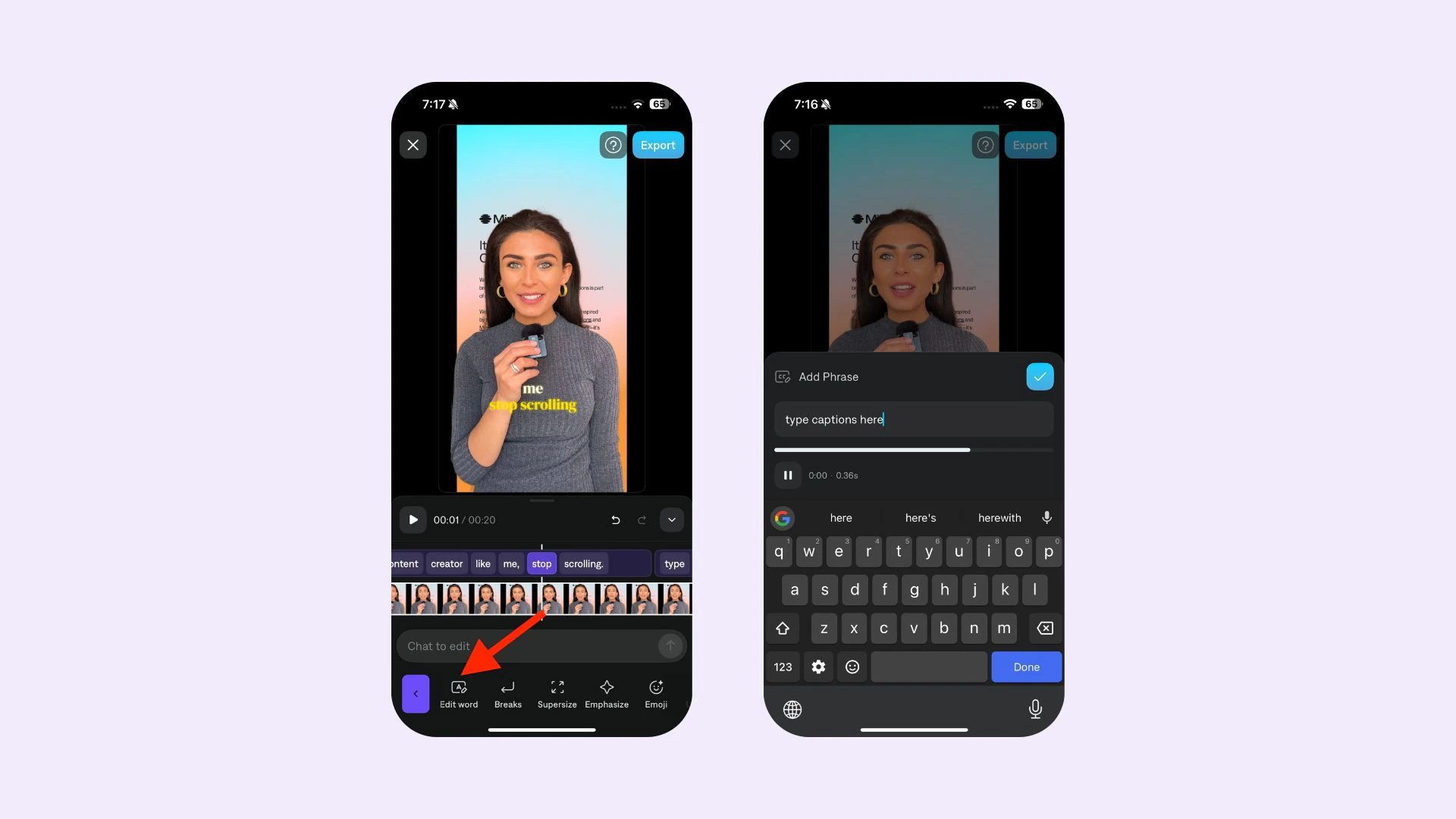
To edit the spelling of captions:
-
Tap on any word or phrase
-
Tap Edit
-
Adjust the spelling and Apply
To edit the spelling of an individual word, see
Word Effects To edit the spelling of captions in the project editor:
- Click Captions to open the Captions side panel on the right.
- You will see a list of phrases. Edit the phrases to match what you want on screen.
- Click Apply edits.
Editing spelling costs about 1 credit because the full video is regenerated. After you confirm your changes, captions regenerate and your updated video is usually ready within a few minutes. Last modified on May 8, 2026