

TikTok Gifts: What they're worth and how to earn more
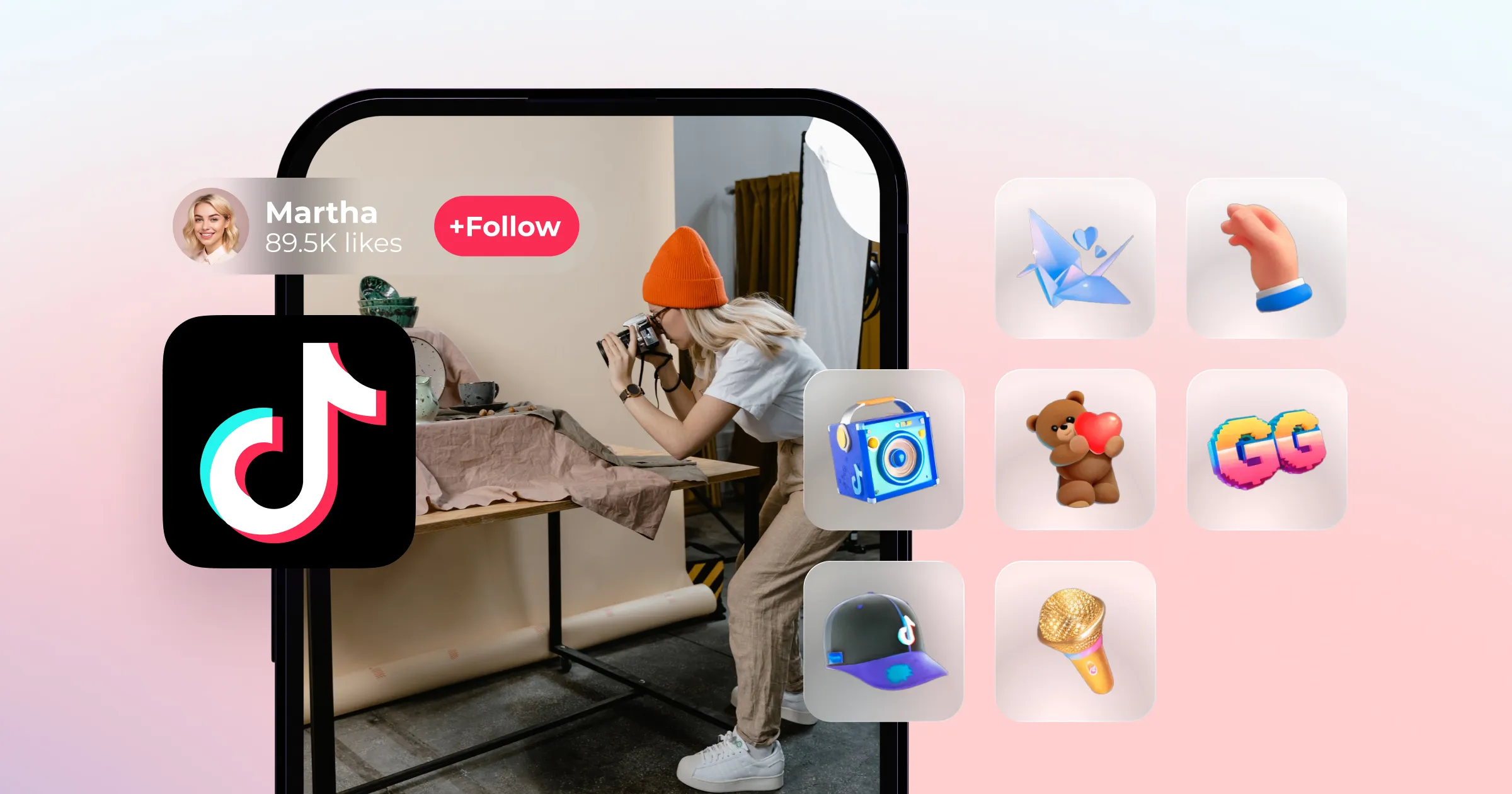
If you've ever gone live on TikTok and seen a rose, a galaxy, or a lion appear on screen, that wasn't just decoration. It was your audience sending you actual money.
TikTok has built a virtual gift economy that lets fans support their favorite creators in real time. Understanding how it works, and how to make the most of it, can meaningfully add to your income on the platform. Here's everything you need to know.
What are TikTok gifts?
TikTok gifts are virtual items that viewers send to creators during live streams and on video posts. Viewers purchase them using TikTok Coins, the platform's virtual currency, and each gift costs a set number of coins.
When you receive a gift as a creator, it converts into Diamonds. Diamonds have real monetary value and can be withdrawn as cash. The flow is simple: fans spend coins, you earn diamonds, diamonds become dollars.
Who can receive TikTok gifts?
To qualify for LIVE gifts, you need to meet all of the following:
Be at least 18 years old (19 in South Korea, 20 in Japan)
Have a personal TikTok account (business accounts aren't eligible)
Have 1,000+ followers and an account active for at least 30 days
Be located in a region where TikTok LIVE Gifts are available
Have an account in good standing following TikTok's Community Guidelines and Terms of Service
To turn on LIVE gifts once you're eligible, go to your profile, tap the three-line menu, then Settings and Privacy, then Creator Tools, then LIVE Gifts. Follow the on-screen instructions. If you aren't eligible yet, TikTok will let you know.
How do TikTok gifts work?
For viewers: How to send a gift
Open TikTok and go to your profile. Tap the three-line menu in the top-right corner.
Go to Settings and Privacy, then Balance, then Recharge.
Choose a coin bundle and complete the purchase. Note: buying coins through TikTok's website rather than the app saves you 26-31%, since Apple and Google take a platform cut on in-app purchases.
During a live stream or on a creator's video, tap the gift icon.
Select the gift you want to send and confirm. The coins are deducted from your balance automatically.
For creators: How to enable LIVE gifts
Open TikTok and go to your profile.
Tap the three-line menu, then go to Settings and Privacy, then Creator Tools, then LIVE Gifts.
Follow the setup instructions to enable gifts on your account.
Once enabled, gifts will appear during your live streams when viewers send them. After each live, check your LIVE summary to see how many gifts you received and what they were worth.
How much are TikTok gifts worth?
This is where a lot of creators get tripped up, so let's break it down clearly.
TikTok Coins: Each coin costs approximately $0.015 USD at web prices, so 100 coins equals about $1.50. Buying coins through the TikTok website rather than the app is meaningfully cheaper.
Gift prices: TikTok gifts range from 1 coin to tens of thousands of coins. Here are some popular gifts and what they cost viewers at web prices:
Rose: 1 coin (~$0.01)
TikTok: 1 coin (~$0.01)
Sunglasses: 5 coins (~$0.05)
Love Bang: 25 coins (~$0.26)
Galaxy: 1,000 coins (~$10)
Lion: 29,999 coins (~$315)
From gifts to dollars: how the conversion works
When you receive a gift, TikTok converts it to diamonds at roughly a 2:1 ratio (2 coins = 1 diamond). Then TikTok takes a 50% commission on the total diamond value.
Example: A viewer sends you a gift worth 5,000 coins (~$50 at web prices). That converts to approximately 2,500 diamonds. After TikTok's 50% cut, you'd net around $25.
The Lion, TikTok's most iconic big-ticket gift, costs viewers around $315 at web prices. After commission, a creator receiving a Lion earns approximately $157. The Galaxy costs viewers around $10 at web prices and nets a creator roughly $5.
The minimum withdrawal is $100. For the current daily maximum, check your TikTok Balance settings directly as this can change. It's not a passive income stream, but for creators with engaged audiences who show up consistently to their lives, it adds up.
One more thing worth knowing: TikTok gift earnings are income and are subject to tax depending on your country. TikTok doesn't handle taxes on your behalf, so it's your responsibility to track and report what you earn.
How to make more money from TikTok gifts
Give personalized shoutouts. During your live, call out gift-senders by name or handle. People love being acknowledged, and it signals to the rest of your audience that sending a gift gets noticed. This encourages more participation and deepens the connection with your community.
Offer exclusive live-only content. Tell your audience that something special, a Q&A, a behind-the-scenes moment, a challenge, a first look at something new, only happens during the live. Make it feel worth showing up for.
Run a live giveaway. Set a gift threshold and announce a prize at the end of the stream. For example, everyone who sends a Galaxy or higher gets entered to win. The format keeps viewers watching, drives participation, and rewards generosity in a tangible way.
Make it interactive: let gifts drive the content. Ask your audience to vote on what you do next by sending specific gifts. Which song you sing, which trend you tackle, which topic you talk about. Gifts become votes. This gamified approach keeps energy high and gives viewers real agency over what happens.
Go live consistently. The creators who earn the most from TikTok gifts aren't necessarily the most famous. They're the most consistent. Going live regularly builds habits in your audience. People start showing up on a schedule, and returning viewers are far more likely to send gifts than first-timers. And your lives don't have to be one-and-done. Clipping highlights into shorter videos afterwards means every stream does double duty.
