
Build your personal brand, even without a production team
Every minute editing is a minute not closing. Turn your raw recordings into polished, fully-edited videos you can use across your top marketing channels. From LinkedIn to outbound email, let Captions make you a video pipeline that grows your actual pipeline.
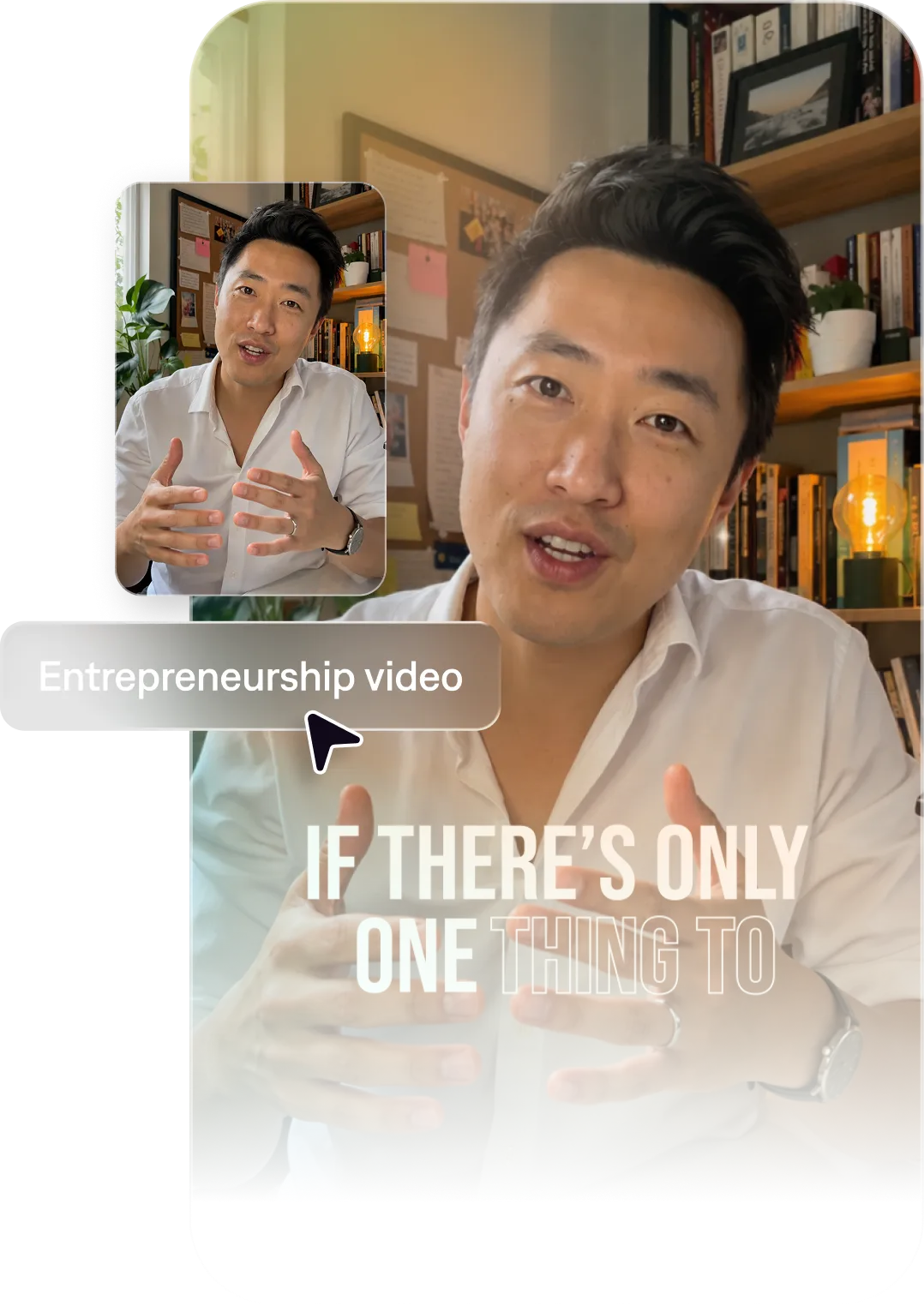
The best AI video maker for entrepreneurs
Create thought leadership videos fast
Captions offers two easy ways to scale your thought leadership content. You can record your own footage and edit it in minutes with stylized editing templates. Or, make an AI twin, and generate new footage entirely from prompts or scripts.
Leave the editing to us
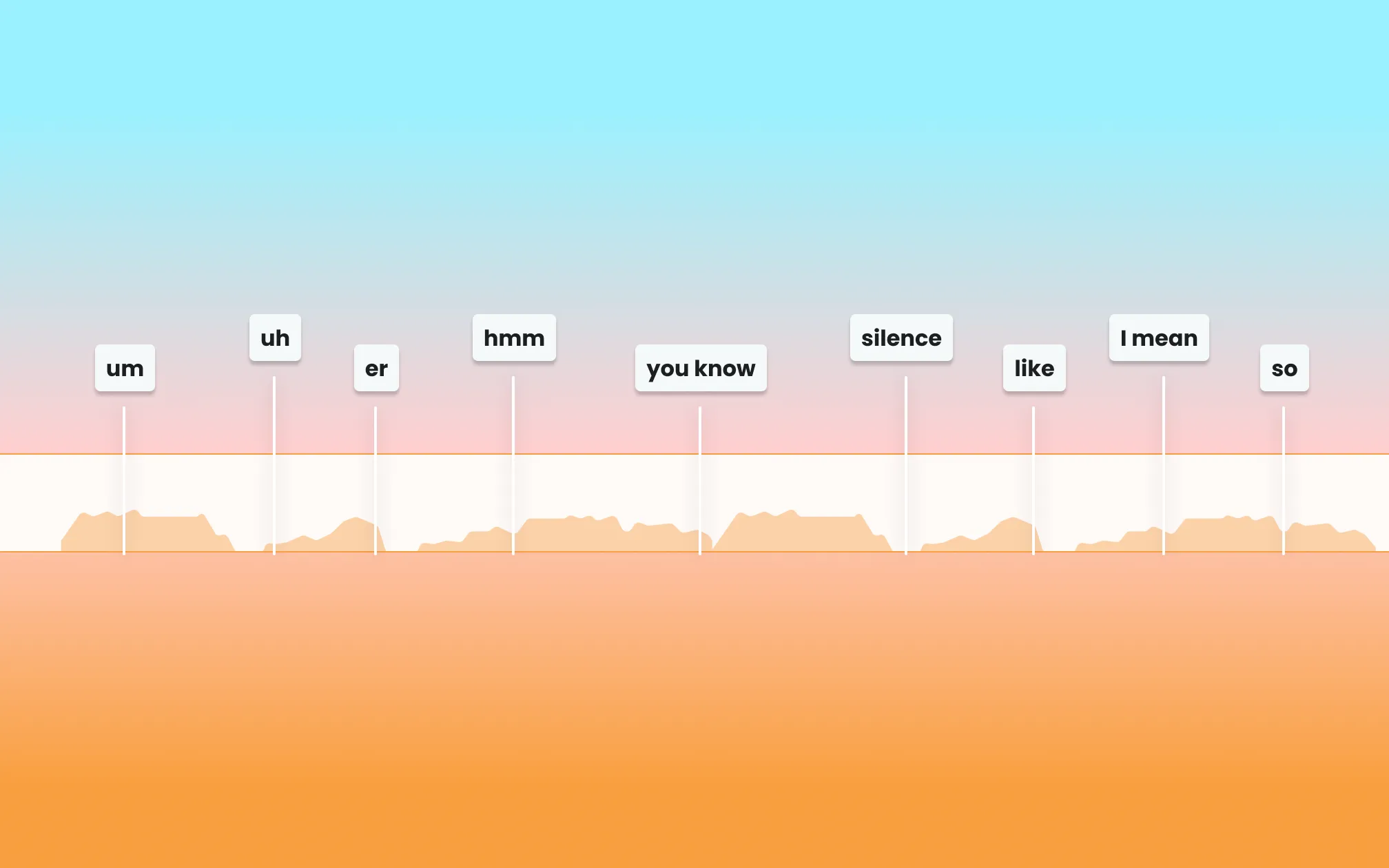
Stop worrying about the details, and let Captions handle the hard stuff for you. Fix existing footage with AI quality correction, edit entire videos or add accessibility features like captions. You can also dub videos into entirely new languages with AI-powered lip syncing.
Import your video to start
By uploading a video to be edited using AI, you are agreeing to our Terms and have read our Privacy Policy.
Prompts we've loved
Founder story video
"Create a 90-second founder story video for a direct-to-consumer clothing brand. Share that the brand is rooted in family traditions. Use a personal, direct tone with minimal editing to feel authentic."
Thought leadership video
"Make a 60-second thought leadership video sharing takes on the recent trends in the food industry. Use one bold insight as the hook, back it up with a quick data point, and end with a clear takeaway."
Product or service launch
"Create a 45-second launch video for our new product line. Lead with the problem it solves, list three key benefits with on-screen text, and close with a special discounted price."
Popular editing styles for personal branding videos

Start making better videos

Frequently asked questions
How do I use video to build my personal brand as an entrepreneur?
Share your point of view, your experience, and your process. It's not about fancy setups or polished production. The founders who grow fastest are specific and honest. They build true connections with their audience through original ideas and vulnerability.
What types of videos work best for LinkedIn thought leadership?
LinkedIn is a top platform to build your personal brand and share your expertise. Try creating short takes on business topics, lessons from personal experience, behind-the-scenes glimpses, and ‘hot take’ format videos. Keep videos under 60 seconds for maximum engagement.
How often should entrepreneurs post video content?
Posting 3–5 times per week builds momentum, but consistency over time matters more than frequency. Captions makes it realistic to maintain a regular cadence without sacrificing time on your business.
Can I repurpose my blog posts, newsletters, or LinkedIn articles into video?
Yes, repurposing content is a great way to post more consistently across important channels. Take ideas from written content you've already created and use them as the basis for video scripts. Or, use tools like Captions to turn longer videos into short, viral-ready clips.
Do I need a production team to create professional-looking video content?
No. Captions is designed for individuals who want to look polished without the overhead. From scripting to style to captions, AI handles the production work so you can stay focused on your message.
Why are captions especially important for LinkedIn video?
LinkedIn auto-plays videos without sound. Captions aren't decoration, they're your message. Every word on screen needs to be as sharp as what you're saying.
How do busy founders stay consistent on social without sacrificing their schedule?
Batch film weekly, not daily. Write five scripts, and film them all at once. Or, use an AI twin to produce videos faster than you could film them yourself. Make your twin from a short recording or a selfie. Then, generate tons of videos for new ideas, without having to record again.