
Make tutorial videos people want to watch.
Our tutorial video maker puts possibility in your hands. Create how-to videos from prompts or turn raw footage into fully edited videos. If you can explain it, you can make it.
Move faster with Captions
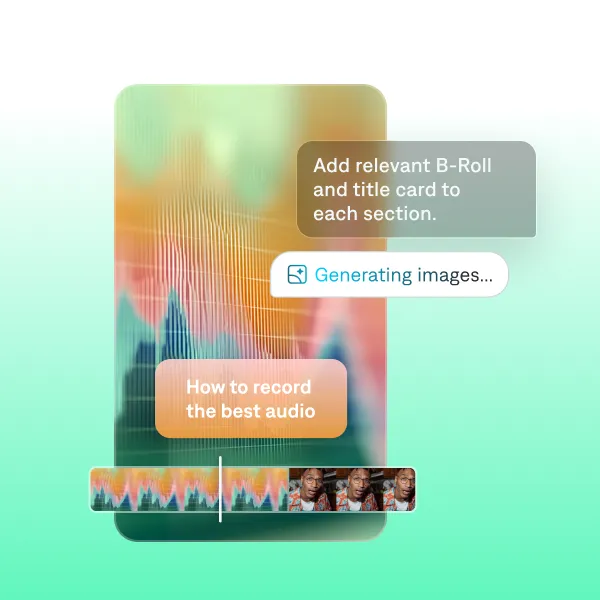
Professional outputs
Captions makes videos with both taste and speed. It builds entire videos for you in minutes, editing your specific footage to optimize performance. We even offer specific preset styles for tutorials and educational videos, like Blueprint.
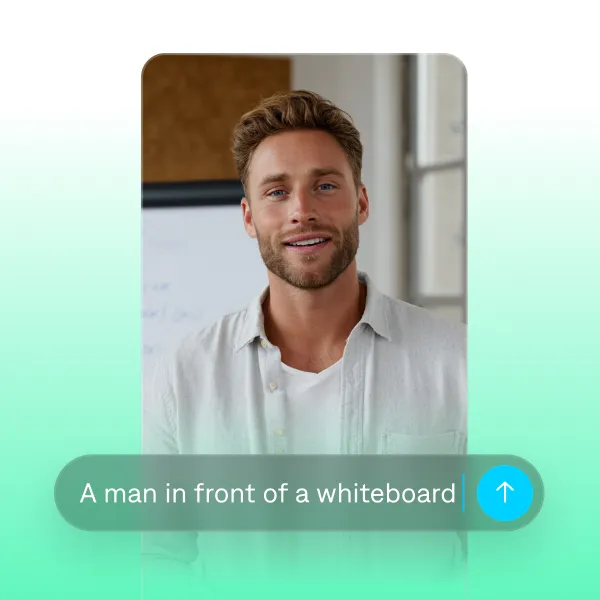
Flexible workflows
Turn instructions or ideas into full tutorials quickly. Captions helps you start from anywhere. Make new videos from prompts or polish existing footage. If you don’t want to be on camera yourself, you can use an avatar or AI voiceover instead.
Features you'll love:
Intentional design
Structure your tutorials for completion, not just views. Captions adds transitions, pacing and clear on-screen text to keep viewers engaged and inspire longer watch times.
Accurate captions and subtitles
Viewers are often watching without audio. Our caption generator adds accurate captions or translated subtitles so you never have to worry about people missing out.
Easy editing tools
Edit as much or as little as you’d like. It’s simple to adjust your script if you want to change the video’s words or pacing. You can also apply stylized designs, customize font colors and more.
Try it now
By uploading a video to be edited using AI, you are agreeing to our Terms and have read our Privacy Policy.
How to make a tutorial video in Captions
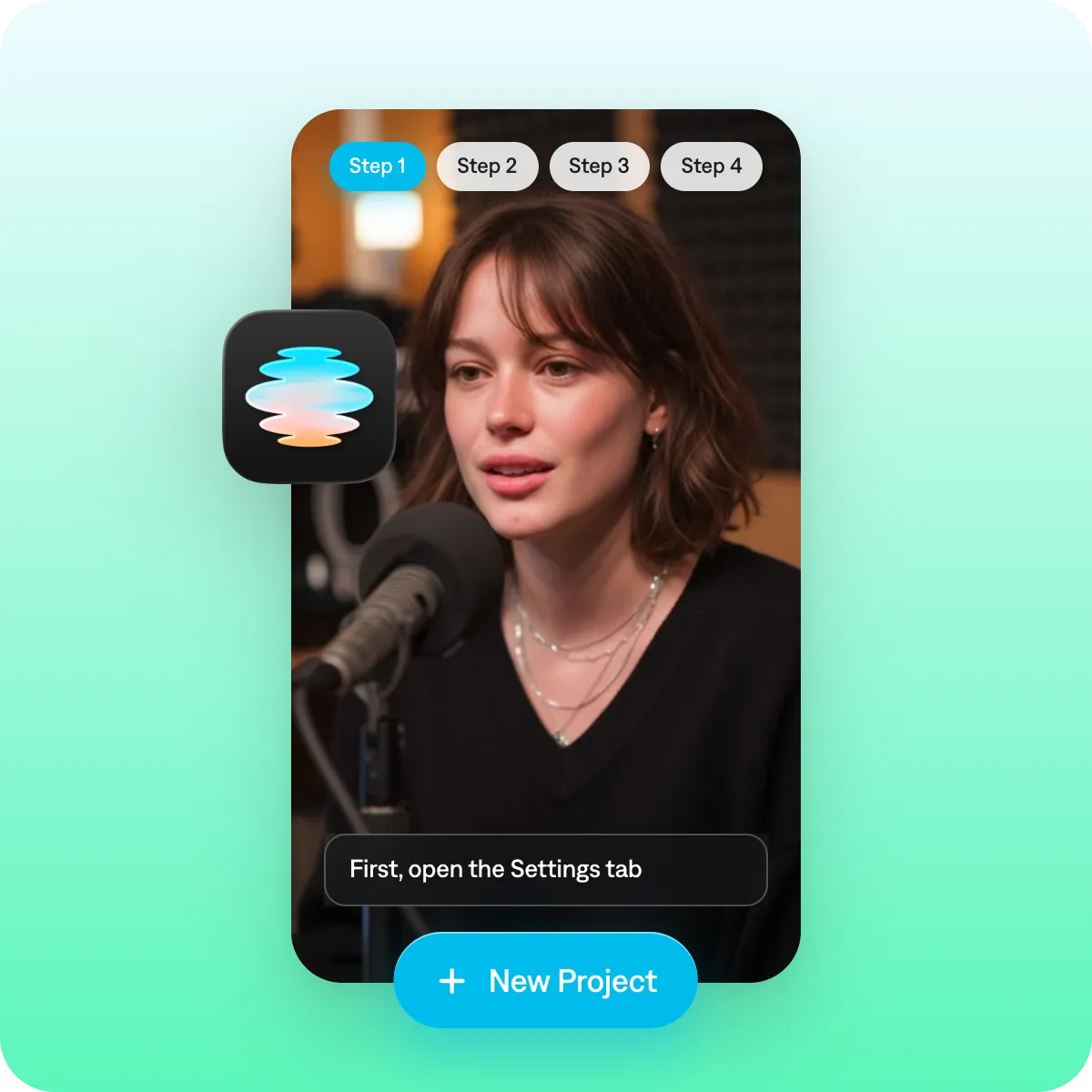
Pick your workflow
If you already recorded footage, add it to a project now. You can also record directly in the Captions app. If you’d rather start from text, add a script or prompt instead.
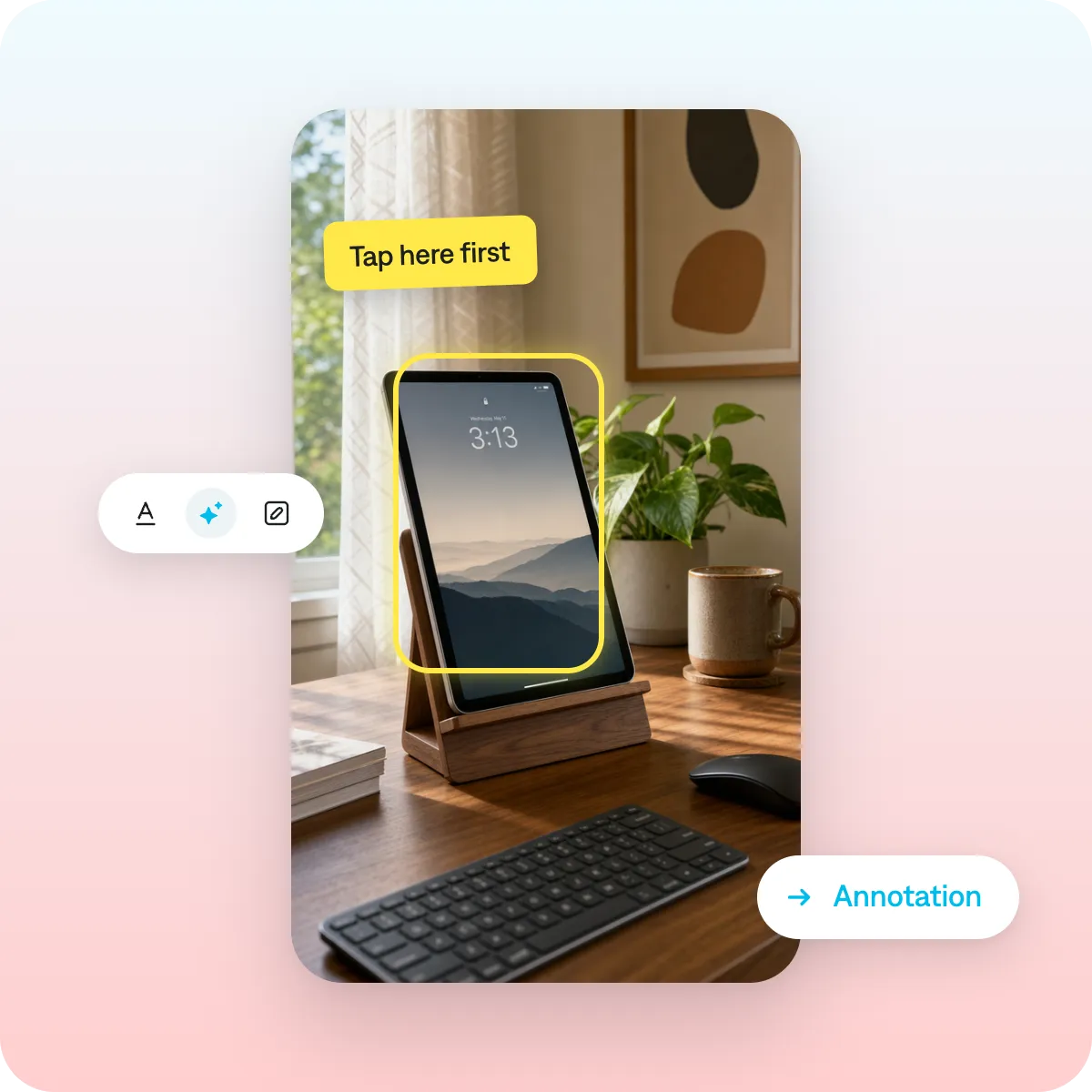
Add structure
First, make sure clips are in the right order to teach the right information. Then, add details like numbered text or on-screen labels to guide people through steps. If you want a simpler editing option, use one of the AI Edit styles designed for tutorials.
Finish and post
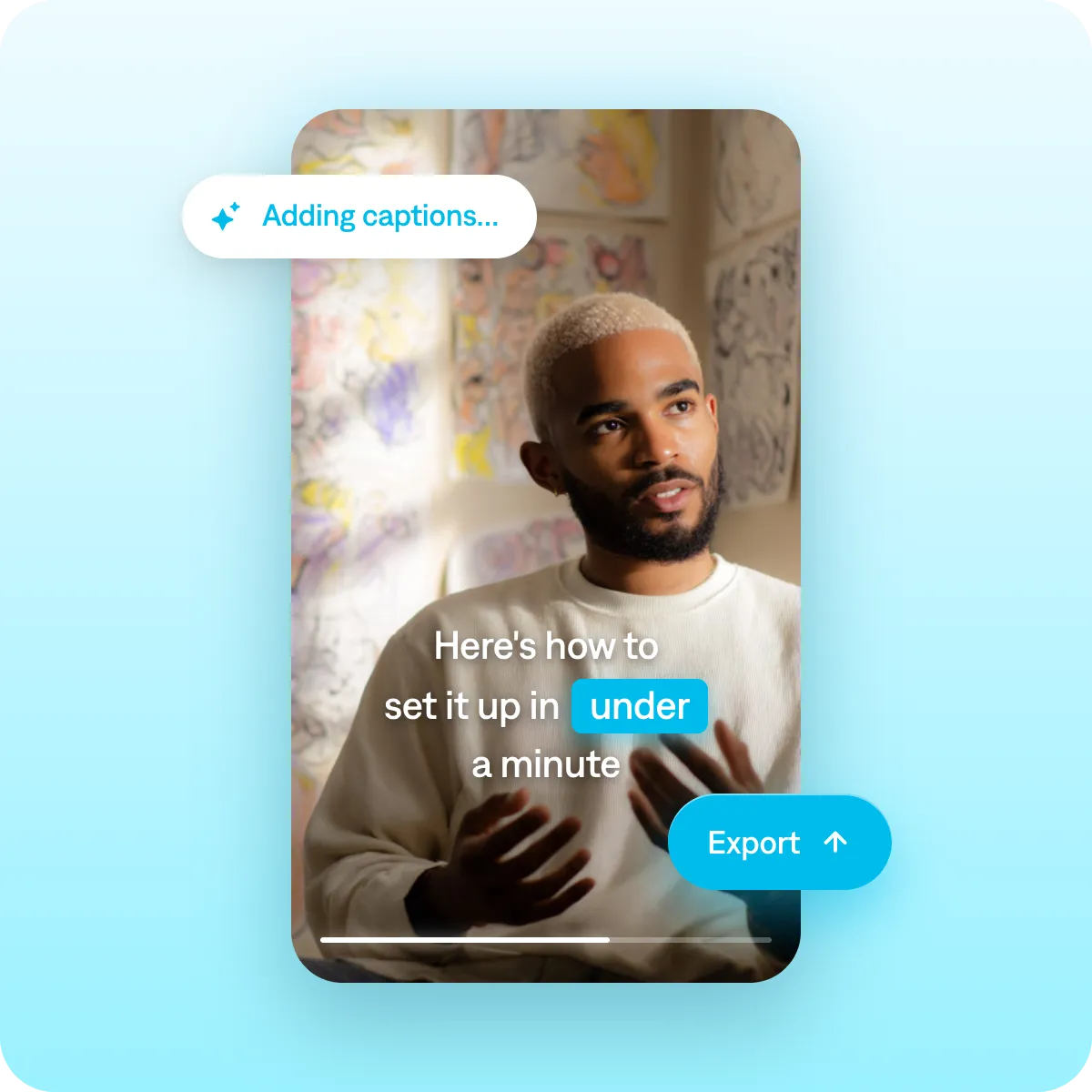
Let Captions write your captions, and give them a quick read. Then, export your video. Captions automatically sizes videos for top platforms.
Best practices for tutorial videos
Make the steps clear
Number your steps, and say the numbers out loud. Saying “step one, step two” out loud helps people track where they are and skip back if they missed a step. Viewers who feel connected to the content tend to stick around.
Use language your audience understands
Explainer videos are most effective when they consider the viewer’s context. Try to use words your audience will know and define any complicated terms as you go.
Add chapter markers to longer videos
Once a video runs past five minutes, chapter markers earn their keep. People can jump ahead if a specific section doesn’t resonate, or replay sections they like the most. Make it easy on viewers to navigate your videos, and they’re more likely to stick around.
Get started now
Explore popular editing styles
Frequently asked questions
What makes a how-to video successful?
A successful how-to video is simple, structured, and easy to follow. Each step should be clear and supported by visuals that show exactly what’s happening. Keep explanations concise, use steady pacing, and avoid unnecessary detours so viewers never have to pause or rewind. Adding a spokesperson or instructor can also make your tutorial feel more personal and easier to understand. If you don’t want to film yourself, you can generate talking head videos in Captions to walk through the steps for you and keep the content consistent.
How can AI help me make video tutorials?
AI can make the process of creating video tutorials much faster and easier. With tools like Captions, you can generate an on-screen instructor to walk through your steps, create supporting visuals, and edit with AI. You can also record yourself and let AI clean up your delivery, add captions, and polish the pacing automatically. Whether you want to be on camera or stay behind the scenes, AI helps you turn your instructions into a clear, professional tutorial without needing editing experience.
How do I make a tutorial video without experience?
You can use AI-powered tools to keep video creation simple and approachable, no prior experience needed. For example, with Captions, you can record yourself explaining the steps and let AI clean up your delivery, add captions, fix pacing, and polish the edit automatically. If you prefer to stay off camera, you can also generate a hyper realistic, customizable presenter who can walk through your instructions or even demo your product for you. Both tools help you turn your explanation into a clear, well structured how to video without any filming or editing skills required.
Can I use Captions for screen recording tutorials?
Yes, you can. Import your screen recordings into Captions to start. From there, you can add voiceover narration, captions, and other annotations.
How do I add captions to a tutorial video automatically?
It’s easy with a tool like Captions. When you upload footage, Captions automatically adds stylized captions that time to your audio. If you’d prefer to translate into another language, pick a new output language for subtitles. Captions then translates the audio and adds subtitles for it.
How do I create a tutorial video that's easy to follow?
Clarity comes from structure and story. Focus on one lesson or goal per video so it’s easy for people to follow along, and the task or process feels achievable. Skip the long preamble, and start giving instructions earlier in the video. Number your steps and say them out loud so viewers can track progress (“Step one,” “Step two,” etc.).
What is the best tool for making step-by-step how-to videos?
The right tool depends on the type of tutorial. For software or digital how-tos, a screen recorder (built into most operating systems, or a dedicated app) is the core need. For physical or in-person tutorials, a phone camera plus a simple video editor is enough.
Look for the ability to add captions, trim easily, and insert text or arrows to highlight key actions. For most people, a tool that combines recording, basic editing, and auto-captions in one place removes the most friction.
What makes a tutorial video rank well on YouTube?
Tutorials rank when they clearly match what people search and keep viewers watching. Use the exact phrasing people type (‘how to [specific task]’) in your title, and answer that precise question. Thumbnails and click-through rate feed the algorithm too. Above all, genuinely solving the problem earns the watch time, comments, and return visits that ranking depends on.