
The best video tools for podcasters, all in one place
Whether you're turning podcast episodes into short video content or recording new footage for promos, Captions gets you there quicker. With simple video creation features and AI editing, you'll have videos for top channels in no time.
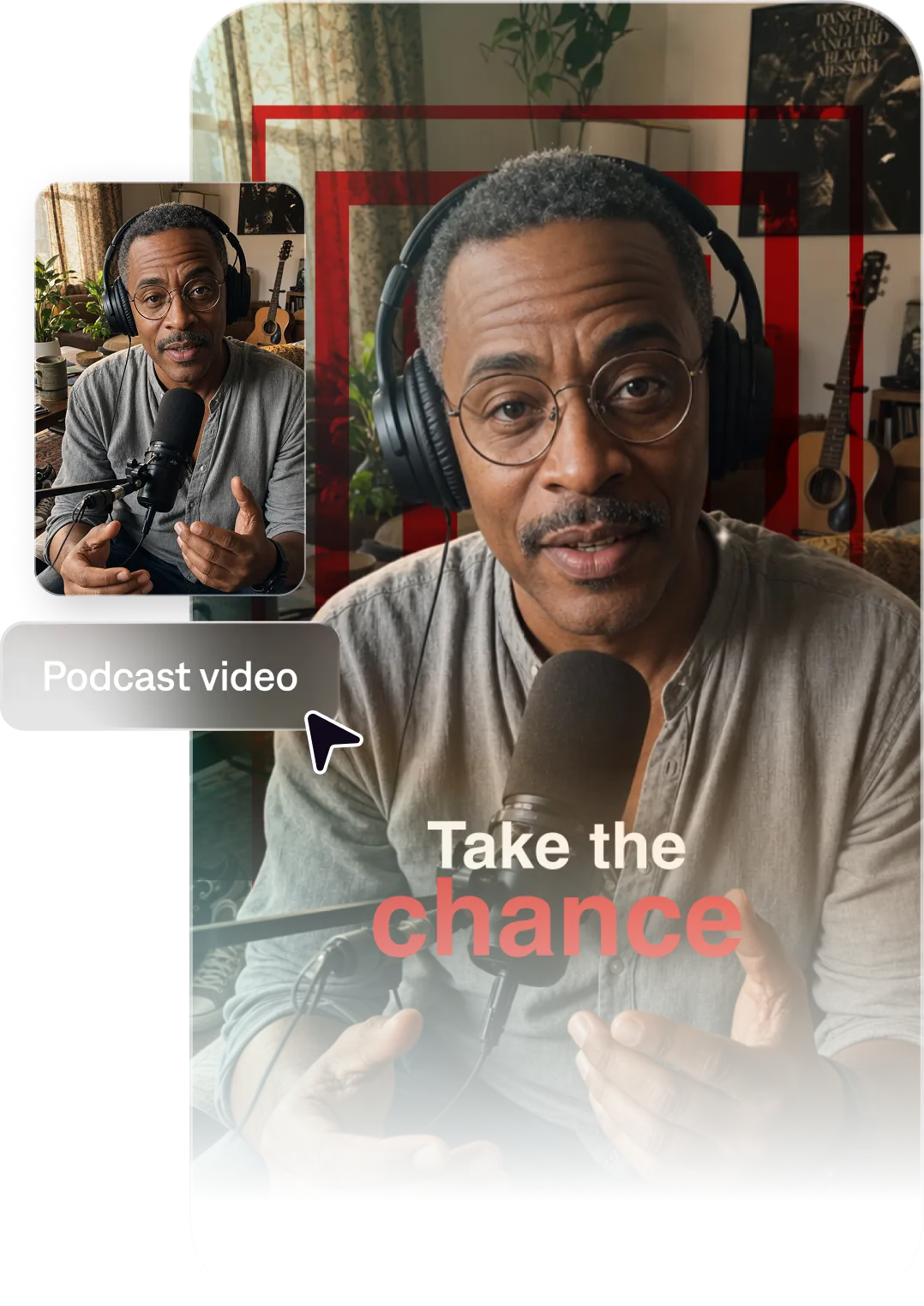
Key benefits for podcasters
Quality video, every time
Captions turns your original recordings into high-quality footage, no matter how you originally shot it. Remove imperfections like inconsistent eye contact or background noise with AI.
Record once, post everywhere
A single podcast episode can become dozens of videos. Captions identifies key moments and turns them into viral-worthy short videos, complete with auto-captions and smooth edits.
Import your video to start
By uploading a video to be edited using AI, you are agreeing to our Terms and have read our Privacy Policy.
Prompts we've loved
Episode highlight clip
"Create a 60-second video clip featuring the most powerful insight from a podcast episode about overcoming entrepreneurial failure. Use bold animated captions and a waveform visual."
Guest feature clip
"Make a short video highlighting a key quote from a guest interview with a renowned sports psychologist. Include the guest's name and credentials as on-screen text. Optimize for Instagram Reels."
Show intro trailer
"Create a 30-second trailer for a podcast called 'The Growth Lab' covering business, mindset, and entrepreneurship. Use an energetic tone and bold visual text to communicate the show's value quickly."
Popular styles for podcasters


Start making better videos

Frequently asked questions
How do I turn my podcast into a video without a video recording?
You can create engaging video content from audio-only episodes using Captions. The tool generates visual elements like captions, B-roll footage and graphics so you don’t even need to have filmed at all.
How do I add captions to podcast clips automatically?
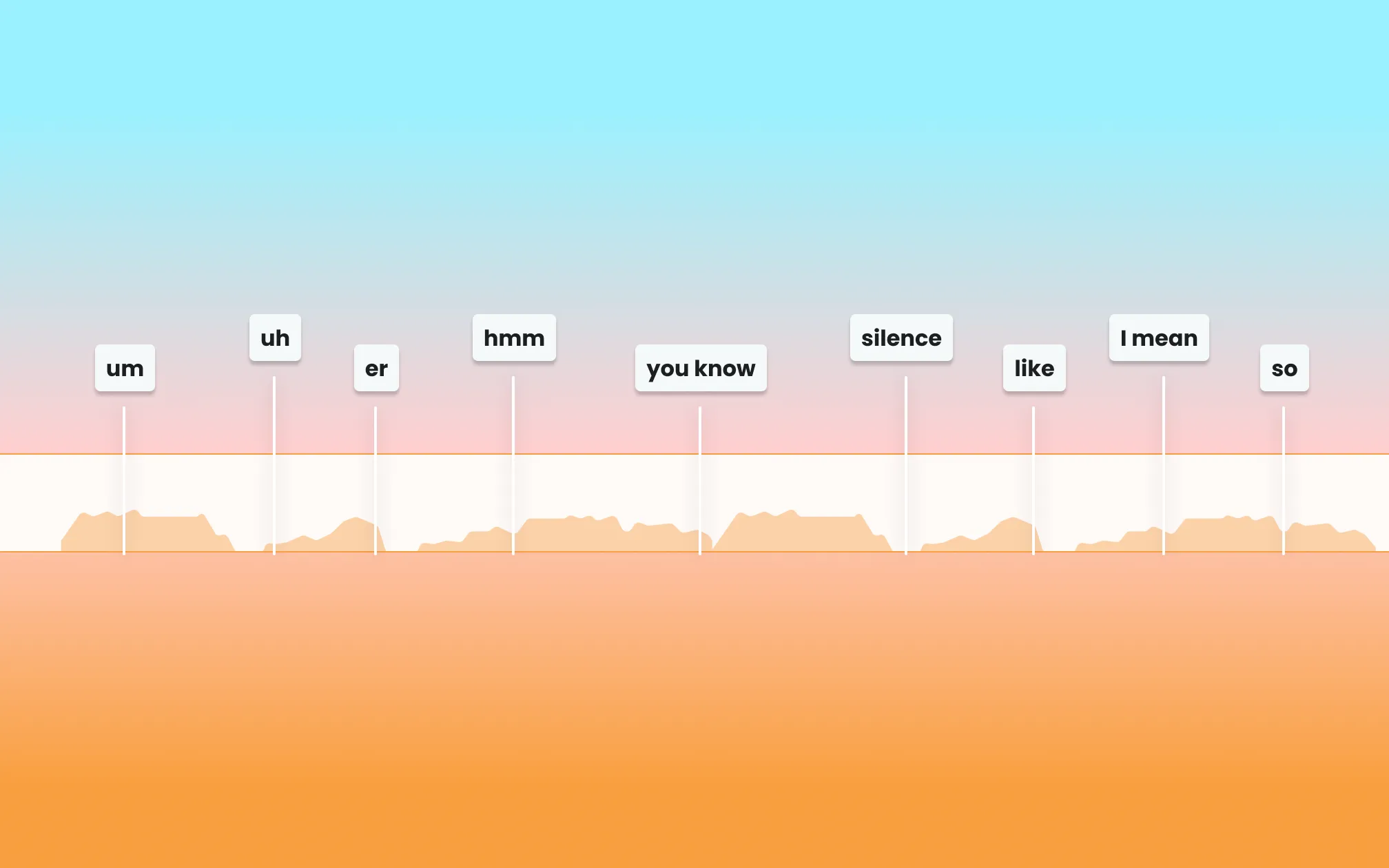
Captions' AI transcribes and adds captions or subtitles automatically. This is critical for social performance since most viewers watch without sound. Your captions are what makes someone actually stop and watch the video.
Will Captions correctly transcribe guest names and industry jargon?
AI transcription is highly accurate but should always be reviewed for proper nouns and niche terminology. Captions has a simple manual editor where you can quickly fix any transcription needs before you export or post.
What’s the best format for podcast video clips on social media?
Vertical short-form video (9:16 aspect ratio) works best for TikTok, Instagram Reels, and YouTube Shorts. Captions automatically formats your clips for each platform.
How many social media videos can I get from one podcast episode?
A single 30–60 minute episode can often yield 5–10 strong clips. Pull out details like key insights, compelling stories, surprising stats, guest quotes, or debate moments. Captions makes it fast to produce all of your ideas, turning longer videos into short, share-worthy clips.
Can I add my podcast’s branding to my video clips?
Yes. You can customize the visual style of your clips—colors, fonts, logo placement—so every clip is instantly recognizable as part of your show.