Sign up

Explore our video styles

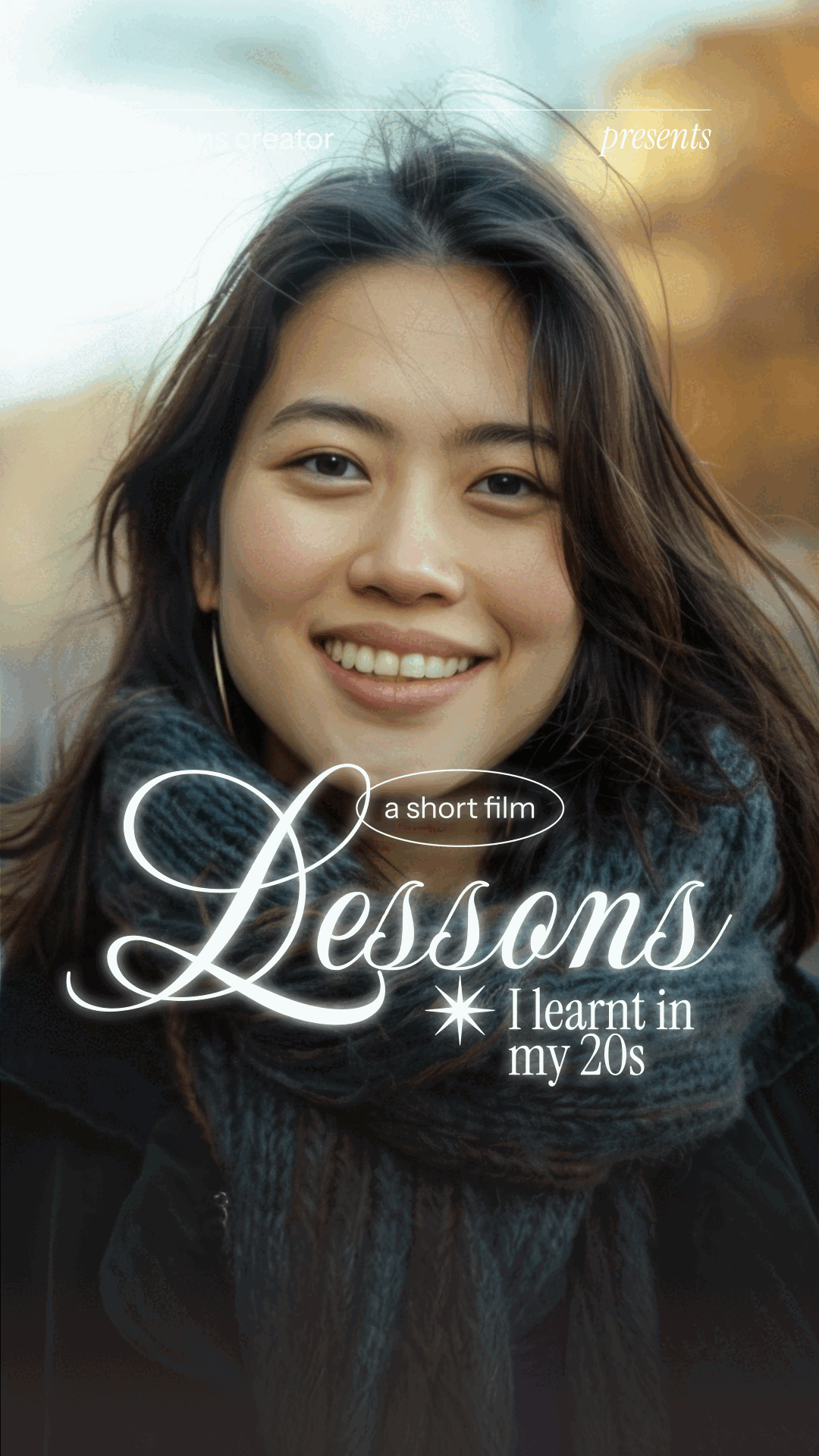
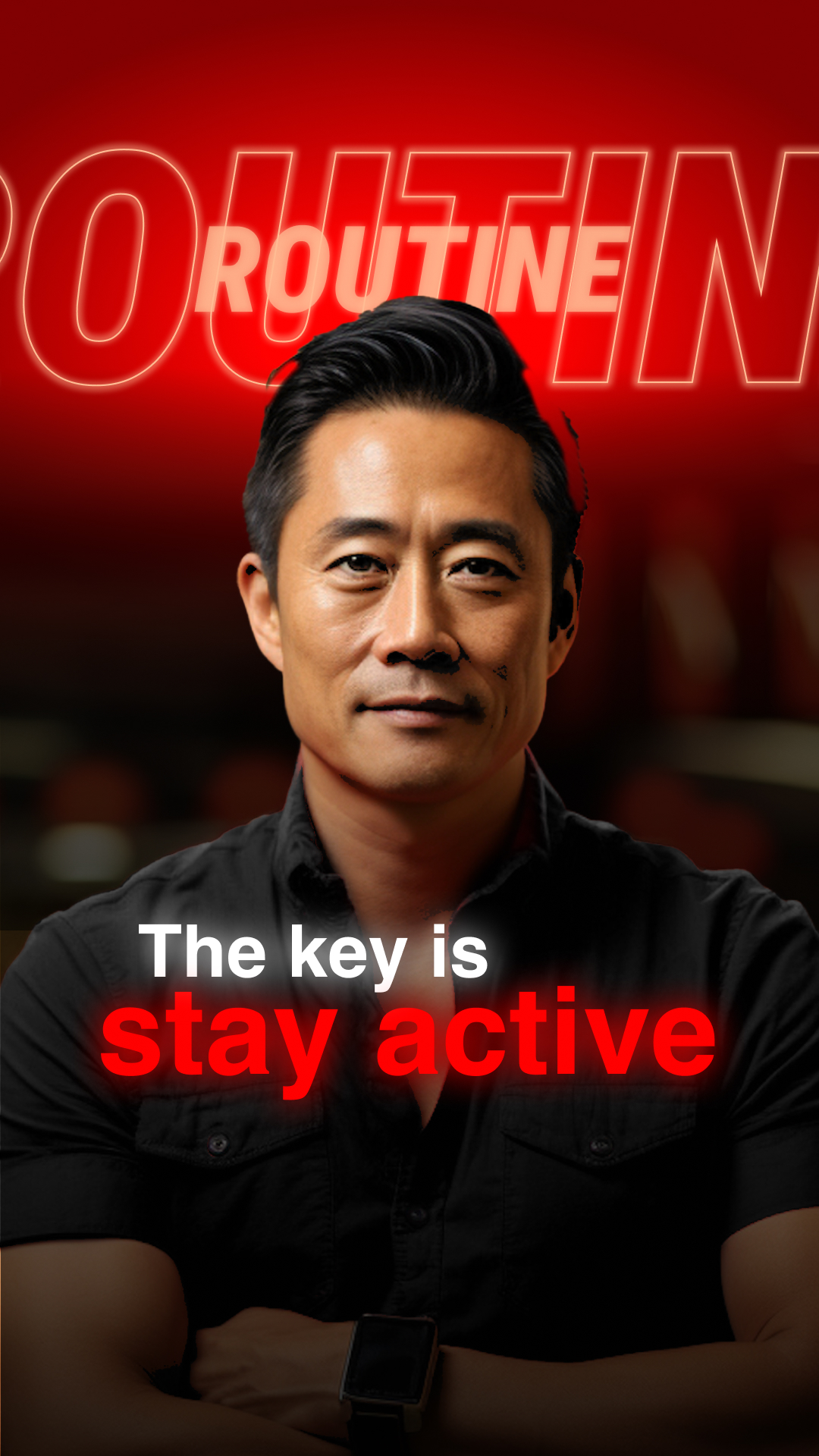
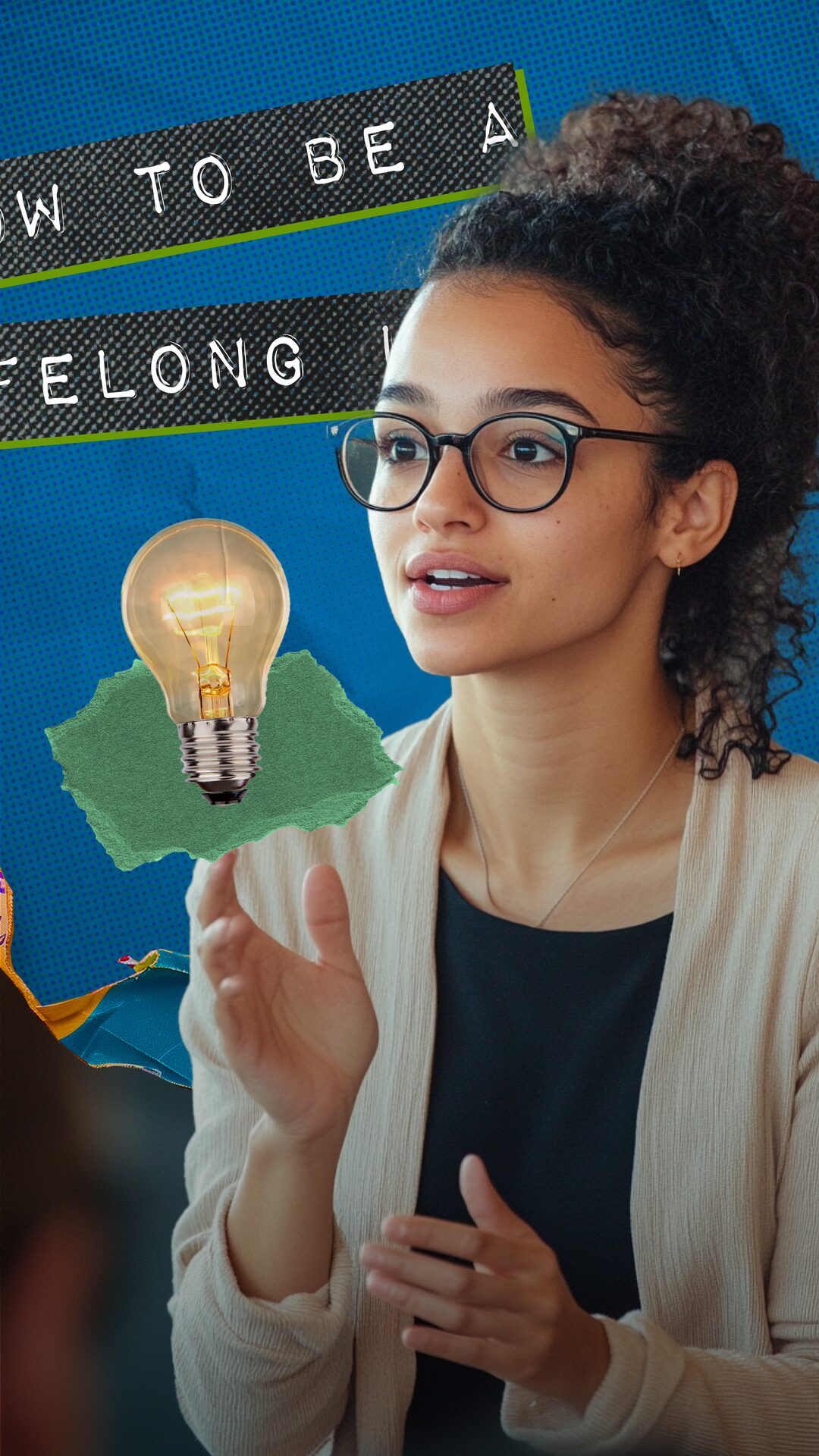
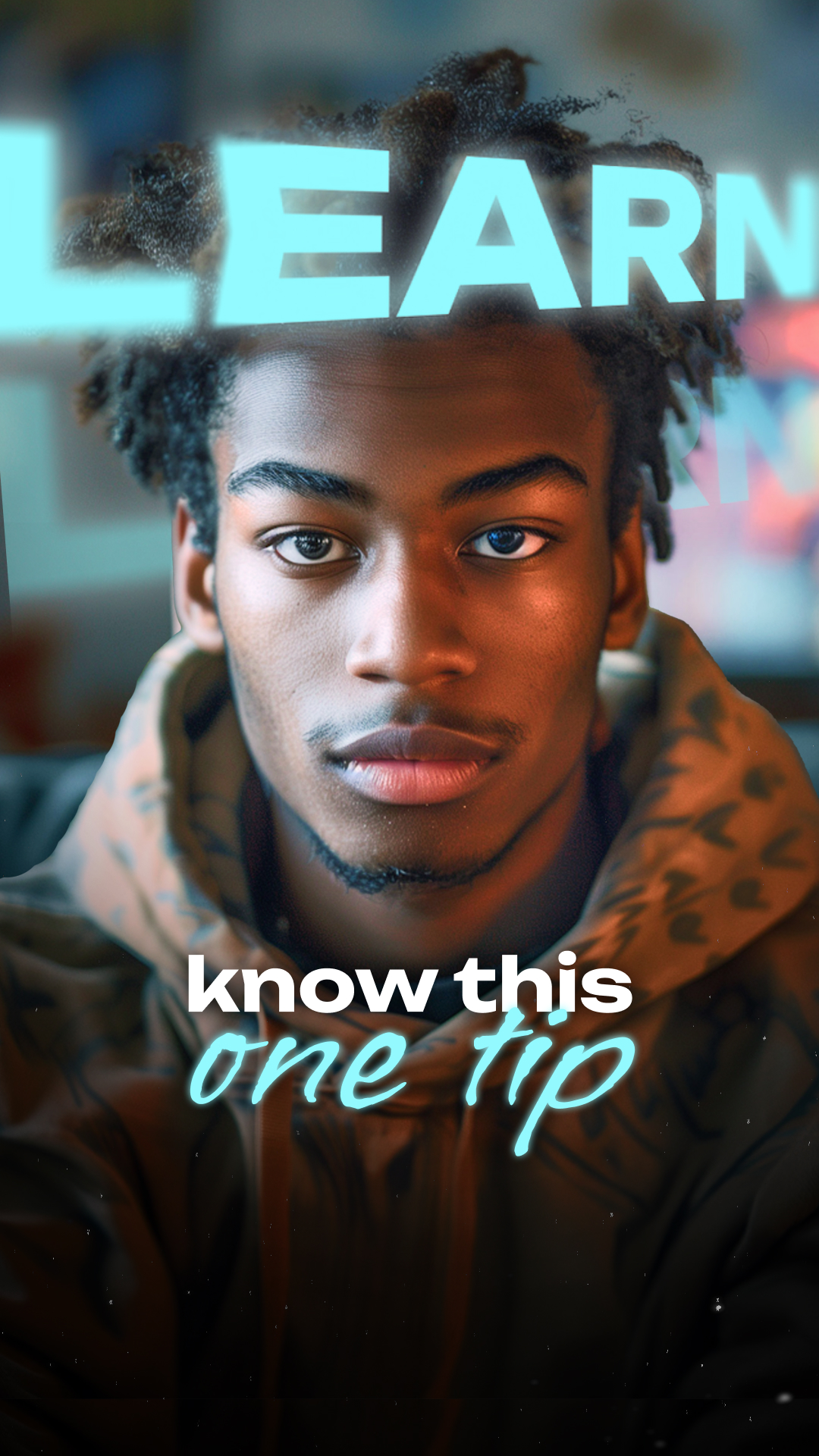
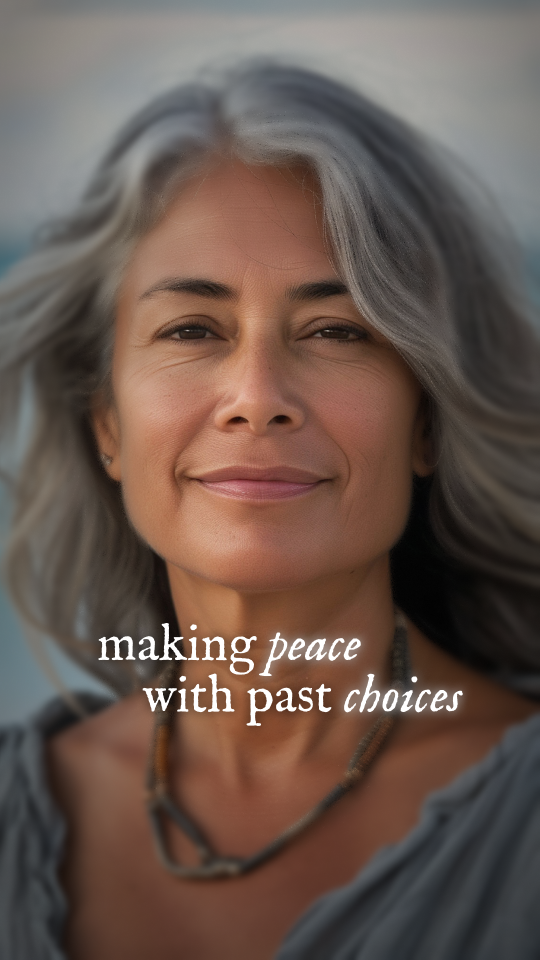
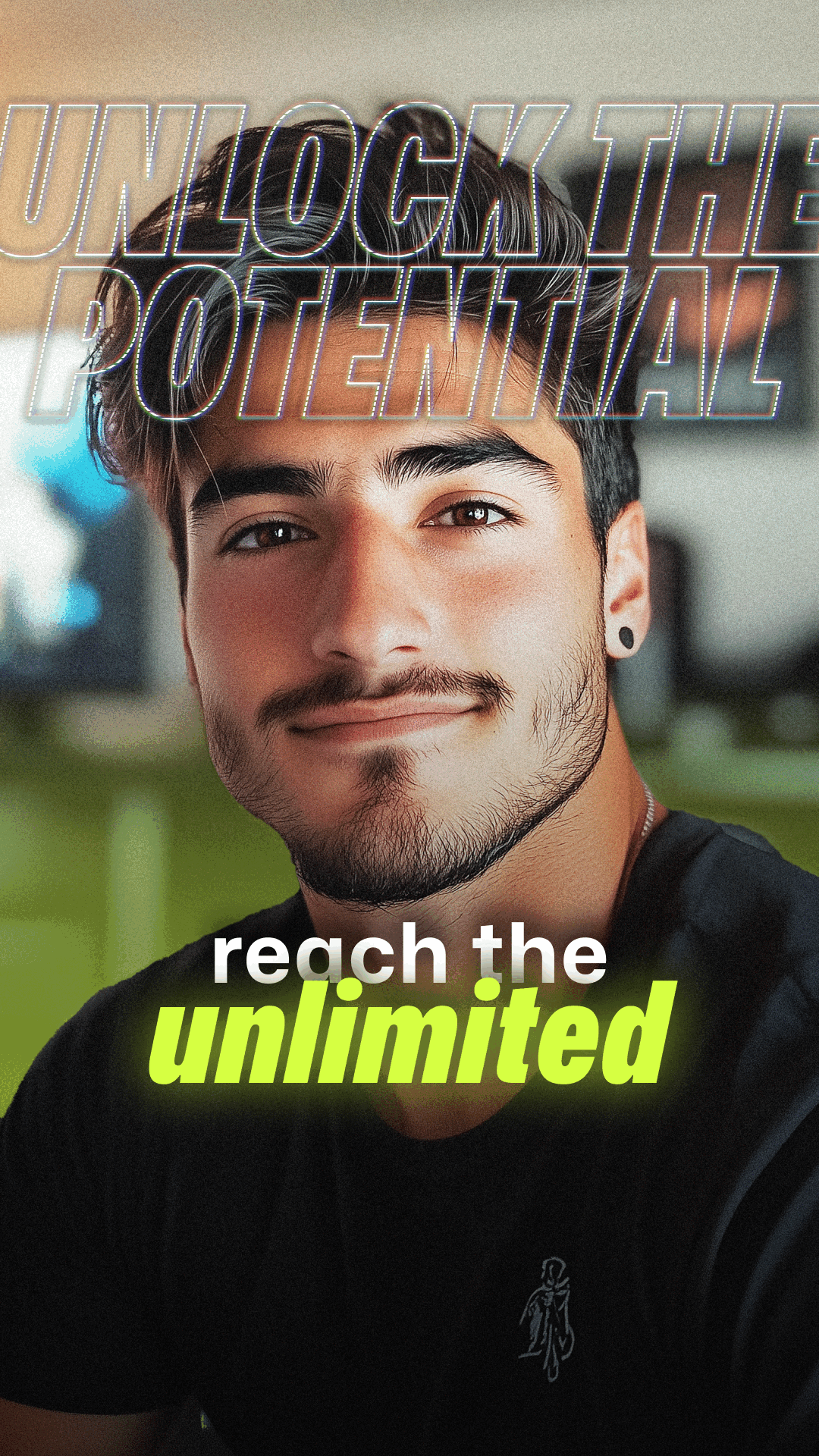
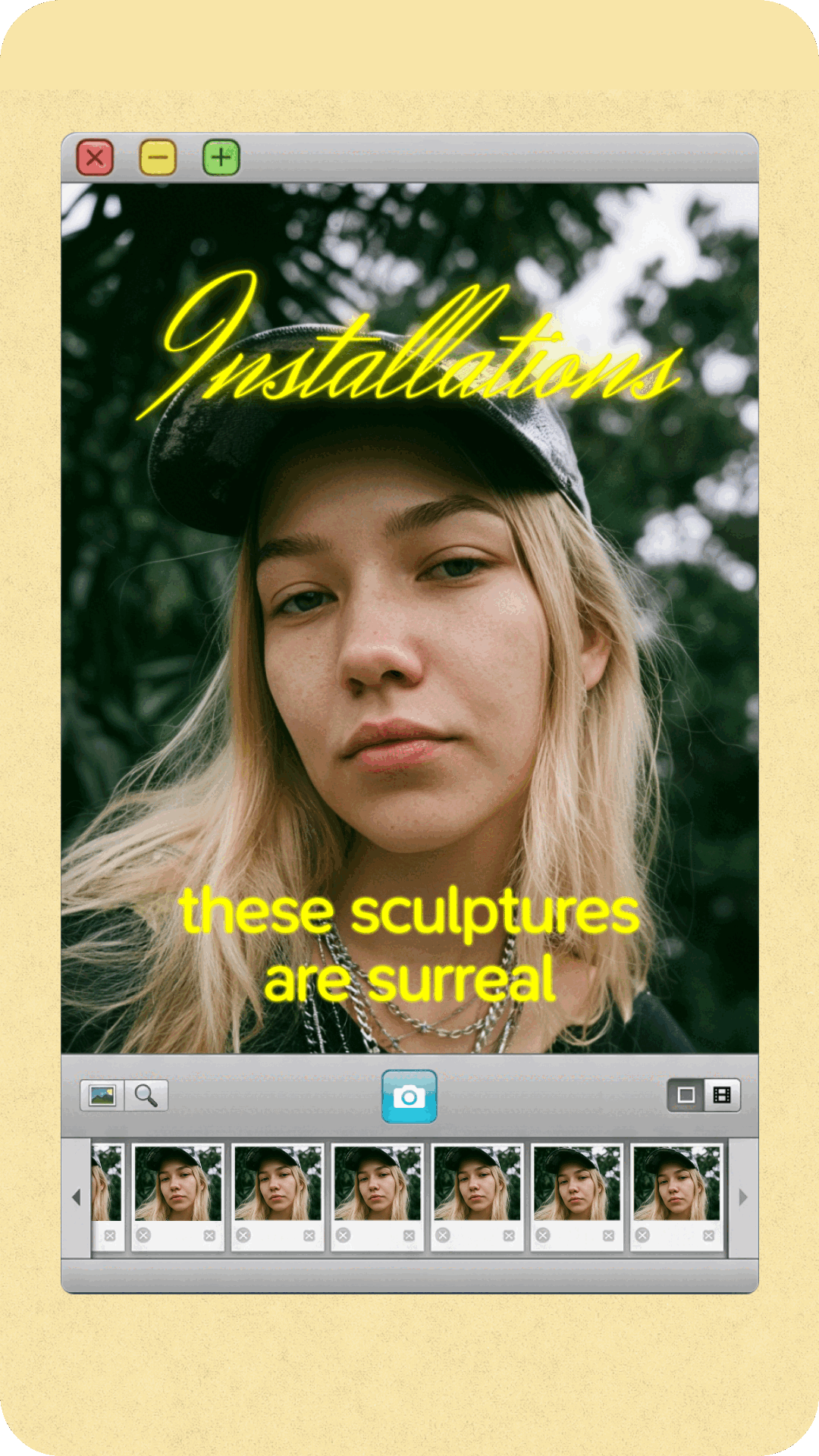
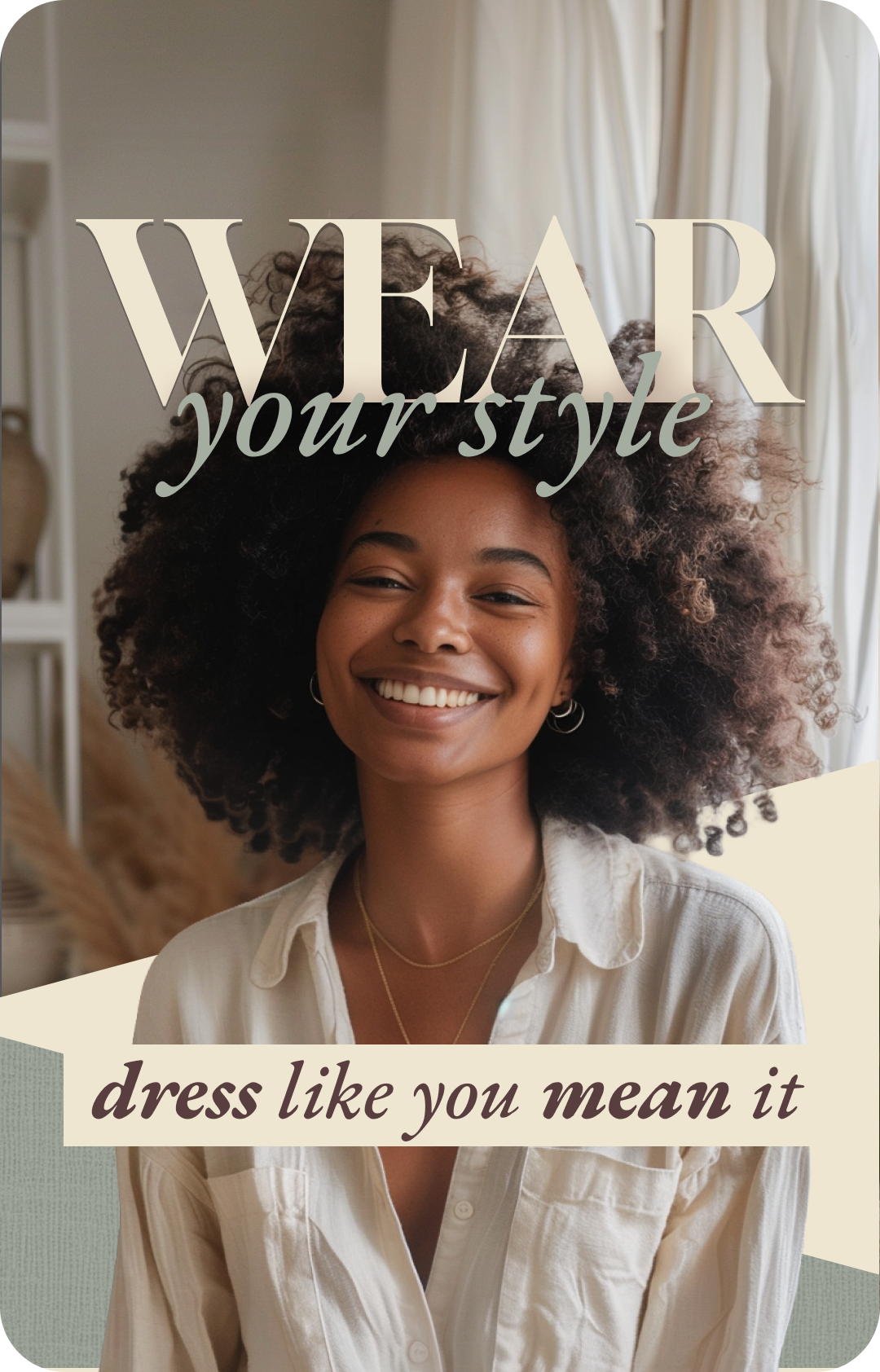
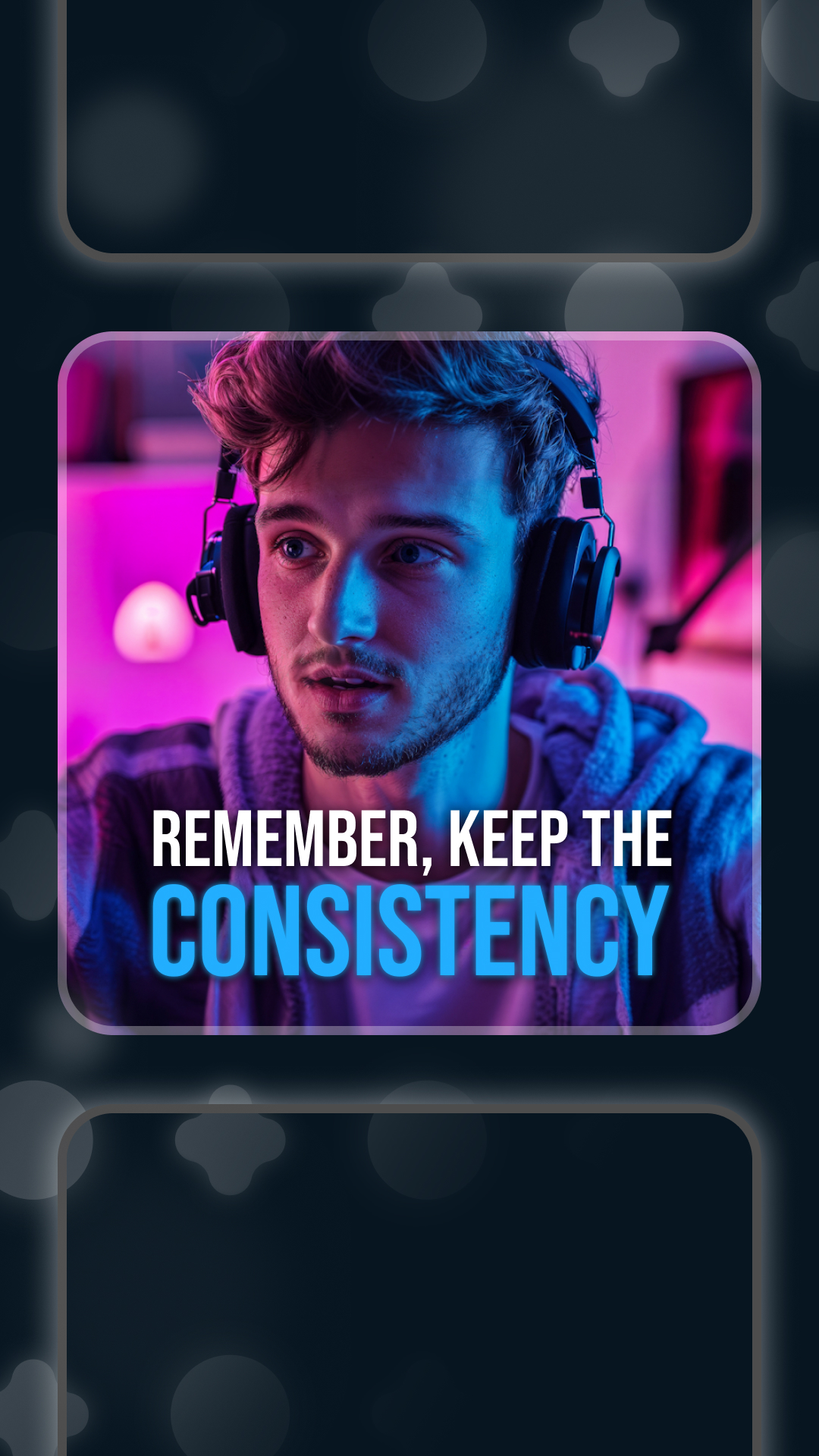
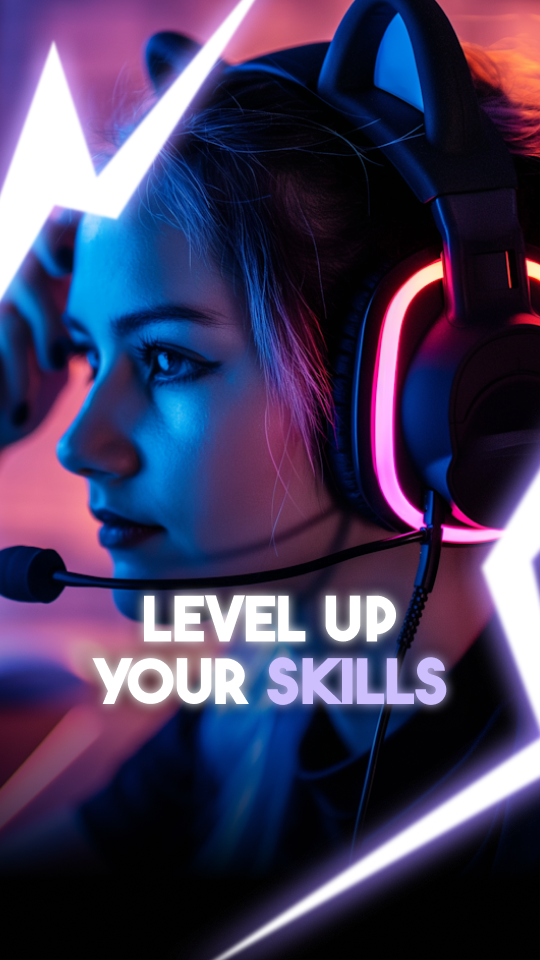
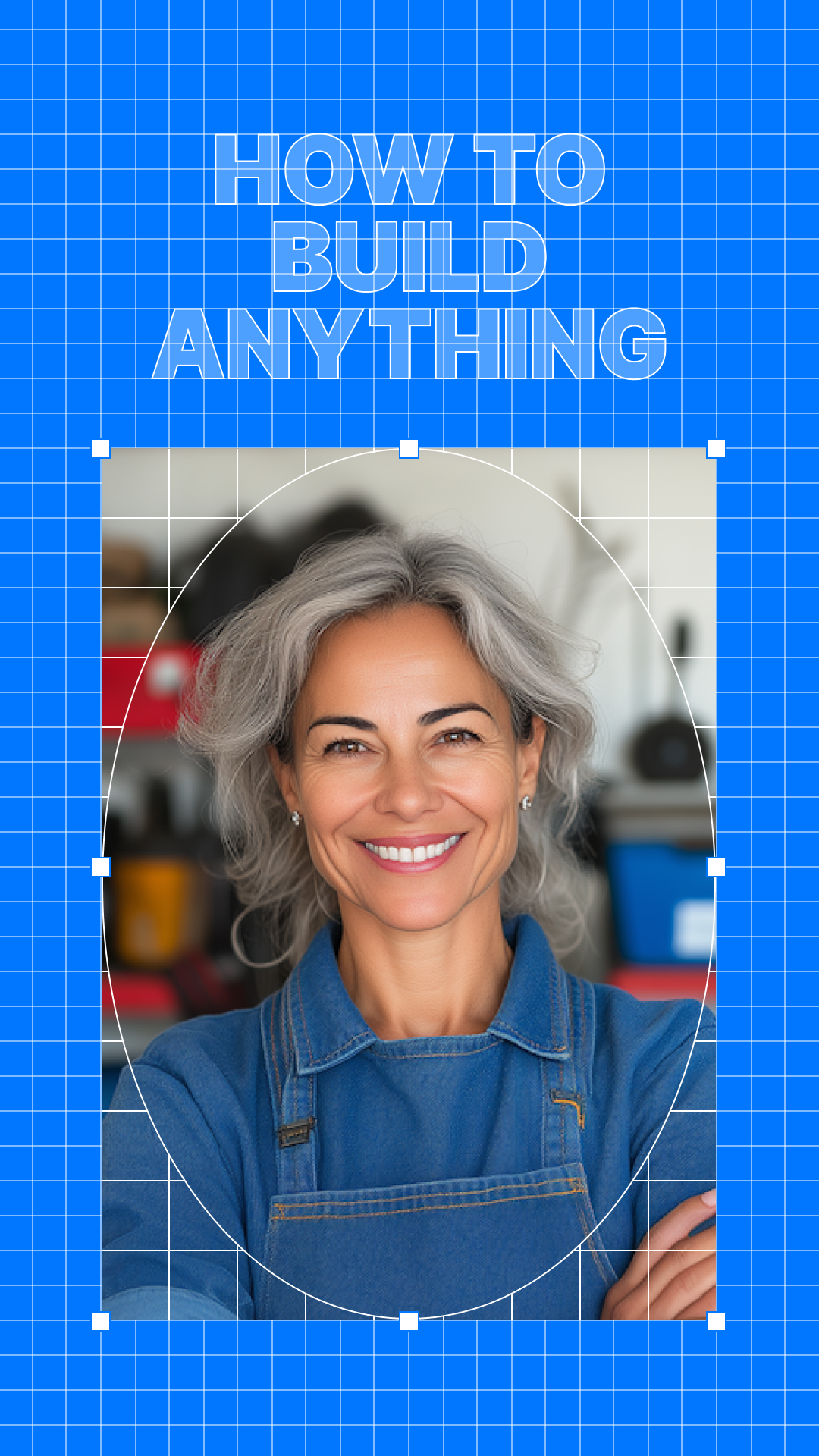
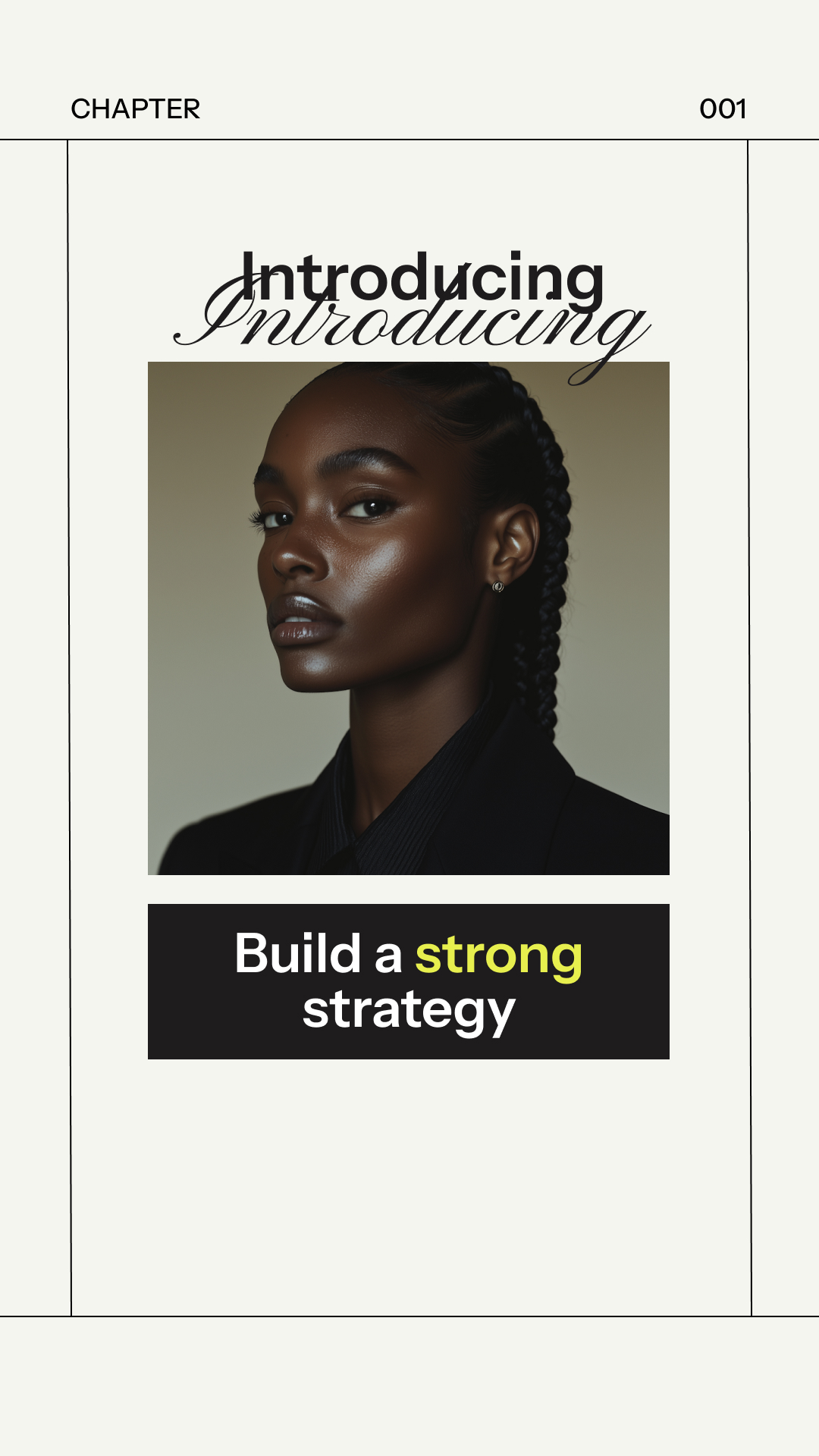
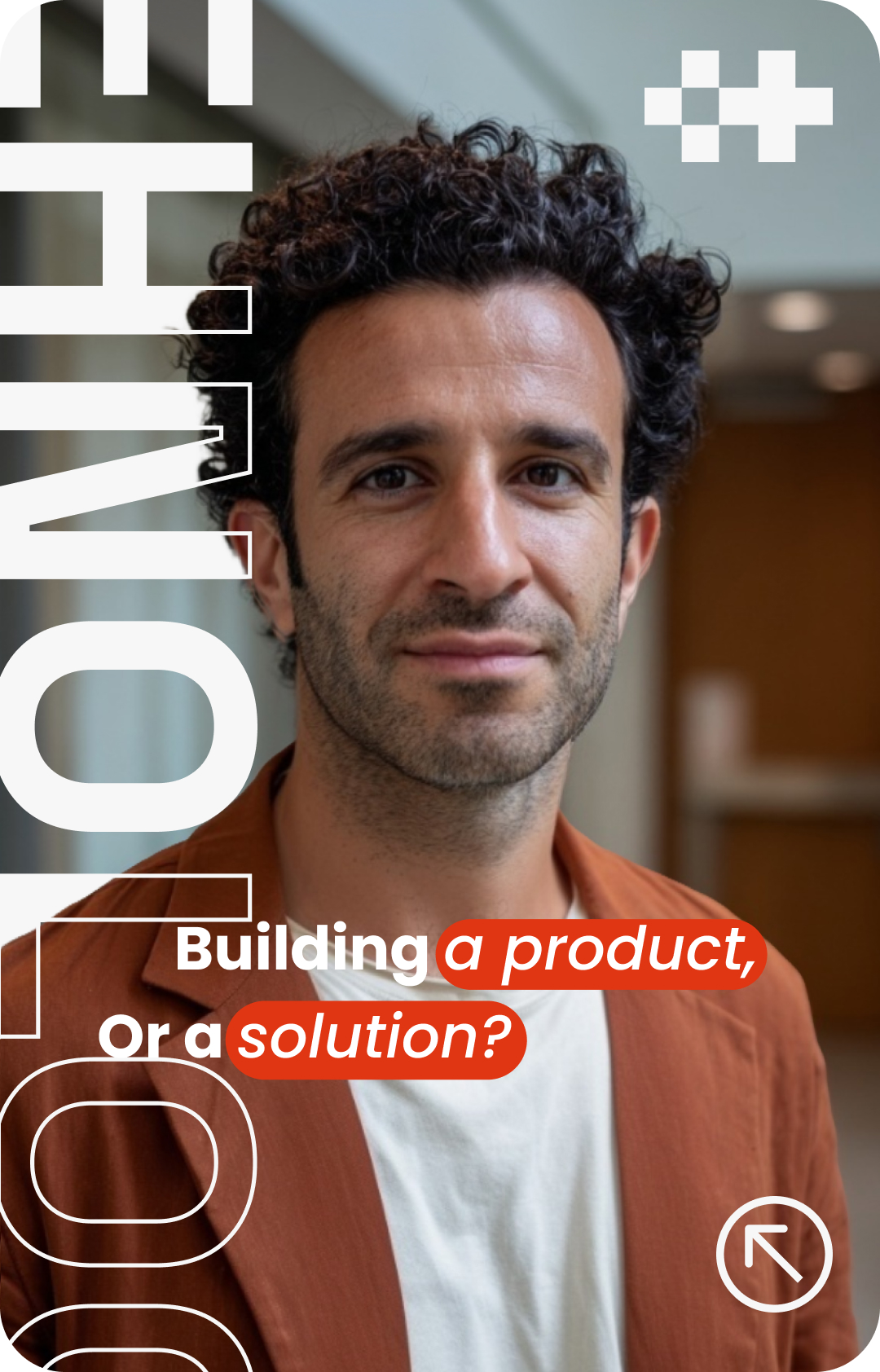
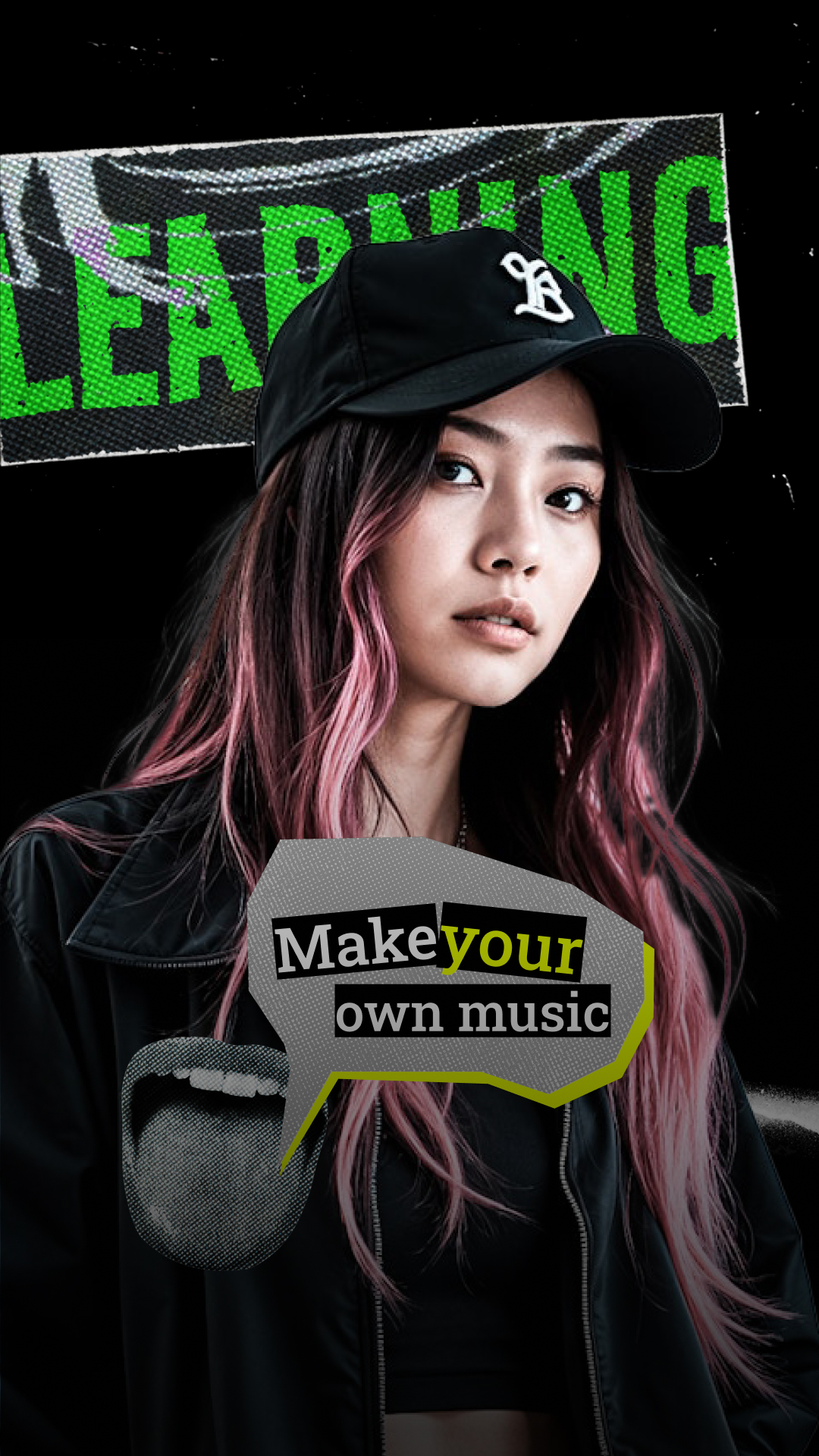
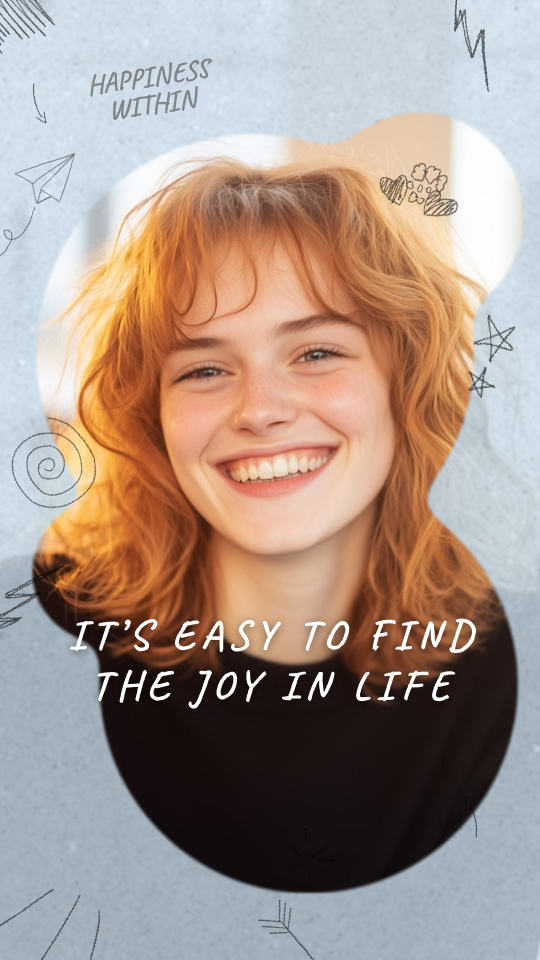
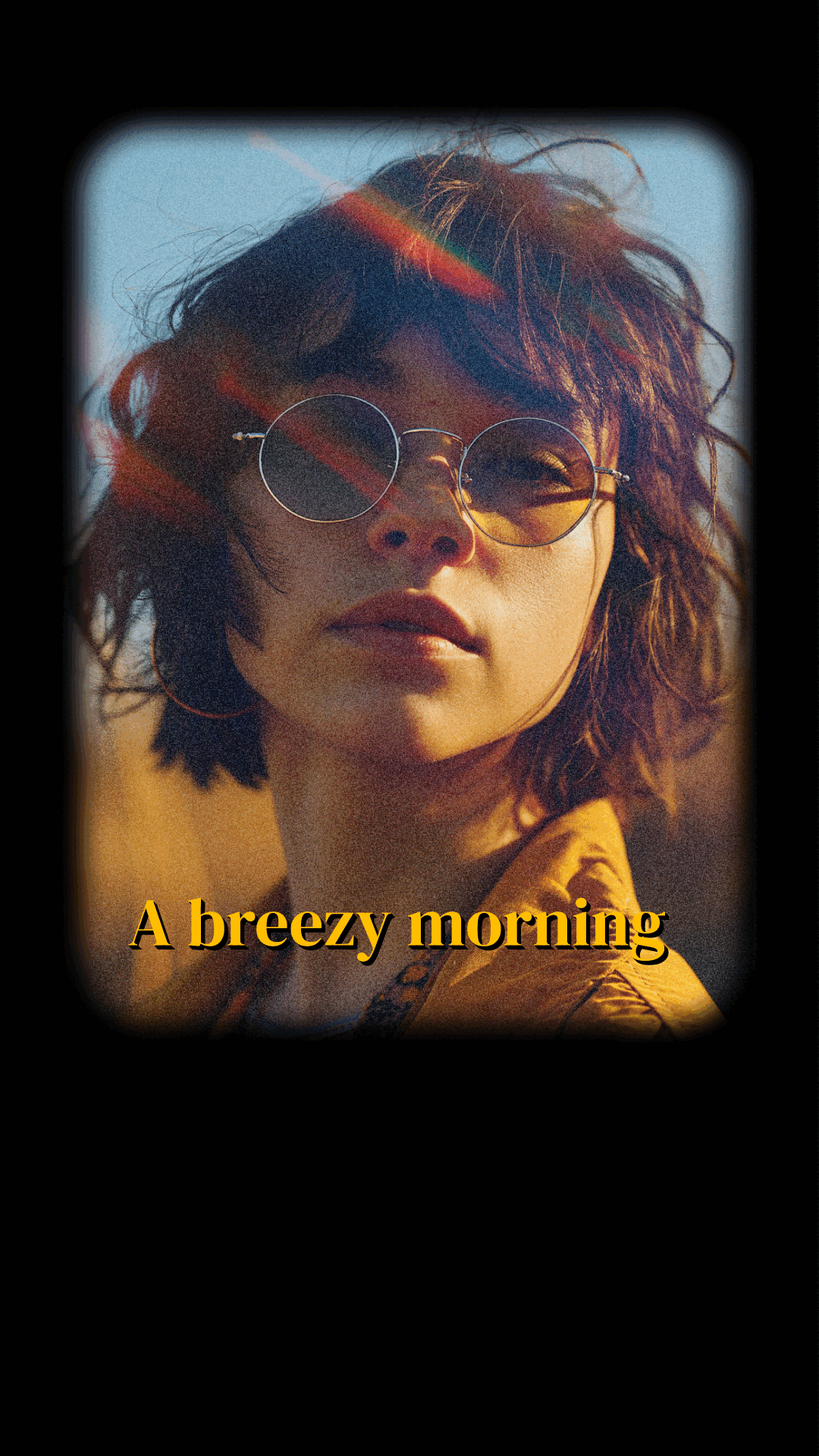
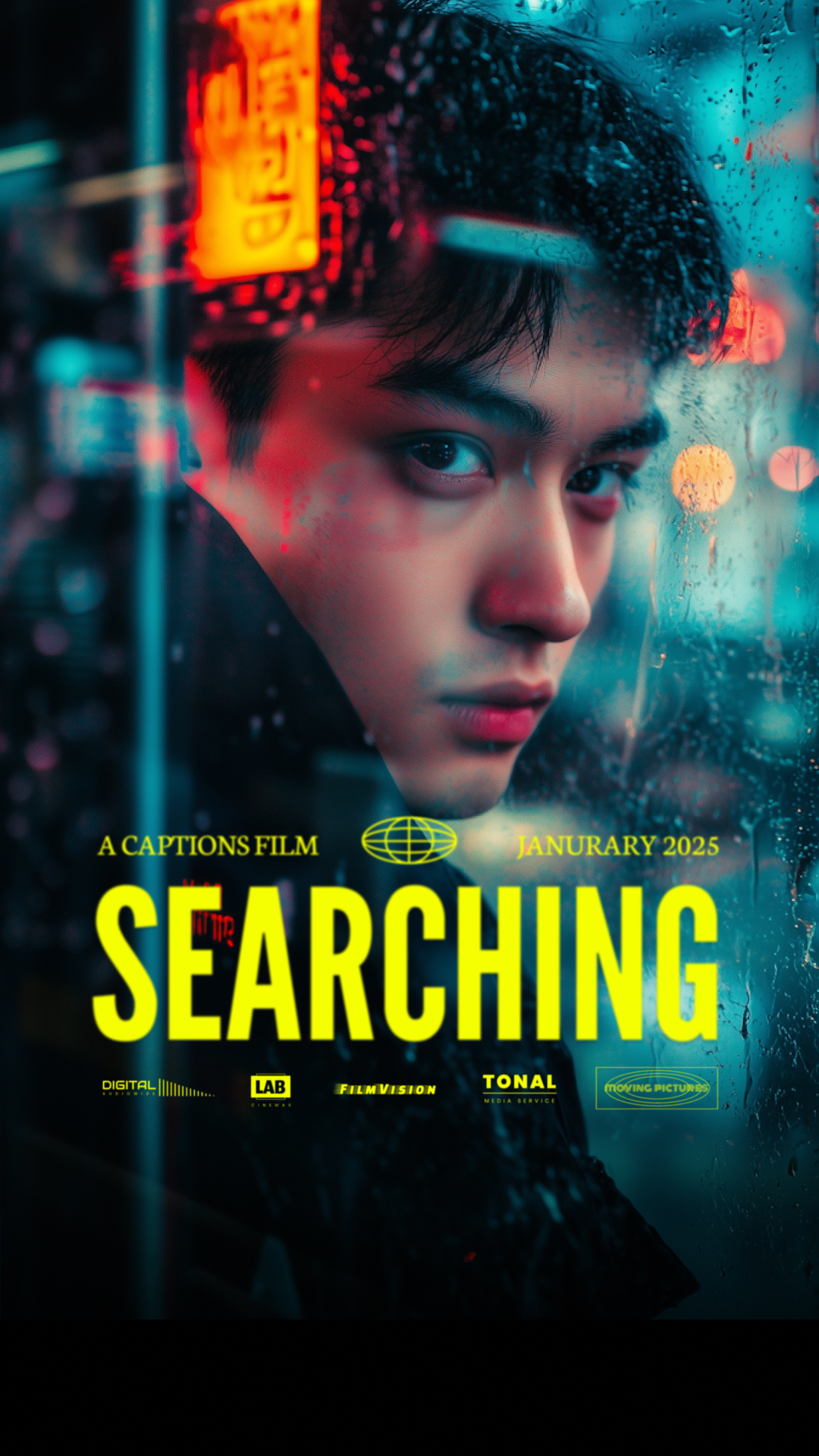
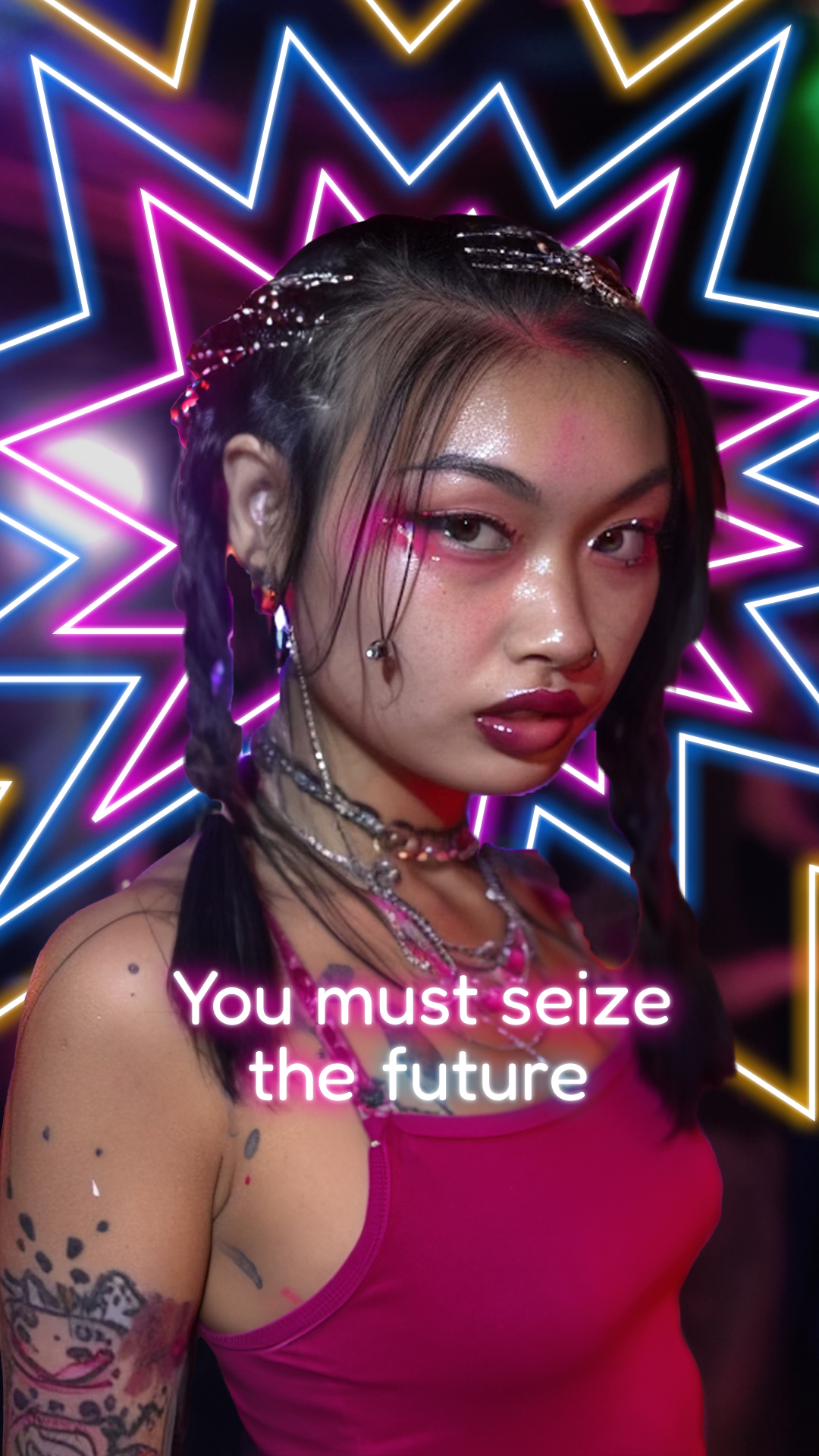
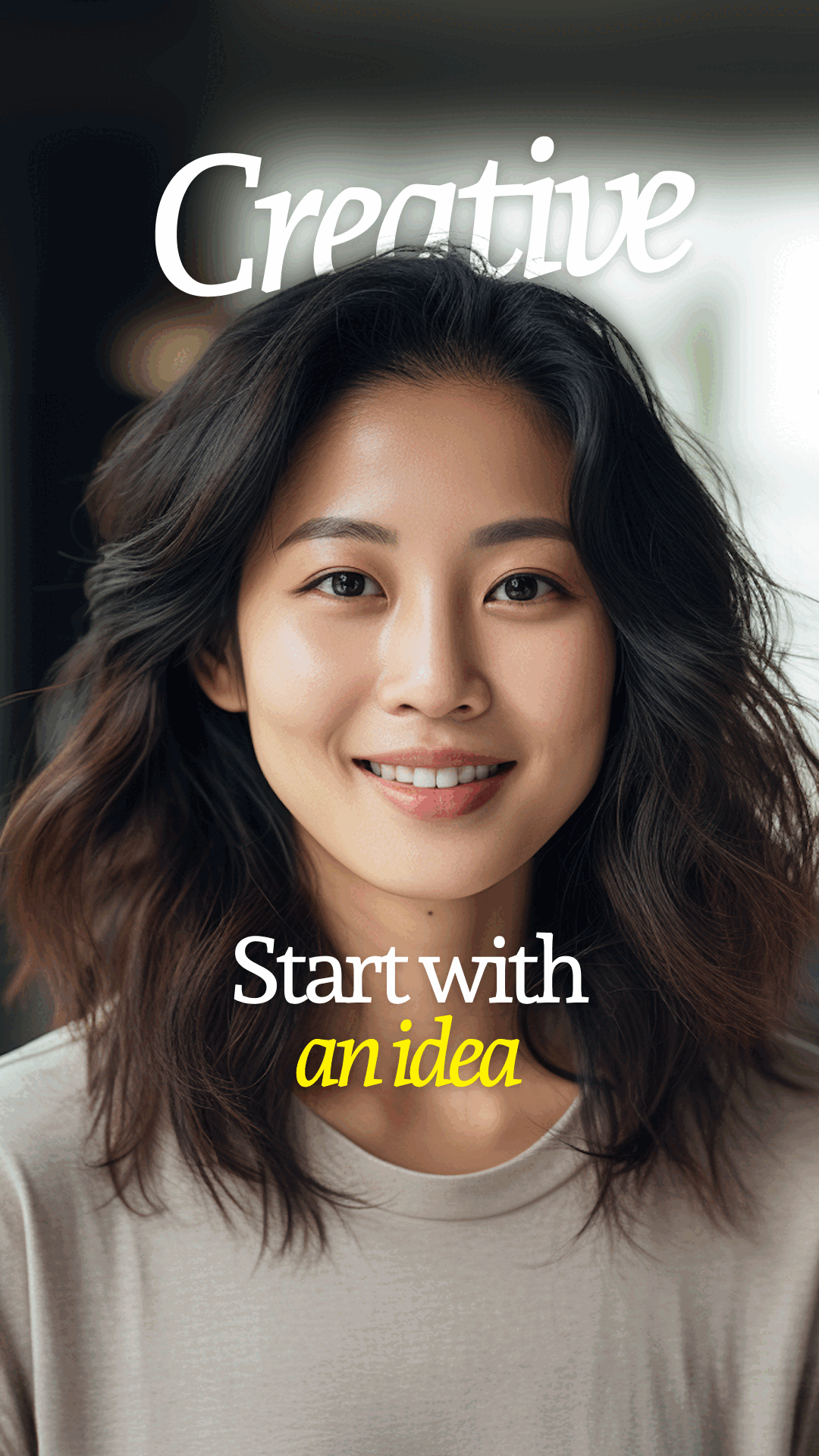
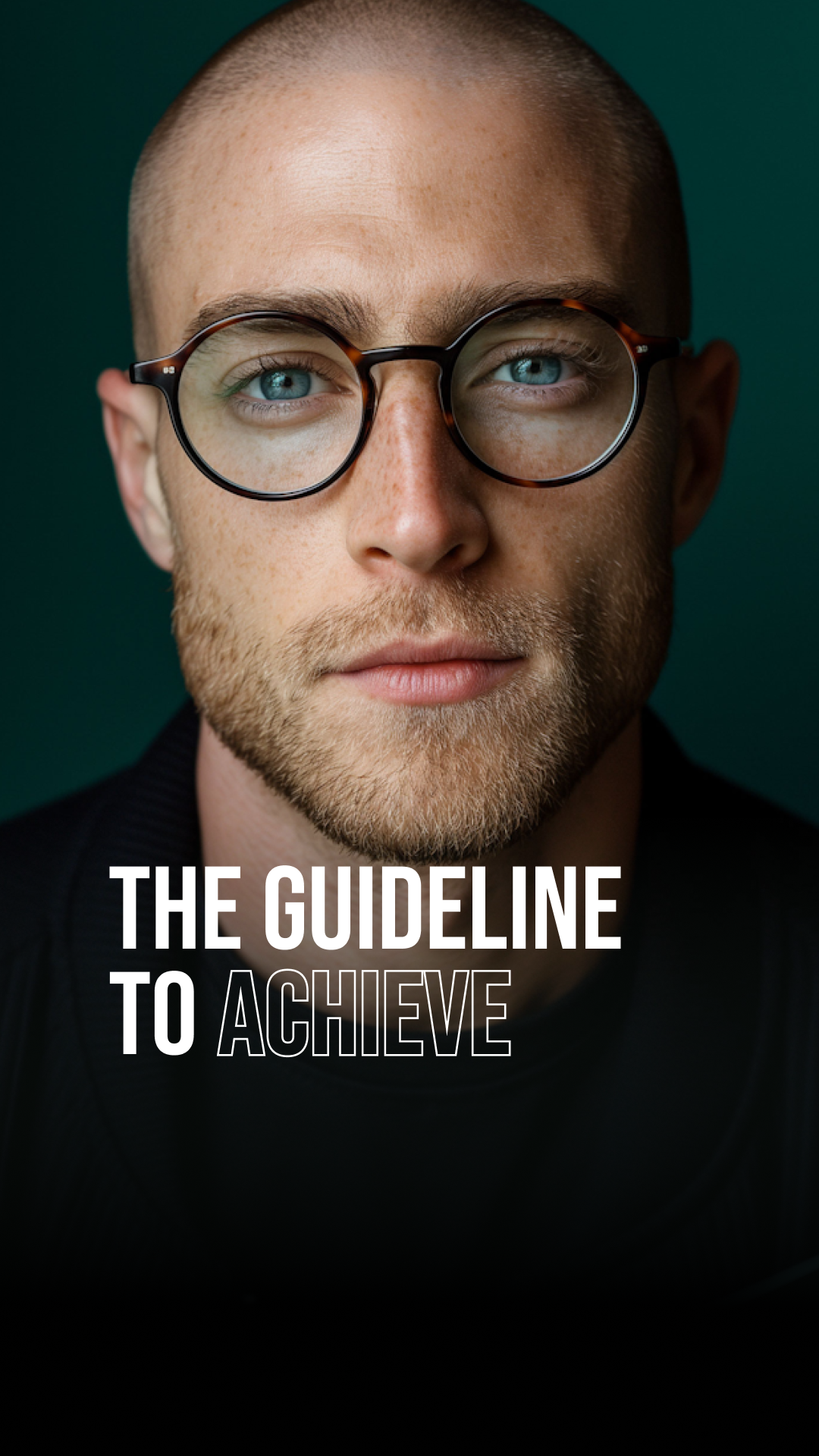
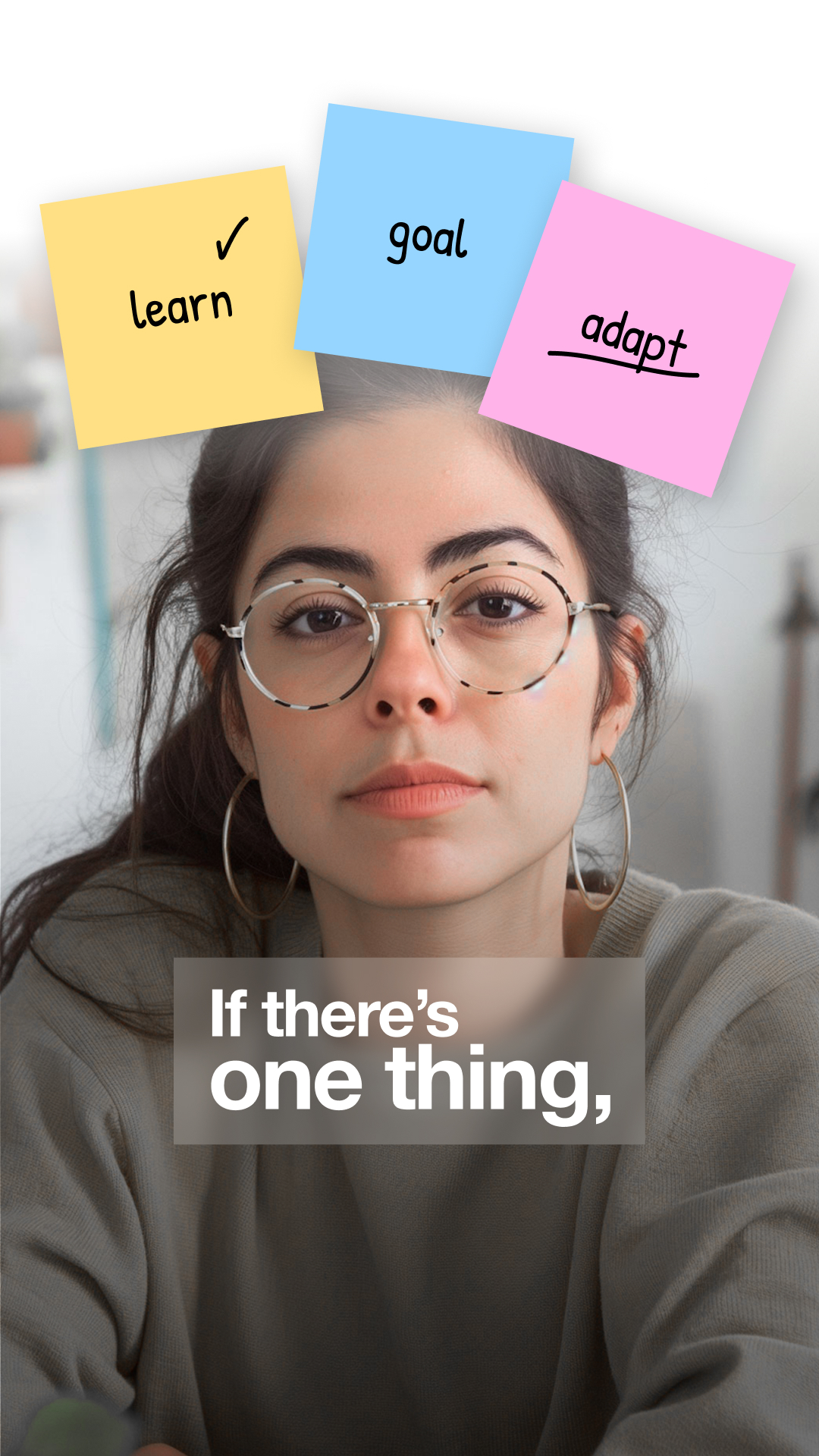
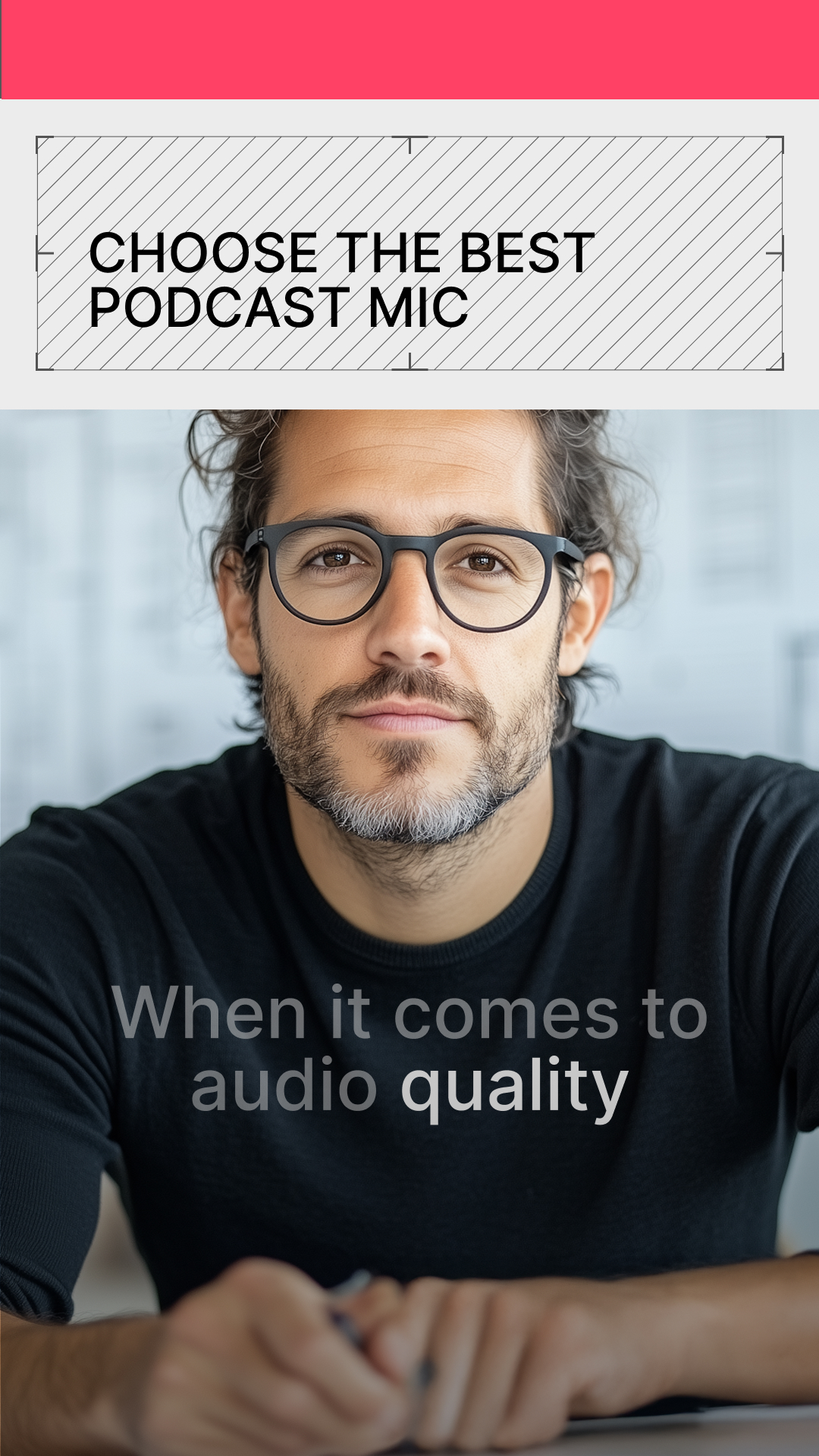
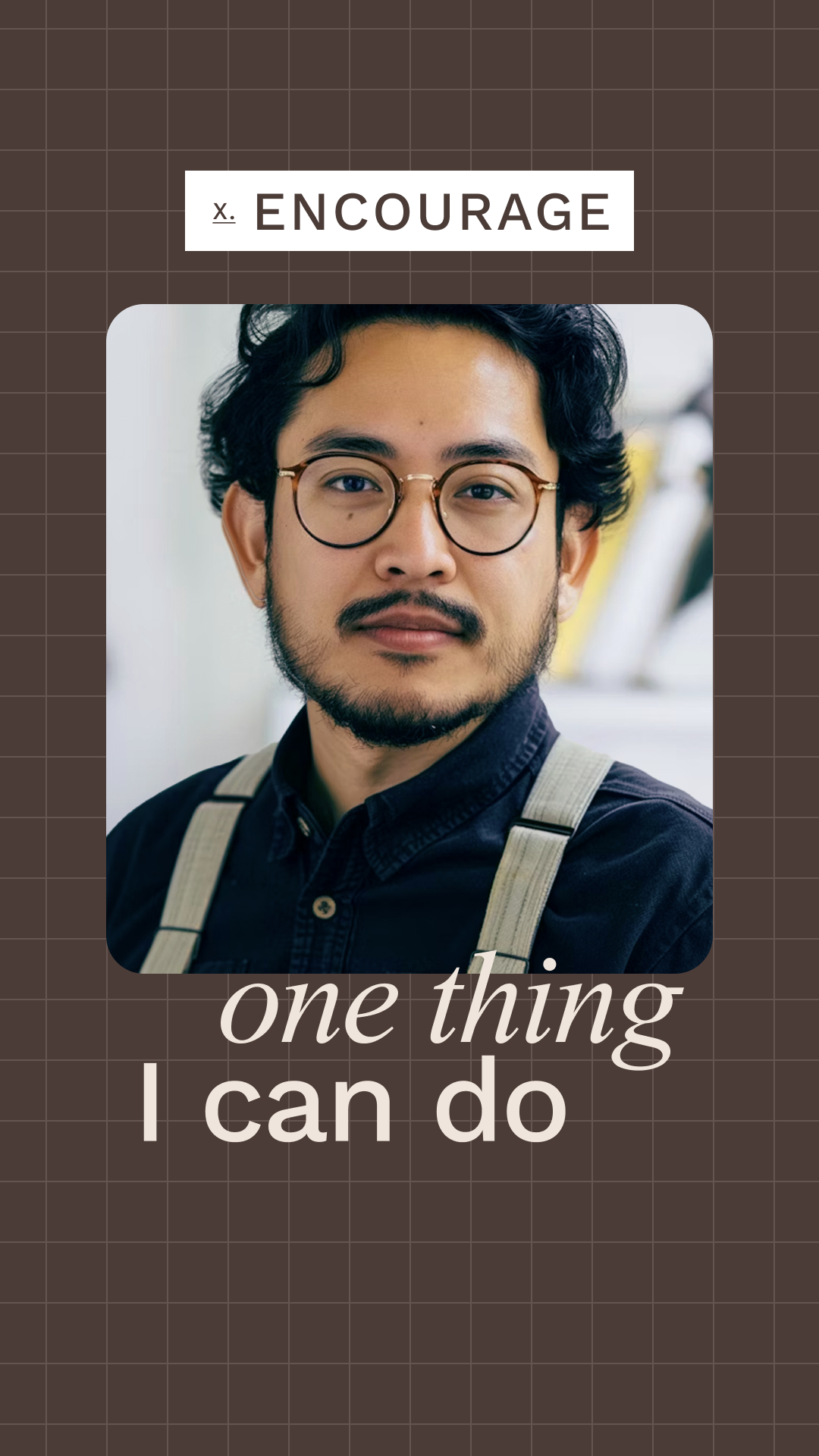
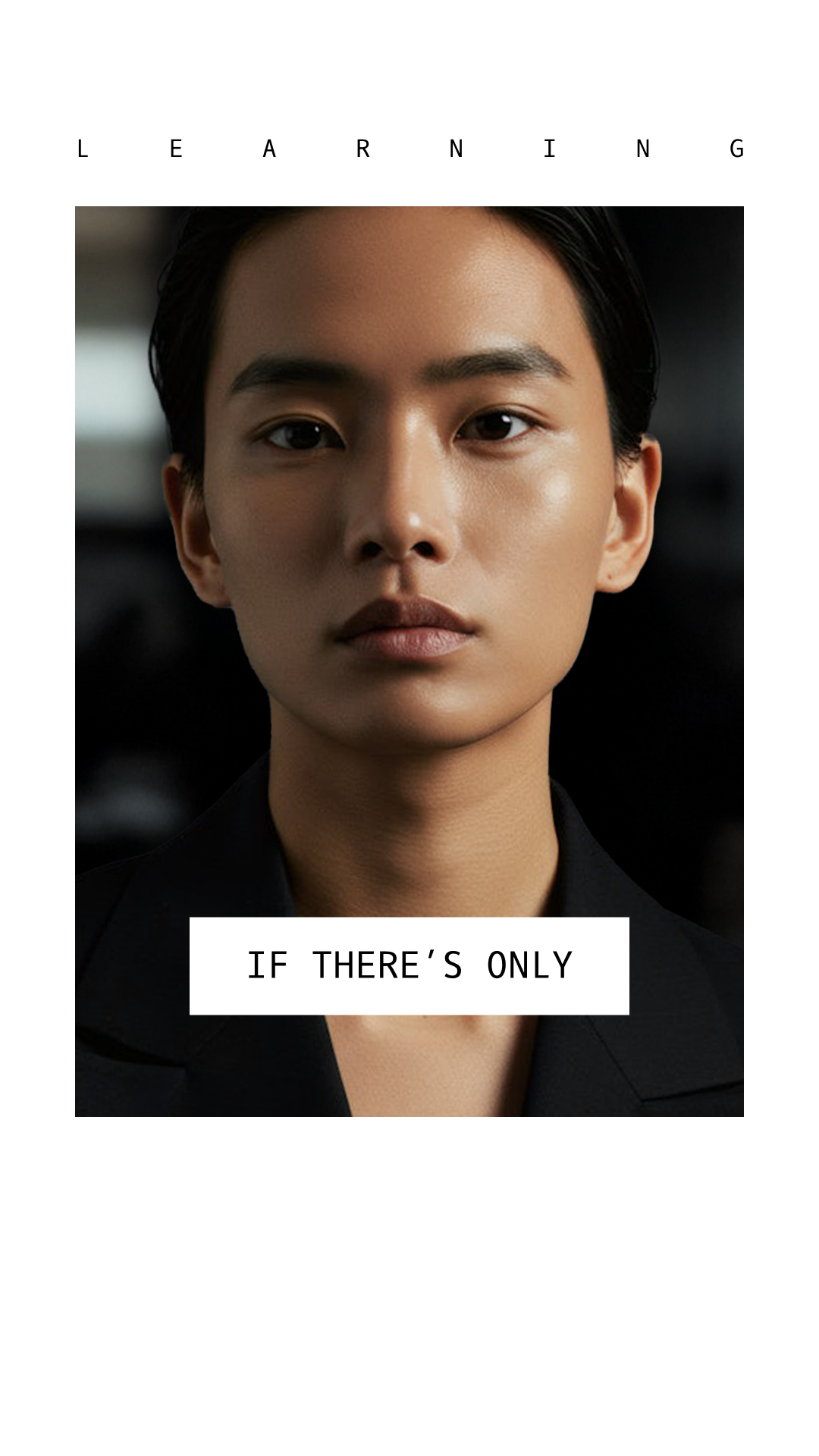
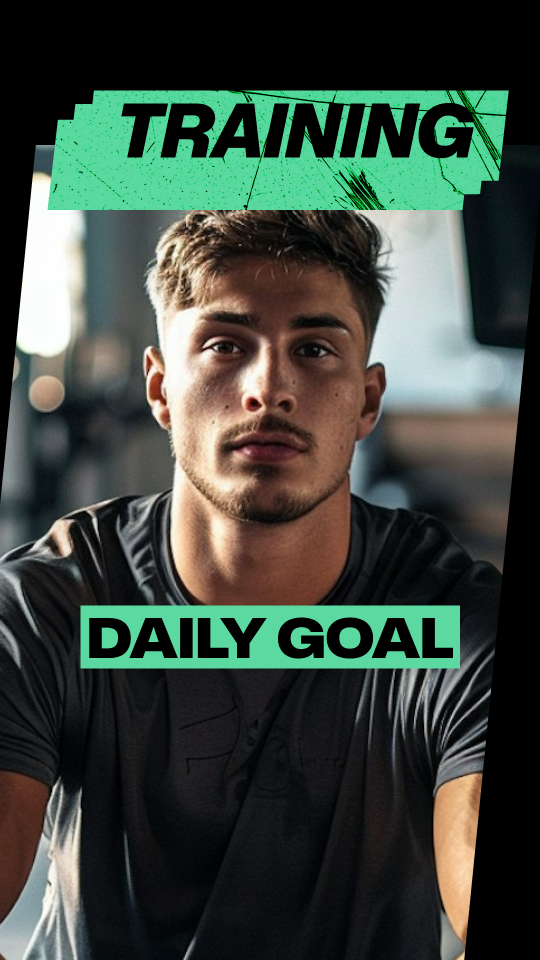
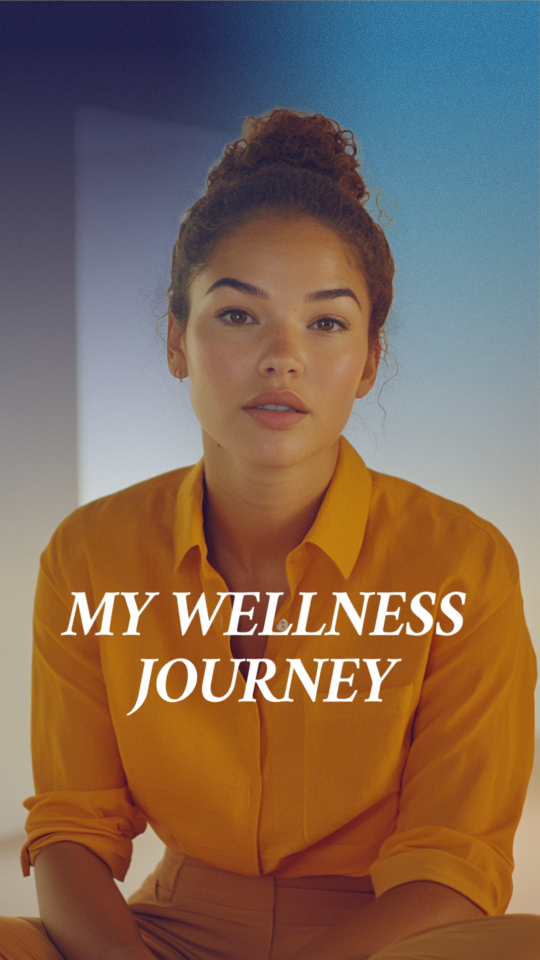
With AI Edit, you're just one tap away from a fully-edited video. There's an AI Edit style for aesthetic, from polished to punk. Scroll to explore styles by theme and see what's trending.

Featured

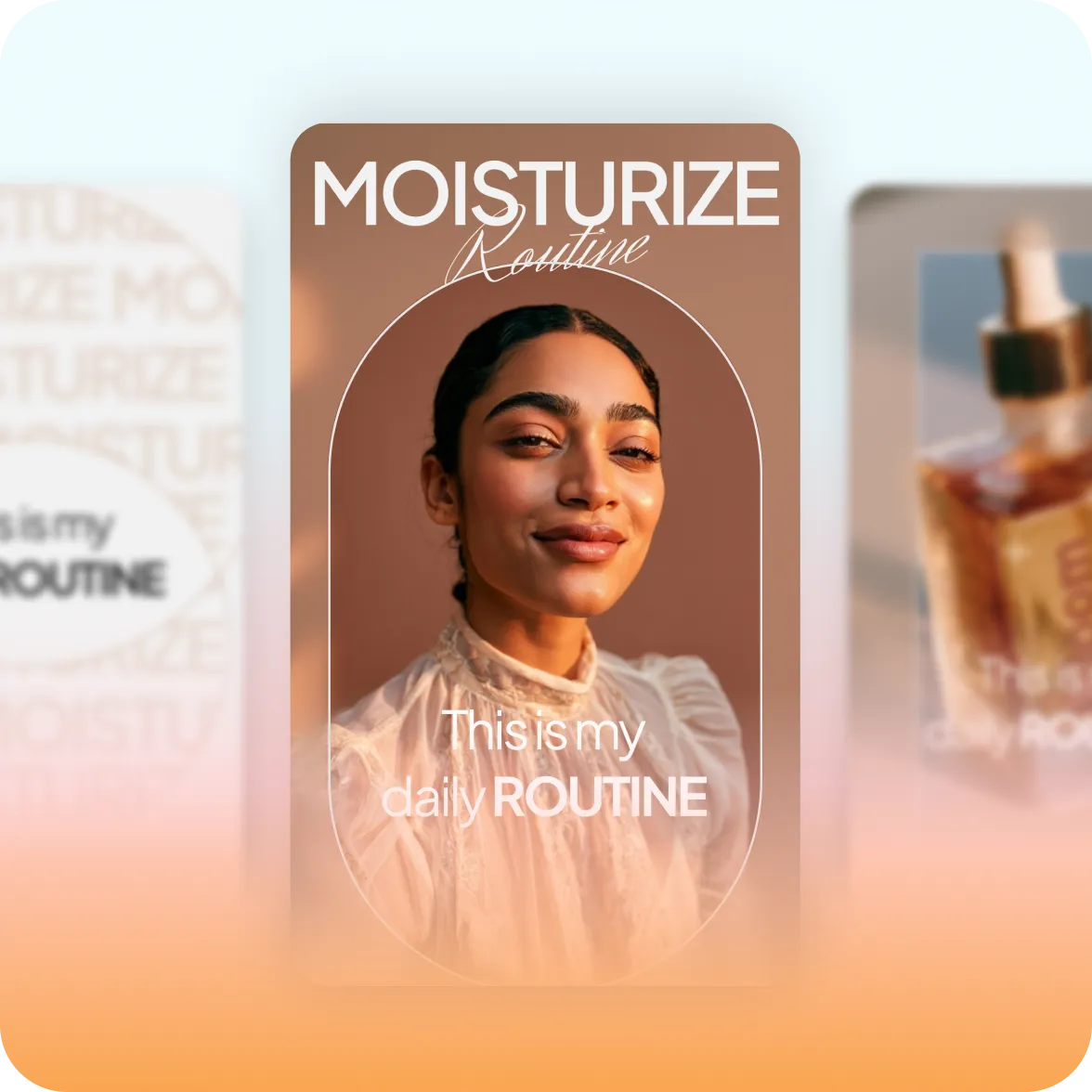
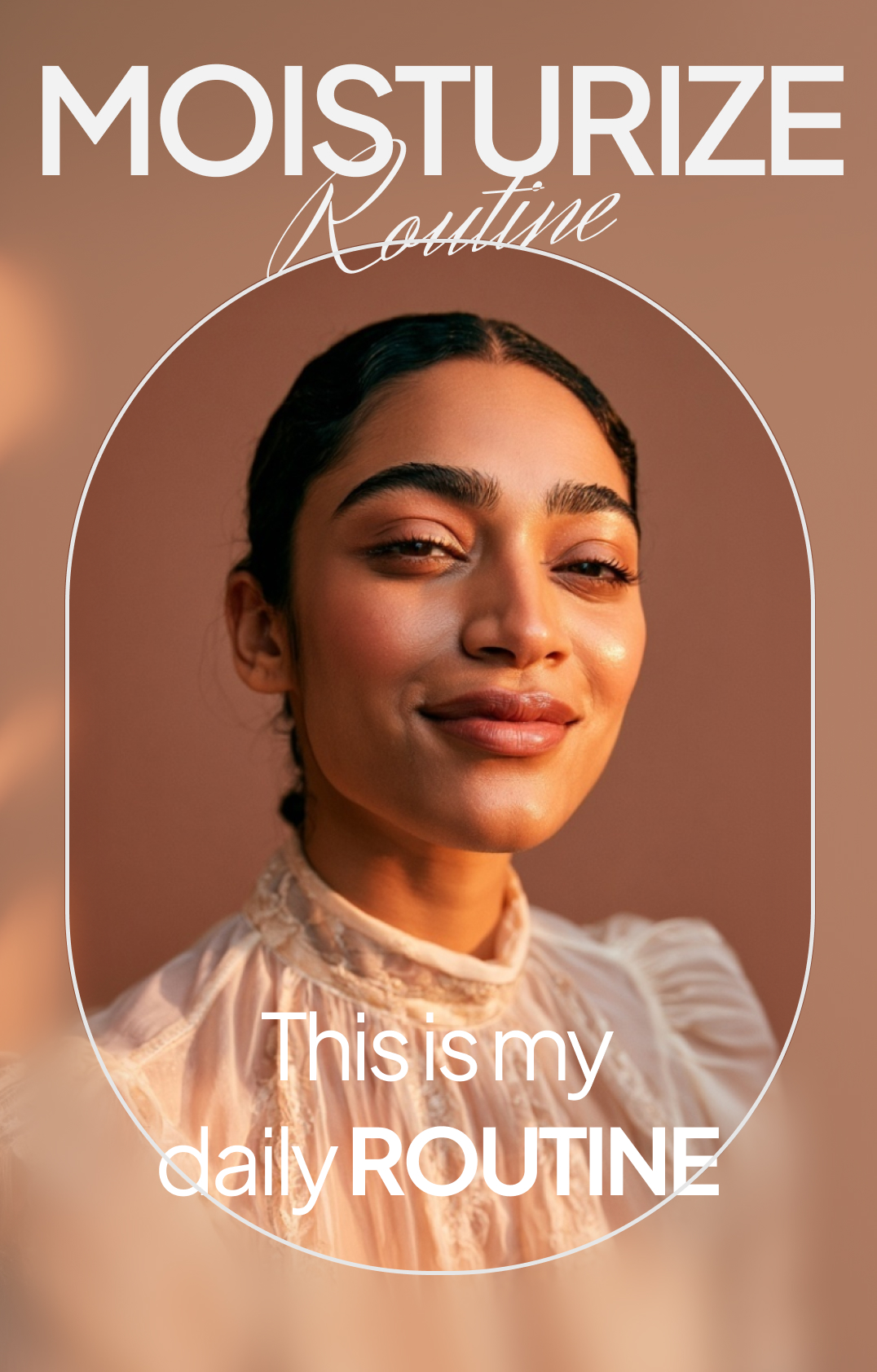
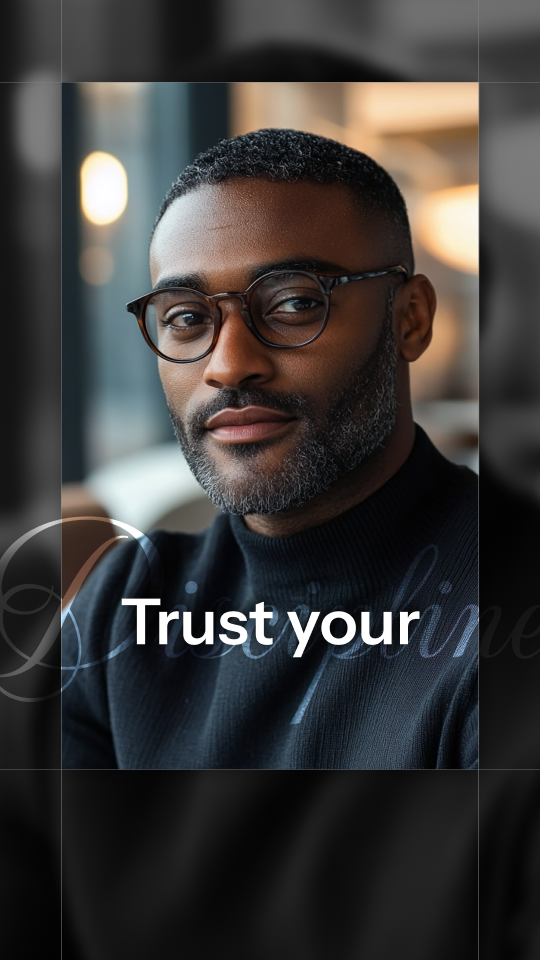
Bloom is our newest AI Edit style. Inspired by beauty and fashion aesthetics, it gives videos a dreamy, dewy quality.

Feature illustration

Find your style

How to choose a style

Match the mood

Think about how you want someone to feel, and work backwards from there. Your tone matters more than your topic when it comes to choosing a style. For example, travel videos could be minimal or high-energy, depending on what the creator wants to convey.

Consider your context

Some styles are built for short-form and feel cramped on longer video. If you post across platforms, pick something versatile. Captions exports in the right specs for top platforms so it's easy to reuse the same video for multiple placements.

Preview on your actual footage

AI Edit is designed to work for any kind of footage, no matter how or where you shot it. Still, styles look different depending on your lighting, what's in the frame, etc. The best way to find your style is to try a few options on the same clip.

Learn more about AI Edit

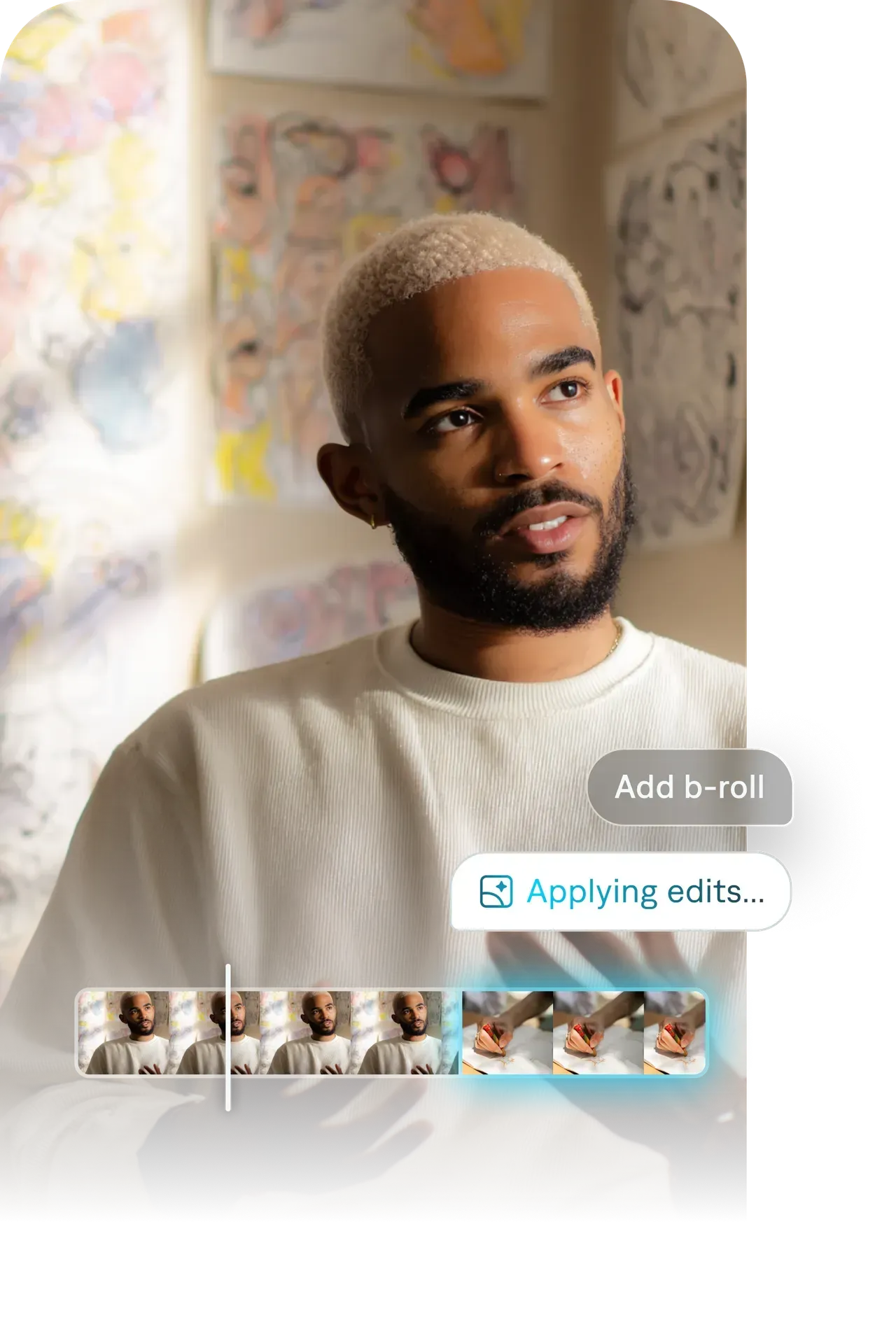
AI Edit uses innovative technology to edit your entire video at once. Once you pick a style, Captions automatically applies the design to your video. It tailors every detail to your specific footage, producing a fully-edited video. You can adjust details if you want to, or you can move right to export and share right away.

Feature illustration

Start using AI Edit

Frequently asked questions

What is an AI Edit style?

AI Edit is a one-tap video preset that applies a full editing style to your entire video at once. It's a proprietary Captions feature, powered by an AI model that understands taste and editing. The feature applies details like color grades, typography, transitions, overlays, and pacing all at once. You don't adjust anything manually. Pick the style, confirm, and the AI handles the edit.

Can I preview a style before applying it?

Yes. Tap any style in the library to see a preview of how it looks on your specific footage before you commit to anything.

Do styles work on any type of video?

Most styles work well across a range of content, but each one is built with a particular aesthetic in mind. The style pages include notes on what kinds of content each look works best for. You can also try multiple styles before exporting so you make sure the look works for you.

How many AI Edit styles are there?

We currently offer 40+ AI Edit styles, and we're always designing more. In addition to AI Edit styles, Captions also offers captions-only styles that you can use if you're simply adding captions to content and don't need a full edit.

How much does AI Edit cost?

Access to AI Edit styles is included in specific Captions subscription plans. If you want to use AI Edit, make sure to select Max or Scale. For current pricing information, please refer to our pricing page.

What's the difference between styles in the same category?

Each style has a distinct personality even within a category. For example, Film and Kai both look cinematic, but Film leans more atmospheric and Kai feels more sleek. The individual style pages listed here break down exactly what makes each style unique.