
Prompt your video edits with text
Editing a video can be as simple as having a conversation. With text-based video editors, just prompt the AI with simple language, and watch edits unfold. No manual work or expensive production required.
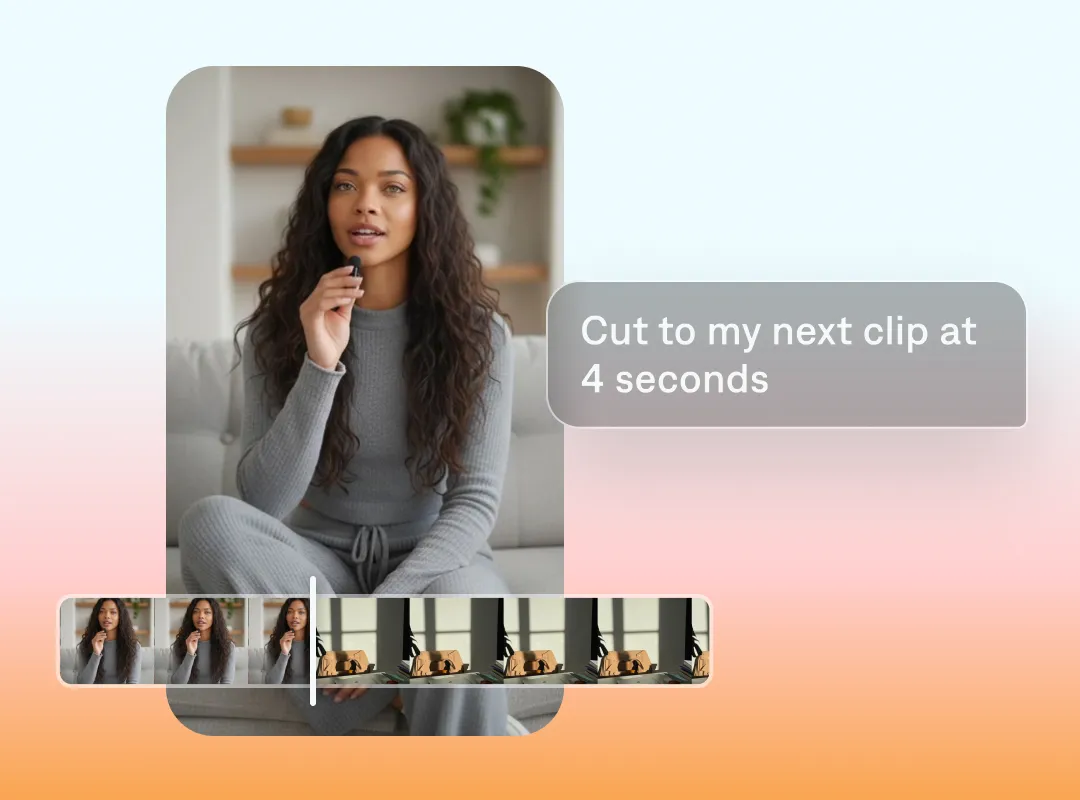
Get creative, not frustrated
Save time and effort
Video text editors give you a leg up over traditional editing workflows. No matter your experience or budget, you can create professional, polished videos that suit any need.
Try more ideas
Respond quickly to trends, iterate off strong creative or even try that wacky idea you’ve always wondered about. It’s easy to prompt your vision, and quick to change details.
Benefit from the AI’s expertise
Not sure where to start? See what your AI editor suggests. Captions can build recommended edits from raw footage, so you don’t even need to have a master plan to begin.
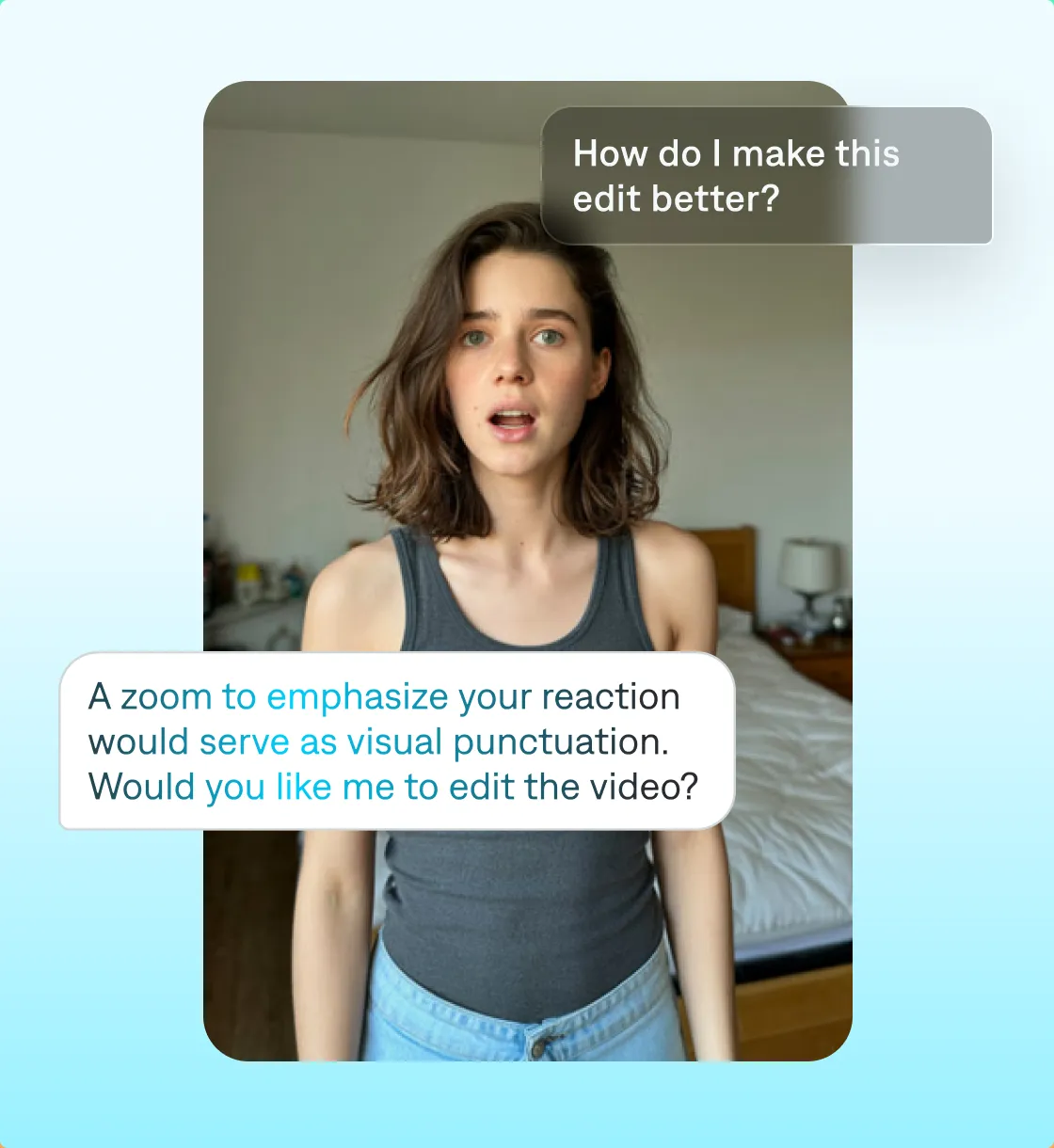
From prompt to polish
If you can text, you can edit in Captions
We offer a chat-based editor that’s extremely simple to use. Just type in your request, and the AI editor applies changes for you.
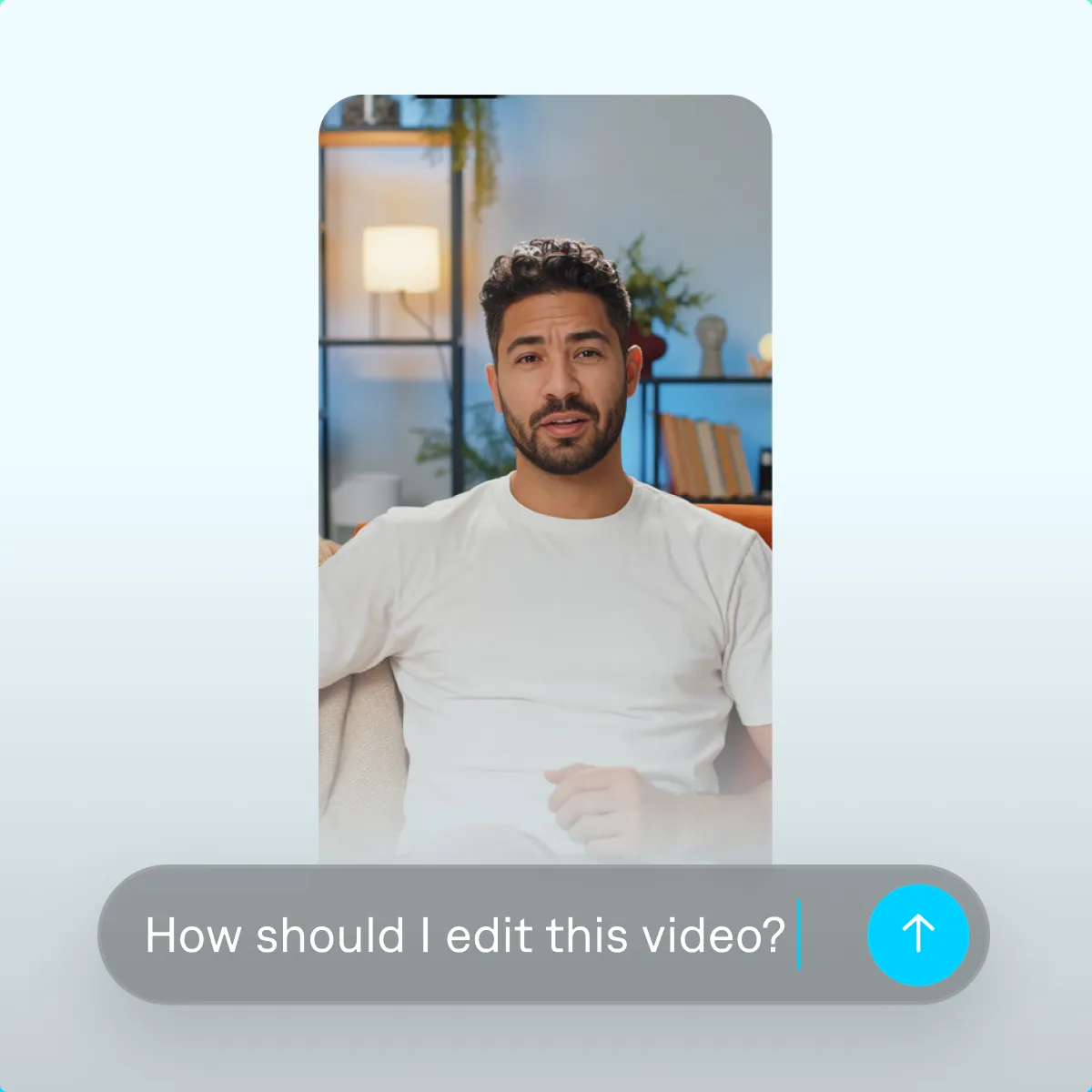
Start your next video

Frequently asked questions
What’s a text editor for videos?
Prompt-based video editors are AI-driven tools. They let you tweak content, from adding music to trimming footage, with natural conversation. In other words, you type out the edits you need, and the AI does the heavy lifting automatically—no expertise or complex software necessary. It’s like having a chat with a personal editor who makes changes in seconds.
How do you edit a video with prompts?
For most platforms, you start by uploading a video or recording one within the app. Then, you open the chat-based editor and tell the AI what you need, like prompting ChatGPT or Gemini. This can be a direct command or a question—however you like to type. After each request, the AI works to apply your edit. Continue refining your project until you’re satisfied, then export it and start sharing.
Do I need video editing experience to use Captions?
No, anyone can use Captions. This AI was built for everyone—whether you’re an experienced creator or a beginner, you can make professional-grade videos confidently. All you have to do is type in a text prompt and watch Captions go to work.
What kinds of edits can Captions apply?
Captions’ prompt-based editor can adjust your video however you like, from adding cuts to layering sounds. Use simple commands, and watch the AI apply them almost instantly. More complex edits are done in a flash, too—like uploading a clip and telling the AI to insert it into the full video. Captions even works with abstract ideas, like an aesthetic or feeling.
Are Captions’ videos good for social media?
Yes, because Captions’ AI is trained on the pacing and formats of social media platforms. When you use the app’s editing features, it’ll automatically apply effects and transitions that help your videos fit into people’s feeds.