
Create finance videos that build trust with your audience
You handle the insight. Let us handle the editing. Create professional videos fast with AI editing, automated captions and quality talking head features. Make market commentary videos, client education or other content in minutes. No production team required.

Why finance creators love Captions
Boost your credibility
Consistent video content positions you as an expert. Break down complicated concepts like budgeting, investing and planning into clear, engaging videos your audience will actually watch and share.
No editing skills needed
Choose from a wide range of AI Edit styles and transform your raw footage in minutes. No matter how you shot the original video, it'll look like you hired a full production and editing team. Think stylized transitions, engaging motion graphics and accurate captions.
All the tools you need in one place
Recording new videos? Use the Captions teleprompter. Fixing old footage? Use the AI quick correctors. Wherever you're at in your video creation process, Captions has the right tools to make it easier. Try the LinkedIn video maker to grow your professional audience on LinkedIn.
Import your video to start
By uploading a video to be edited using AI, you are agreeing to our Terms and have read our Privacy Policy.
How to make a finance video in Captions

Start a new project
You can use Captions on your phone or on a computer.

Add footage
Upload existing footage or record something new in the Captions app.
Choose your edit plan
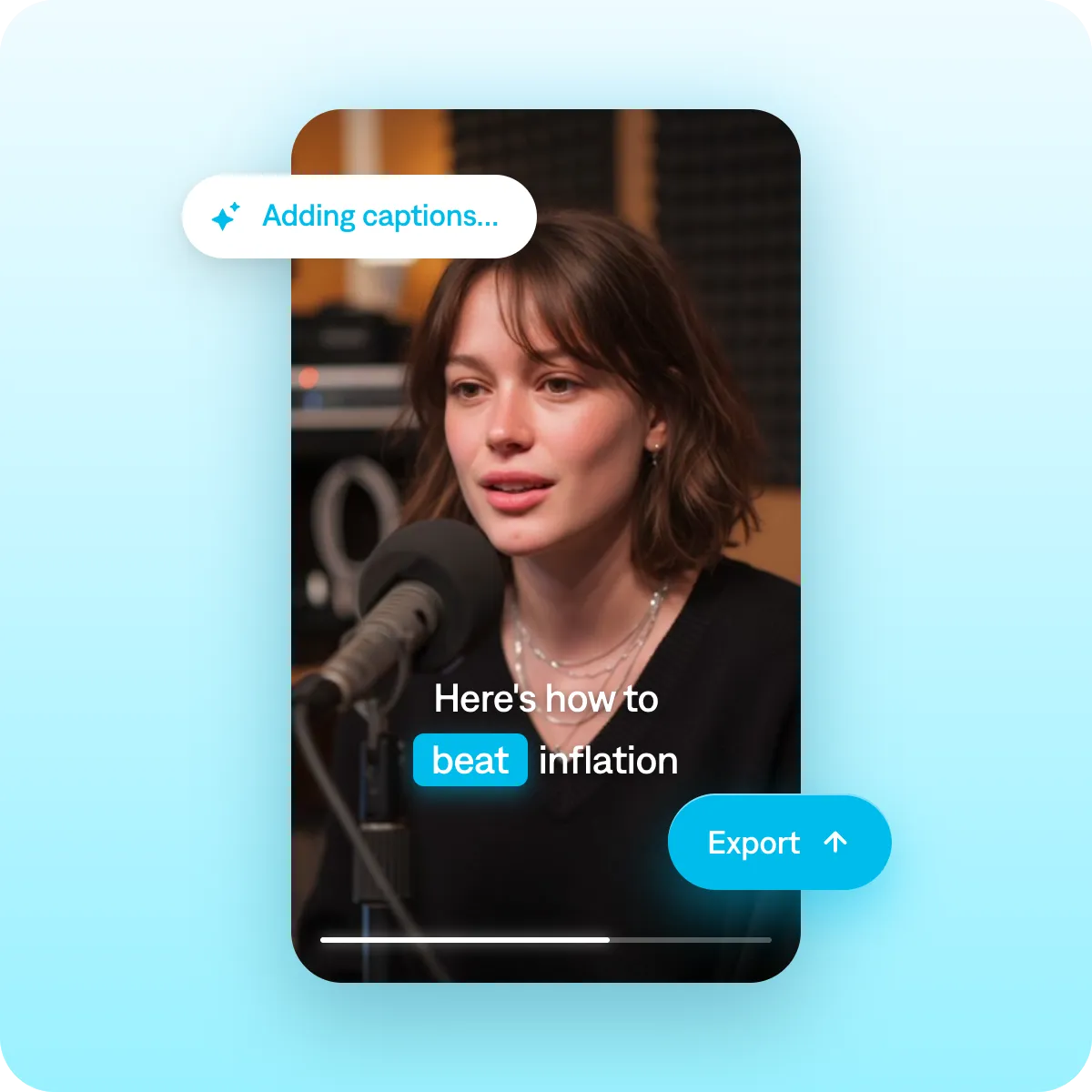
Pick from preset edit styles, customize captions and choose any other effects you want. Then, share directly to top platforms.
Prompts we've loved
Investment concept explainer
"Create a 90-second video explaining dollar-cost averaging to a beginner investor. Use a simple analogy, show the math with on-screen visuals, and close with a clear takeaway they can act on this week."
Market update video
"Make a 60-second weekly market update video covering the top three things that happened in the market this week. Use bold on-screen data points, keep the tone factual but accessible, and close with what to watch next week."
Financial myth-buster
"Create a 45-second video debunking the myth that you need a lot of money to start investing. State the myth, bust it with a specific fact or example, and end with one actionable step viewers can take today."
Popular AI Edit styles for finance creators


Start making better videos

Frequently asked questions
Do I need technical video skills to use Captions for finance content?
No. Captions was actually designed for people who don't have much video or editing experience at all. Everything is simple to use, and you can even use natural language to prompt new scripts or edits.
Why do financial advisors need video content?
People often seek information about potential advisors before hiring them, and video is an effective way to show what you're about. By sharing your perspective, you're able to attract more clients aligned with your way of thinking. Educational content is the most effective, so make sure to highlight your areas of expertise.
Should financial advisors post video on YouTube or LinkedIn?
It depends on what you're after, because the two do different jobs. LinkedIn has better reach for professionals and networking, especially when you're trying to spark direct conversations. However, its posts generally only live in the feed for a few days. YouTube is better for the long game: videos answering evergreen planning questions can keep pulling in new prospects from search for years.
If you're just starting out, prioritize the platform where your ideal clients already spend time. Once you get the hang of making videos, try repurposing the same asset for different channels. For example, you could shoot a longer explainer for YouTube, then post a tighter cut to LinkedIn.
Can I create finance video content in bulk with Captions?
Yes. You can batch multiple video prompts at once, making it practical to produce a week’s worth of content in a single session. You can also use your AI twin to create new videos without even filming. Once you have a twin, it’s easy to generate new footage and scripts for any topic you can think of.
What types of finance videos perform best on social media?
Explainers on topics people are actively searching for tend to perform best. Myth-busters, ‘did you know’ formats, and step-by-step breakdowns also drive strong engagement. To get inspiration for your next video, try looking for trending topics or popular search terms on the platforms that matter most to you.
How do I add required disclaimers to my finance videos?
You can include disclaimers and required text directly in your video prompt. Captions lets you specify on-screen text and placement, giving you full control over your messaging.
How do I make statistics and data easier to follow in finance videos?
Import charts, graphs, or data slides as B-roll overlays so your key figures appear on screen at the exact moment you reference them. Make percentages and dollar amounts impossible to miss. Large, bold on-screen text increases comprehension and shareability.