
AI B-roll generator
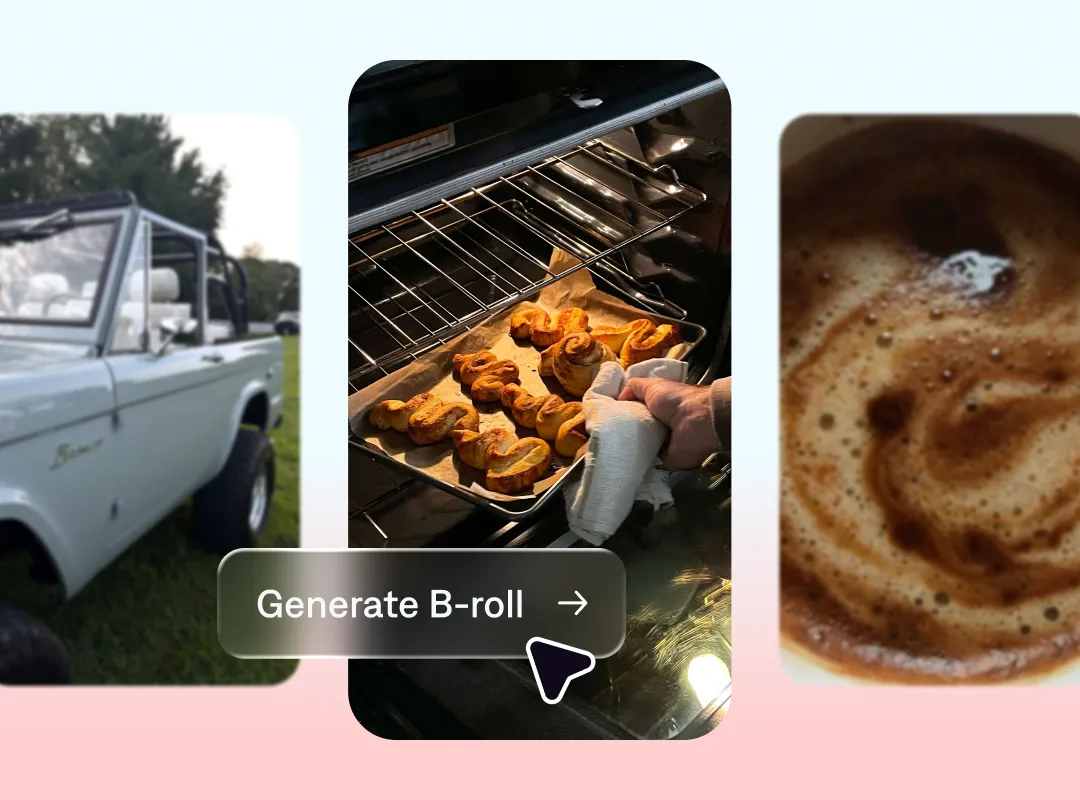
B-roll footage makes good content great. With AI B-roll generators, it’s easier than ever to elevate your videos. No more scouring through stock footage or extra hours on set. With tools like Captions, make any kind of B-roll you need, in minutes.
Why you need a B-roll generator
Tell more immersive stories
B-roll adds dimension, providing helpful context and additional backstory. It stitches your story together so audiences are more invested, and ultimately more engaged.
Make any video stronger
With a B-roll generator, you’re always going to get the right shot. Use text prompts to describe what you have in mind, or outsource the ideas to conversational editors like the one in Captions. These tools automate B-roll footage based on your video’s content and tone.
Save time on production
Stop booking expensive shoots or scrolling endless stock footage sites. With AI-generated B-roll, you can bring a vision to life in minutes.
Get better B-roll with Captions
B-roll for any video
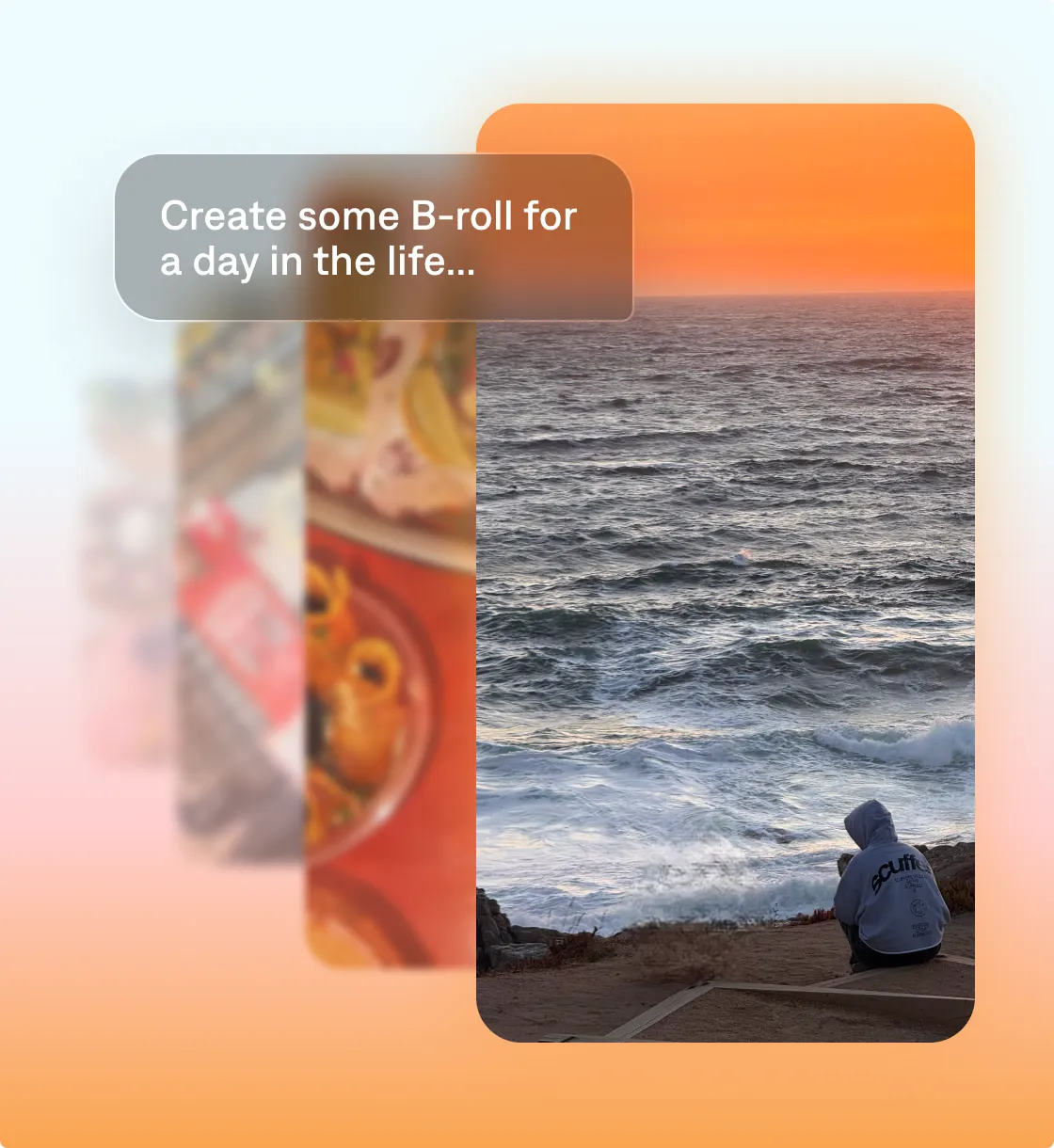
Captions makes B-roll easy as ABC. With features like AI edit, you’ll get automatically generated B-roll that matches your video’s content and vibe. Or, use prompts to describe what you’re going for and adjust as needed.
Start your next video

Frequently asked questions
What’s an AI B-roll generator?
An AI B-roll generator is a tool that creates B-roll footage to complement a main storyline, like talking head videos or other kinds of voiceover or plot. These videos provide context, build visual interest, or establish a scene.
Can I customize the generated B-roll videos?
Yes, B-roll editing is a snap with Captions. Simply generate a new clip by typing in a prompt or use the chat-based editor to suggest changes.
Why should I generate B-roll with AI instead of using stock footage?
There are a few reasons. First, stock libraries usually require a separate subscription. With a tool like Captions, you get an all-in-one video editor and custom B-roll. Second, stock footage might not fit your needs. AI clips are endlessly customizable, so they’ll always fit your message. Third, you’ll save time. Even if stock libraries have the clip you want, it may take you hours to find it. That’s not the case with AI — all you need to do is describe the clip, and the tool will handle the rest.