
Generate AI videos from text prompts
Turn text into videos with AI. Just describe your idea, and Captions' video generator creates the entire video for you.
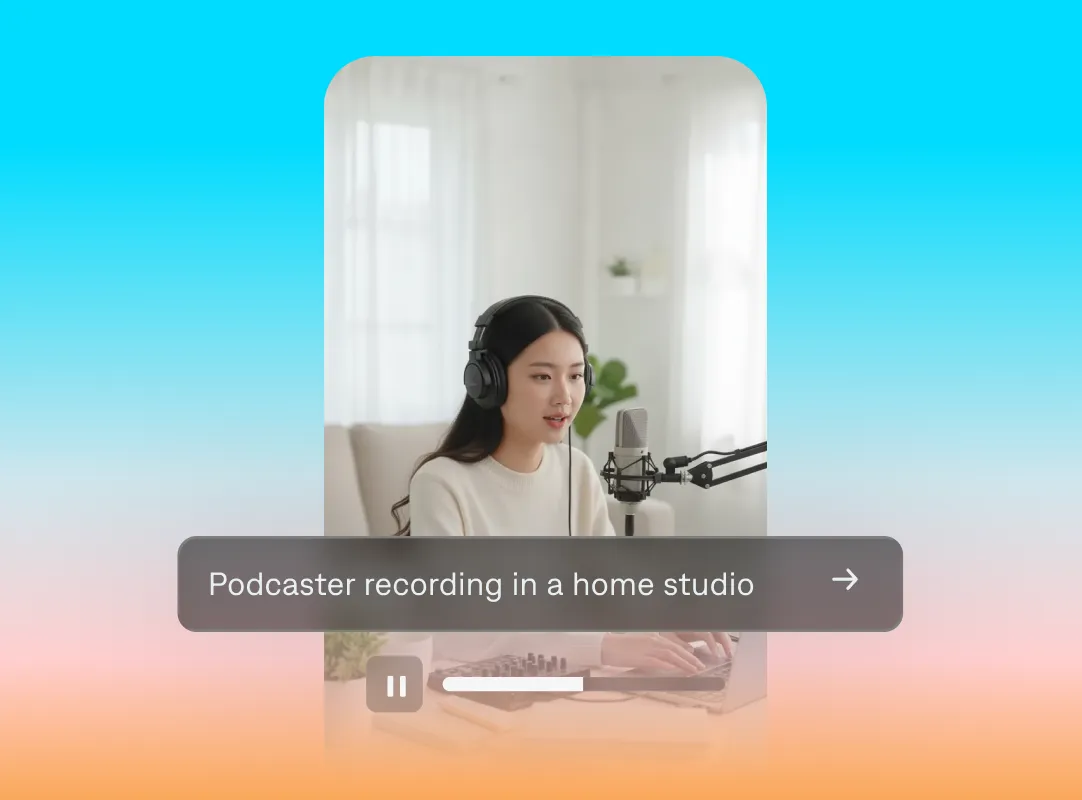
Any prompt. Unlimited potential.
Make exactly what you need
You can prompt just about every part of your video, from its topic to its aesthetic. You'll get a custom video, tailored to your request. For even more detail, try adding a reference image or link.
Iterate quickly
It’s easy to explore different directions and adjust as you go. Try changing details like lighting or background to see how that affects your output. You can also use prompts to edit your video once it generates.
Make any kind of video
From product videos and tutorials to expert thought leadership, Captions can make it. Just describe what you need, and generate it.
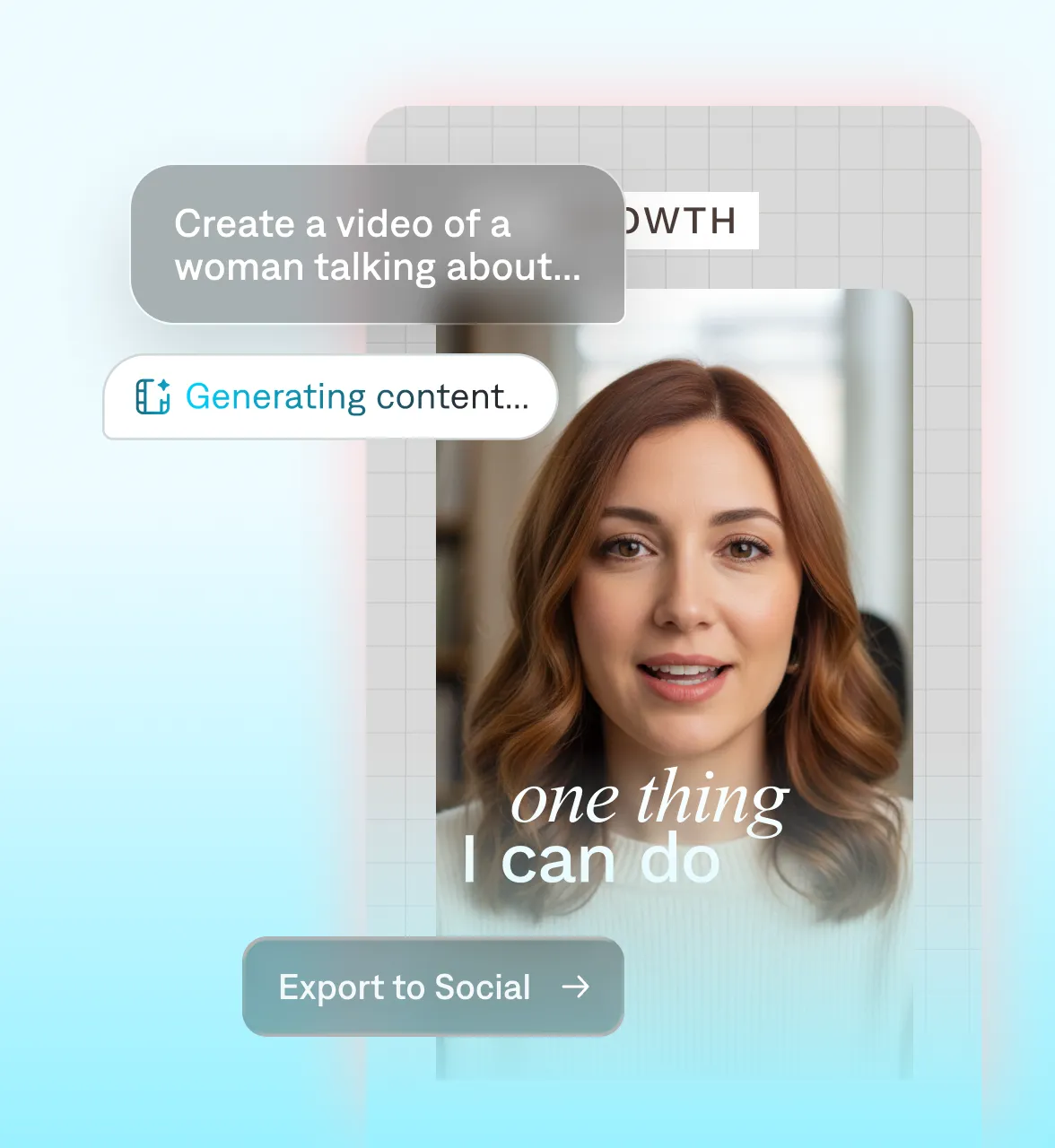
An all-in-one workflow
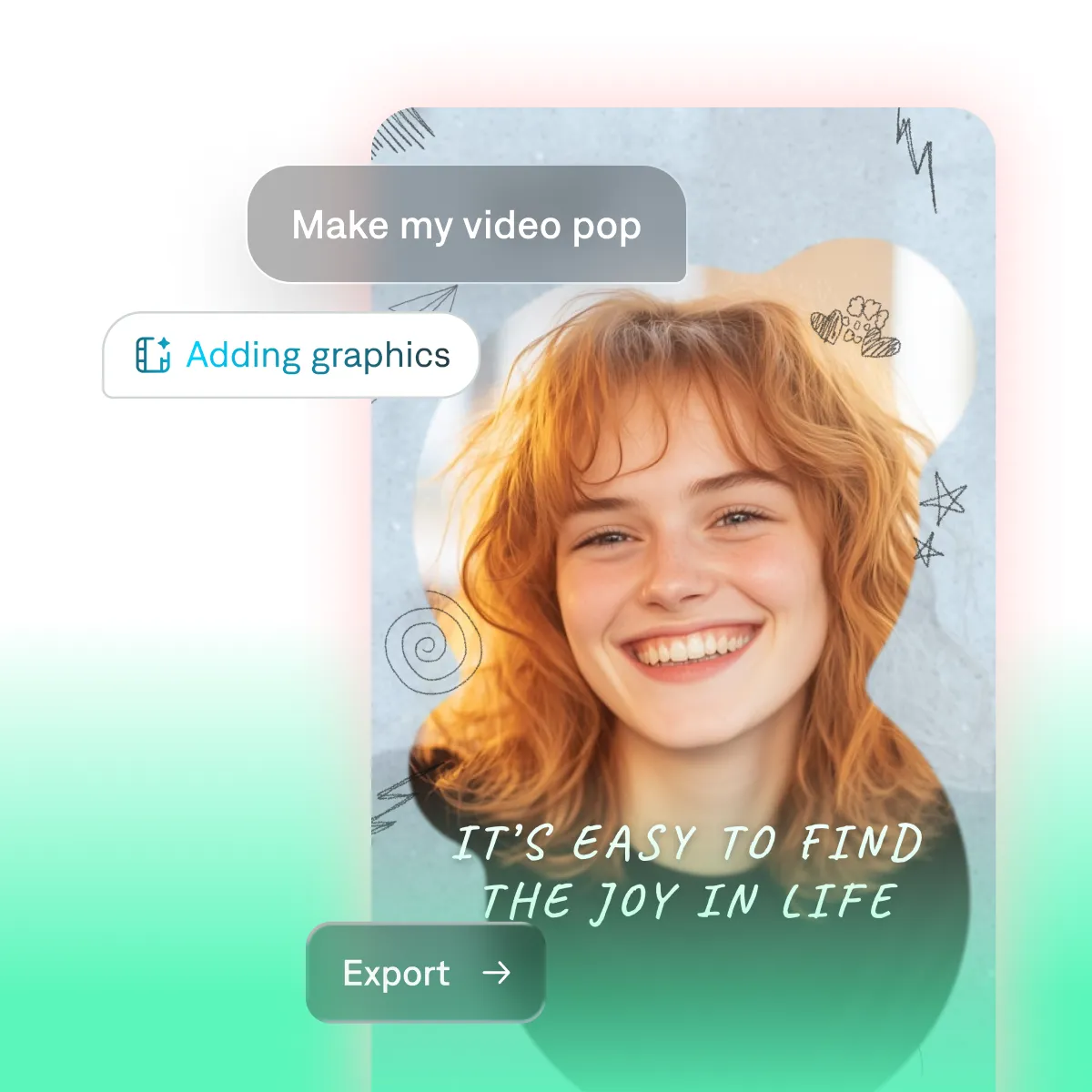
Edit the details
Use prompts to edit, generate auto-captions, or apply AI editing. Captions is an all-in-one video editor, so your workflow stays simple.
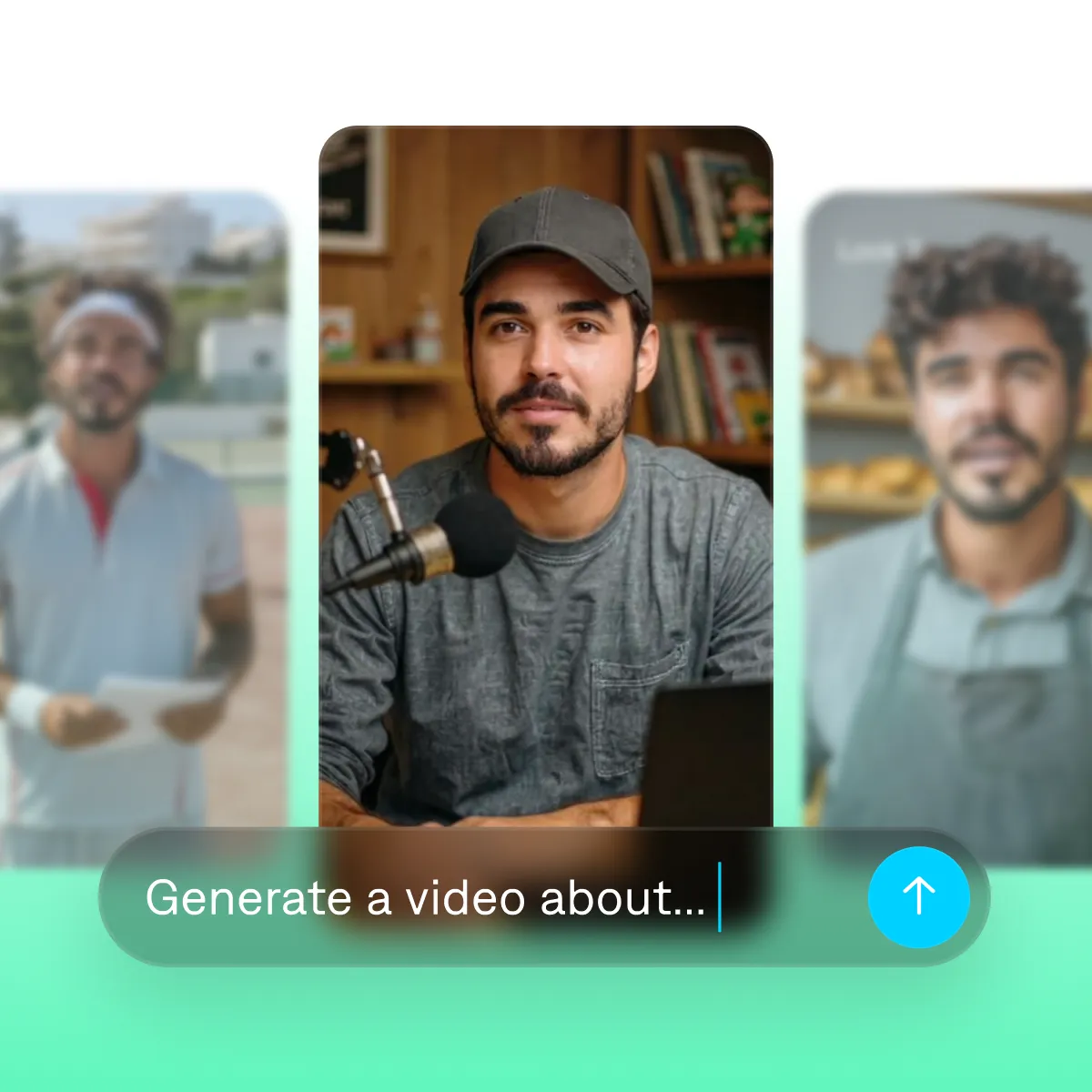
Publish directly
Captions makes publishing easy. Translate into 100+ languages, resize for top platforms, and share directly to TikTok, Reels and more.
Start your next video

Frequently asked questions
How does text-to-video work?
Text-to-video or prompt-to-video generators use text instructions to guide an AI model. You type your idea or topic, and the generator creates totally new footage about it. Whatever you include in your prompt will help the AI generator create the right kind of video. Details like scenery, lighting or camera angles all come together in the final video.
How does prompt-to-video work?
You describe the video you want in plain text, and AI generates footage that matches your prompt. Add reference images or a link to steer the look, then edit the result in Captions.
How do I prompt AI to make a video?
Use the formula [subject] in [setting], [lighting], [motion], [mood]. For example: "A skincare bottle on a wet marble counter, soft morning light, slow push-in, dewy and clean." Generate, then refine by changing a few words at a time. Start simple and iterate. For more tips, see our guide to winning AI video prompts.
What kinds of videos can I make from a prompt?
You can make a lot of videos with prompts, including popular talking head formats and faceless AI voiceovers. People use Captions to make product videos, social clips, b-roll, explainer videos and more. You can start with a simple idea or full script, and include references if you have them.
What makes an effective generative AI prompt?
Specificity. Vague prompts get generic results; specific prompts get better results. A good prompt shares a clear idea, plus the right details to fill out the scene: who's on screen, where, how it's lit, how it moves, and how it should feel. For a deeper walkthrough, see our guide to winning AI video prompts.
Can I change my prompt later?
Yes, iterating is a normal part of the process. Tweak details like brightness or pacing and try again. In Captions, you can also use prompts to edit, changing specific details instead of creating a new video.
Are generated videos cleared for commercial use?
Yes. Your Captions subscription includes full commercial-use rights to everything you create.