
Make educational videos your audience will love
You're an educator—not a video editor. Captions handles video editing and production so you can focus on what matters most: Sharing your expertise. Whether you're making classroom tutorials or building an online community, Captions turns your best ideas into engaging videos, all in minutes.
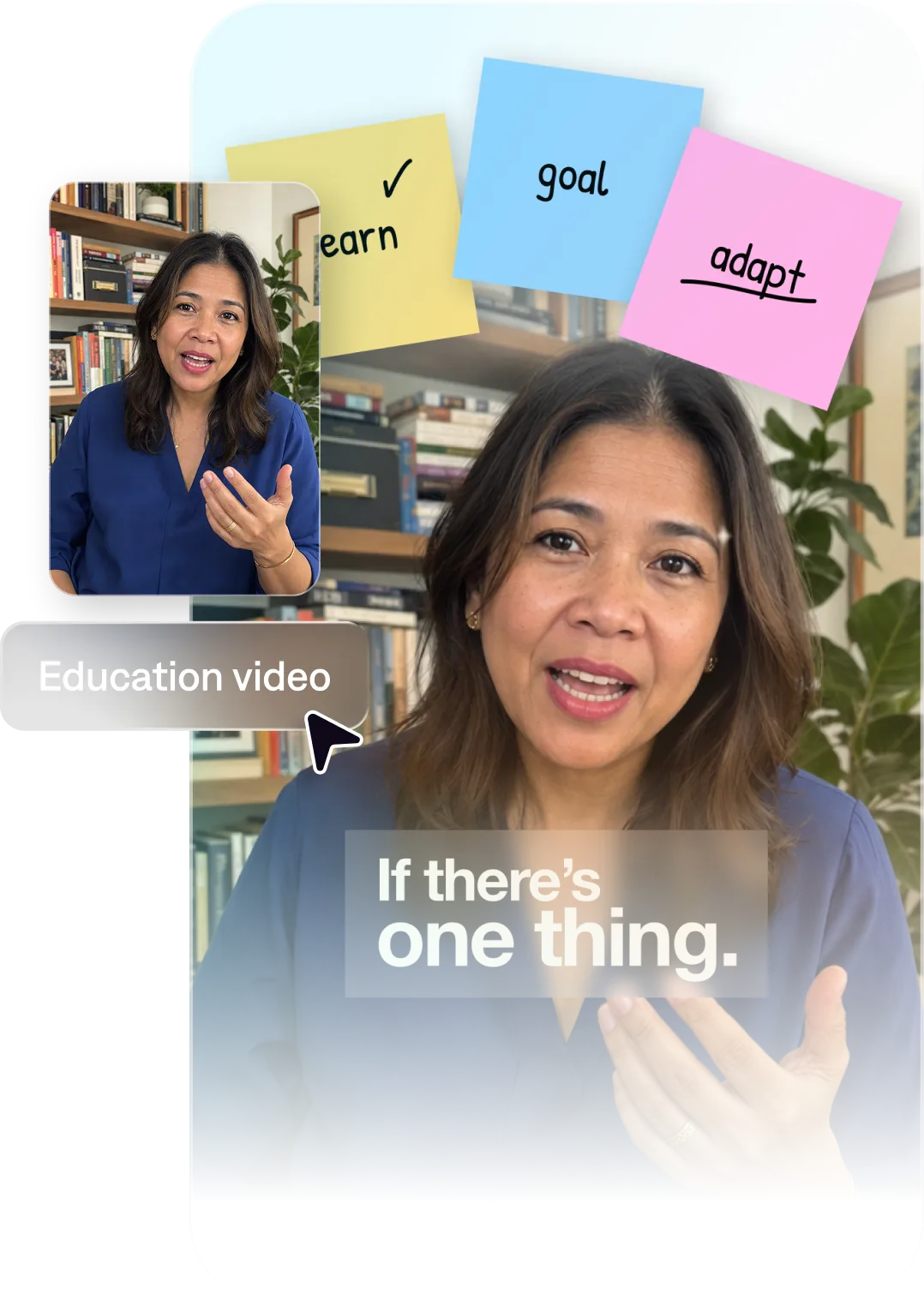
The best AI video editor for teachers
Let AI edit for you
No technical expertise? No problem. Captions turns your raw recordings into fully-edited clips that are ready to post. You can even use AI to correct details like eye contact or background noise, so you don't need to worry about getting the perfect take or finding a good setup.
Make engaging, polished videos
Pack a punch with stylized edits, B-roll footage and graphics that help land your message. All you need to start is an idea: Captions can create full videos from raw footage, prompts or scripts. It can also add automatic captions, making sure you comply with accessibility guidelines.
Reach more students
Some students learn better through video, and now it's easier to make than ever. Repurpose lessons for students to watch at home, turn workshops into social-ready clips or turn tutorials into online content. Whether you have a physical classroom or online community, video will help you connect.
Import your video to start
By uploading a video to be edited using AI, you are agreeing to our Terms and have read our Privacy Policy.
Prompts we've loved
Lesson explainer video
"Create a 3-minute explainer video on how photosynthesis works for a 7th-grade science class. Use simple language, animated on-screen labels for each stage, and a clear, patient teaching tone."
Course introduction video
"Make a 90-second intro video for an online course on personal finance. Introduce yourself, explain what students will learn, and end with a compelling reason to enroll. Use a warm, authoritative tone."
Concept breakdown video
"Create a 2-minute video breaking down the concept of compound interest for high school students. Use a numbered framework, on-screen math examples, and an engaging, relatable tone."
Popular AI Edit styles for educators


Start making better videos

Frequently asked questions
Do I need to know how to edit video to use Captions as a teacher?
No. Captions is designed for people who don't have video or editing experience. You describe your lesson and the AI handles all the rest. You can go from concept to a ready-to-share video in under 10 minutes.
How do I automatically add subtitles to educational videos?
Captions adds accurate captions or subtitles automatically. This is important for accessibility and for students who are deaf, hard of hearing, or learning English as a second language.
Can I use Captions to create videos for an online course platform?
Yes. Many educators use Captions to create course videos for top online educational platforms. You don't need a studio setup or fancy mic, because you can edit it all after.
Can I create videos in multiple languages?
Yes, and you don't even have to translate the videos yourself! Dub in other languages using AI lip sync, an advanced feature that translates your video into a new language. Captions syncs your original footage with the new audio so it looks natural, even for native speakers.
Will Captions correctly transcribe specialized terms and subject vocabulary?
Captions is highly accurate, but specialized terminology—scientific names, mathematical notation, historical proper nouns—should always be reviewed before sharing. The editor makes corrections fast: highlight the word and retype. Review captions before exporting SRT files for LMS submission.
Can I export caption files for my learning management system?
Yes. Captions exports SRT files that work directly with major course platforms. This meets ADA accessibility requirements without a separate captioning service or manual transcription.