
Add accurate, stylized video captions in minutes.
Our AI caption generator transcribes videos to add precise auto-captions. It automatically creates and syncs captions you can use on any platform. Choose from 100+ languages and 100+ caption styles.
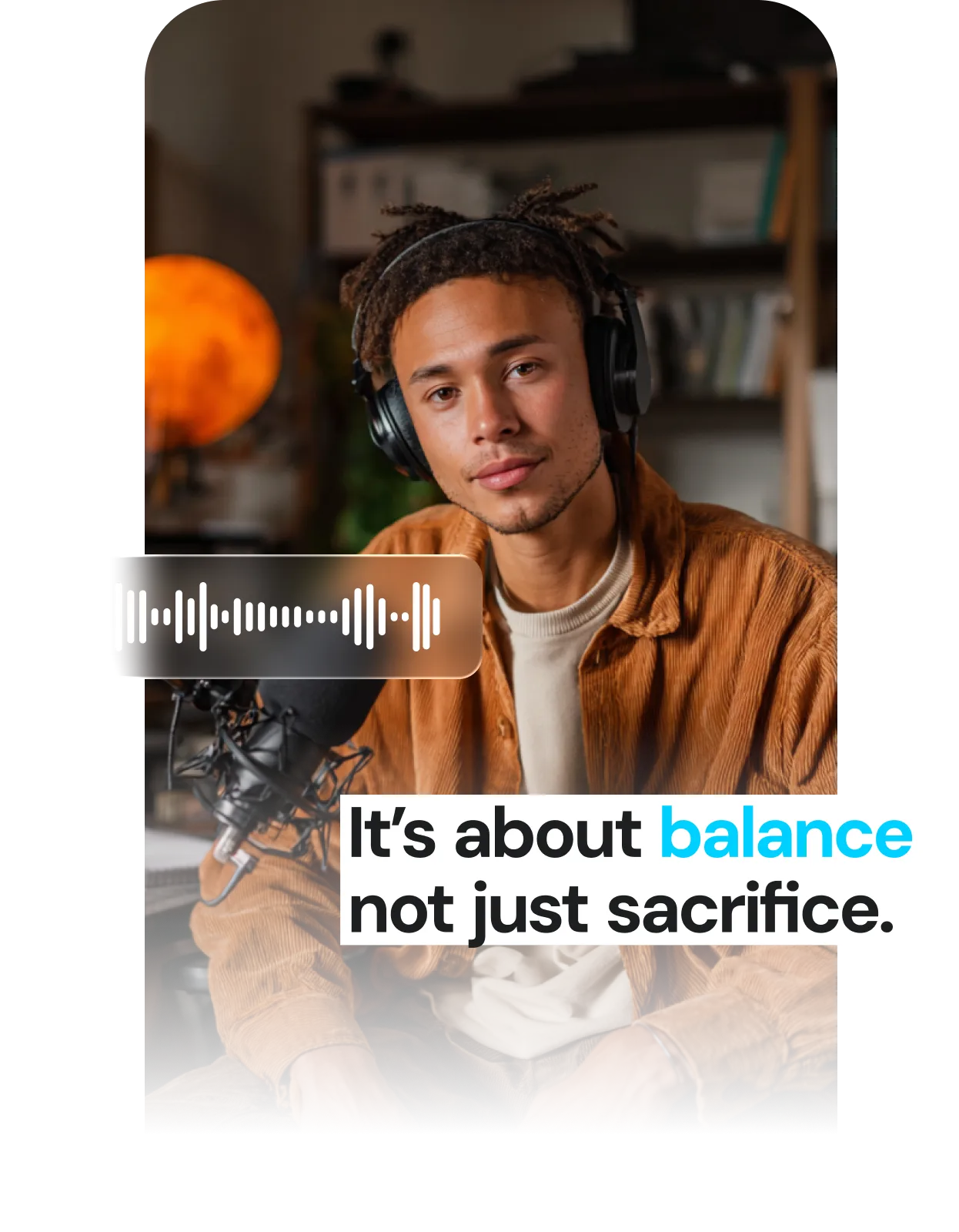
The best AI caption generator for talking videos

Accurate transcription
Captions detects audio with unparalleled accuracy, so words and pacing always match.

Multilingual support
Reuse the same video and add translated subtitles in more than 100 languages.

Optimized performance
Captions are timed, styled, and formatted for social performance.

Stylized templates
Choose from popular caption styles or enable auto emojis for extra emphasis.

Animations and effects
Add animations, transitions, and effects for extra impact.

Brand customization
Adjust fonts, colors or layouts to make sure content feels true to your brand identity.
Try it now
By uploading a video to be edited using AI, you are agreeing to our Terms and have read our Privacy Policy.
Auto-captions in three easy steps
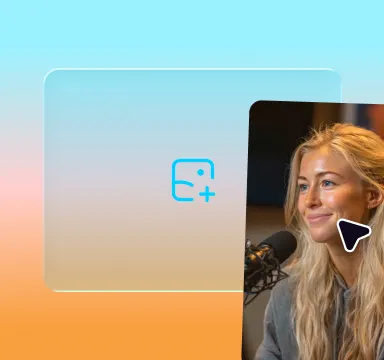
Upload your video
Import directly from your camera roll or record within the Captions app.
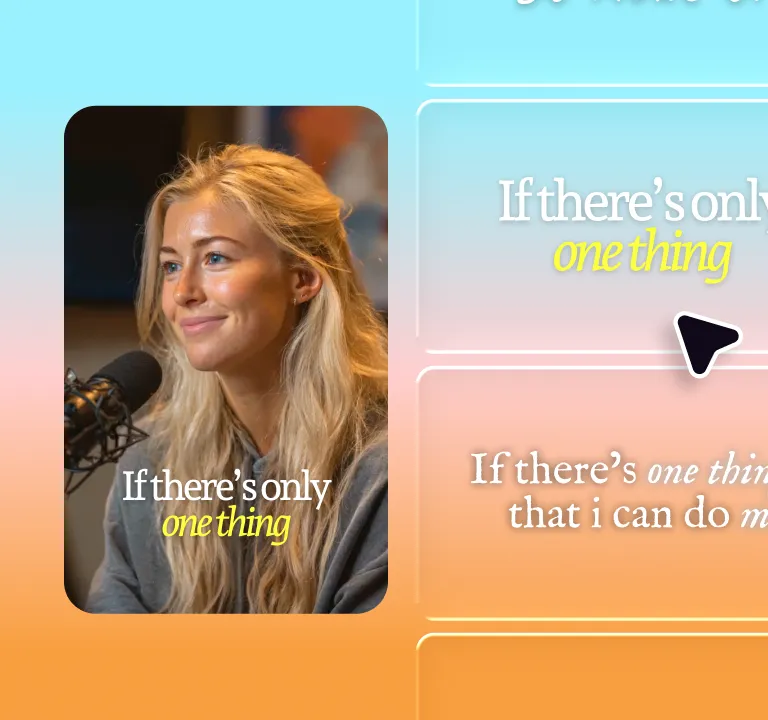
Add captions
Captions auto-generates subtitles in seconds. Edit or restyle to fit your brand.
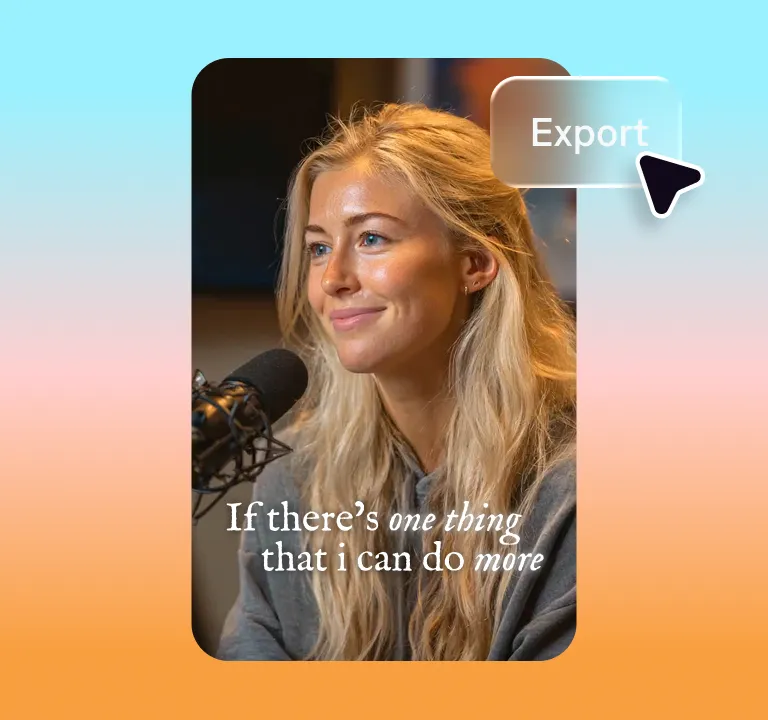
Share
Export and post directly to any social platform—all optimized for the right format.
Why add video captions?
Deepen engagement
Most social video gets watched on mute. Captions keep viewers in the story with the sound off. Style them to match your brand and stop the scroll.
Broaden your reach
Many social platforms use video captions to inform distribution. Captions also help more people understand your content across languages and platforms.
Improve accessibility
Captions make your videos work for everyone, including viewers who are deaf or hard of hearing. More inclusive content also means a more expansive audience.
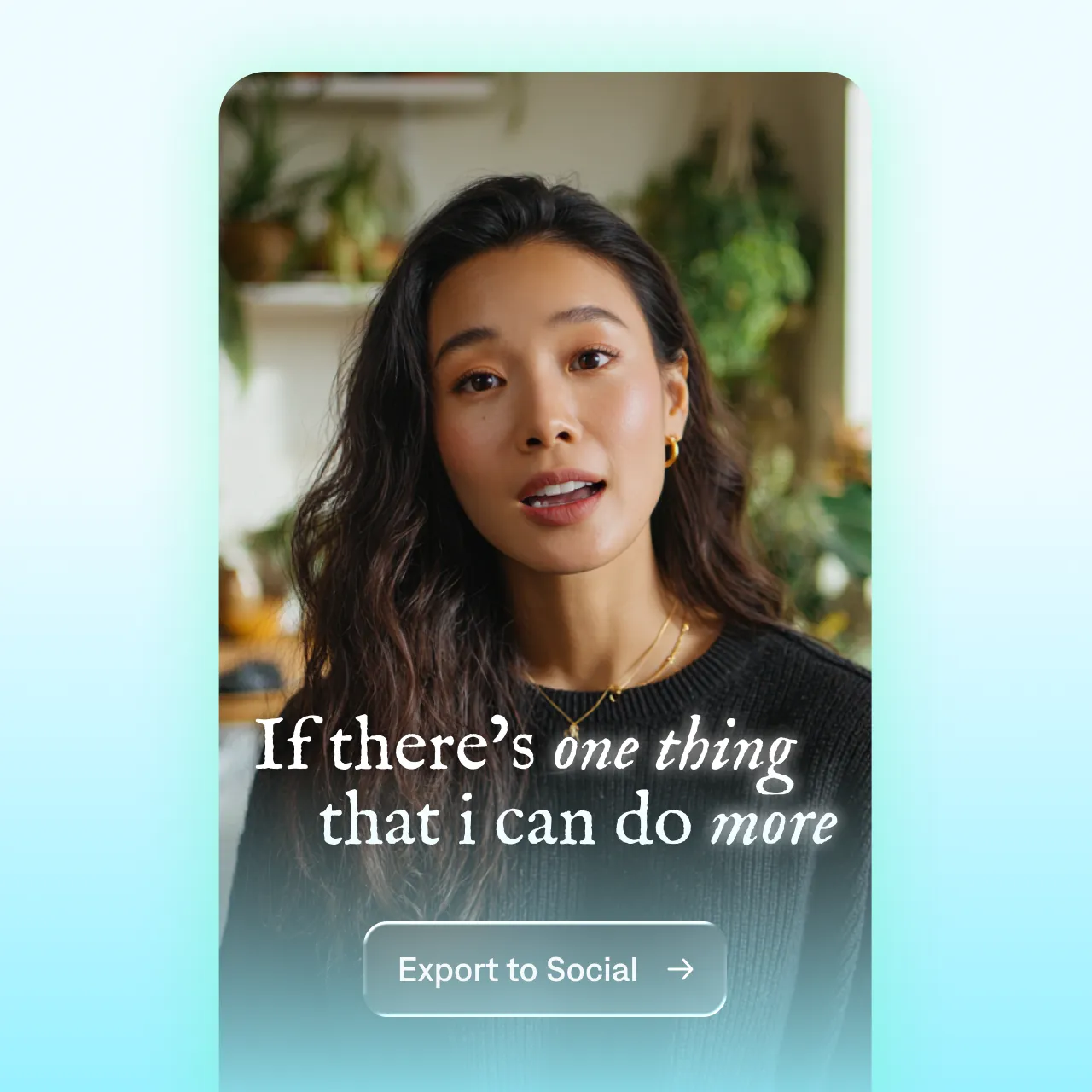
Features you'll love:
Handles any voice
Captions' AI is powerful. It can handle accents, fast speech, technical vocabulary and even multiple speakers.
Customizable styles
Choose from styles like animated word-by-word captions, highlights or bold stacks. Or, build your own style to match custom fonts and colors.
Reusable videos
Because Captions adds captions directly to video files, you can reformat and reuse for multiple platforms. Just pick a different export size to export another version.
Start now

Frequently Asked Questions
What is an AI caption generator?
An AI caption generator automatically transcribes your video's audio and turns it into synced, styled on-screen captions. It transcribes what's said, times each word to your audio, and styles the captions for you. No manual typing. No syncing. Just upload a video, and an AI caption generator does the rest.
Why do I need video captions for social media?
The majority of social video is watched on mute, so on-screen captions are how most people actually consume your content. Captions burns subtitles directly into the video (open captions), so they display consistently across platforms like TikTok, Instagram, YouTube Shorts, and LinkedIn. Choose a style preset built for vertical video, then export in the right aspect ratio for each platform.
How accurate are Captions’ subtitles?
Captions uses AI-powered speech recognition built to handle a wide range of accents, speaking speeds, and audio quality. It supports transcription in 100+ languages and automatically syncs captions to your video. You can review and edit any line before exporting to make sure everything is exactly right.
Can I add captions in multiple languages?
Absolutely. Captions supports translation in over 100 languages. Just select your desired language, and translate your video with one click to make your content global.
Do I need to manually sync subtitles?
No. Captions automatically aligns your subtitles with your audio, saving hours of manual work.
How do I add captions to TikTok and Instagram Reels?
Open the Captions app, import your video, and the AI automatically generates captions. Choose a style preset designed for vertical video, adjust any text if needed, and export. You can then upload the captioned video directly to TikTok, Instagram Reels, YouTube Shorts, or any other platform. Captions are burned into the video so they display everywhere—no native subtitle support required.
What are open vs. closed captions?
Open captions are permanently burned into the video itself, meaning they always display and cannot be turned off by the viewer. Closed captions are separate file layers, and users can choose to turn them off.
Open captions are better for social media videos because they don't require platform support. They also appear consistently on TikTok, Instagram Reels, YouTube, and anywhere else you share your video. Open captions are the preferred format for social media, where videos are often watched on mute.
How do I choose between captions or subtitles?
Whether you use captions or subtitles depends on your video goals and where you plan to share it. For a detailed guide, check out this blog comparing the two.
What's the difference between open captions, closed captions and SRT files?
Open captions are permanently burned into the video and always display. Closed captions and SRT files are separate layers viewers can toggle off. For social media, open captions win because they don't depend on platform support and look identical everywhere. Captions auto-syncs open captions to your videos, so you can reuse them across multiple use cases and contexts.