
LinkedIn video maker
Insight drives LinkedIn. Video helps it travel further. Captions turns scripts, ideas, and written posts into LinkedIn videos in minutes.
LinkedIn video creation, simplified
Build your personal brand
Captions helps you turn insights or written posts into structured, ready-to-share thought leadership videos without managing a full production process. Make videos from prompts or scripts, edit with AI and you're ready to post.
Promote what you do
Video makes it easier to show how your product or service works. With Captions, you can quickly generate videos that communicate your value clearly in LinkedIn video ads or posts.
Show up consistently
Visibility on LinkedIn comes from regular publishing. Captions simplifies video creation so you can turn ideas into content without managing a full production process.
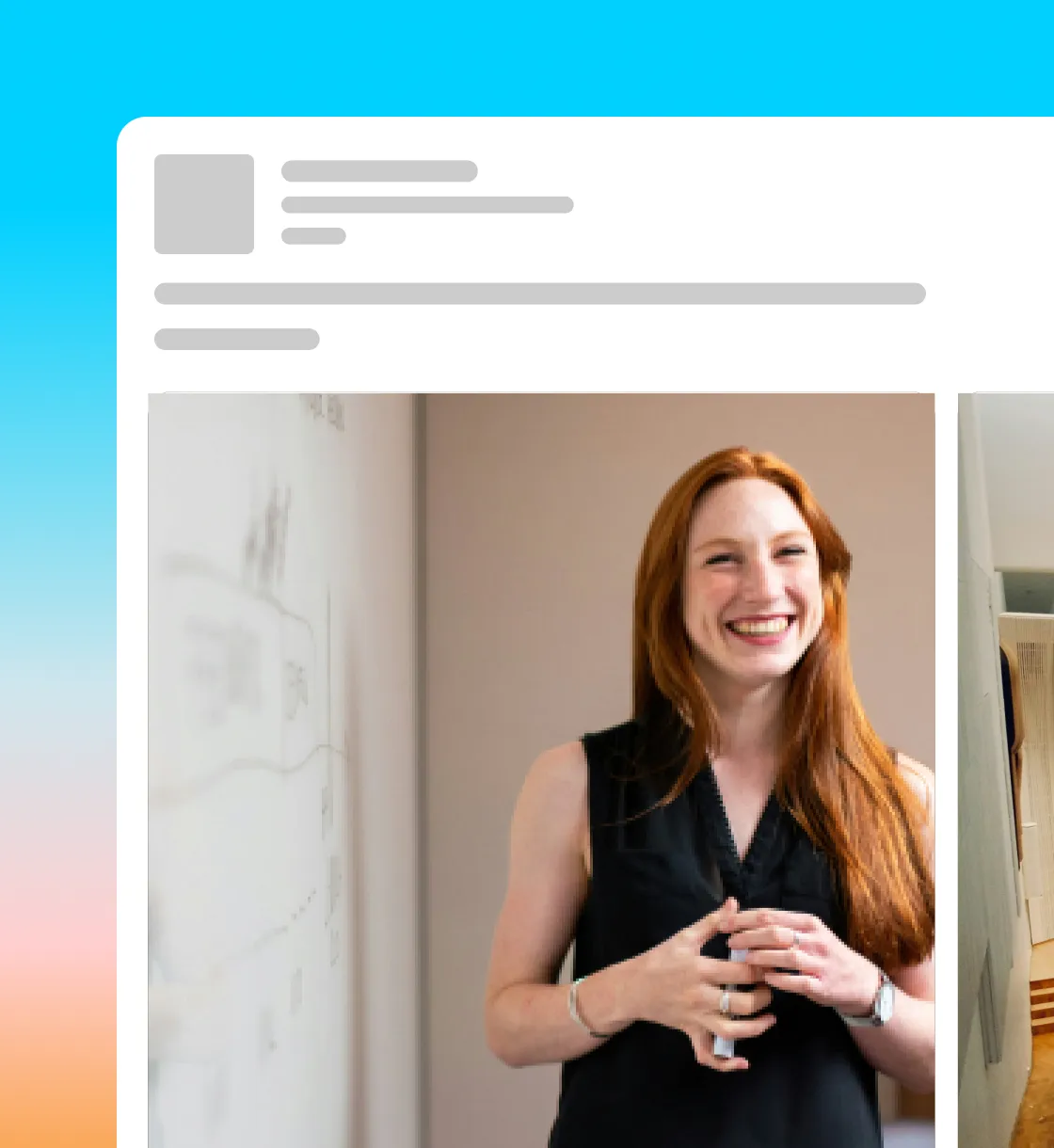
Share-ready video, faster
Create for every idea
LinkedIn videos don’t need a full production cycle. Make structured, professional clips in minutes. Add captions automatically, refine pacing, and export a video that’s ready to post or promote—without juggling multiple tools.
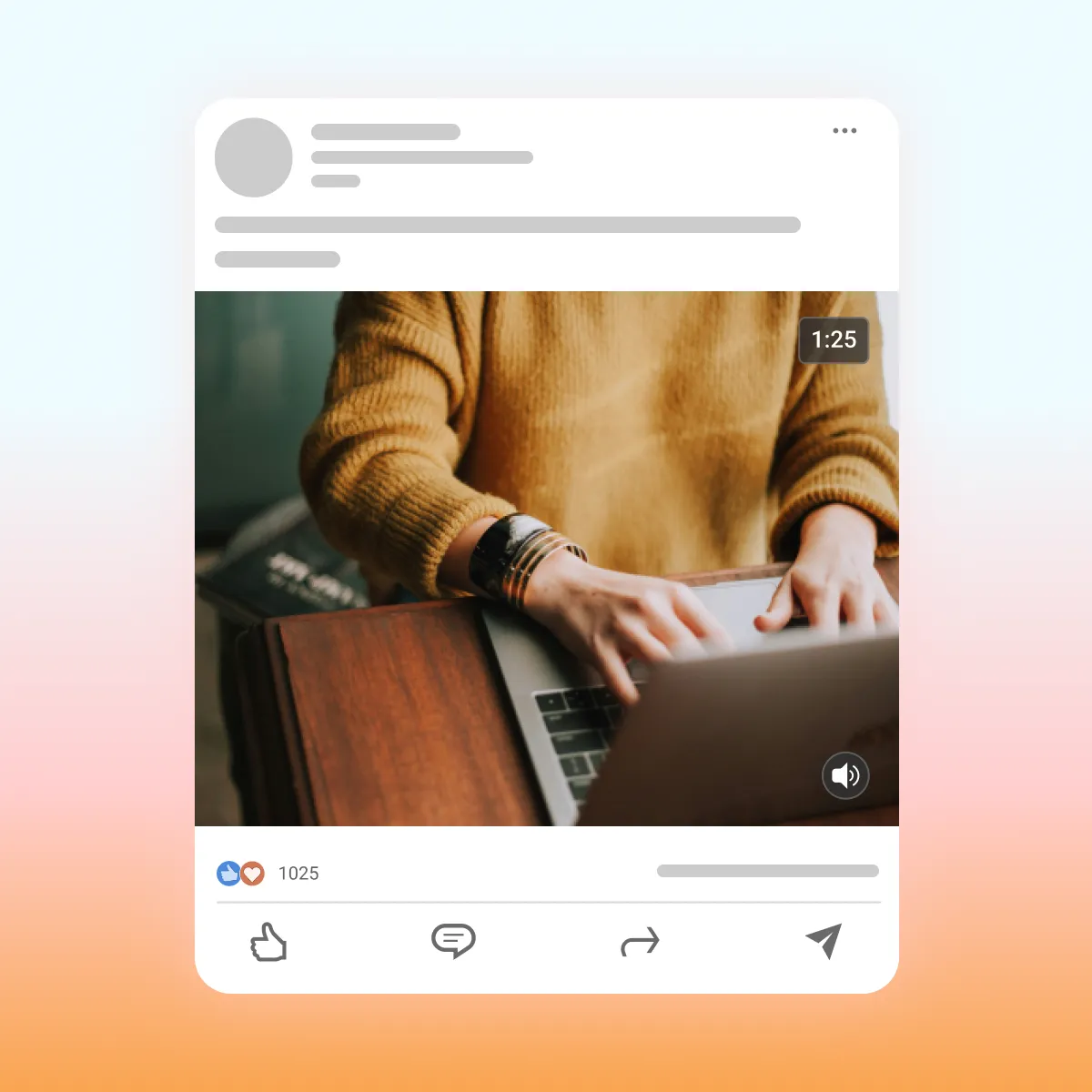
Start your next video

Frequently asked questions
How is LinkedIn prioritizing video content?
Videos now earn about 1.4x more engagement than other types of posts, so now’s the perfect time to jump in and create a video marketing strategy. LinkedIn rolled out features like in-feed carousels and full-screen viewing, making it easier than ever to grab attention and connect with professionals and partners.
What’s the ideal LinkedIn video length?
On social media, short and sweet wins. Aim for 15–30 seconds — that’s just enough time to get your point across without losing viewers. People scrolling LinkedIn are often multitasking, so they’re more likely to watch a concise clip all the way through.
What’s the best format for LinkedIn videos?
LinkedIn accepts several file types, like MP3, WEBM, and MPG. But MP4 within the H.264 codec is your safest bet. It looks great on both desktops and mobile, and if you’re making a video ad, it’s actually required.
What are some LinkedIn video ads best practices?
Kick off with a strong hook — a question, bold statement, or something that makes people stop scrolling. Add subtitles so everyone can follow along, even with the sound off. And remember: Keep it real. Authenticity builds trust, strengthens connections, and helps your brand stand out.