
We're sharing the recipe for better food videos
A food creator's best hack? Using Captions to create and edit videos. With Captions, you can go kitchen to Reel in minutes. Whether you're making recipe tutorials or sharing quick tips, you'll find the features you need to get better video, fast.
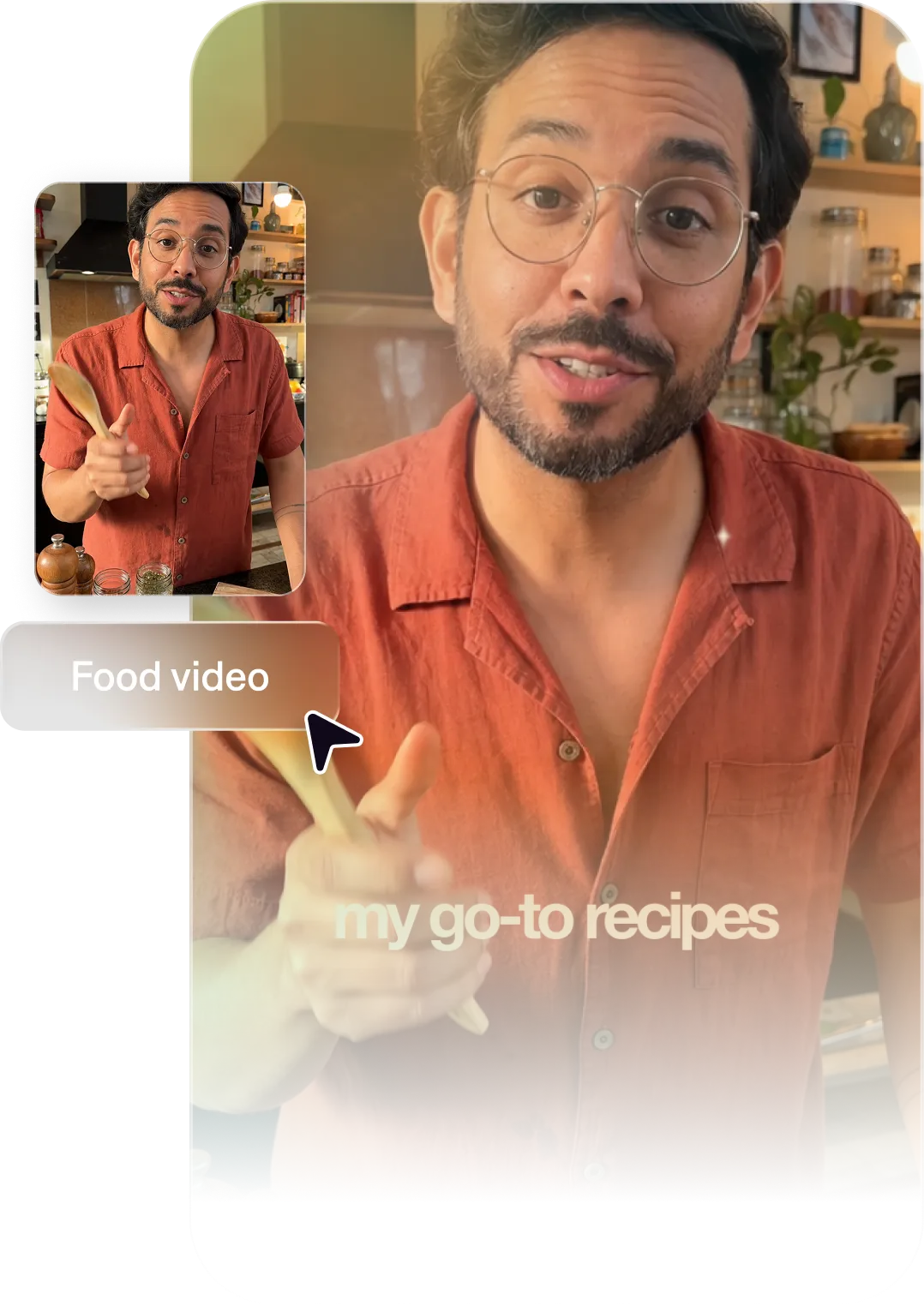
Why Captions is the best video editor for food creators
Make videos people actually finish
The best recipe videos are clear, visual, and fast-paced. Captions helps you produce cooking content that captures attention in the first second and holds it all the way to the final dish.
Post consistently and grow faster
Food is one of the most competitive creator niches. Stay on top of publishing with workflows that get you from idea to finished in minutes. And with AI quick fixes, your footage will always feel studio-quality, no matter how you shot it.
Show what makes you different
With Captions, it's easy to make videos with a consistent look, feel, and quality. As you publish more, people will start to recognize your style and spot your videos in their feeds. Use AI Edit to find your signature video style.
Import your video to start
By uploading a video to be edited using AI, you are agreeing to our Terms and have read our Privacy Policy.
Prompts we've loved
Quick recipe video
"Create a 60-second recipe video for a 5-ingredient weeknight pasta. Show each step in sequence with on-screen text ingredient labels, use an upbeat pace, and end with the finished dish as the final frame."
Long-form cooking tutorial
"Make a 5-minute tutorial video teaching viewers how to make homemade croissants. Break the process into clear stages with on-screen chapter titles, explain common mistakes to avoid, and use a warm, encouraging tone."
Food trend spotlight
"Create a 45-second video spotlighting the recent frozen yogurt trend. Explain why it's trending, show a quick recipe to make at home and talk about the most popular toppings we're seeing lately."
Top editing styles for food creators

Start making better videos

Frequently asked questions
Why do I need videos as a food creator?
Food is a true sensory experience, and people want to feel like they can taste it through the screen. Video helps immerse people in your world, helping them imagine trying the recipe for themselves or eating the finished product. It also helps showcase your personality better than text or images can do on their own.
How do I make recipe videos that perform well on TikTok and Instagram?
Fast-paced editing, clear ingredient labels, strong visual presentation, and searchable hooks in the caption drive performance. Captions helps you nail the visual execution so you can focus on the food. Even if you shot your video in a busy or messy kitchen, quick fixes make it all feel smooth. Then, apply an AI Edit style to make your video feel more polished in minutes.
What's the best video format for food content on YouTube?
Long-form tutorials (5–15 minutes) perform well for cooking content. Videos with clear, search-optimized titles tend to rank well and drive consistent traffic.
How do I make recipe videos that viewers actually cook from?
Make every measurement visible on screen and keep it legible. Viewers cooking along will screenshot your measurement overlays to reference while they work. Clear text overlays for temperatures, quantities, and timing are often saved frames and can drive return traffic. With our products, it's easy to add captions or other kinds of text overlay for these kinds of labels.
How do I add ingredient lists and steps as on-screen text in cooking videos?
Captions lets you specify exactly what text should appear on screen and when. You can add ingredient names, quantities, temperatures, and step-by-step instructions as visual overlays in any style.
How do I grow my food channel on YouTube and TikTok faster?
Post consistently, lean into specific niches (like 'high protein meals' or '5-ingredient dinners'), and optimize every title for search. Captions speeds up production so consistency is actually achievable. You can focus on getting ideas out the door, rather than spending tons of time on tedious edits or learning difficult tools.
Can I repurpose my YouTube recipe videos for Instagram Reels and TikTok?
Yes, and we recommend it. Captions makes it easy to take a longer YouTube video and produce short clips that highlight viral-worthy moments.