
Your new favorite editor for fitness videos
You shouldn't spend more time editing than you spend training. With Captions, you won't. Just upload your footage and let AI handle the rest. Captions can style an entire video at once, add generated captions or fix common recording issues. It's your secret weapon for consistent, high-performing fitness videos.
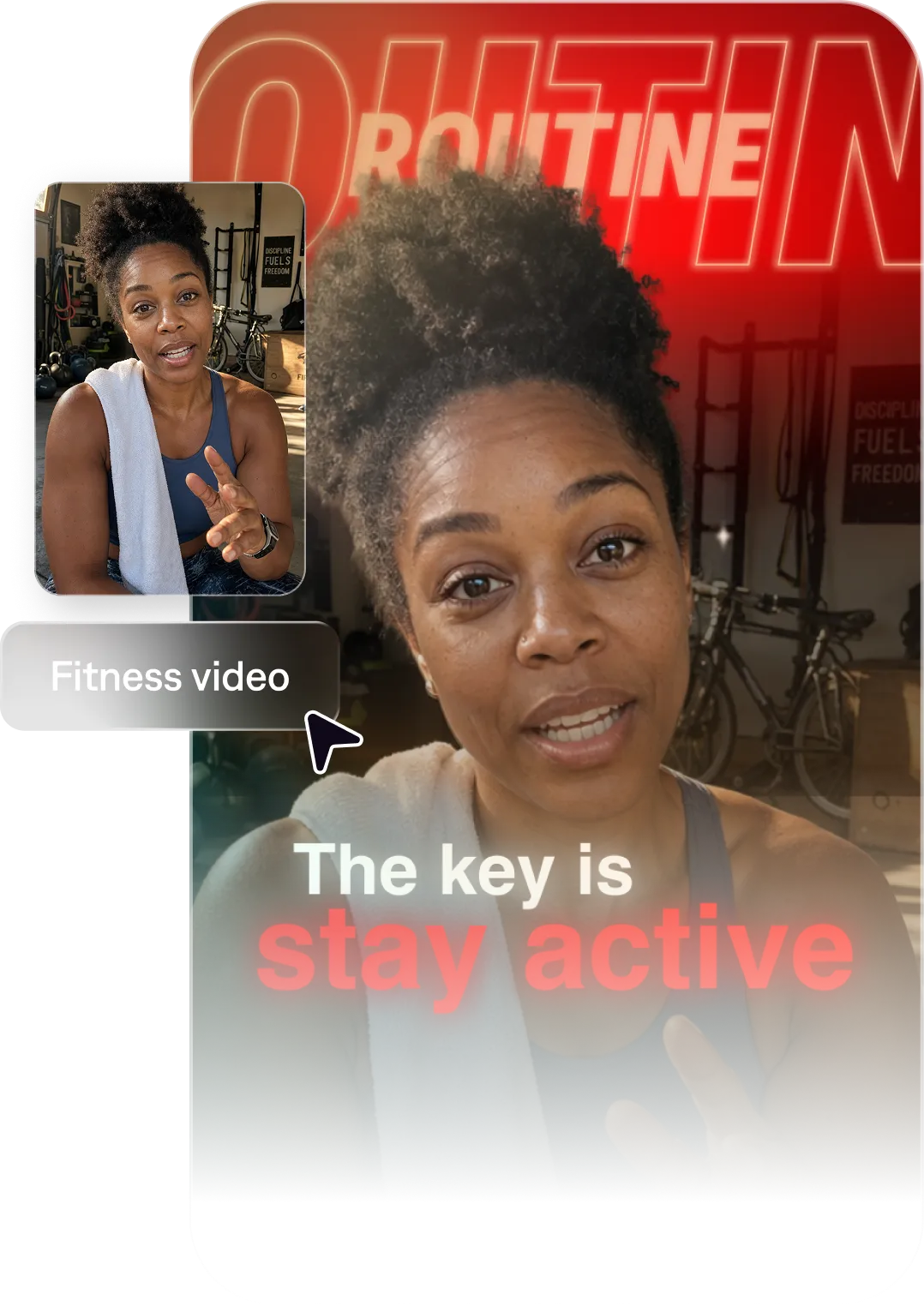
How Captions works
Turn your expertise into content
Captions helps you act on more content ideas. Create formats like workout videos, wellness tips, and training content, all with prompts. Captions handles the editing, and can even generate details like B-roll and graphics.
Build the audience you need
Fitness brands and creators that consistently show up on video grow faster. Use features like the AI Instagram Reel generator to keep your video pipeline full.
Look polished without slowing down
You don't need a film crew or hours of editing to look professional. Captions gives your fitness content a clean, high-quality look so you can focus on coaching, not production.
Import your video to start
By uploading a video to be edited using AI, you are agreeing to our Terms and have read our Privacy Policy.
Prompts we've loved
Quick workout tutorial
"Create a 60-second video demonstrating a 10-minute no-equipment morning workout. Show each exercise with on-screen rep counts and timers, use high energy music, and keep the coaching cues clear and motivating."
Personal trainer intro video
"Make a 90-second intro video introducing yourself as a personal trainer. Share your background, your training philosophy, the type of clients you help, and end with a clear CTA to book a consultation."
Workout motivational video
"Create a 45-second video telling people they're strong, confident and able to finish a hard workout. Use an upbeat tone and make people feel excited to try something new. Choose a vivid font color and high-energy B-roll."
Popular AI Edit styles for fitness creators
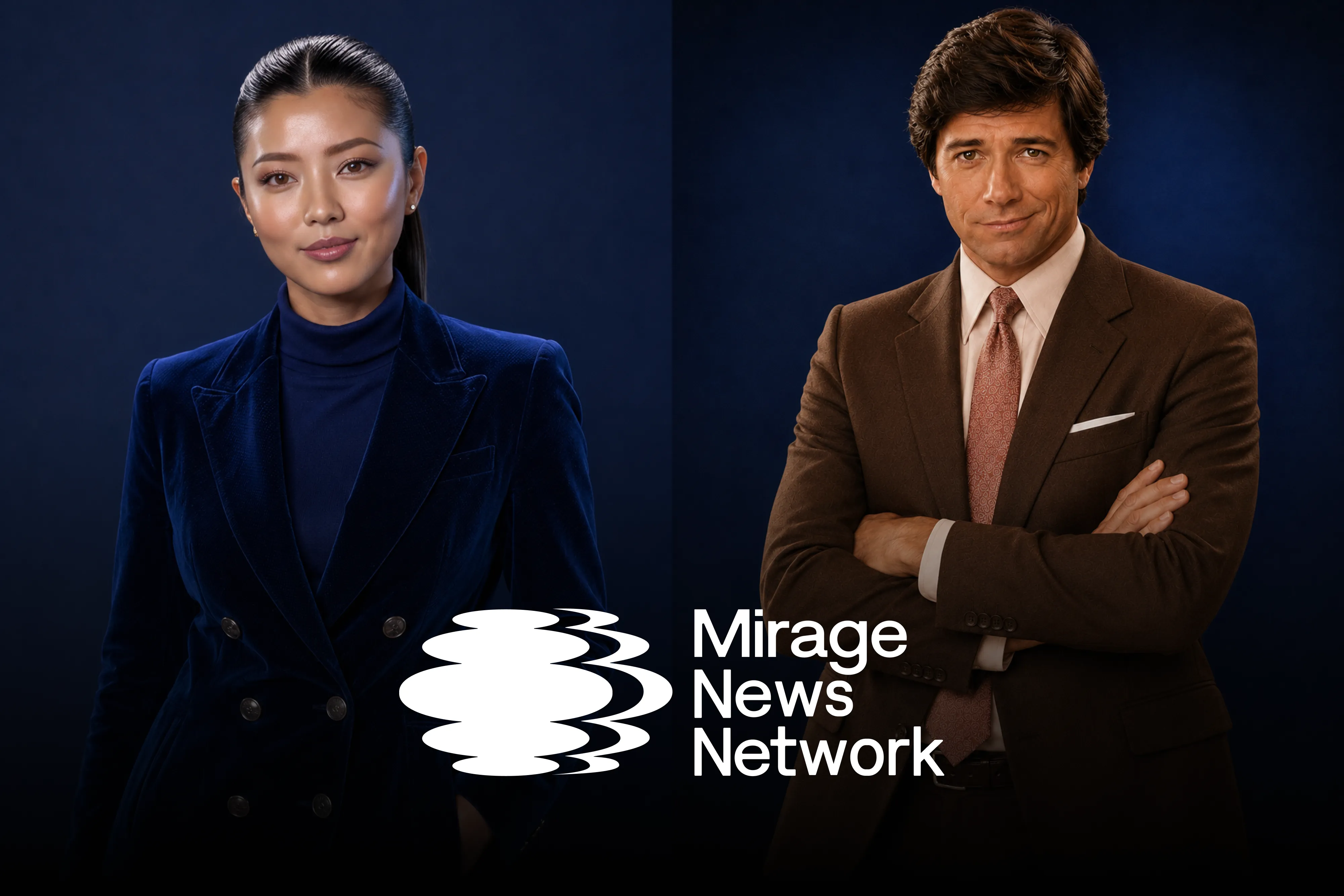
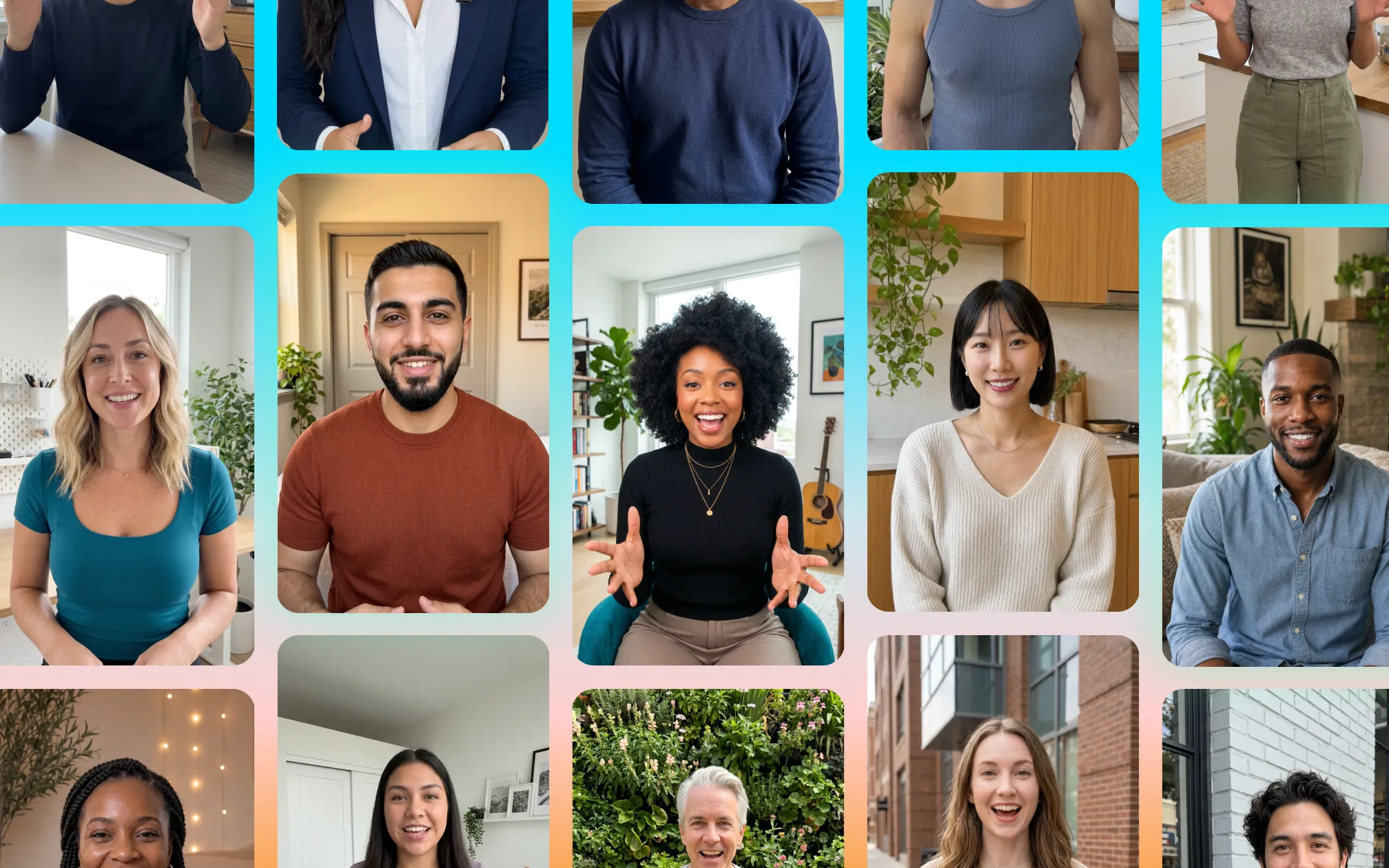
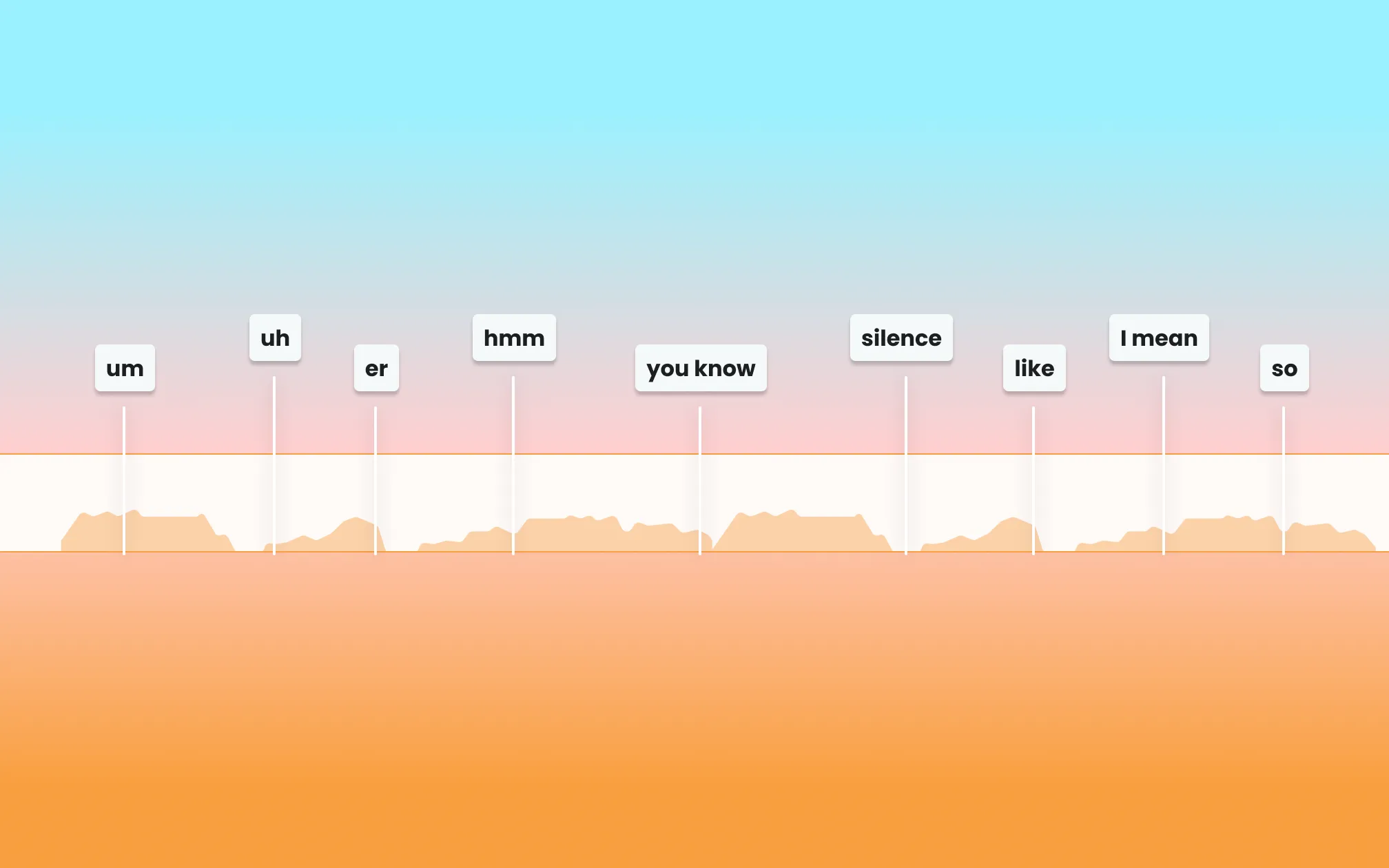
Start making better videos

Frequently asked questions
Do I need fancy equipment to make professional fitness videos with Captions?
No. Captions can help you create polished, engaging fitness content without professional camera equipment or a dedicated studio. It's designed for creators who don't have big teams or budgets to help them make videos.
How do fitness creators keep up with a daily posting schedule?
Batch your tip content weekly. Script 5 videos, film them back-to-back, apply a consistent visual style, and schedule one per day. Repurpose livestreams and longer workout sessions into shorter clips so you can keep trickling out more videos over time.
How do I edit workout videos fast without losing quality?
Captions handles the heavy lifting. You describe the video you want, and the AI produces a polished version in minutes. You don't have to worry about complex timeline editing, manual captioning or other time-consuming tasks.
How do personal trainers use video to get more clients?
Educational content and transformation stories work best. Videos that show your personality, demonstrate your methods, and address the specific challenges your ideal client faces build trust and drive inquiries.
What fitness video formats work best on TikTok and Instagram?
Quick workout demos, nutrition tips, mistake corrections, and behind-the-scenes training footage all perform well. Short, action-packed videos under 60 seconds get the most engagement.
Can I repurpose my training content across multiple social media platforms?
Yes. Captions makes it easy to take one video concept and produce versions optimized for different platforms. Export for the platforms you want and the video already has the right dimensions and specs.