
Video editing tools for healthcare professionals
You're a medical expert, not a video editor. Captions helps you make patient education videos and healthcare marketing content in minutes. Just bring your ideas, and let Captions' AI do the rest.
Key benefits for healthcare professionals
Make information patients remember
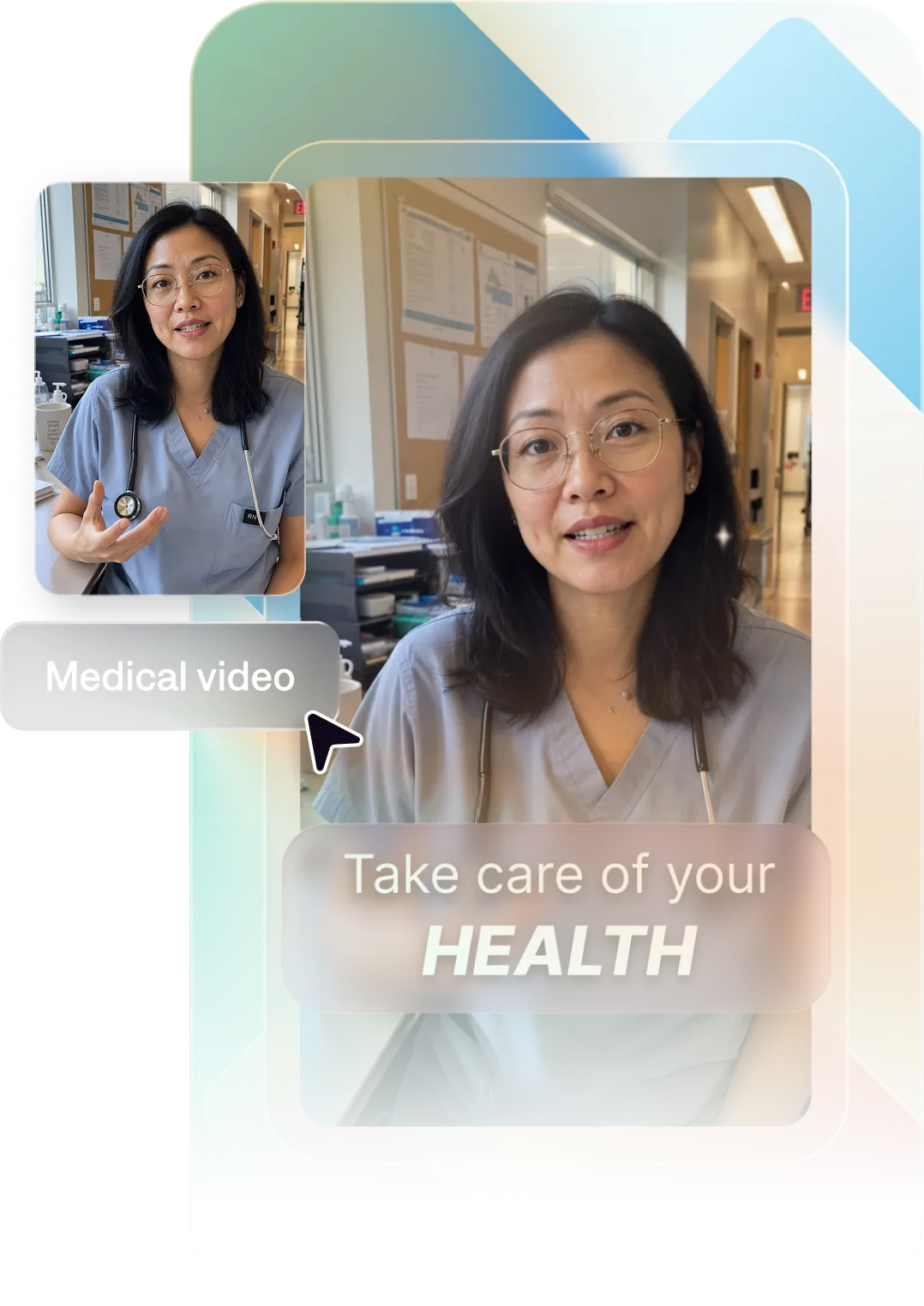
A short, clear video explains complex medical topics better than a pamphlet ever will. Captions helps you turn clinical knowledge into content your patients actually watch, understand, and act on. Talking head videos are a natural fit for delivering health guidance in a direct, trustworthy format.
Grow your practice and presence
Many patients search online before choosing a provider. Professional videos help you show up in searches and make a great first impression. Formats like thought leadership videos can also grow your personal brand.
Create fast, and get back to work
You're already stretched thin. Captions helps you produce high-quality social media and marketing videos in minutes. No camera crew, no editor, no production overhead. Every video includes automatic captions to make your content accessible to all patients.
Import your video to start
By uploading a video to be edited using AI, you are agreeing to our Terms and have read our Privacy Policy.
Prompts we've loved
Post-procedure care instructions
"Create a 2-minute video with post-operative care instructions for cataract surgery patients. Use numbered steps with on-screen text, clear and calm narration, and simple language appropriate for all ages."
Practice introduction video
"Make a 90-second intro video for a dermatology practice. Introduce the physician, highlight the services offered, and share what makes the patient experience different. Use a warm, professional tone."
Health myth debunker
"Create a 60-second video debunking the myth that you need to detox your body with juice cleanses. Cite one scientific fact, explain how the liver and kidneys work, and close with a practical healthy habit tip."
Popular editing styles for healthcare professionals

Start making better videos

Frequently asked questions
Do I need any video editing skills to use Captions?
No, you don't need video editing skills to use Captions. In fact, that's why it's so popular with content creators! We designed Captions to work for all kinds of people and make videos fast. You can edit existing footage, create videos from prompts or start with a script.
Can Captions create videos in multiple languages?
Yes, and you don't even have to worry about translations or dubbing yourself. Captions supports multiple languages, which is especially useful for practices serving diverse patient populations. Add automatic captions or translated subtitles in more than 100 languages. You can even use AI dubbing to transform your video for a totally new language, including synced lip movements.
How quickly can I produce a healthcare video with Captions?
Most videos are ready in minutes. From prompt to a finished, publish-ready video takes under 10 minutes—no filming or editing required. If you have footage you want to start with, run it through AI Edit for the quickest option. AI Edit applies a stylized look to the entire footage at once so it's fully-edited and ready to share.
What types of video content work best for medical practices?
Patient education videos, post-visit care instructions, practice introductions, and health myth-busters all perform well. Videos that answer questions patients are already searching for are especially effective.
How do I add subtitles to healthcare videos automatically?
Captions are a patient access issue and not just a best practice. For deaf, hard-of-hearing, or ESL patients, accurate subtitles are how they receive your clinical information. Captions adds these automatically, with accuracy high enough for medical terminology.
How do I create patient education videos that are easy to understand?
Keep the language simple and focus on one topic per video. Short videos (60–90 seconds) addressing a single question tend to perform best. Captions handles the visuals so you can focus on the message.
Where should I put required disclaimers in my healthcare videos?
At the end, and in your caption copy. Starting with a disclaimer weakens your hook. Lead with the clinical insight, and place 'not medical advice' in the video end frame and post description.