
Transition video editor
Transitions make your videos easier to watch. They shape how a video feels and flows. With Captions, you don’t need complicated software, you can easily add transitions that improve pacing and deliver a cohesive, polished final product.
An easier way to edit
Add transitions automatically
AI can add video transitions between clips based on your content’s pacing and structure. Captions makes it easy to add transitions with a tap so your videos will flow without manual timeline adjustments.
Find the perfect pace
Tailor your transitions to each video's tone and topic. Tools like Captions offer a wide range of ready-made transitions to choose from, like leaks, blurs, shutters, and more.
Get clean results
Video transition effects are designed to blend smoothly between clips. This makes your videos feel more cohesive and intentional.
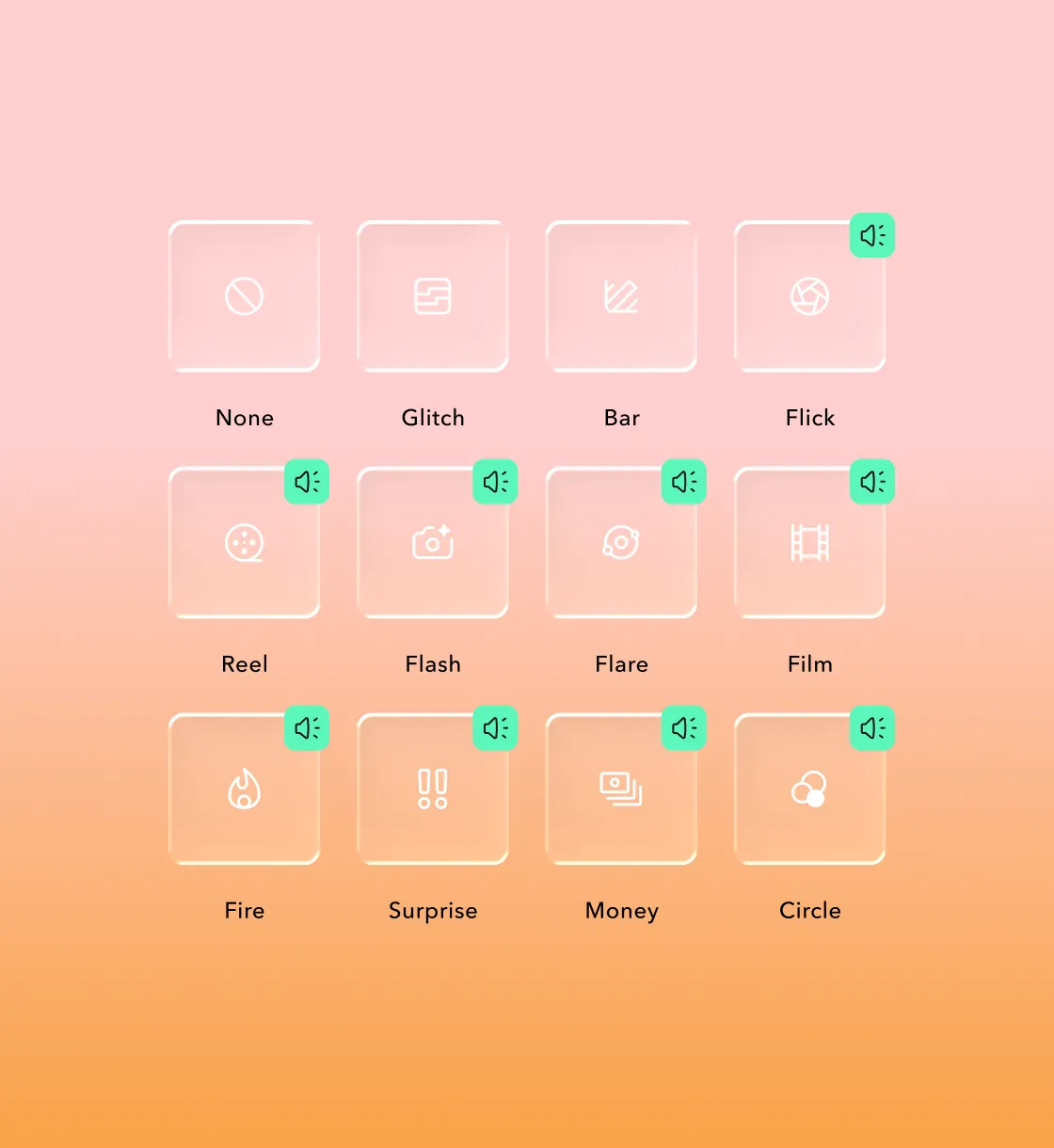
Build quicker with Captions
Use prompts for extra help
If you want extra guidance on where to add transitions, Captions can help. Type prompts directly into the text-based editor to get suggestions on where transitions will work best and which styles to use.
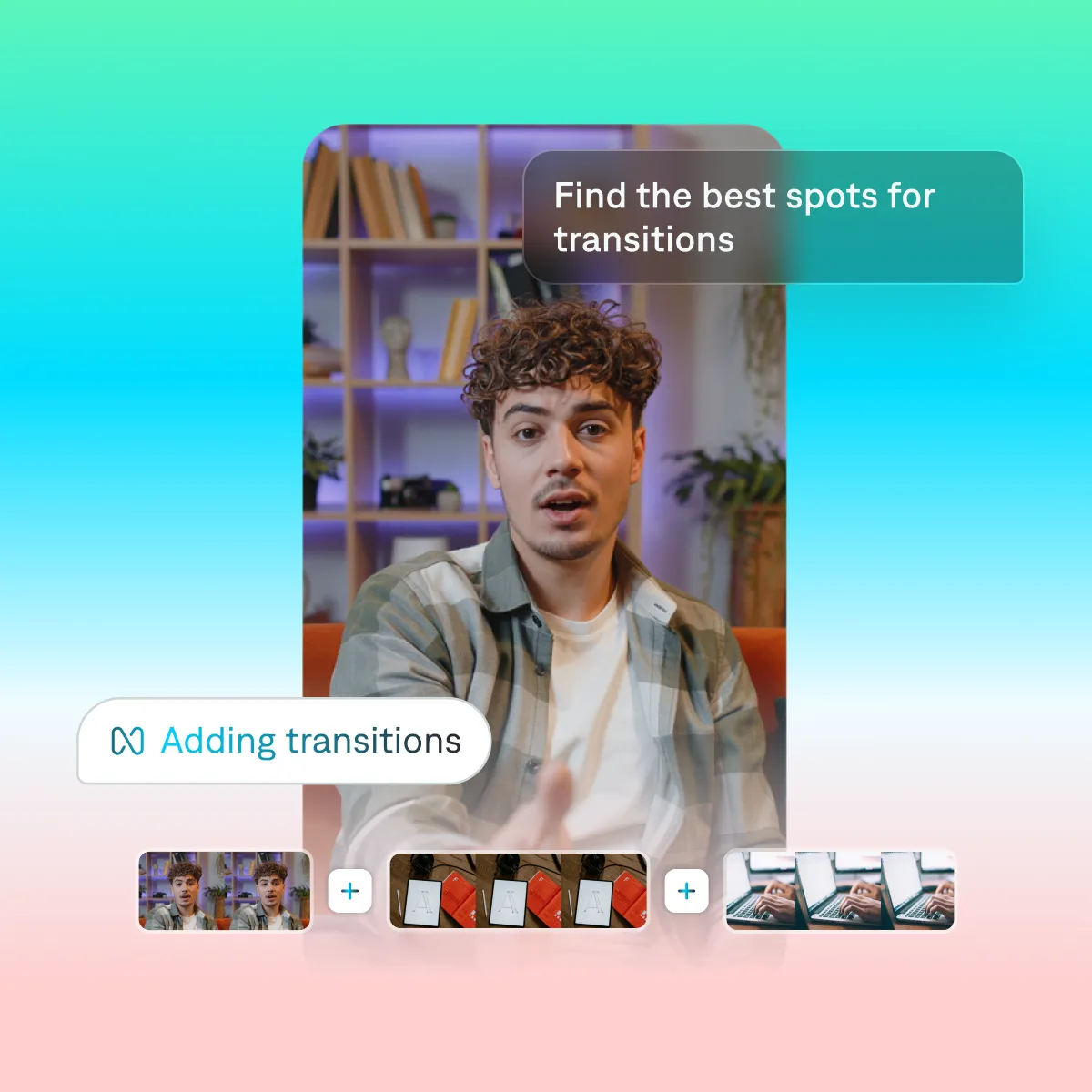
Start your next video

Frequently asked questions
Can AI automatically apply transitions to my video?
Yes. In Captions, you can prompt the editor to suggest where transitions should be added. Review the recommendations, then apply them directly to your video.
What file formats are compatible with Captions?
Captions supports standard video file formats, including MP4, MOV, and QuickTime.
How quickly can I edit transition clips?
Transitions can be added in just a few steps. Instead of manually adjusting timelines or workflows, AI-assisted tools like Captions help speed up the process.
Does Captions let me adjust pacing manually?
Yes. You can adjust timing, swap transitions, or remove them at any point to fine-tune pacing as your edit comes together.