
Move faster with a script-to-video generator
Your ideas are already in writing—why not turn them into videos? Skip casting, filming, and editing with Captions’ script-to-video generator. Produce high-quality content with AI avatars and stylized edits.
Go from text to video
All you need is an idea
Use prompts to generate a fresh script for your topic and message. Or, paste in an existing script and use the video generator to create footage on the spot.
Scale output, not costs
Traditional video production is expensive and time-consuming. With a script-to-video generator, you cut most steps and most costs.
Test, learn, repeat
Not sure which script or idea you love most? That’s no problem with tools like Captions. Test faster, do better.
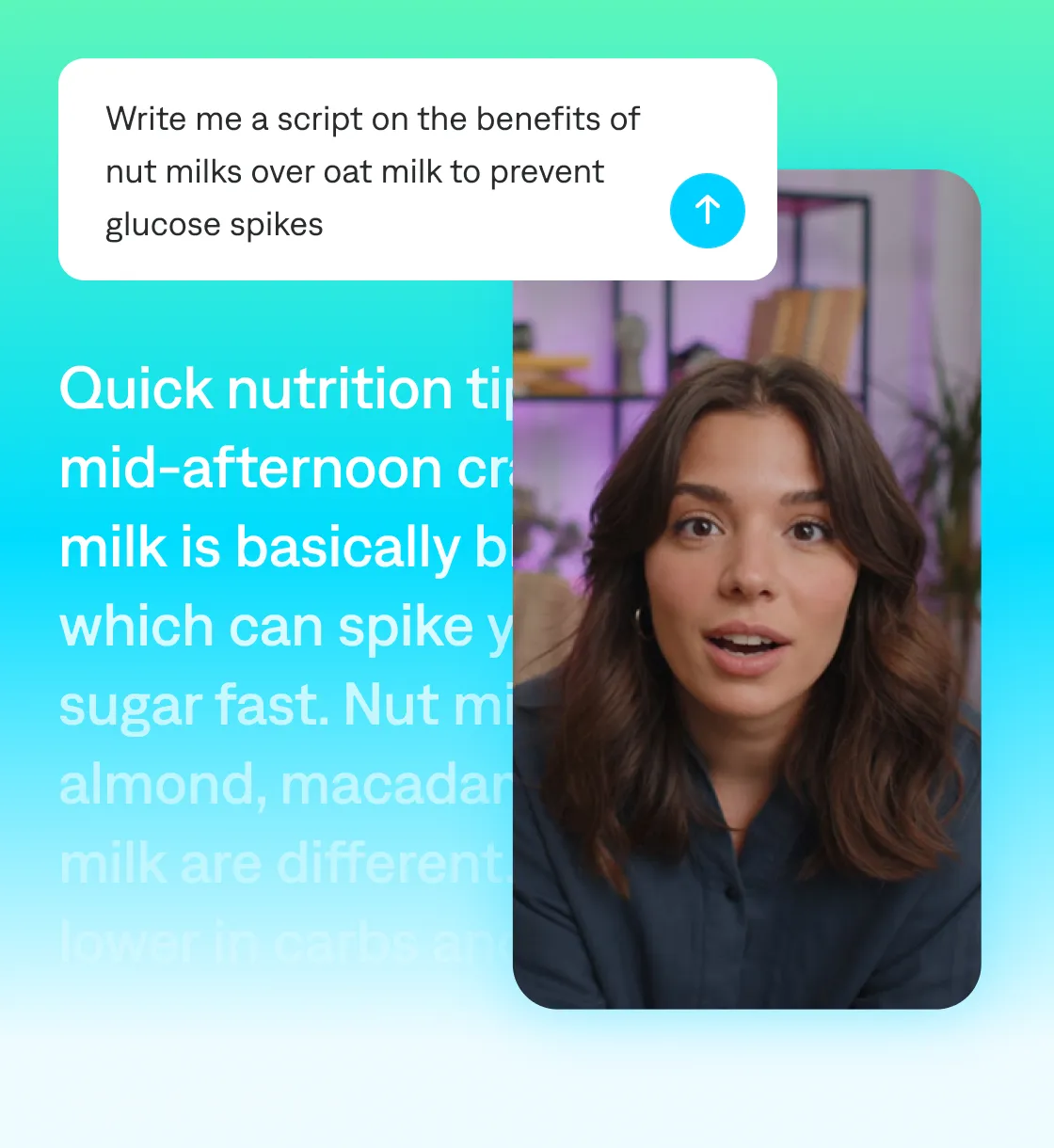
Speed up creation with Captions
From script to signoff in record time
When deadlines are tight and volume is high, Captions is your secret weapon. Just paste your script or prompt a new one, then speed through video creation, editing and export. Localize, build options for A/B tests and tailor for different platforms, all in one tool.
![Image showing a creator video interface with a person speaking on the left and a script panel on the right displaying sales advice text with highlighted cues such as “[Lean in],” “[Emphasize],” and “[Pause]” on a gradient background.](/_astro/Single_Blurb__2__Z6NQdd.webp)
How to generate a video from scripts
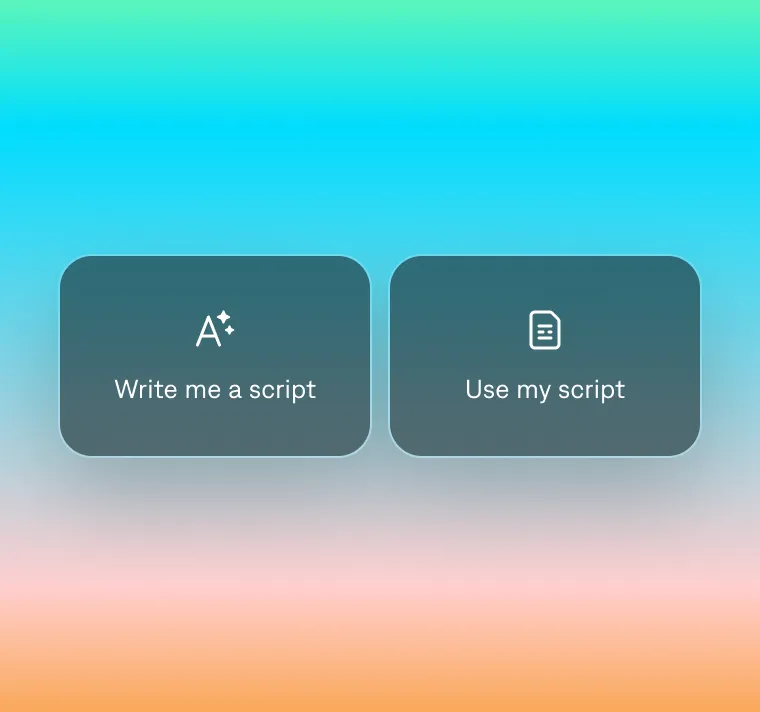
Pick your path
Either paste an existing script or prompt to generate a new script.
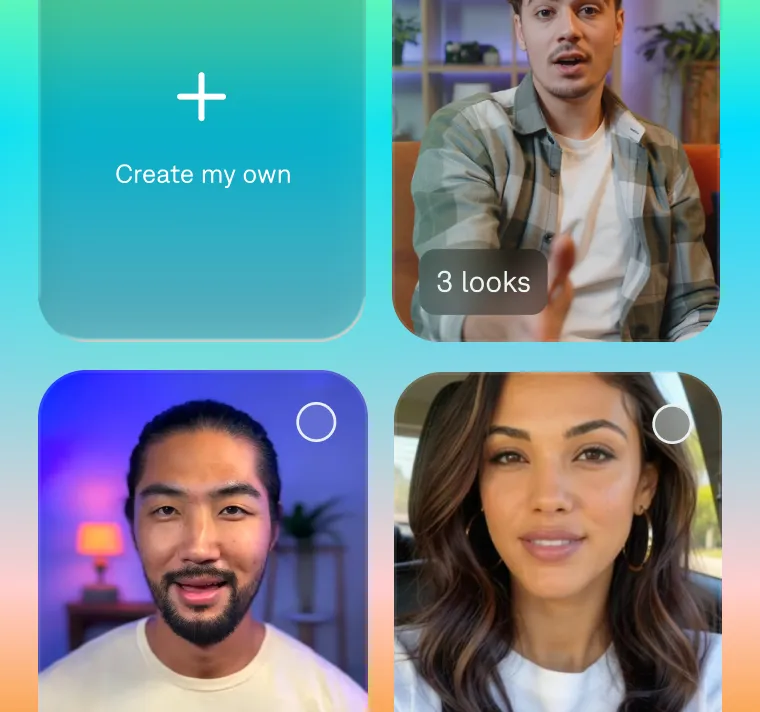
Choose your avatar
Select an AI avatar from our library or create one from scratch.
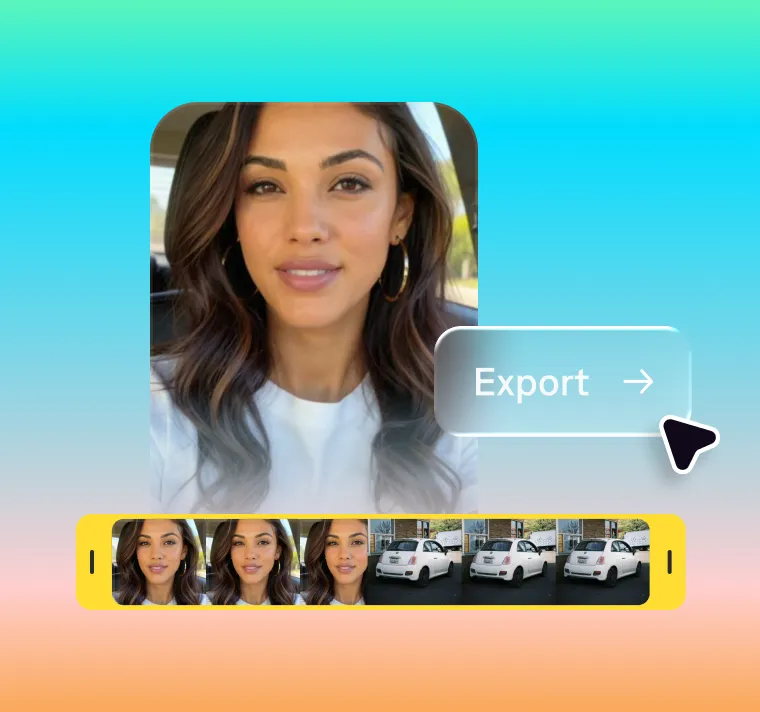
Generate a video
Your script will be turned into a video. Export and share.
Start your next video

Frequently asked questions
Do I need a script to use the script-to-video generator?
You don’t need a script to start using Captions. When you create a new project, you’ll see options to either paste an existing script or generate a new script from prompts. That decision is up to you and your needs. Either way, you’ll be able to generate a high-quality video and finish the edits with AI. No studio required.
Can I add custom branding within the video?
By uploading your company's assets to the editing timeline, you can customize your videos in Captions with unique branding elements like logos, colors, and fonts. You can also change your digital avatar's appearance and speaking tone to match your brand identity and the video's style. This makes it easy to stay visually consistent across all content and platforms without a designer or post-production team.
How long does it take to produce a script-to-video ad with Captions?
After uploading your script and choosing an avatar, videos take just a few minutes to generate. You’ll save hours compared to traditional video production, which involves scripting, filming, and editing. Captions handles all of this automatically with AI avatars, automated voice syncing, and built-in rendering. Whether you’re creating one ad or scaling across dozens of campaigns, you can go from idea to video in record time.
Is Captions script-to-video generator a scalable solution?
Captions empowers anyone to make better videos, regardless of budgets or expertise. Whether you need to launch more marketing campaigns or publish more often on social platforms, Captions lets you quickly generate consistent, polished clips.
Do I need video production expertise to use Captions’ script-to-video generator?
You don't need any prior editing or production expertise to create videos with Captions. Its AI tools are user-friendly and intuitive, so anyone can use them. The platform guides you through avatar selection, voice settings, and customization, with prompts and instructions to help you at each step.