
Make faceless videos with AI voiceovers
Build an audience without showing your face or going on camera. Captions turns your script into a faceless video with a realistic AI voiceover and synced visuals. You'll be ready for platforms like YouTube and TikTok in no time.
Features you'll love:
Realistic, natural voices
Choose from dozens of voices spanning accents, styles, and tones. Our generated voiceovers sound human and natural, without the typical markers of an "AI voice."
Auto-captions that enhance delivery
Our caption generator automatically times on-screen text to voiceovers so people stay engaged. That's how top faceless video channels get such a big audience.
Flexible workflows
Start with a video, script or even just an idea. Captions can add voiceovers to existing footage or make the entire video for you, in one workflow.
Try it now
By uploading a video to be edited using AI, you are agreeing to our Terms and have read our Privacy Policy.
How to make a faceless video in Captions:

Step 1
Upload any assets you want to include in the video, like images, slides, or existing footage.
Step 2
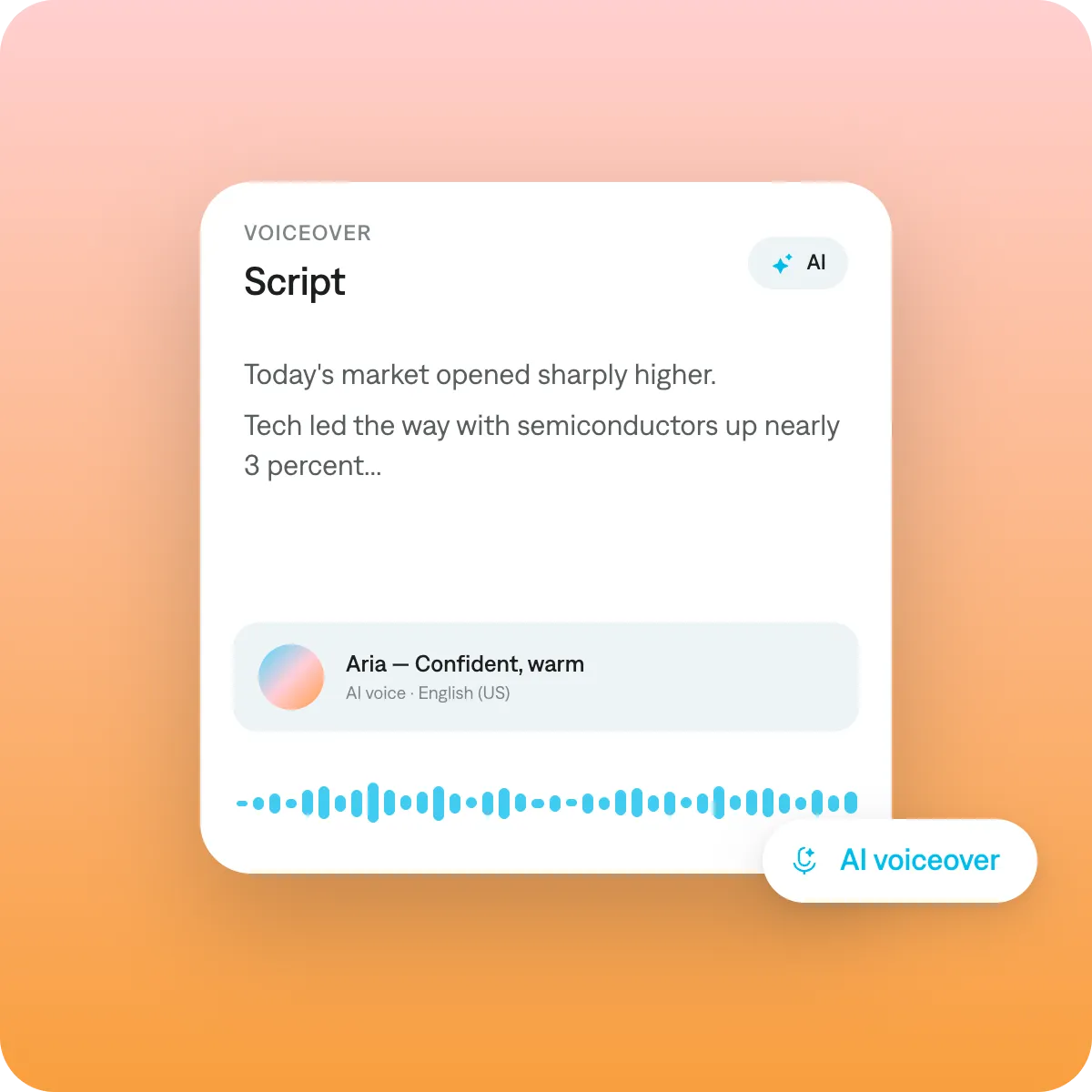
Add a script or generate a new one in Captions. Then, pick the voice you want to narrate your video.
Step 3
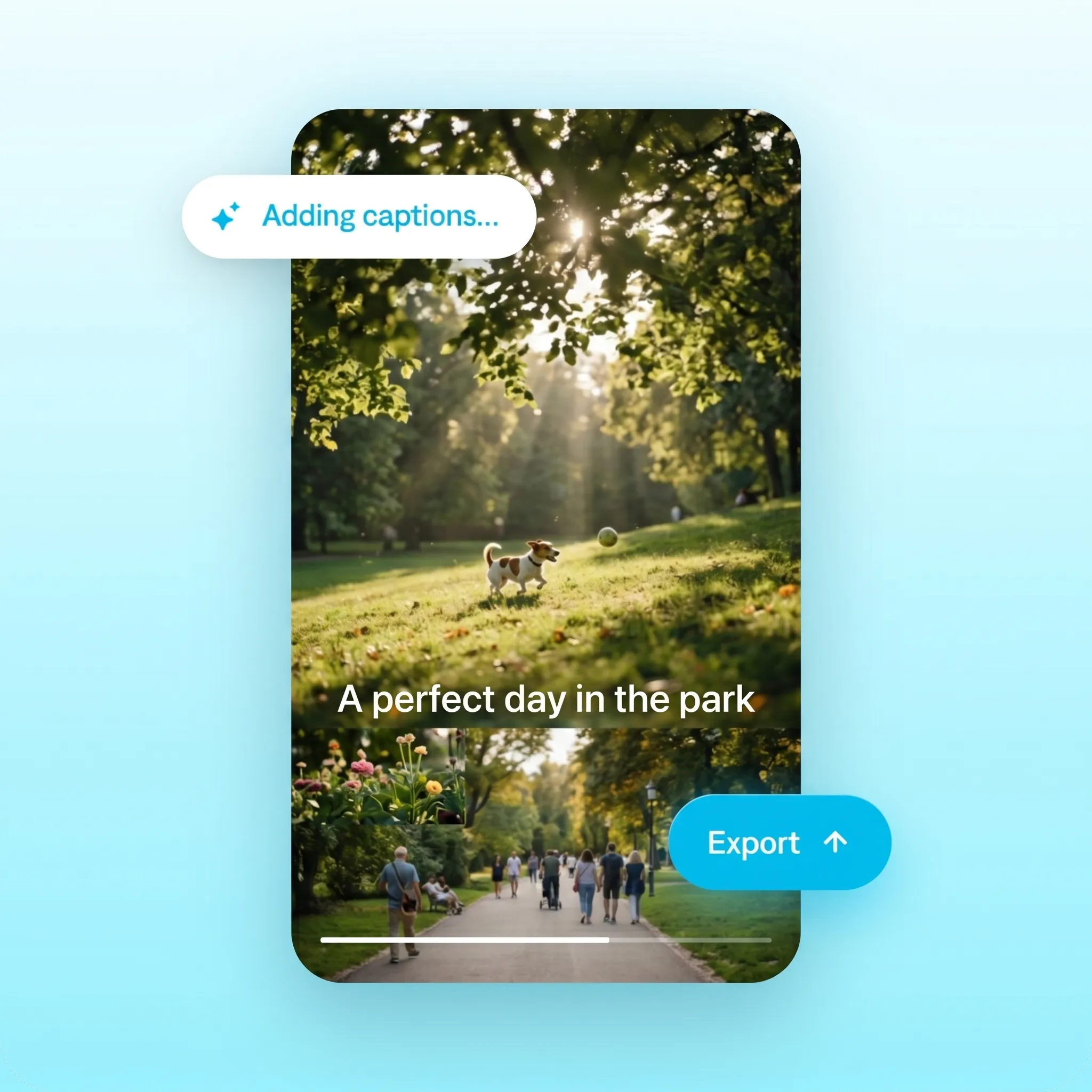
Auto-generate captions that match the voiceover. You can also use Captions to translate the voiceover if you want to post in multiple languages.
You don't need to be on camera to build an audience. Faceless videos give ideas a voice.

Best practices for faceless videos
Check the rhythm and flow
Voiceover scripts should use short sentences, active voice and natural speech patterns. Read your script out loud to check if the pacing and rhythm sound natural. If it sounds unnatural, you'll want to adjust the script.
Match the tone to the topic
Choose your AI voice based on the emotional register of your content. For example, an educational explainer should use a measured voice, while motivational videos benefit from a more energetic delivery.
Pace deliberately
AI voices can sound rushed if the script is too dense. Leave breathing room, like letting B-roll play for a couple sentences before narration continues. Silence can be editorial.
Get started now
Explore popular editing styles
Frequently asked questions
What is a faceless video?
A faceless video is content made without showing your face on camera. Sometimes it's built from stock or AI-generated visuals, and other times people use footage like B-roll and screen recordings. People often pair faceless videos with an AI voiceover and captions. It lets you grow an audience while staying anonymous, which is why faceless channels are so popular.
How do I make faceless Reels and TikToks?
Start with a script, a few clips, or images. Then, use an easy video maker to assemble your inputs into a short vertical video. In Captions, you can easily add a natural voiceover and auto-captions in minutes. No camera, mic, or on-screen presence needed.
How do I add AI voiceover to a video without recording my own voice?
You don't need a microphone or studio at all. Modern text-to-speech tools let you type or paste your script, choose a synthetic voice, and generate narration as an audio track you can drop onto your timeline. The AI voice carries the story while B-roll, screen recordings, stock footage, or text-on-screen handle the visuals. A good habit is to write the way people talk, with short sentences and natural pauses, since scripts written for the eye often sound stiff when read aloud.
What is the best AI voiceover tool for YouTube videos?
If you're making faceless videos for YouTube, you'll want to make sure the voiceover sounds natural and performs well. Captions offers a mix of voices that cover different accents and styles, so you can pick the right voice for your content's topic and emotional tone. The platform can also add auto-captions and other edits, so it's easy to get videos done. Learn more about starting a faceless channel in our dedicated guide.
Can I make money on YouTube without showing my face?
Yes, faceless channels are extremely popular for specific topics. Topics like finance, entertainment recaps and educational explainers can work well in this format. You combine B-roll with images or other graphics, and add a voiceover to narrate the story.
How do I make a voiceover video that doesn't sound robotic?
First, make sure you're using a platform that offers hyper-realistic voices. Voices sound robotic when the AI model isn't as powerful and can't replicate true human speech patterns.
Next, make sure you like your script. Many "robotic" results come from the script, not the voice engine. Write conversationally, with details like contractions and varied sentence length so the script sounds natural. Make sure you pick a voice that feels right for your topic and desired tone. A final pass listening with your eyes closed will reveal any spots where the rhythm feels off.
Can I make a faceless video from just images or a script?
Yes, many video makers and editors let you do this. You upload your images or script and the AI video maker generates other elements for you.
It's super quick using our own tools in Captions. Turn a set of images or a written script into a complete faceless video, adding motion, an AI voiceover, music, and captions automatically. It's the fastest way to produce faceless content when you have ideas but no footage of yourself.