
AI video generator
Create videos from text, images, or a script, without filming from scratch. Captions turns your ideas into polished videos in minutes. Start for free and share anywhere.
A simple video creator that works across formats
Create with AI avatars
Have a script, a prompt or even a rough idea? That’s enough to start. Captions turns it into a talking-head style video with an AI avatar speaking on screen. Create videos without filming, hiring talent, or setting up equipment.
Iterate fast
Once you have a video, you’re not locked into it. Update the script, swap the voice, adjust the avatar’s look, or generate a new version in a few clicks. It’s fast to test different angles or tailor the same content for different audiences without starting over.
Post right away
Generating a video with AI is easy. Getting something polished enough to post is harder. Captions focuses on output that feels natural and looks clean. Plus, it's already sized for platforms like Instagram Reels, TikTok, and YouTube Shorts. You'll be ready to publish fast, without extra editing or reformatting.
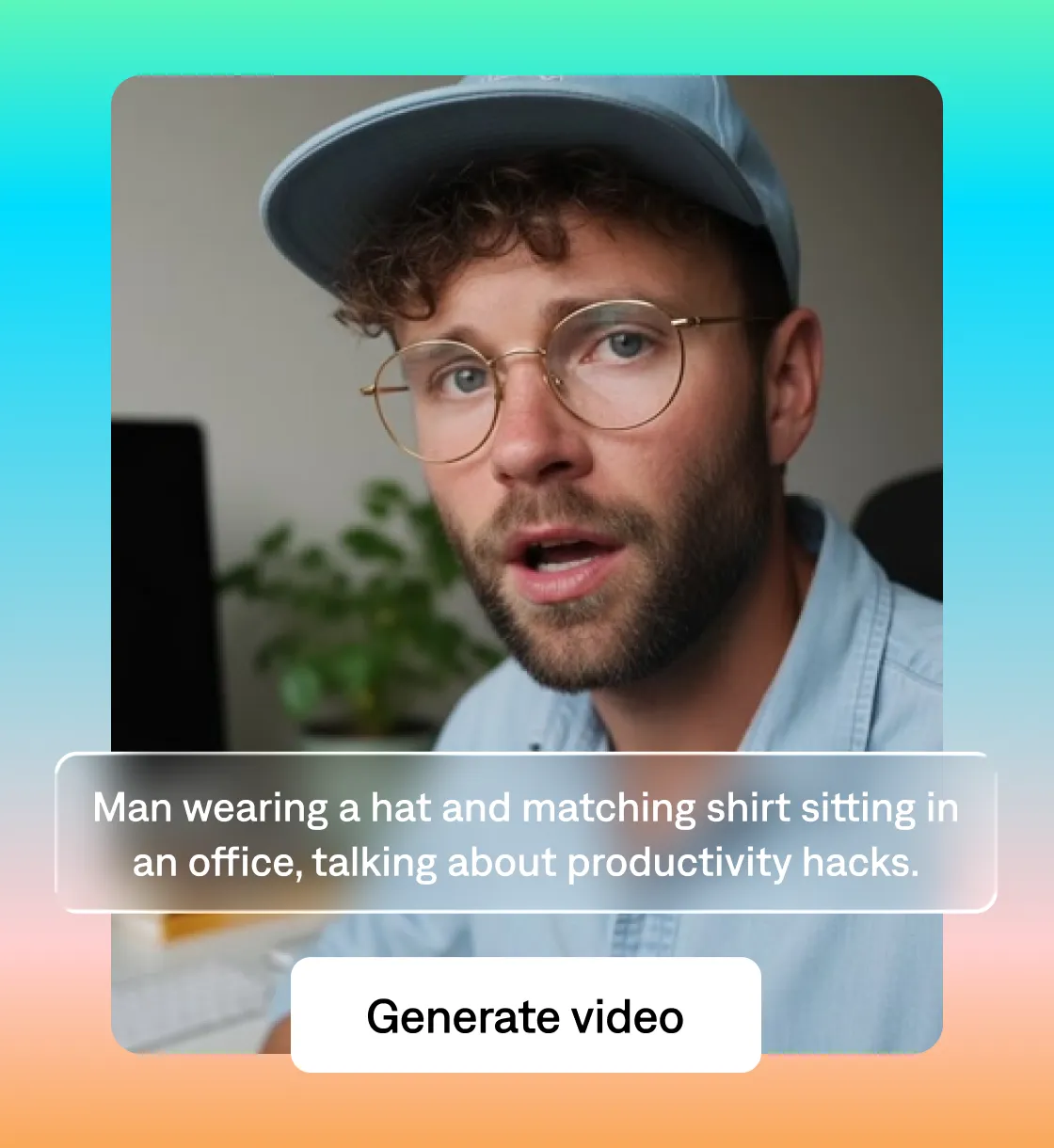
It all starts with an idea
Create what you can type
Now anyone can create video. You don’t need to be on camera or know how to edit. With Captions, start with a sentence and generate a talking video using an AI avatar in seconds. From there, you can adjust how it looks and feels—change the voice, background, and style, and shape the video into something you’d actually post.
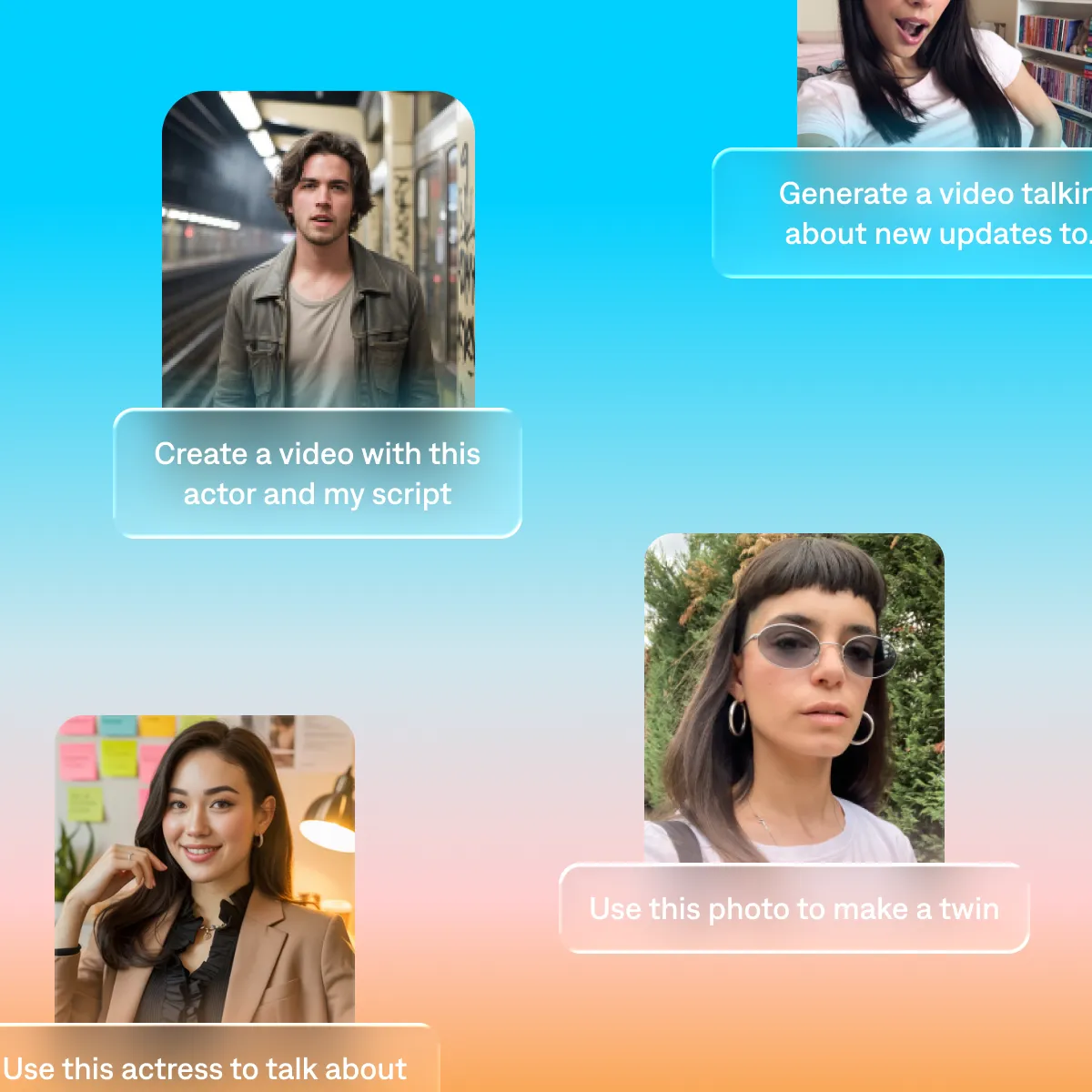
Start your next video

Frequently asked questions
What is an AI video generator?
An AI video generator lets you create videos from text or a script instead of filming. You type what you want to say, and the AI generates a complete video—including a person speaking on screen—without any camera setup or editing. Captions uses AI avatars to produce talking-head videos in minutes, with output optimized for social platforms like Instagram, TikTok, and YouTube Shorts so you can post without extra steps.
How does an AI avatar video work?
AI avatar videos use a generated person to deliver your script on screen. You write what you want to say, choose an avatar, and Captions produces a video of that avatar speaking your script with a natural voice and realistic facial movement. You can customize the avatar's look, adjust the voice, and change the background and style to match your brand. The result is a talking head video you can post without ever appearing on camera yourself.
Is Captions' AI video generator free to use?
Yes. You can sign up for Captions for free and start generating videos right away. Free accounts include access to the AI video generator with AI avatars, script editing, and export features. Paid plans unlock additional AI credits, more avatar options, and higher output limits—so you can scale production as your needs grow.
What makes Captions different from other AI video generators?
Most AI video generators stop at generation—they produce a clip, and you're on your own from there. Captions is built around the full workflow: generate a talking-head video with an AI avatar, edit the script, adjust the voice and style, and export a polished video, all in one place. The output is optimized for social platforms like Instagram, TikTok, and YouTube Shorts, so there's no extra formatting before you can post. It's designed to get from idea to published video as fast as possible.