
Turn your home and DIY projects into scroll-stopping videos
Edit with AI, and save the DIY for your actual renovation projects. Captions is an AI video creator and editor designed for people with more ideas than time. Make tutorials, before and after videos and other DIY content that grows your online audience.
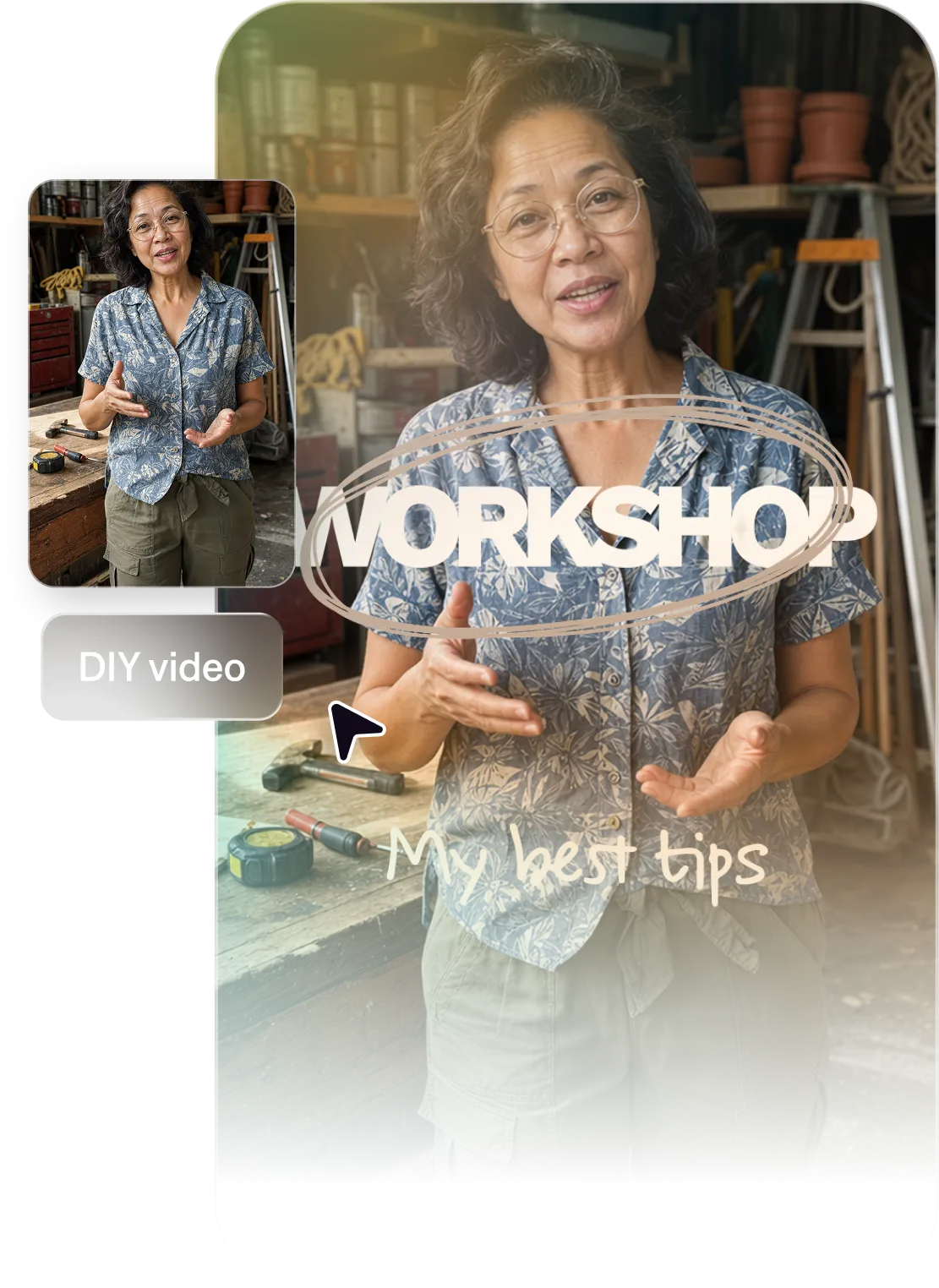
Top benefits for home and DIY creators
Publish faster, grow faster
The most successful DIY creators publish regularly. Captions helps you produce more videos every week, with quick AI editing tools that transform an entire video at once. You can even make new videos totally from prompts.
Showcase your expertise
Captions helps turn your expertise into engaging videos. With automated captions, stylized editing and clean cuts, every video feels polished. Your audience will save, share, and come back to your content again.
No need for fancy gear
Great videos don't require expensive setups. Captions gives your content a clean, professional finish so viewers focus on your skills, not your production setup. You can even fix common footage issues with AI, like correcting inconsistent eye contact.
Import your video to start
By uploading a video to be edited using AI, you are agreeing to our Terms and have read our Privacy Policy.
Prompts we've loved
Step-by-step DIY tutorial
"Create a 3-minute tutorial showing how to build a floating wall shelf from scratch. Number each step with on-screen text, list tools required at the start, and use clear narration throughout."
Before and after renovation
"Make a 60-second before-and-after video of a bathroom renovation. Lead with the "before" reveal, walk through three key changes with on-screen callouts, and end on the stunning "after" shot."
Tool review and recommendation
"Create a 90-second video reviewing a cordless drill. Test it on two real tasks, compare it to a competing product, and give a clear buy/skip verdict at the end with your reasoning on-screen."
Popular AI editing styles for home and DIY creators

Start making better videos

Frequently asked questions
Do I need video editing skills to create DIY tutorial content?
No, you don't. We designed Captions so it's accessible to all kinds of creators, even if you've never made a video before. Use prompts, natural language and simple features to make the videos you've always dreamed of. Let AI handle the details, and you'll have ready-to-share videos in minutes.
How do I add step-by-step text and captions to tutorial videos?
Captions can automatically generate captions in 100+ languages, and it can also translate your content into 40+ new languages. If you want to add on-screen instructions, material lists or other helper text, just tell Captions when you want the content to appear. It'll help you figure out when and where to place the text so it doesn't interrupt your video's flow.
Do I need to re-film if I make a mistake on camera?
No, you don't. In fact, mistakes are often your best content: people love seeing creators in vulnerable moments or fixing real-world solutions! If you're concerned about simple footage quality issues like inconsistent eye contact or background noise, use Captions' AI features to correct those details in a click.
What DIY video formats perform best on YouTube?
Step-by-step tutorials, project transformations, tool comparisons, and quick tip videos consistently perform well. Make sure to think about your video SEO strategy, too. Tutorials with searchable titles build the most consistent long-term traffic.
How do I grow my DIY YouTube channel faster?
Consistency and searchability are the two biggest drivers. Publishing 1-2 videos per week and optimizing titles for keywords people search will compound over time. Captions makes the production side much faster so you can test more ideas, post more consistently and reach a bigger audience.
Can I repurpose my YouTube tutorials into shorter clips for TikTok and Instagram?
Yes. Captions makes it easy to take key moments from a longer video and produce short, formatted clips. You don't have to start from scratch every time!