

100+ YouTube channel name ideas to help you stand out
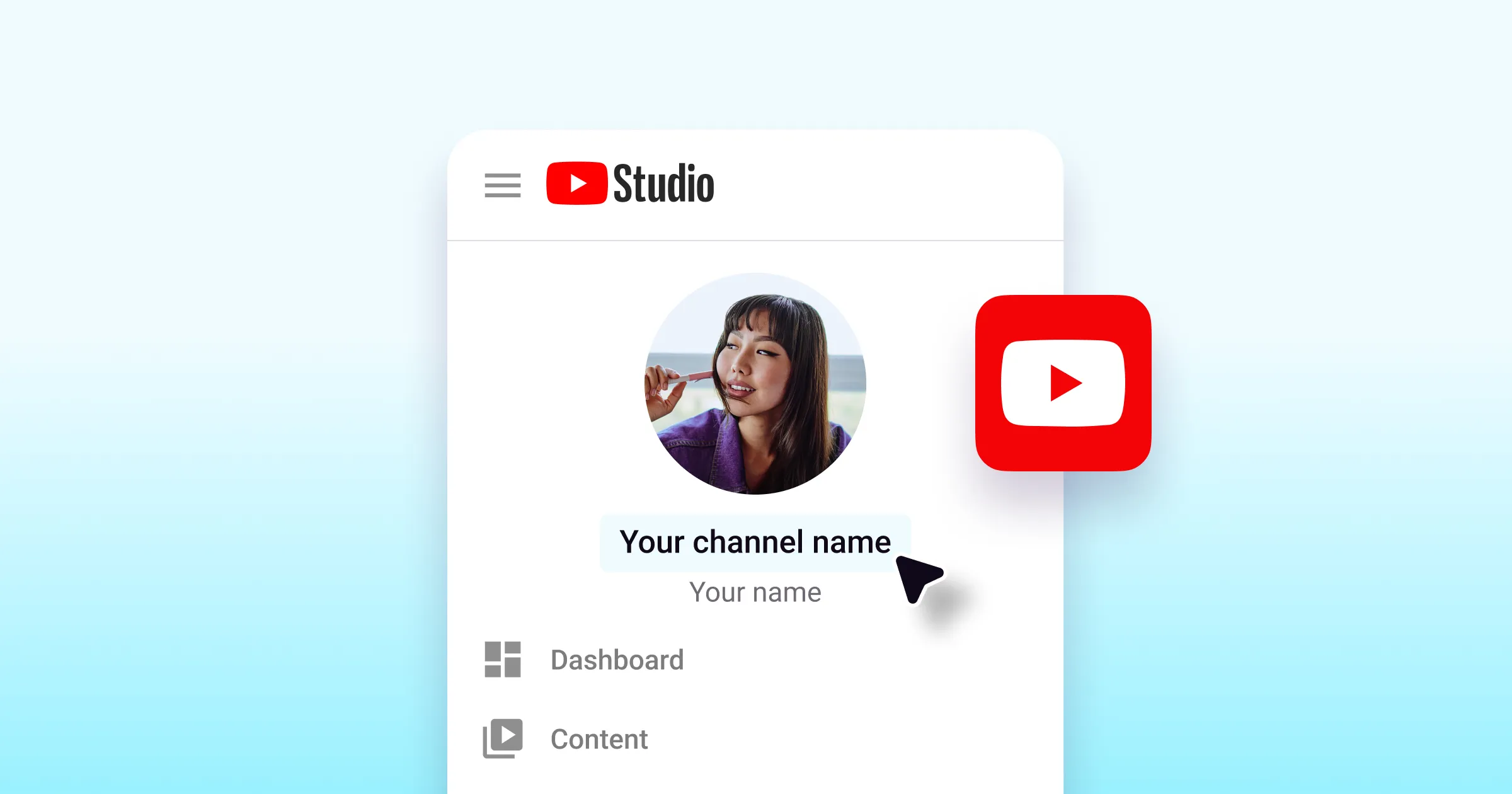
Your channel name is doing more work than you might think. It's the first thing people see in search results, the handle that shows up in every recommendation, and the brand people will (hopefully) remember and search for again.
Editing and publishing consistently on YouTube is only half the battle. A good name makes you easier to find, easier to remember, and easier to grow. A confusing one can quietly hold you back even when your content is great.
Here's a list of 100+ YouTube channel name ideas organized by niche, plus everything you need to know to come up with your own.
What makes a good YouTube channel name?
Before diving into the lists, it helps to know what you're aiming for. The best YouTube channel names tend to share a few qualities:
Short and easy to spell. If someone hears your name mentioned in a video and has to guess how to spell it, you've already lost a subscriber. Simple is better.
Relevant to your content. Your name should give people a general sense of what your channel is about—or at least what kind of energy they can expect.
Memorable after one mention. Would someone remember it the next day? Would they be able to describe it to a friend?
Unique and available. Check YouTube, Instagram, TikTok, and X (Twitter) to make sure your name isn't taken. Consistent handles across platforms make you easier to find. While YouTube does allow two channels to have the same name, for discoverability and brand clarity, it's worth choosing something that stands out on its own. If your name is too similar to a much larger channel, you'll have a harder time building search presence.
YouTube channel name ideas by niche
Creative and Lifestyle
Frame by Frame
The Edit Room
Surface Level
Open Draft
Daily Light
The Good Angle
Groundwork
Soft Launch
Candid Co.
Raw & Ready
The Studio Log
Second Take
Gaming Channel Names
Clutch Circuit
Reload Ready
The Meta Drop
Respawn Room
Lag Free
Side Quest Studio
GG Lab
Map Awareness
Grid Lock Gaming
Infinite Build
Hard Reset
Patch Notes
Travel and Adventure
Miles from Home
The Long Route
Carry-On Chronicles
Ground Level Travel
No Fixed Address
The Departure Log
Window Seat Films
Backpack Theory
The Road Deck
Off-Season
Altitude Files
One-Way Ticket
Food and Cooking
From Scratch
The Prep Table
Salt & Pepper Hours
Counter Space
Home Cook Files
The Recipe Room
Mise En Place
One Pot Weekly
Knife Skills
The Tasting Room
Simmer Down
The Flavor Log
Fitness and Health
Rep Log
Form First
The Training Block
Movement Lab
Daily Lift
Real Progress
Baseline Fitness
The Recovery Room
Strong Foundations
Active File
Work In Progress
The Long Game
Education and Learning
The Briefing Room
Short Course
The Study Stack
Clear Concepts
Learn Fast Lab
The Deep Dive
Quick Takes
Fundamentals First
The Curriculum
Core Concepts
Office Hours
Brain Room
Beauty and Fashion
Second Look Studio
The Mirror Room
Off-Duty Style
Refresh Beauty
Dressed & Ready
The Wardrobe File
Clean Edit Beauty
Front Row Looks
Style System
The Look Brief
Get Ready With
The Beauty Brief
Business and Finance
The Income File
Money Mechanics
The Business Brief
Side Stack
Revenue Room
Budget Forward
Compound Notes
The Startup Log
Payoff Perspective
Financial Foundations
The Work Week
Capital Notes
Art and Design
The Sketchbook
Make & Mark
Design Draft
Creative Process
Wide Margins
Rough Cut Creative
The Palette Room
Build & Blend
Visual Field
Studio Hours
The Creative Brief
First Draft
Entertainment and Pop Culture
The Rewind
Take Two
Cut and Print
The Pop Take
Replay Review
Screen Time Files
Culture Cut
Running Time
The Pitch Room
After Credits
The Watch List
Deep Cut
How to change your YouTube channel name
Already have a channel and want to rebrand? Here's how to update your name on desktop:
Sign in and go to YouTube Studio.
In the left menu, select Customization, then go to the Profile tab.
Click the edit field next to your channel name and type the new name.
Click Publish in the top-right corner to save.
You can also update your channel name on the YouTube mobile app by tapping on your profile picture, selecting "Your Channel", and then tapping the pencil icon to make changes.
A few important things to know before you rename:
YouTube allows two name changes within any 14-day period, so choose carefully before committing.
Changing your name will remove your verification badge if you have one—you'll need to reapply after the change.
Your handle (the @username in your URL) does not update automatically. You can change it separately in YouTube Studio under Customization → Basic Info.
Tips for creating your own YouTube channel name
Start with your niche, not your name. What is the channel actually about? Begin there and work backward. A cooking channel doesn't need your last name in it—it needs to clearly signal food, flavor, or lifestyle.
Use a "what + who" or "topic + angle" framework. Think about what you make and who it's for. "Budget Travel for Beginners," "Finance for Freelancers," and "Marketing Tips for Small Businesses" are all instantly clear and great for search.
Keep it short. Two or three words is ideal. More than four makes it hard to remember, hard to say out loud, and hard to type into a search bar.
Check availability on all platforms first. Before you fall in love with a name, search it on YouTube, Instagram, TikTok, and X. You want the same handle everywhere so people can find you consistently.
Say it out loud. If it sounds awkward, trips you up, or takes a sentence to explain, it'll be harder to build a brand around. If it rolls off the tongue naturally, that's a good sign.
Avoid numbers and dates. "Gaming with Jake 2024" will feel dated by 2026. Keep it evergreen—something that works as your channel grows and evolves.
Think about the long term. Will this name still feel right if your channel changes direction slightly? Some flexibility is worth building in, especially in the early stages.
A great channel name gets people in the door. Consistent, well-edited content is what makes them stay. Captions is built for creators who want to post a regular steady stream of high-quality content fast. It has everything you need to go from footage to post with easy-to-use AI editing tools.
