
Medical explainer videos made simple.
Your patients already trust you. Captions helps you bring that same presence online. Turn your expertise into patient education videos or medical explainers for social media. No professional equipment or editing experience needed.
Features you'll love:
Simple editing tools
Edit an entire video with preset styles or use prompts to edit. Captions can also fix common recording issues, like inconsistent eye contact.
Multilingual reach
Caption or subtitle videos in 40+ languages so every patient gets the best experience. You can even dub footage with new audio and synchronized speech.
Avatars and twins
If you don't want to be on camera, you can use an avatar to speak for you. Or, make your own digital twin, and skip recording next time.
Try it now
By uploading a video to be edited using AI, you are agreeing to our Terms and have read our Privacy Policy.
How to make an explainer video in Captions
Start a new project
Create a new project from the app or in the online editor.
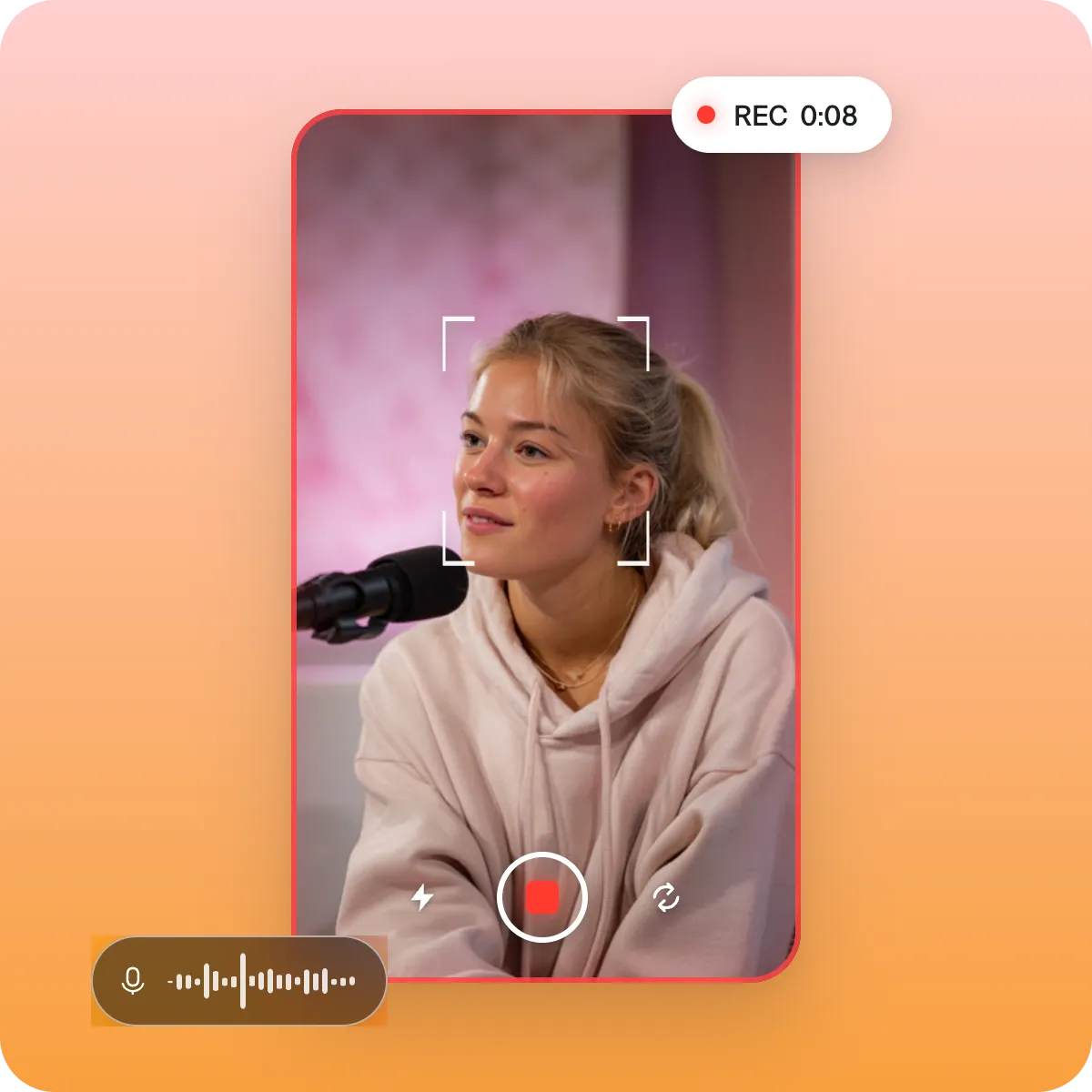
Pick your footage
Upload something you already recorded or film something new in the Captions app.
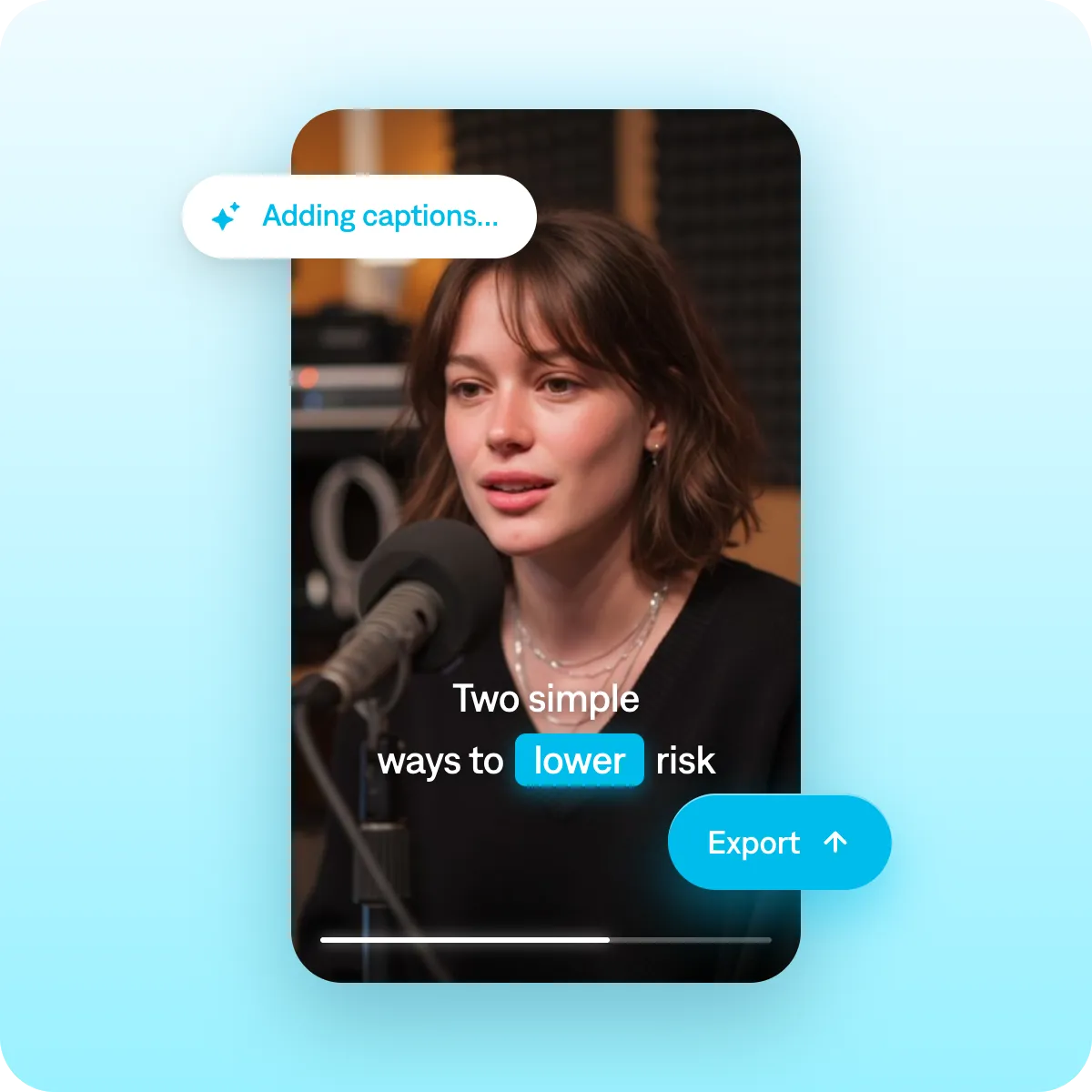
Edit the details
Auto-generate captions, add preset styles and change any other details you want.
Best practices for medical explainer videos
Lead with the patient's POV
Open with what your patient is actually wondering. Hooks like "here's what most people get wrong about [X]" pull people in. Then, use clinical expertise and deeper information to keep people watching.
Keep videos focused
People come looking for one answer, not a lecture. Pick a single question and answer it well. One condition, one question, one short video: that's the format that ranks and keeps people watching.
Show that you care
All doctors have information: You also want to show your empathy and care. Medical experts who build strong audiences succeed because they've earned trust and shown they understand people's needs.
Get started now
Explore popular editing styles:
Frequently asked questions
How do healthcare professionals create educational videos for patients?
The best patient-education videos take something complicated and make it feel simple. Start with one question or condition and explain it the way you would to a patient sitting across from you. If you have to use complex vocabulary, make sure to define it right away so patients can follow along.
Talking head videos tend to work well for medical explainer content because you look right at the audience and build a connection. Simple diagrams or animations can also help to illustrate complex topics or help people understand the relationship between different ideas. You can add those kinds of details in Captions' editor using prompts to edit or by inserting your own uploaded media.
Do I need a production team to make professional medical videos?
No, you do not. You just need a simple video editor that makes your recordings look polished and credible. As a healthcare expert, people turn to you for advice. Turn that expertise into content fast with a tool like Captions. Even small tweaks like removing background noise or adding captions go a long way.
How do doctors build an audience on social media with video?
Short educational videos answering common patient questions perform well—and you're already ready to do them! All you need is your expertise: let Captions handle the rest. It can edit your footage, create voiceovers or even generate a full video from a script.
How do I make sure my medical videos look credible?
Keep things polished, with a clean background, clear audio and good eye contact. If you get a spotty recording, don't worry. It's easy to fix details like this later using AI editing features.
It's also best to add on-screen captions for your entire video. This improves accessibility and helps people follow along.
How do I add subtitles in other languages for multilingual patients?
It's easy to add subtitles with a tool like Captions. Just pick the language you want to use, and Captions automatically translates your audio. Subtitles are accurate and timed to your speech so it's a good experience for everyone.