

How to make Instagram Reels that actually get views (2026 guide)
Most people know how to make Reels, but they don't know how to get views. The gap is strategic: knowing what the Instagram algorithm rewards, what drives shares and how to keep viewers engaged past the first couple seconds. This guide covers top tips.
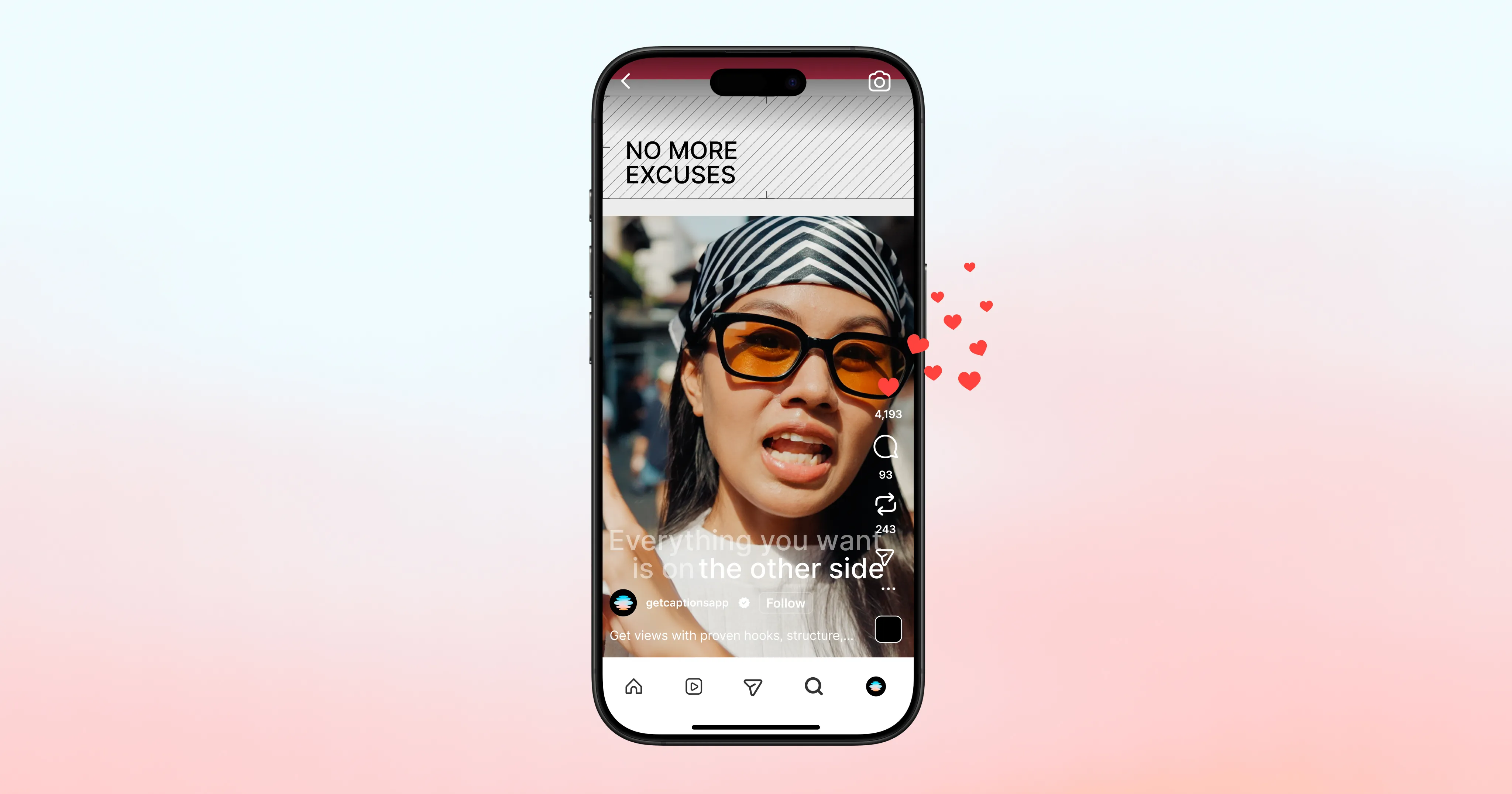
How the Instagram Reels algorithm works in 2026
This is the foundation for everything else. For you to succeed on Instagram, you need to understand how content gets distributed. Instagram head Adam Mosseri confirmed the three ranking signals that matter most for Reels in an official post:
Watch time is the #1 signal. Instagram measures whether viewers continue past the 3-second mark and aims for 60%+ retention. It also weighs completion rate and replays heavily. The model starts asking different questions after the 3-second check: rewatches, completion, and whether the viewer paused to read on-screen text all factor in.
Shares are the most powerful signal for new audience distribution. Instagram sees shares as evidence that the video sparked a real connection (a stronger signal than passive likes). So, direct message video shares are 3–5x more valuable than likes for non-follower distribution. To optimize this, create content that encourages users to share with a specific person.
Likes matter more for existing followers than for discovery. Likes are still a signal, but they aren't as important to grow distribution for new audiences. If you're looking to grow beyond your current audience, make sure to track the full range of metrics.
How distribution works
Every Reel goes through a staged process. First, Instagram shows it to a small seed audience and measures engagement. Then, it expands distribution if the signals are strong. The first hour after posting is disproportionately important. You can't shortcut this sequence: strong follower engagement → small Explore test → expanded distribution if the test succeeds.
What gets you excluded from recommendations:
Posting excessive reposts within 30 days
Watermarks from other platforms
Consistent underperformance on the 3-second retention threshold
One shift worth knowing for 2026
Instagram now uses separate ranking models for Feed, Reels, Stories, and Explore, unified by a per-account trust score. Reach is no longer a property of a post; it's a property of the relationship between your account, a viewer, and a surface. Accounts with consistently high engagement across recent posts earn wider initial distribution on new posts.
How to write a hook that actually holds attention
A widely recognized statistic about short-form video is that most viewers drop off in the first three seconds. Instagram treats early drop-off as a signal the content isn't worth promoting, which limits distribution before most of your audience has even had the chance to see it.
Your hook needs to create a reason to keep watching before the viewer has processed whether they care about you or your topic. A few frameworks that work (see more detail in this hook writing guide):
The bold claim: State something surprising or counterintuitive upfront.
The specific promise: Tell the viewer exactly what they'll get.
The visual hook: Something unexpected happens in the first frame.
The relatable problem: Viewers recognize themselves and stay to hear the resolution.
The pattern interrupt: Break what the viewer expects to see next.
Two things every hook needs:
First, on-screen text. 85% of viewers watch on mute or in loud environments. If your hook only exists in your audio, you've lost everyone who can't hear it.
Second, speed. Don't open with an intro, your name, or context the viewer didn't ask for. Get to the hook in the first frame. Everything else can come after you've earned the watch.
How to structure content that people finish and share
Getting past the hook is one thing. Holding attention through to the end is a different skill. As you create Reels, aim for these best practices:
One idea, executed fully. The Reels that get shared are almost always about one thing. Not "five tips about video editing" but "the one thing most creators get wrong about hooks." Specificity creates the sensation of insight, and insight is what people share.
Front-load the value. Don't save your best point for the end. Put the most valuable insight early, then use the remaining runtime to support, demonstrate, or extend it. Viewers who feel they got value early are more likely to stick around for the rest.
Make it loopable. An abrupt outro or a clear "okay, bye!" ending reduces replay probability. Reels with endings that connect back to their beginning earn replays. The subtlest version of this: end on the same energy or visual you started with.
Create shareable moments. Before you publish, ask: would someone send this to a specific person they know? There's usually a phrasing, a visual, or a specific insight you can sharpen to make it more sendable.
Use captions. Instagram head Adam Mosseri specifically called out captions and translations as a tactic for boosting reach. Captions generates accurate captions that hold up better for accents and fast speech, compared to Instagram's native auto-captions.

Start making Reels in Captions
Which Instagram Reel formats consistently perform?
These formats work because they serve the algorithm's priorities: high retention and high shareability.
Educational listicles with a specific number: The number creates an expectation, so viewers stay to get all of the info.
Before and after: A clear transformation is one of the most compelling structures in short-form video. The before-to-after arc creates narrative tension that holds attention.
UGC-style talking head: Raw, direct to camera, slightly handheld aesthetic. The algorithm in 2026 rewards original, human content.
Reactive commentary: Taking a position on something happening in your niche creates immediate relevance and a natural hook.
Behind the scenes: Process content consistently earns saves because viewers return to it as a reference. The more specific, the better it performs.
Editing decisions that affect Reel performance
Most editing tutorials focus on aesthetics, but the algorithm actually focuses on quality signals more than polish. Keep these tips in mind:
Cut pauses and filler words. Dead air kills pacing, and pacing is what keeps viewers engaged. Every "um" or repeated phrase is an opportunity for the viewer to scroll. In Captions, you can easily trim filler words and pauses with a single tap.
Match cut rhythm to your content's energy. Fast cuts create momentum and work well for hooks, listicles, and high-energy content. Slower cuts suit emotional beats, demonstrations, and content where you need the viewer to absorb information.
Smooth out eye contact for talk-to-camera content. Reading from a script breaks the sense of direct connection that makes talking-head content feel authentic. Captions' eye contact correction adjusts your gaze for you.
Add B-roll to break up talking-head footage. B-roll keeps viewers engaged longer by adding visual interest. Try to use B-roll for any talking head video over 15 seconds.
Export clean. Before uploading to Instagram, confirm: No watermarks, correct 9:16 ratio, 1080px resolution, MP4 format. Anything else and you're working against the algorithm before anyone has seen a frame.
How to use the algorithm's test phase to your advantage
Instagram's Trial Reels feature lets you test new content with non-followers only, bypassing your existing audience. If the Reel performs well within 24 hours, you can share it with followers. This is particularly useful for testing new hooks, formats, or topics you're not sure will resonate with your existing audience.
To get the most out of this, treat the first hour after posting as the most important window. Reply to every comment quickly to show the algorithm that your video is generating engagement.
How often should you post Reels?
The optimal mix for most accounts is 3–4 Reels per week. The Instagram algorithm won't show too many posts from one account in a row, but it weighs how recently people have engaged with you. If you post too infrequently, you slip out of the distribution cycle.
The bottleneck for most creators isn't ideas, it's production time. Tools like Captions compress the workflow so it's quicker to make good ideas happen.
Quick-reference Instagram Reel specs
Make sure to get the specs right. Uploading the wrong format limits reach before the algorithm even evaluates your content. It also looks sloppy to viewers.
Spec | Recommendation |
Aspect ratio | 9:16 (full vertical screen) |
Resolution | 1080x1920px |
Frame rate | 30fps |
Maximum length | 3 minutes |
File format | MP4 or MOV |
Safe zone | Keep text and faces out of the top 14% and bottom 35% (these are covered by Instagram's UI) |
Make sure to also remove any watermarks from other apps. Instagram filters out Reels with obvious watermarks at the distribution stage and won't recommend that content to new audiences.
Quick answers to the basics
How long should a Reel be? 7–90 seconds has the highest viral potential. Use the shortest length that delivers your message effectively (shorter Reels with higher retention outperform longer Reels with shorter retention).
What audio should you use? Trending audio gives you a built-in discovery pathway to viewers who've engaged with that sound. Original audio builds equity over time, since every creator who reuses your sound is a distribution channel. Be careful though: don't force it, and only use trending audio when it genuinely fits.
Can you make a Reel from photos? Yes. Select multiple photos from your gallery in the Reel creator and Instagram assembles them into a slideshow, synced to your audio of choice.
Can you make Reels on desktop? Yes, through instagram.com. Desktop creation is more limited than mobile but works well for uploading pre-edited video files.
Can you schedule Reels in advance? Yes, natively through Instagram's professional dashboard (up to 29 days out), or through third-party tools like Later, Buffer, and Hootsuite.
Should you share Reels to your feed? In most cases, yes. It gives the Reel two distribution surfaces (the Reels tab and your followers' feeds) instead of one.
How do you add a cover photo? Tap Edit cover before publishing to select any frame from the video or upload a separate image. This step is worth the extra minute, as the cover photo is what appears in your profile grid.
Make your next Reel now
Frequently asked questions
What editing apps do people use for Reels?
Here are some of the most popular apps for editing Reels:
Captions (AI-powered editing, auto-captions, filler word removal, AI twins, exports 9:16 natively)
CapCut (template library, trend-based formats, export watermark-free)
InShot (manual control, straightforward trimming)
Adobe Express (design-led or graphic-forward content)
How do you make a Reel go viral?
There's no formula, but there are factors that help:
A hook that holds the 3-second threshold
Content structured around a single sharp idea
Natural shareability (would someone DM this to a friend?)
A consistent posting cadence that builds algorithmic trust over time
Virality is usually the result of doing several of these things well simultaneously, not one secret trick.
Do hashtags help Reels get more views?
Hashtags can help, but they matter less than they used to. Hashtags have diminishing impact compared to previous years, as the algorithm now prioritizes content signals (watch time, engagement, audio) over tag-based categorization. It’s still good to use 3-5 specific, relevant hashtags, but don't expect them to drive meaningful discovery on their own.
Can you monetize Instagram Reels?
There are three main ways to monetize on Instagram: Instagram's Reels Play bonus (invitation-based), the Creator Marketplace for brand partnerships, and direct gifts from followers. Eligibility requirements vary by region and account size. Check your professional dashboard for current options.