

1
Open Chat
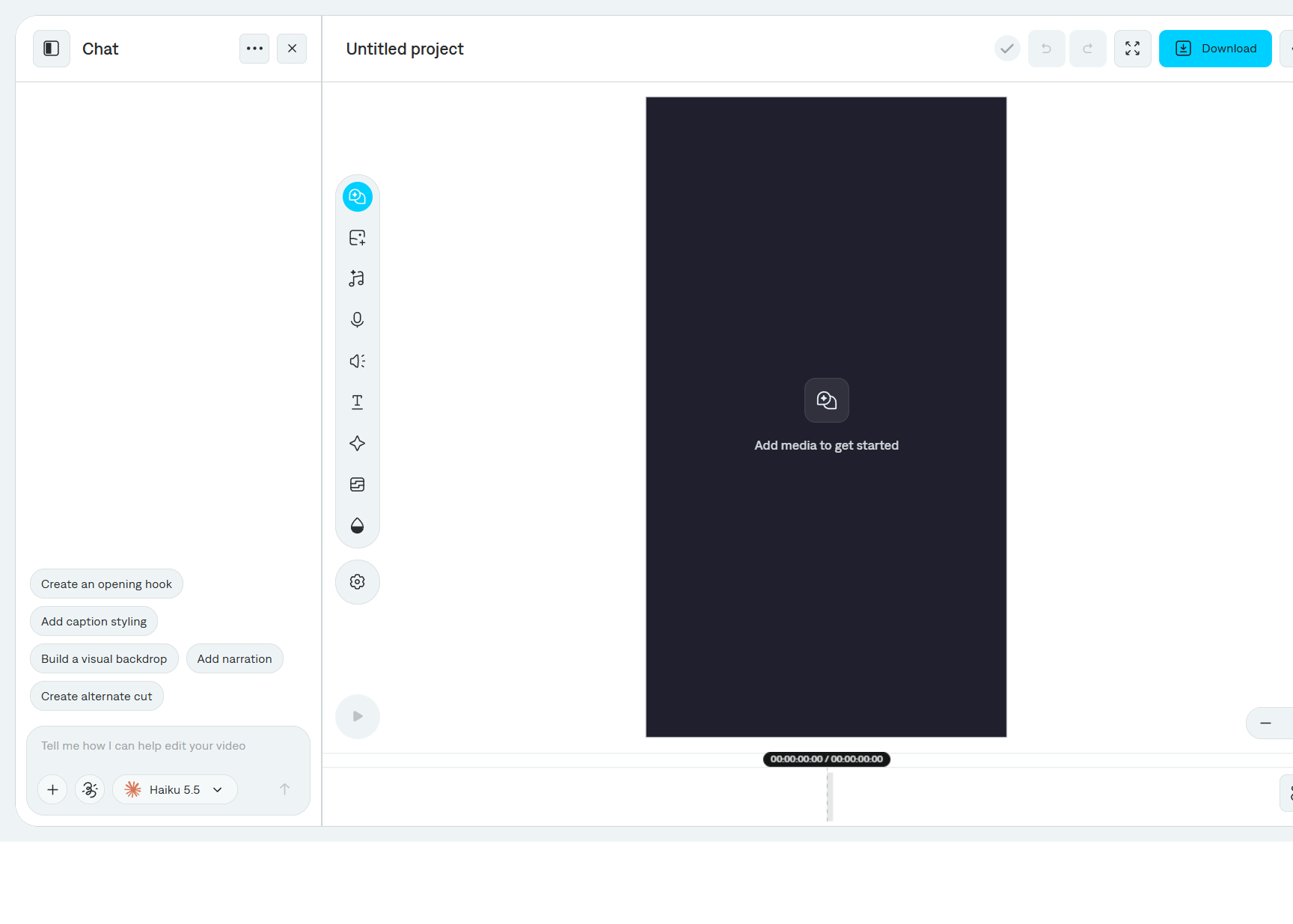
Select Chat on the tool rail. On a new project, Captions suggests prompts such as Create an opening hook, Add caption styling, Build a visual backdrop, Add narration, and Create alternate cut.
2
Describe the change
Type in Tell me how I can help edit your video. Be specific about the time range, the layer, or the words.Example: “Add two arrows pointing at the camera from 9 to 13 seconds, and keep the captions readable.”
3
Attach media or mark the frame
+ is Add or generate media. Use it to attach a file or ask for generated media. Add annotations marks up the frame so the model can see what you mean.
4
Choose a model
Open the model menu beside the message field.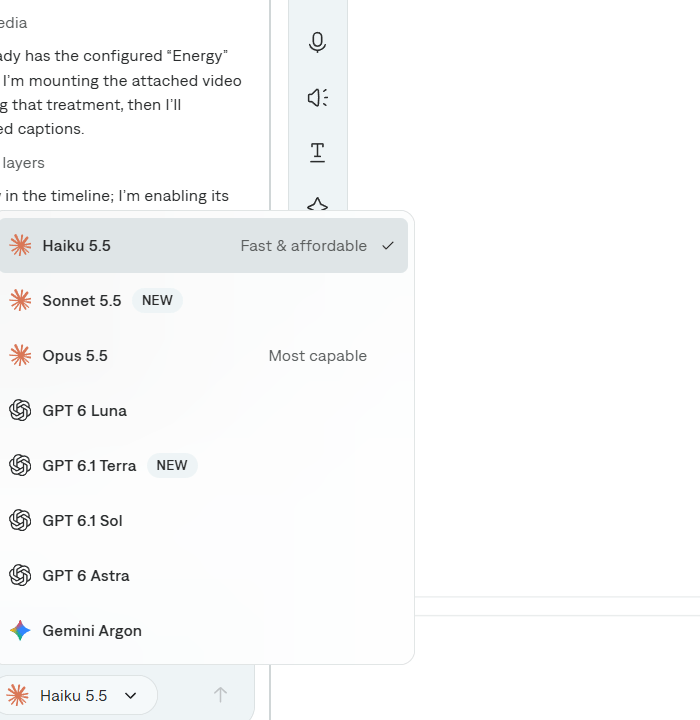
Pick a faster model for a small caption or timing change. Pick Opus 5.5 when the edit has several layers, generated media, or a custom graphic.
5
Send and review
Select the send arrow. Chat reports what it inspected and what it changed. The timeline updates when the turn finishes. Undo is in the header if you want the previous state back.The … menu on the Chat header can copy the chat thread ID if you need to refer to that conversation.