

1
Choose Create
On Home, open the project type menu and select Create. The description is “Make any video.”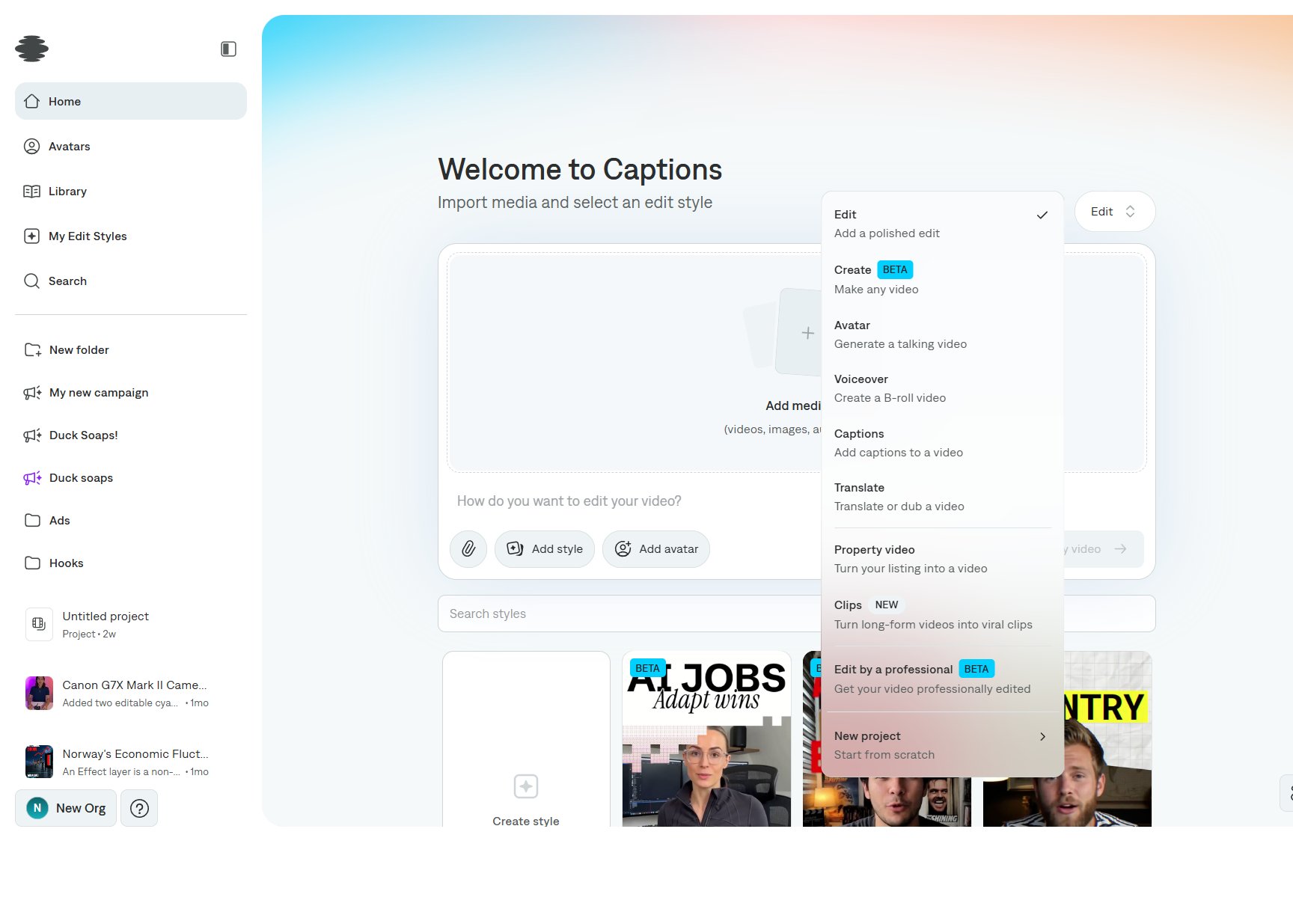
2
Describe the video
Write the prompt for the finished video: subject, length, format, and anything that must appear on screen. Attach reference images or clips when you have them.
3
Create the project
Select Create my video. The result opens in the editor, where you can change layers, captions, and audio. See Interface overview.