1
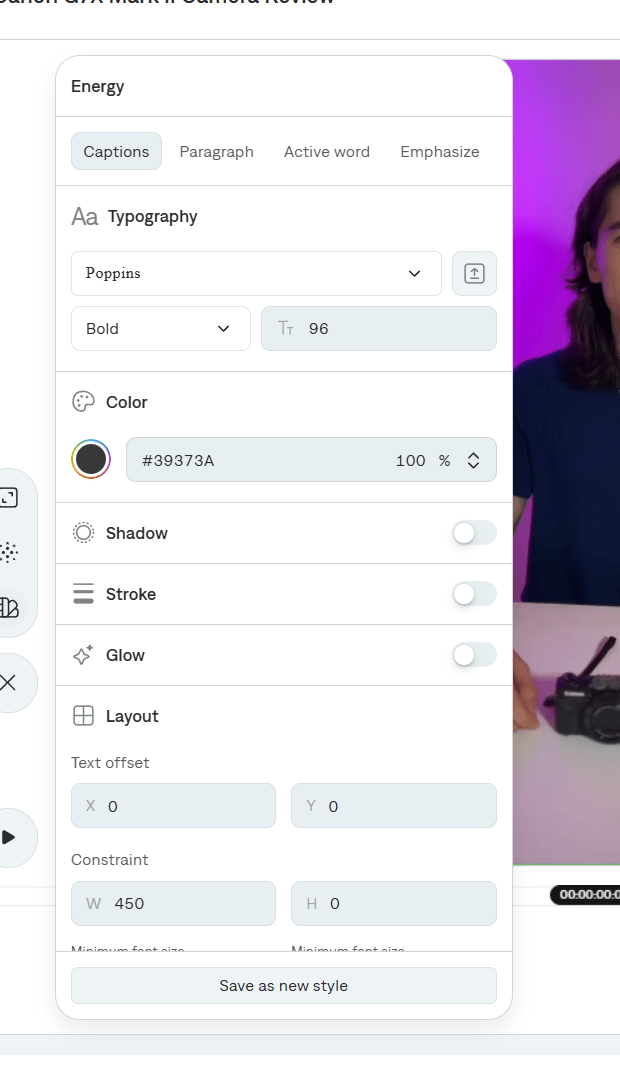
Open the setting
Select Settings on the tool rail, then Captions style.
2
Show or hide captions
Use Show captions to turn the caption track on or off without deleting the transcript.
3
Pick a template
Filter by All, Custom, Featured, Viral, Chaotic, Attention, Active, Hype, Simple, or Retro. Search by name when you know the template.Select a card to apply it. Edit opens the template editor. See Customizing a template.