You can bring media in when you create a project, or add it later from the editor.
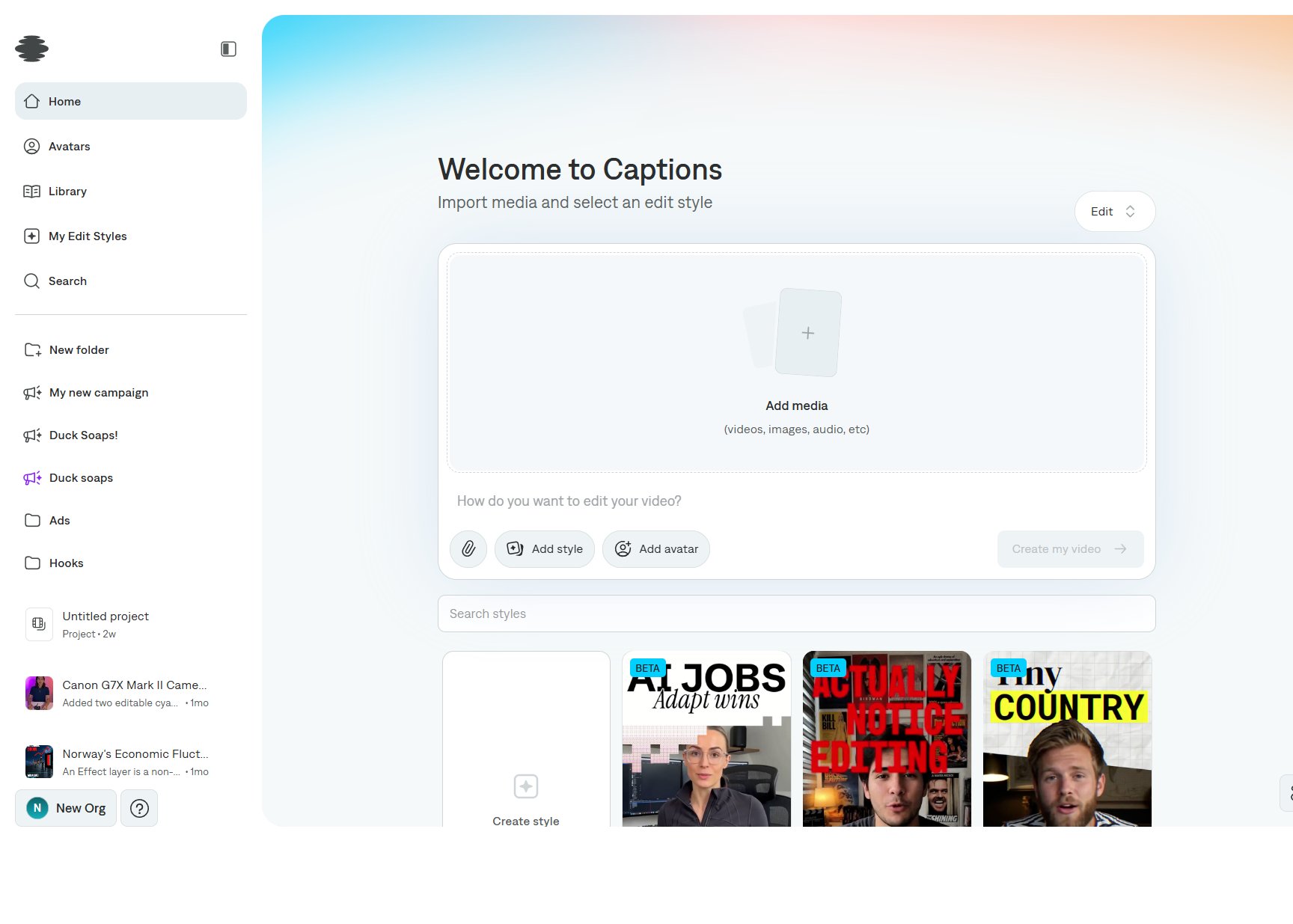
On Home
Select Add media on the composer. The hint under the drop zone is “videos, images, audio, etc.” The paperclip under the prompt attaches extra files, such as a reference image, without replacing the main clip.
What you should attach depends on the project type:
In the editor
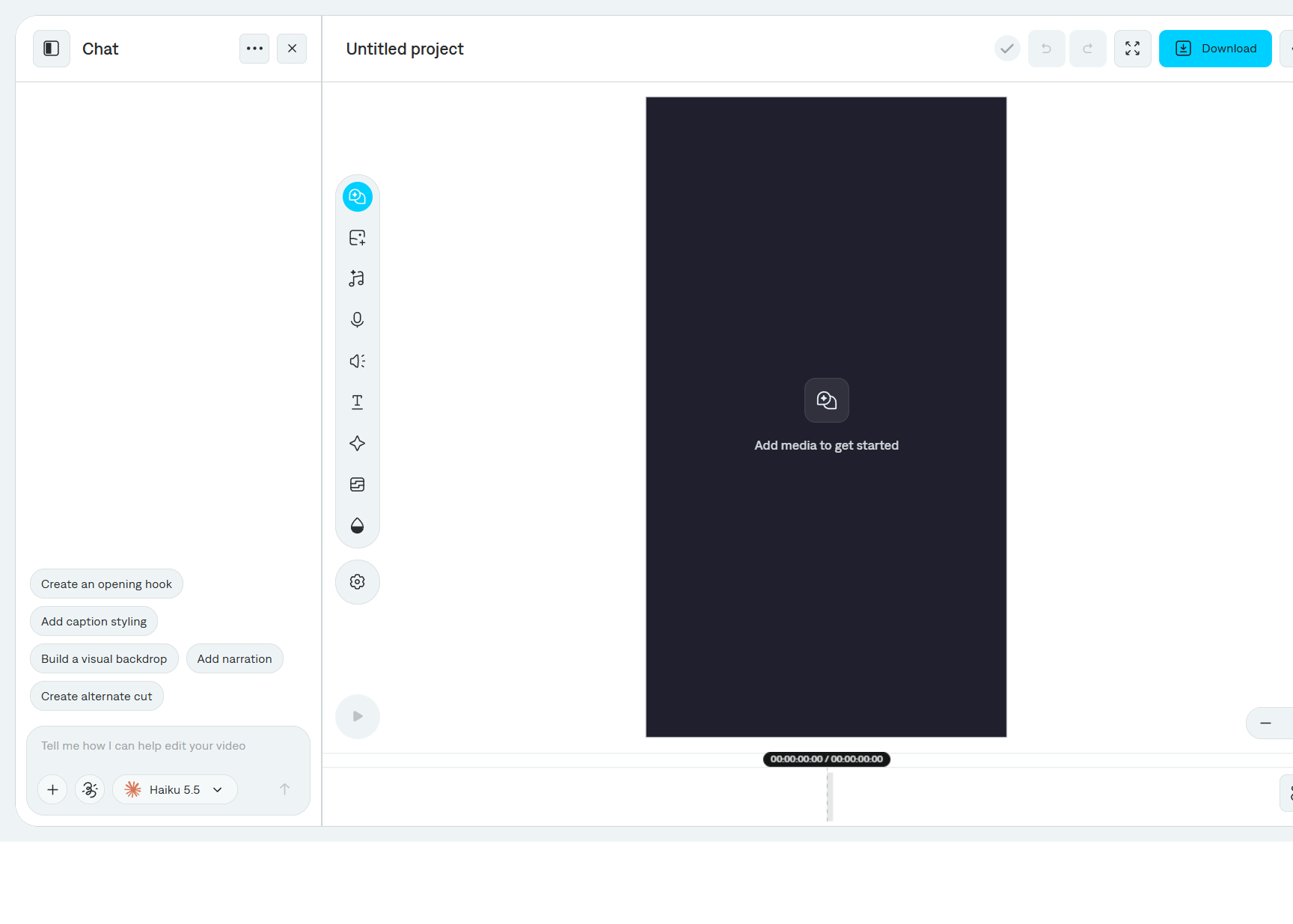
Select Media on the tool rail.
- Import adds a file from your computer.
- Switch between Image and Video when you are generating.
- Generate takes a prompt and creates media for the timeline. Choose a media model and an aspect ratio, then Generate media.
- Generated files also collect in Library, so you can use them in another project.
You can also ask AI chat to add or generate media with the + button in the message field.
Empty projects show Add media to get started on the preview.
Last modified on November 5, 2026