1
Edit a template
In the editor, open Settings → Captions style → Edit on a template.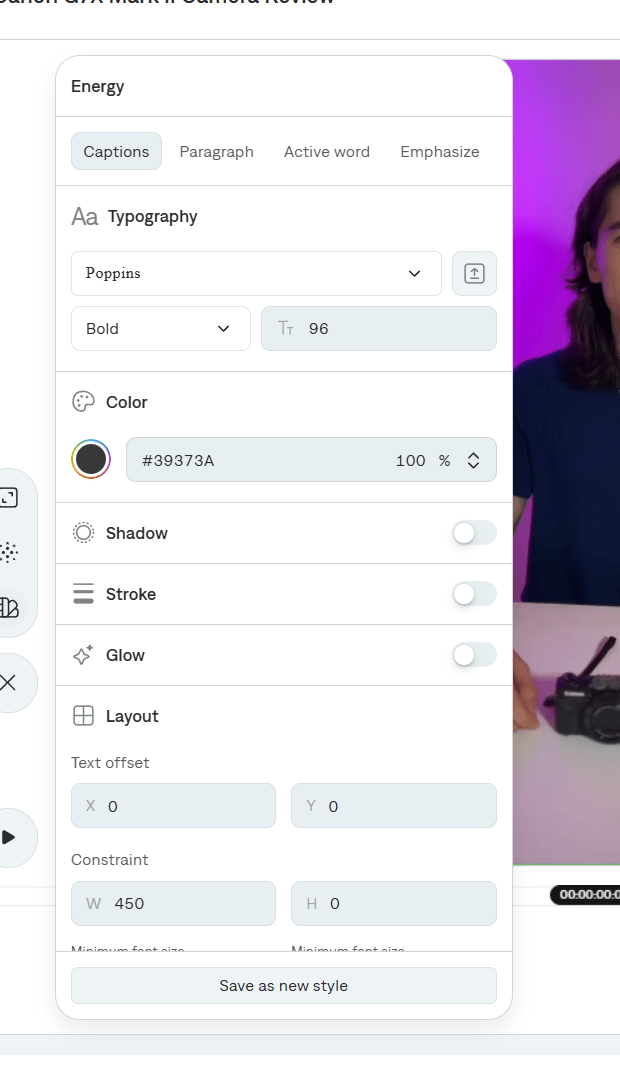
2
Save as new style
Adjust Captions, Paragraph, Active word, or Emphasize, then select Save as new style. Give the style a name you will recognize in search.
3
Reuse it
Open Captions style on any project and filter by Custom, or search for the name. Select the style to apply it to that project’s captions.
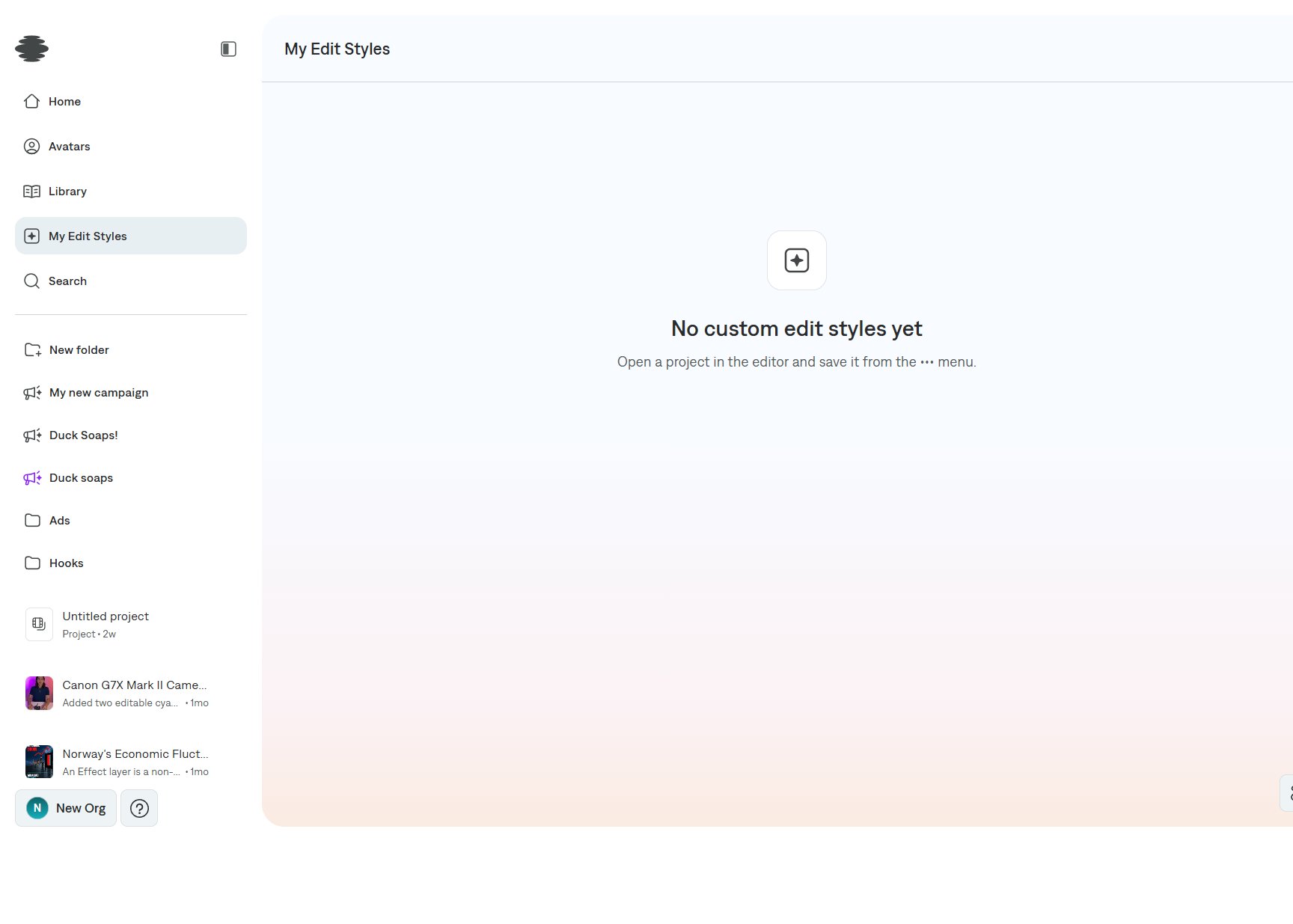
Edit styles are a different save
To reuse a whole-video treatment (cuts, graphics, and the look of an Edit), open More options → Save edit style. Saved edit styles show up in My Edit Styles and in the Home style picker.