

1
Open Motion Blur
Select Settings on the tool rail, then Motion Blur.
2
Turn it on
The panel says “Apply transform motion blur to enabled FX layers across the project.” Turn on Enable Motion Blur.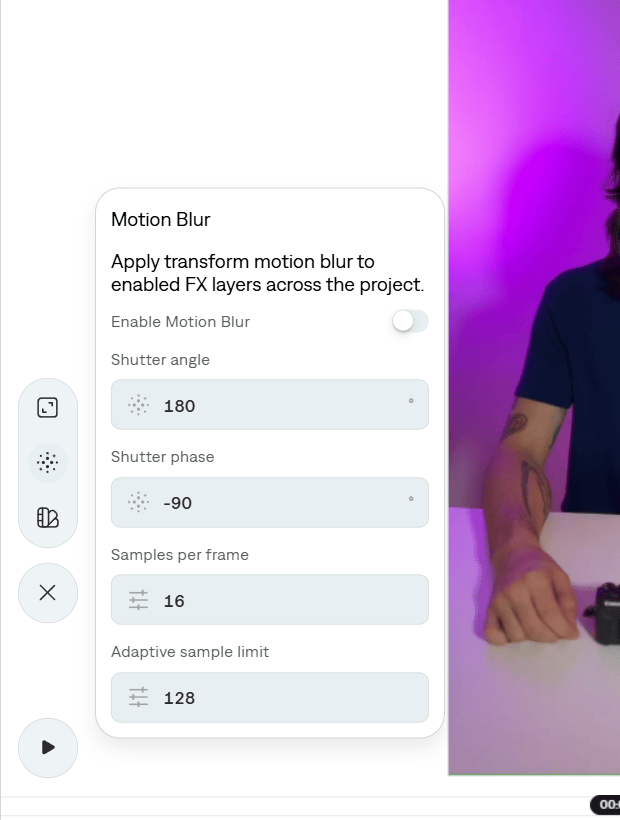
3
Set the shutter
Add transform motion blur to FX layers in the project.
Open Motion Blur
Turn it on
Set the shutter