

1
Choose Captions
On Home, open the project type menu and select Captions. The subtitle changes to “Import media and select a captions style.”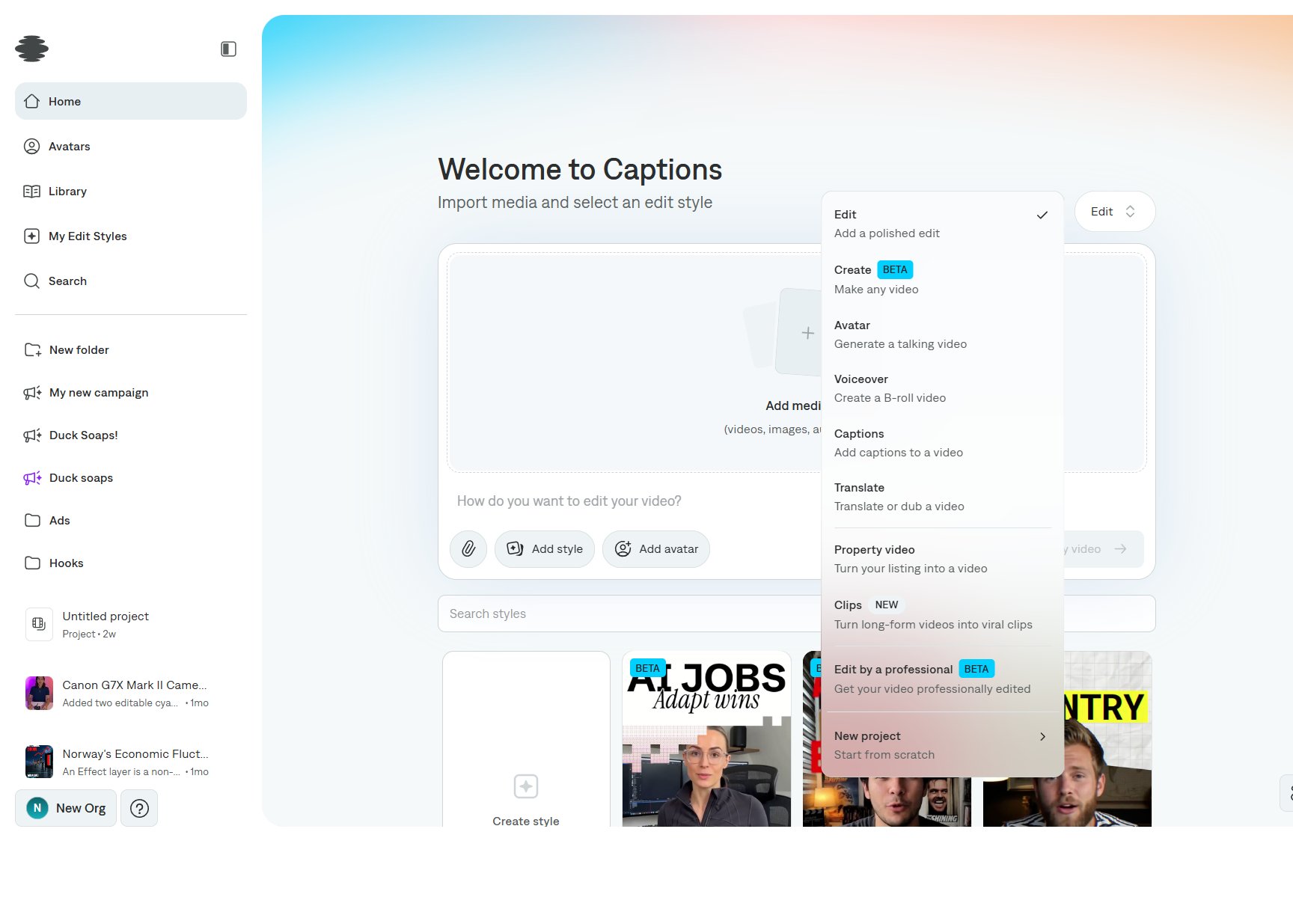
2
Import the video
Select Add media and choose the video. Captions mode is built around that file and a template. There is no edit prompt on this type.
3
Pick a template
Choose a caption template under the importer. Templates include looks such as Million, Cove, Energy, Prism, and Nova. Search if you already know the name. See Choosing a template.
4
Create the project
Select Create my video. Captions transcribes the video, places the captions on the timeline, and opens the editor. The caption phrases appear above the video layer.Open Settings → Captions style later if you want a different template or a custom style. See Editing captions.