

1
Choose Translate
On Home, open the project type menu and select Translate. The description is “Translate or dub a video.”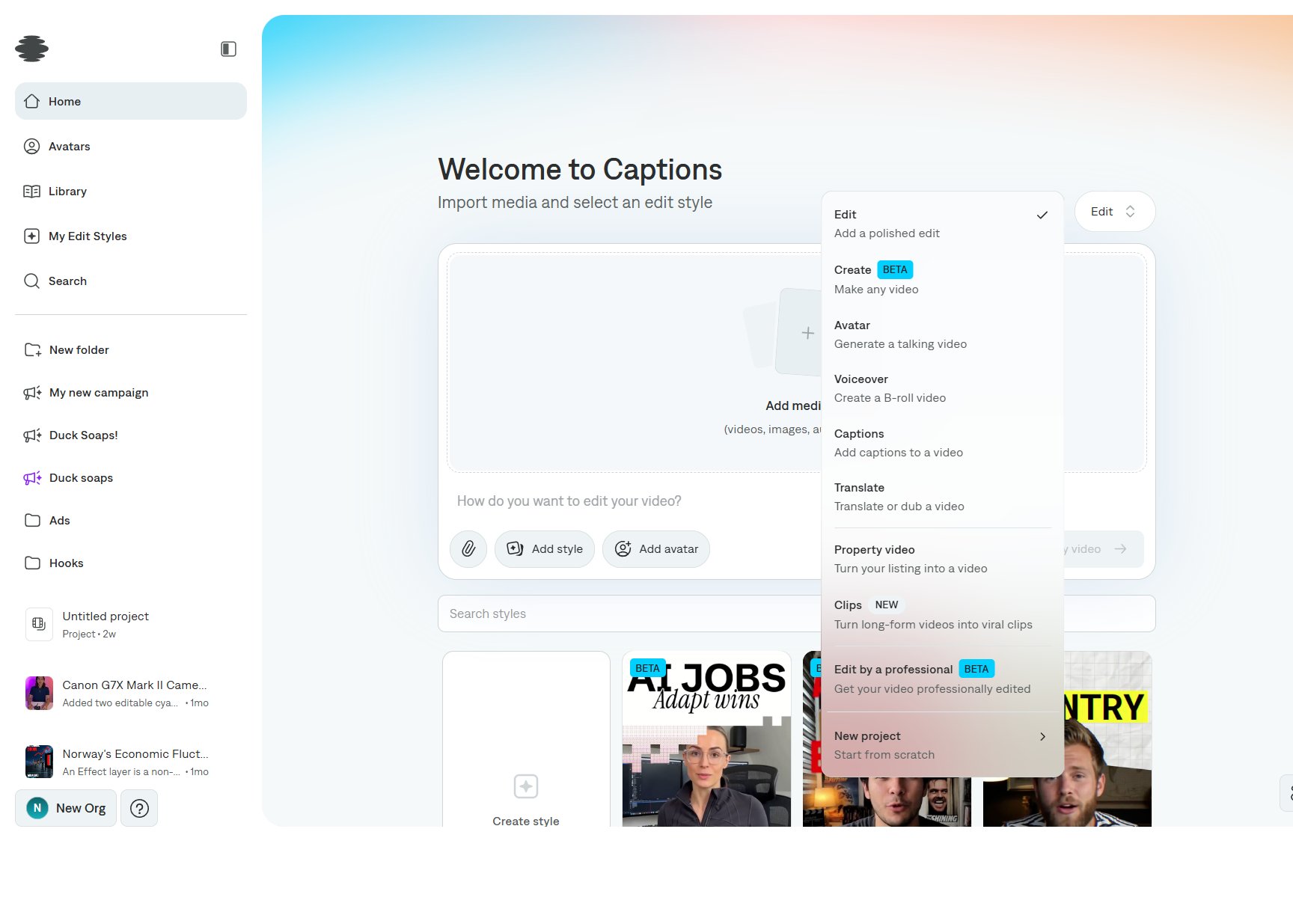
2
Add the video and the language
Import the video. In the prompt, say the language and whether you want captions, a dub, or both.Example: “Only add captions in German.”
3
Create the project
Select Create my video. Review the captions on the timeline and fix names in the phrase and word panels. See Editing captions.