
Product video maker
If you want clear and engaging product videos, Mirage makes it simple. You can use AI to generate a UGC-style presenter who shows your product on screen, then pull all your visuals together into one cohesive video in minutes.
Launch product videos faster
Stay relatable
Sometimes a product makes the most sense when someone talks through it. With AI, you can create a presenter who brings attention to the right details and helps your video feel more approachable.
Shape your message
Every product video has a flow, and AI helps you get it right. You can tidy up steps, smooth transitions, and add quick voiceovers so the walkthrough stays clear and simple to follow.
Keep pace with your product
As your product evolves, your video should too. AI helps you replace screenshots, add in new images, and keep everything fresh so the demo stays current without having to rebuild it from scratch.
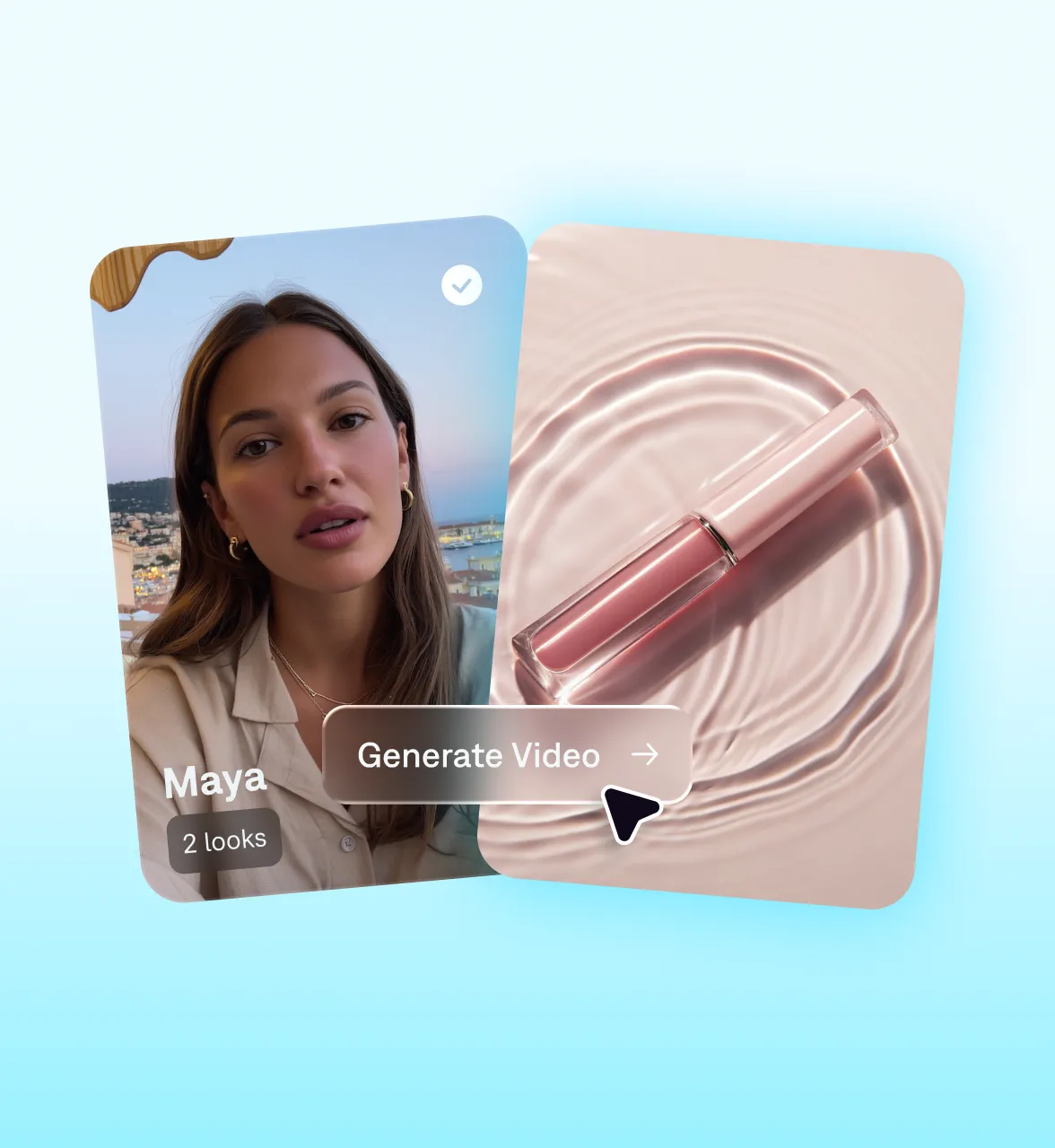
Make product demo videos in minutes with Mirage
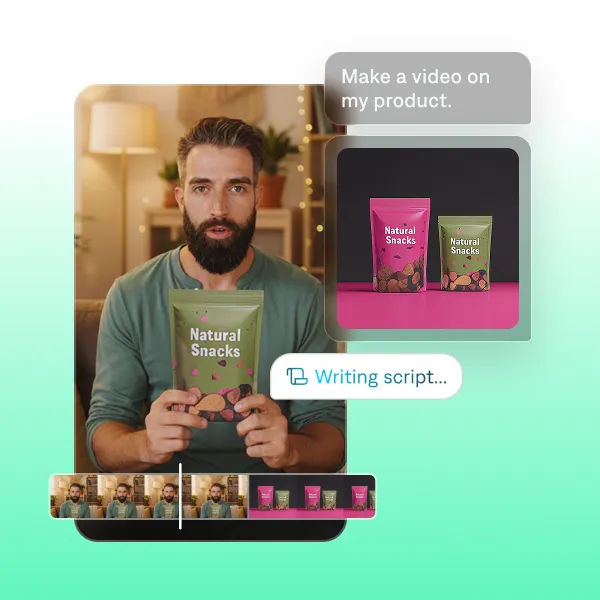
Create complete demos
Captions makes it easy to go from idea to finished product video. With a few simple prompts, you can guide the built-in AI editor to create your video from scratch with the exact pacing, edits, and feel you're looking for. Whether you’re creating a product launch video or a how-to, just upload your product images and Captions handles the rest.
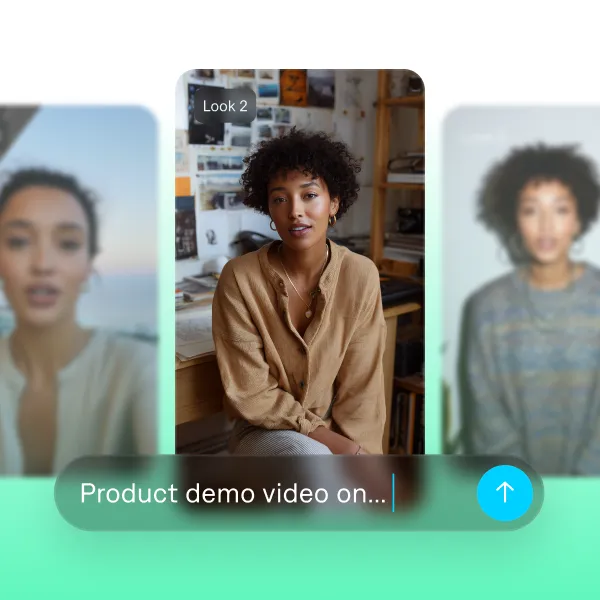
Generate a presenter
Looking for a presenter to talk about your product? The Captions app lets you generate exactly who you need and customize their look, tone, and setting. You can even upload an image of your product so they can hold it or wear it naturally on screen. It adds a human feel to your demo without needing a full production setup.
Start your next video

Frequently asked questions
What are the best practices for creating videos for products?
Open your product video with a hook that immediately addresses the buyer’s pain point to grab attention. Then, show the unique value your product delivers within the first few sections. Use close-up shots to highlight important details, include on-screen text to point out features, and add subtitles to improve accessibility. End every video with a clear CTA, whether you’re driving traffic to your website or encouraging sign-ups. You can use tools like Captions' chat-based editor to easily direct and edit your video with simple text prompts.
Can AI really show someone holding or using my product?
Yes. When using a product like Captions, you can upload an image of your product and generate a realistic AI presenter who can hold it, wear it, or show it as part of the scene. You have director-level control over any element of your short-form video. It makes your demo feel more natural and helps people see the product in use. You get the effect of a real shoot without the setup.
Can I customize the AI-generated product video?
Yes, when using Mirage, you can use AI to fully customize your videos to fit your brand. With the Captions app, you can change fonts and colors for custom captions, and custom B-roll, media, animations, sound effects and more to engage and hook your audience. With our online video maker, you can even include personalized AI-generated music that suits your brand — without worrying about usage rights. You can also swap out the AI voice and language until you find a presenter who brings your content to life.
How can I make product videos with Captions?
Captions offers multiple ways to showcase products. You can upload existing footage of tutorials or demos and use AI editing to quickly turn that raw footage into an edited video. Captions will add transitions, effects and more. Or, generate a new video from scratch using prompts and text. Once you've generated your video, you can prompt adding specific products into the video. That way, you don't even have to shoot the footage yourself.