
Turn any listing into a property video
Captions offers the easiest tools for real estate agents who want to make listing videos. Simply paste a link or upload photos, and let AI create the property tour video for you. Make your listings pop, without the costs of traditional video production.
Try it now
By uploading a video to be edited using AI, you are agreeing to our Terms and have read our Privacy Policy.
Create dynamic property videos in three steps
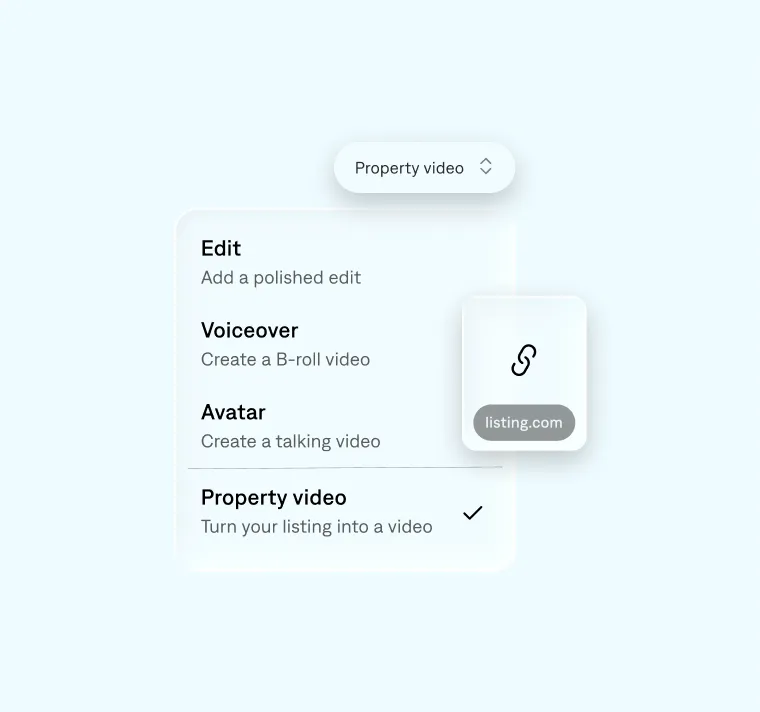
Paste your listing link
Drop in your link and Captions generates a 3D video tour with a voiceover highlighting key details like price, square footage, and location.
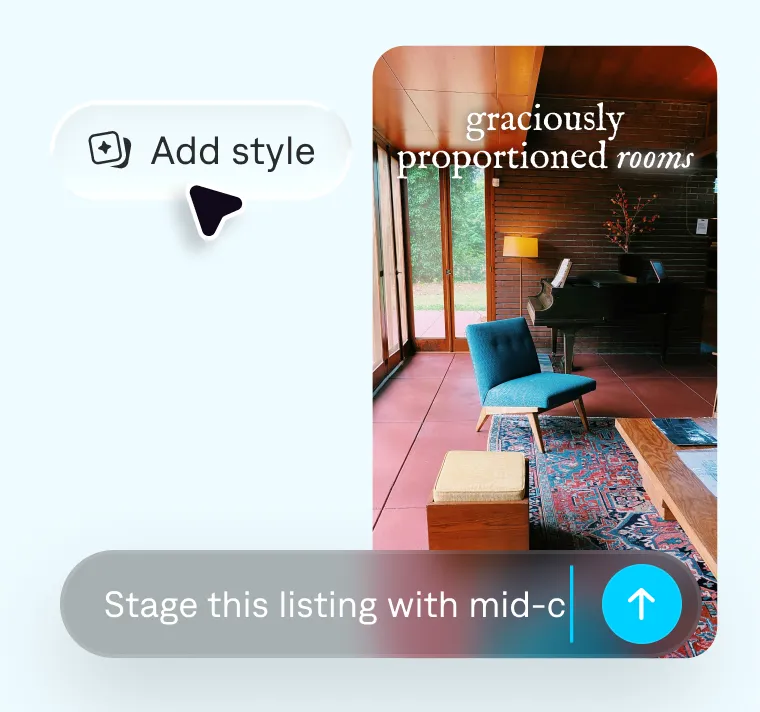
Stage and style
Stage your listing by prompting a design direction like "mid-century modern". Then pick an edit style and Captions stages and edits your video automatically.
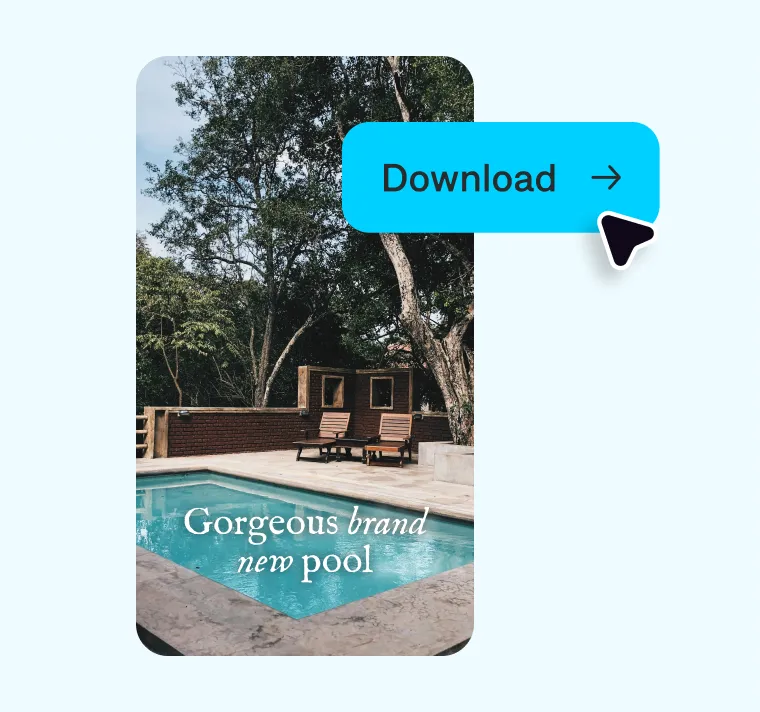
Export and share
Make any final tweaks, and when you're happy with your video, download and share across social, your website, or wherever your audience is.
Professional tours, made from just a link
High-quality video for every property
Turn any listing into a video tour
Use a link or photos to instantly create a video that helps buyers understand the space and drives more interest from day one. If you already have MLS-ready images, it's just a few steps to get a video done.
Replace the production process
Create fully-staged, professionally edited videos without hiring a videographer, staging team, or editor. Get the same result for a fraction of the cost, all in one place.
Show up and stand out
Impress buyers and win over sellers by going beyond the basics. Build a brand that stands out in your market with high-quality video for every listing.
Create your video now

Frequently asked questions
How do I create a real estate video from a listing?
You can create a property video by heading over to Captions on desktop and pasting in a listing link from most major real estate listing sites. You can also get started by uploading your own property photos and videos. Captions automatically turns your listing into a complete video with visuals, key details, and voiceover.
Can I create a property video without filming anything?
Yes. You can generate a real estate video using just listing photos or a URL. Captions adds a voiceover that walks through the home and highlights key details, so you don't need to film or record anything.
Our tools are designed for people who don't have prior editing experience or the time to learn, so you'll find multiple features that work well for real estate agents and brokerage firms. Our goal is to empower you to make great video, in record time.
Does Captions support virtual staging for property videos?
Yes. You can virtually stage rooms using simple prompts like "mid-century modern living room" or "bright, minimal kitchen." Captions will update the space with new furniture, layout, lighting, and styling, without ever needing to physically stage the property. You can also adjust mood and ambiance, like time of day or weather, to get the right feel. It's a fast, cost-effective way to transform empty or outdated spaces and make your property video more compelling.
Can I customize my real estate listing video?
Yes. You can choose from different AI editing styles to generate a fully edited video, complete with transitions, cuts, subtitles, and pacing tailored to your property. You can also make manual adjustments to refine and update details as needed and customize the final video to match your preferences.