

The best way to turn real estate listing photos into video tours
Don't let production get in your way. Captions solves the listing-to-video workflow for you.
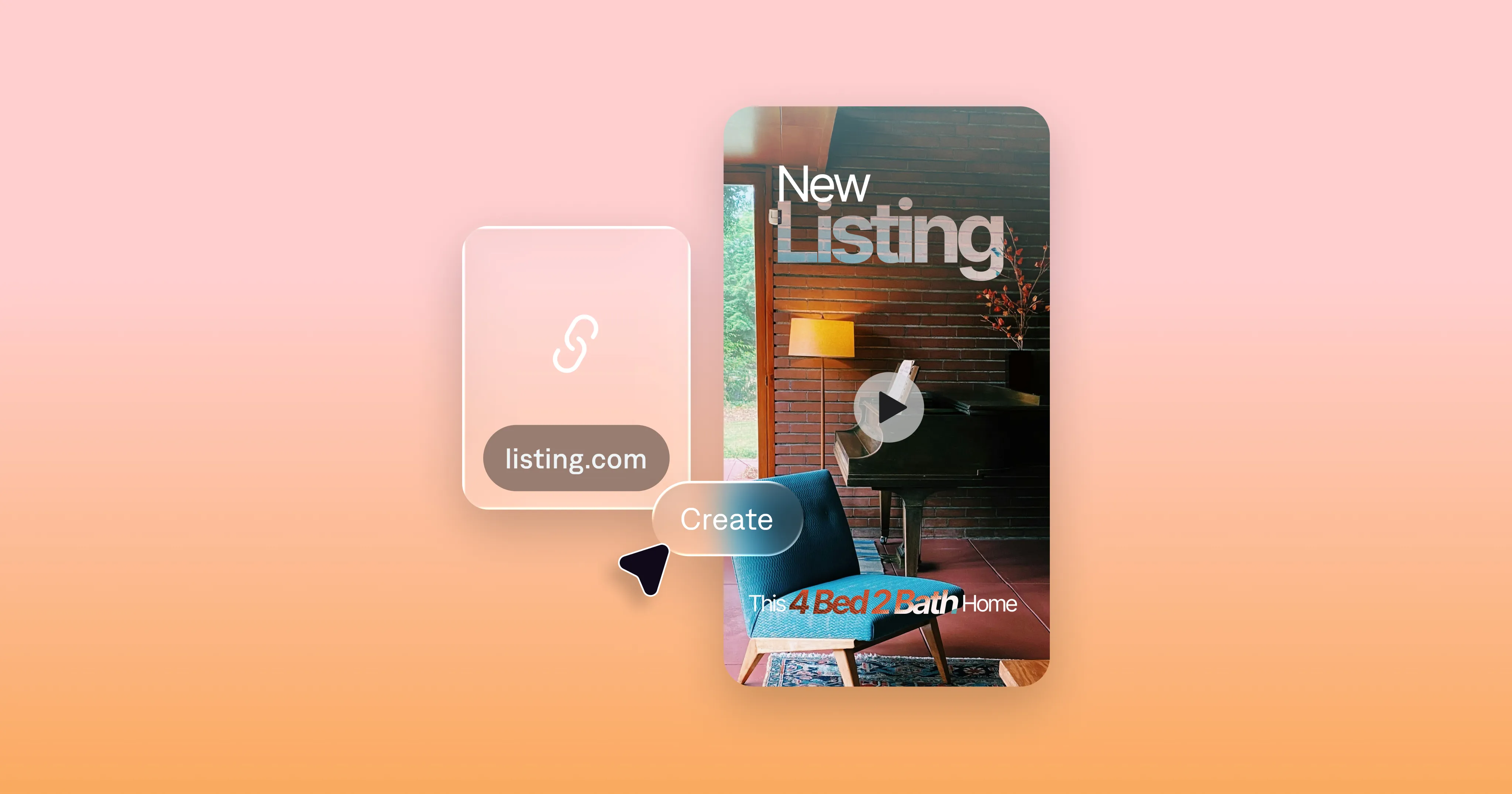
If you’re still posting a slideshow of listing photos with background music, you’re leaving money on the table. Not because it’s lazy (it's not!), but because photos can't truly immerse people in the possibilities of a new home.
A video tour brings people into the experience like no other. In a video, you can guide buyers through the space and make even an empty room feel worth seeing. And in 2026, you don’t need a videographer or a filming crew to make a great property tour video. You just need your listing photos and Captions.
Why video outperforms images for real estate
Potential home buyers scroll fast. They're unlikely to linger on a static gallery unless something really catches their eye—and a cluttered grid of photos rarely does.
Video works better because it removes friction. It’s the closest thing to a live walkthrough you can get before actually entering the house. It shows flow and energy, which is hard to determine from photos alone.
Here are some best practices to consider for your listing tour videos:
Most people watch online videos with their sound off. If your tour only works with audio, it’s missing half its audience. Burned-in captions fix this, and they also help make your content more accessible.
The first two seconds decide everything. Your opening shot matters more than any transition effect. Start with the strongest part of the house to set the tone for your tour.
Plan two cuts. A 15-second version for short-form platforms like Reels and TikTok, and a longer 45–90 second cut for your other marketing channels. Longer videos often work on your YouTube channel, website, and follow-up tactics like texting. Together, these versions can serve different stages of the buyer journey.
What you need to start making property tour videos
Believe it or not, you don’t need any video footage. We know real estate agents have a lot on their plates, so we designed Captions' property tour video maker to make videos from inputs you're already likely to have. You can either upload listing photos directly, or just paste your listing link directly into Captions to start the video.
If you want to upload your own images, standard listing photos work fine. You can use MLS-ready images, an existing photo gallery or even phone shots if they’re decent quality.
For a full house tour video, aim to upload about 12–25 images. For a shorter cut, 6–10 is plenty. A solid photo set might include:
1–2 exterior shots (front of home)
Kitchen from two angles
Living room (your best wide shot)
Primary bedroom and bath
One standout feature: fireplace, view, patio, home office
Backyard or outdoor space
Community amenity if it’s a selling point
That’s enough to build a tour that feels complete.
How to make your property tour video in Captions
Step 1: Upload photos
Open Captions on web and create a new project. Upload your listing photos directly. You can also add a prompt to explain what you want in your video to help guide the AI video generator in terms of order, structure or specific style choices you want to see in the final output.
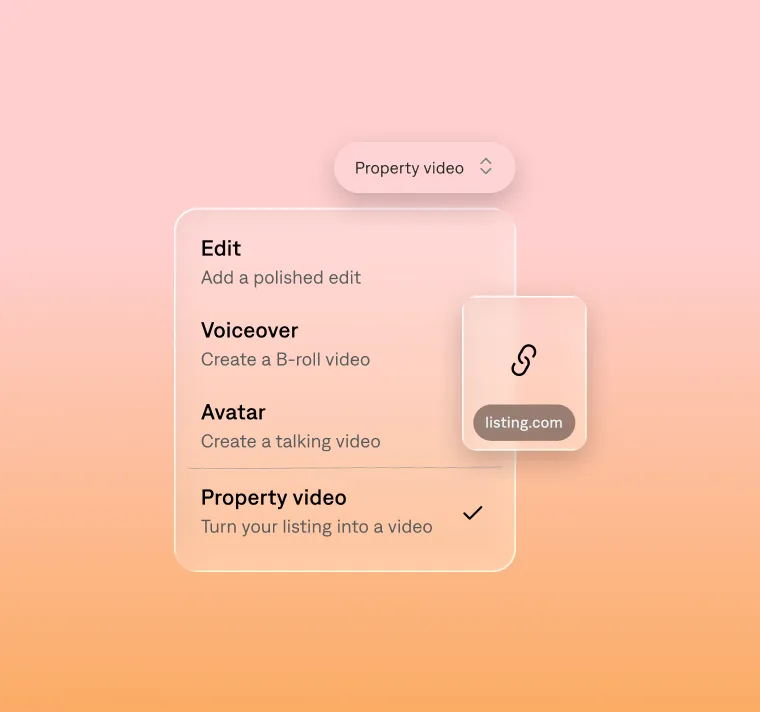
Step 2: Generate your video
At this point, you can adjust things like the edit style or pacing if you want to. If you just want to use the default video settings, click the button at the bottom to jump right to video generation.
Step 3: Edit the details
You'll have a fully edited video by step three. Now, if you want to adjust anything, you can use the chat-based editor to direct your changes. For example, you could ask to change the lighting or adjust the timing in a certain part of the video. If you're more comfortable editing yourself, you can also edit in a manual timeline instead.
Another cool feature is virtual staging. You can ask Captions to add furniture to empty rooms or adjust how rooms are staged for extra polish.
Step 4: Export to share
Your video will be ready to share across top platforms like Instagram, TikTok and more.
A few checks for compliance
Make sure any video you post follows guidelines for disclaimers and fair housing requirements. For example:
Add brokerage/agent disclosure overlays if required in your market.
Label any virtually staged shots clearly. You can use the chat-based editor to do this before exporting.
Review for Fair Housing compliance and avoid language that could be read as exclusionary.
Start your first video today
You don’t need a film crew, a drone, or a production budget. You need good photos and a workflow that turns them into something worth watching. Learn more about our features for real estate agents or start making your own video tours now at captions.ai.
