

Three new AI Edit video styles, built for any business need
Learn how Captions’ AI Edit styles transform your videos from filmed, to finished. Our new Business styles help you make the professional video you need, on shorter timelines.
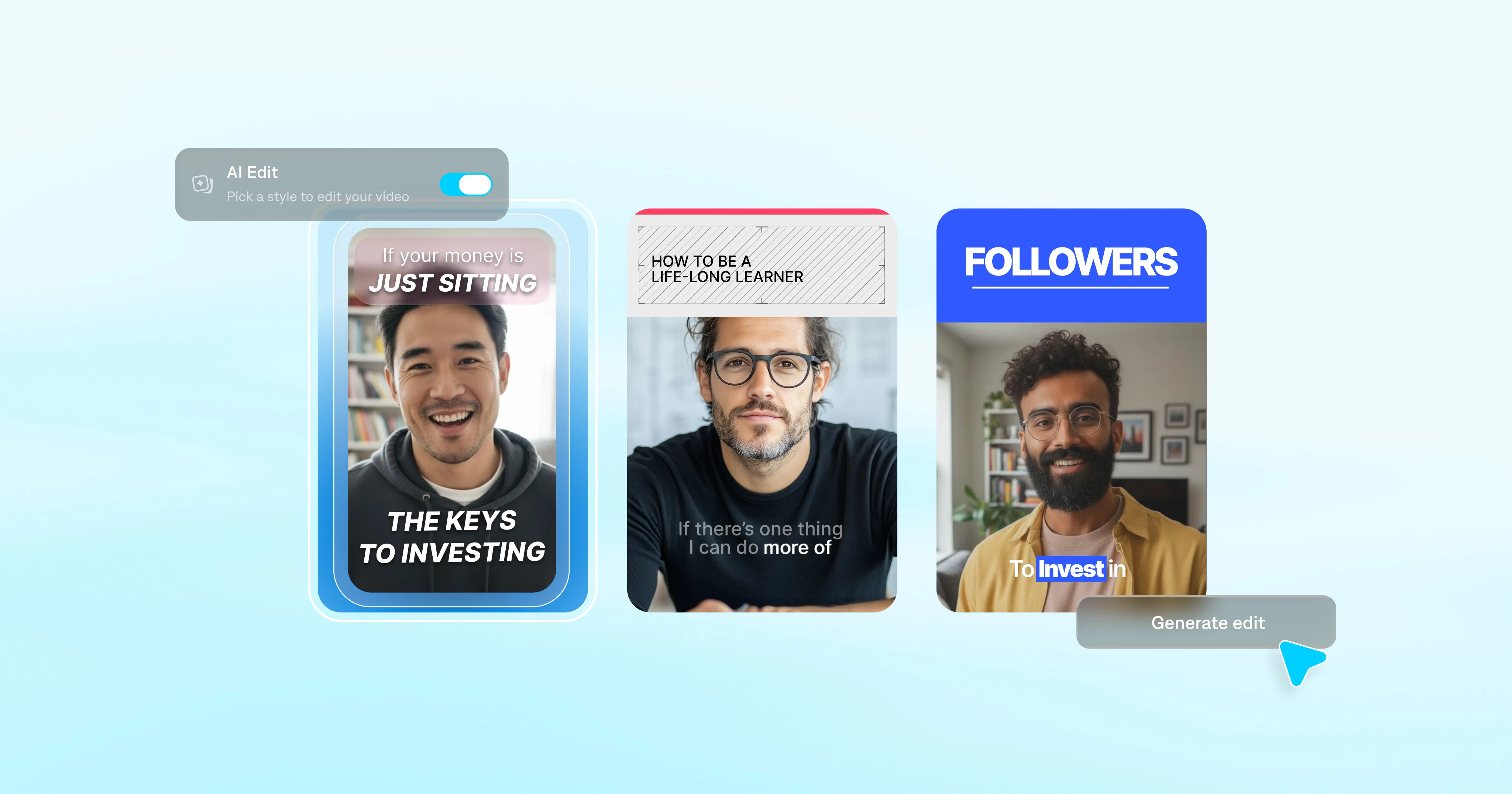
Just a few years ago, video still felt like a nice-to-have. Now, it’s essentially the default format. LinkedIn posts, product walkthroughs, trainings—they’ve all become video-first. But just because you have great ideas doesn’t mean you have great editing skills.
For many professionals, this is where production stalls. They know what to say, but can't make the video themselves.
Captions' AI Edit feature bridges that production gap. It can turn any footage into a fully edited video, fast. It's like a video workflow hack, making it easier than ever for your team to succeed with video.
What AI Edit solves for video production
You’re probably seeing a lot of noise around AI video right now. Captions' AI Edit is focused on a very specific problem: The editing barrier.
Editing takes time most people don’t have. It takes skill most people haven’t built. And even when you push through, the result is usually rougher than you’d like.
With AI Edit, you’ll never need to worry about manual timelines or keyframes again. Just choose a style from our vast library of options, and your entire video transforms at once. It’ll look like you hired a professional editor, but all it takes is a few taps.
How AI video editing works
AI video editing takes footage you filmed or generated, and automatically edits it. Your raw clips instantly become ready-to-post videos. It doesn’t replace what you say or alter your appearance. It just handles time-consuming editing tasks.
AI Edit removes the uncertainty of editing yourself and the obstacles of hiring an agency or even an editor. It adds stylized elements like transitions and overlays, automates engaging captions, and even tightens details like pacing. No matter how you started the project, your final video will look polished and intentional.
Three new styles, for unlimited possibilities
There are 40+ AI Edit styles to choose from, and we're always adding more. Our most recent additions are all for the Business category, popular with marketing teams, small businesses and other professionals making video for work.
The Evo, Focus and Core styles were designed with common professional video formats in mind. They're a shortcut to consistent, polished video, no matter your budget or team size. You film the footage; the style handles the edit.
Here’s how to think about each style:
Evo
For content with energy. Built to stop the scroll.
Evo is for footage with movement and momentum. The pacing is dynamic, the cuts are confident, and the presentation is designed to grab attention fast. Think product launches, campaigns, or any video where you want the viewer to really feel something in the first few seconds.
Best for: Product showcases, brand content, promotional video, social ads, webinars.

Focus
When the message is what matters most.
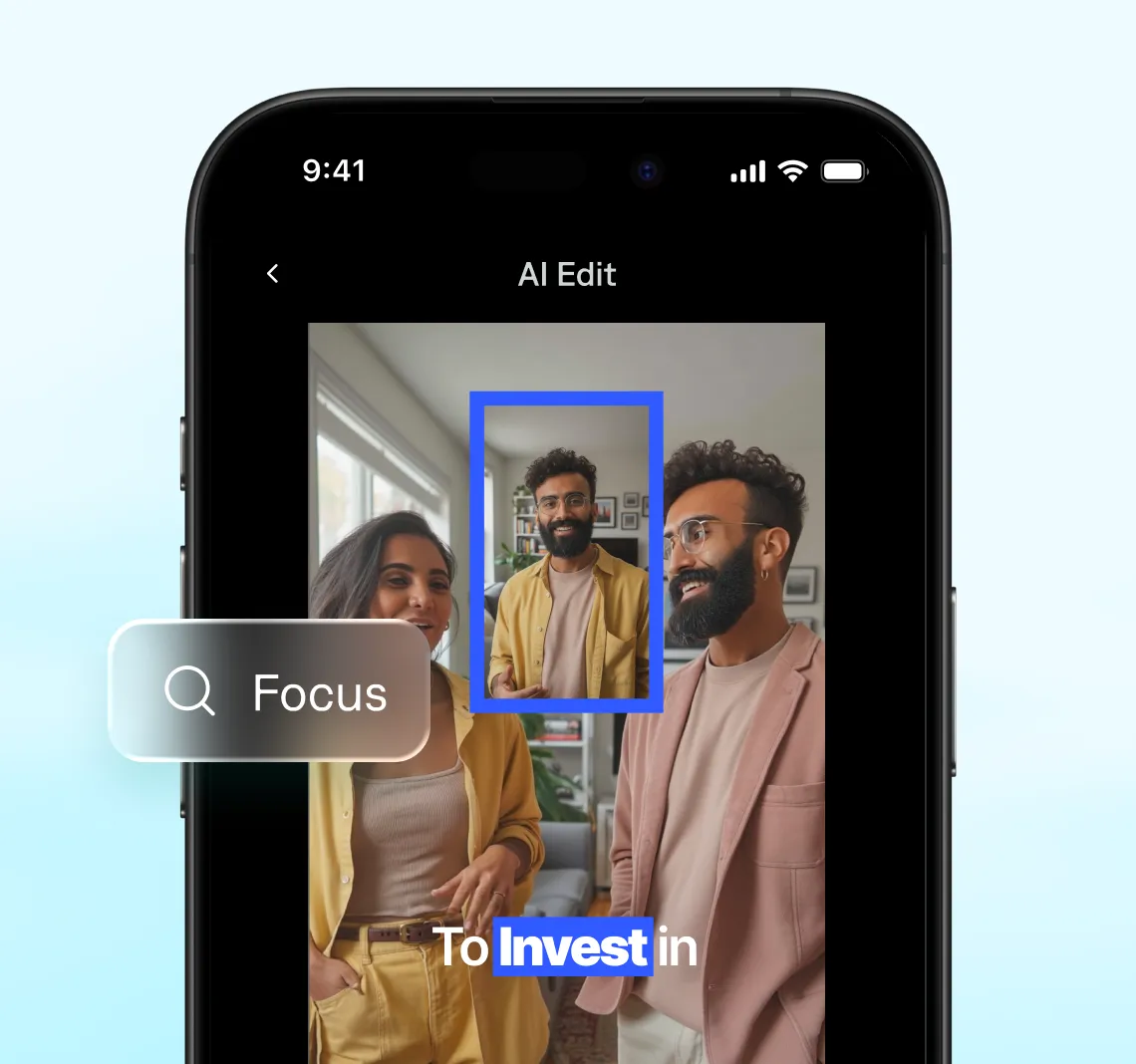
Focus is designed for talking head videos and puts emphasis on the speaker. It strips away distraction with a minimal visual design, clear structure and clean presentation. Focus is helpful for thought leadership content on channels like LinkedIn, especially if your content is more conversational or explanation-driven.
Best for: Thought leadership, educational content, explainers, tutorials, executive communications.
Core
Designed, structured, clean.
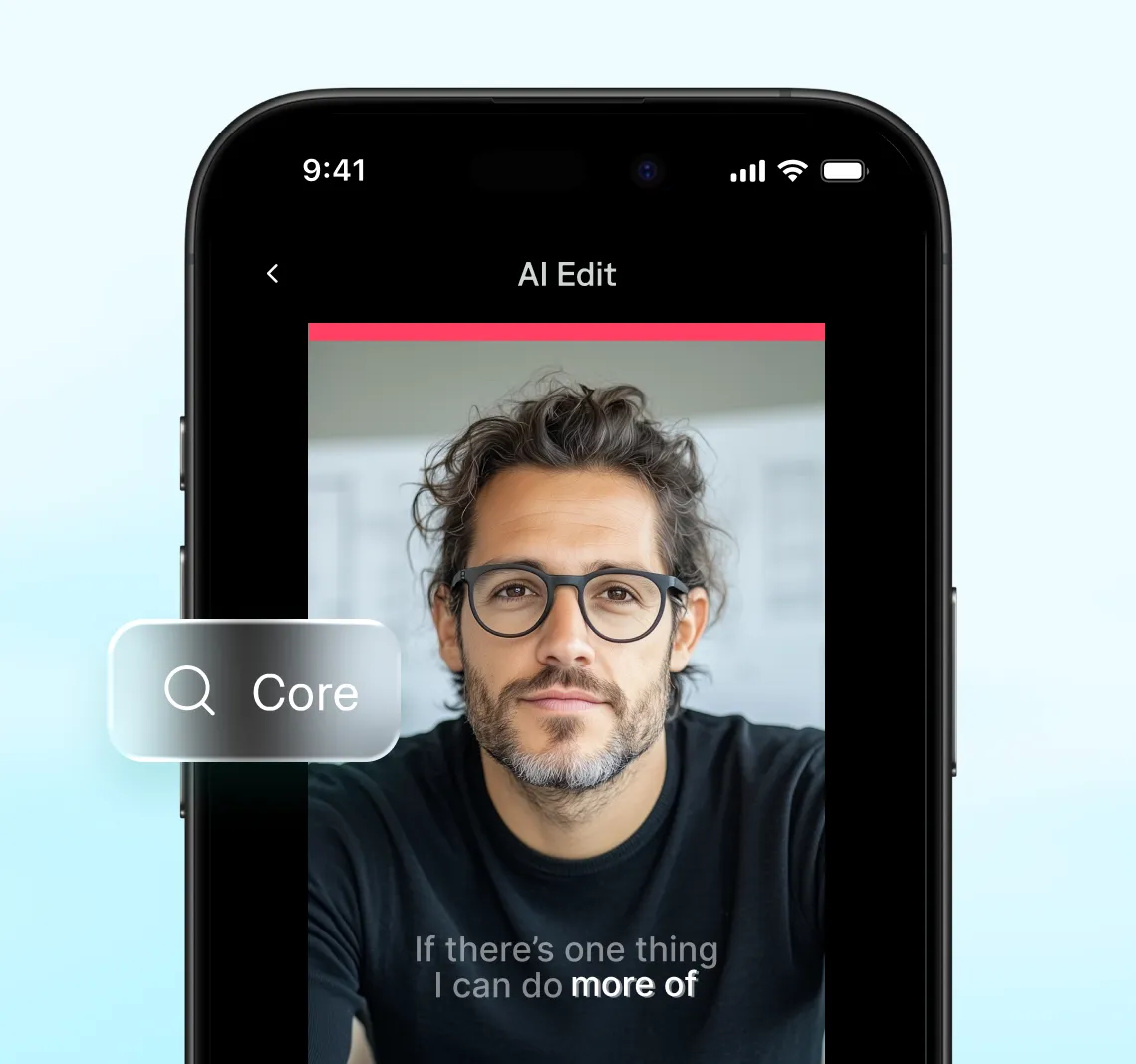
Core is design-forward, with a modern look that suits almost any professional context. It’s one of our best video styles for LinkedIn, with clear story structure and smooth details. If you’re not sure which style fits, start with Core.
Best for: LinkedIn video, thought leadership, tech demos, business updates, high-trust professional content.
You’ve got a job to do. Video editing doesn’t have to be part of it.
With AI Edit, you get consistent quality across everything you make. Your whole team can find a style that fits their needs, from marketing content to client outreach.
Evo, Core, and Focus are available now. To get started, just upload a video to Captions and select the style you want to try. You’ll have a polished video in minutes.
The authenticity stays yours. The edit is just no longer in the way.
