
Homepage
Sign up

Turn one video into your next batch of content

Never let a great moment get buried in a long video. Clips finds the moments worth sharing and turns them into ready-to-post content — whether it's a podcast, webinar, sports footage, or anything in between.

Most tools cut your video into pieces, Clips finds the top moments to share
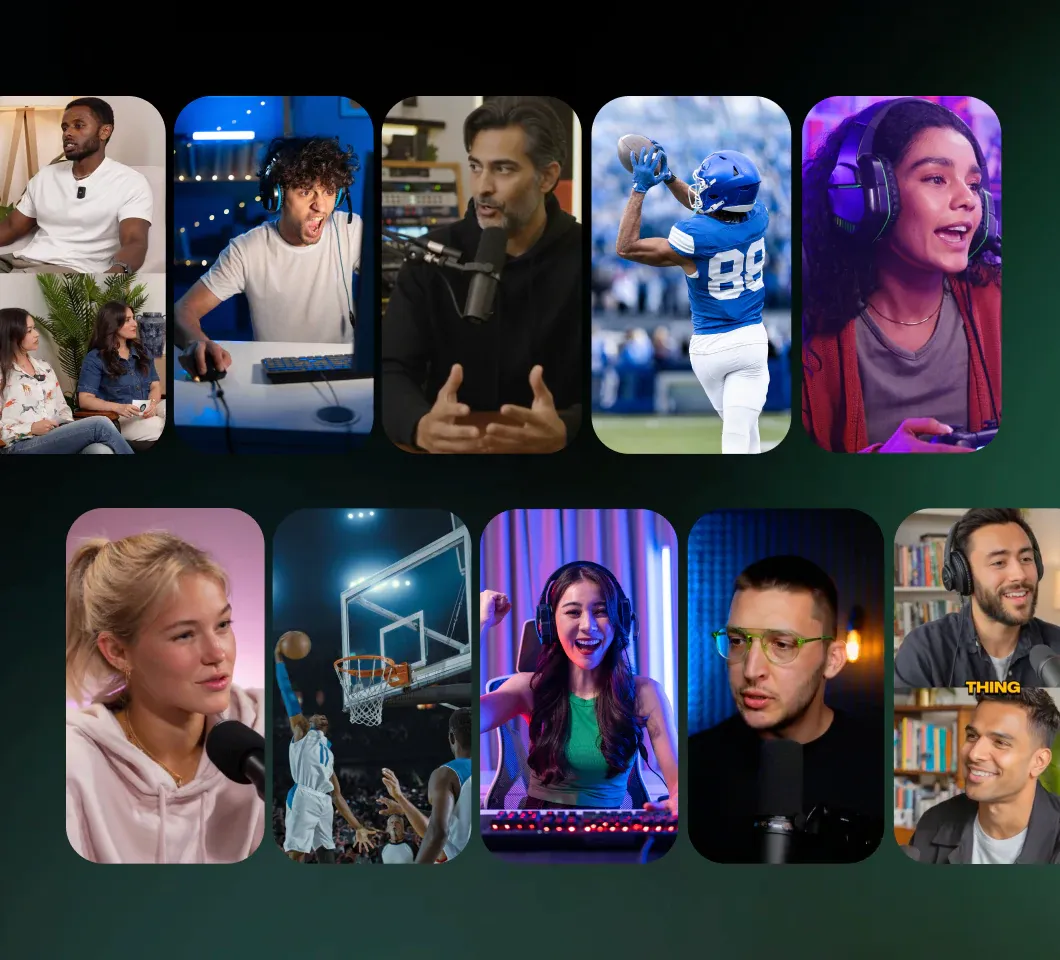
A grid of finished vertical clips spanning podcast, gaming, sports and interview footage.
  • Your best moments, turned into clips that perform

    Let AI understand the full context of your video and surface the moments people actually want to watch.

  • Editing intelligence that frames, formats, and polishes every clip

    Get every clip fully edited and intelligently framed for horizontal or vertical formats — keeping faces centered and composition clean.

  • Ranked for virality

    Know which clips are most likely to perform with AI-powered scoring, so you can prioritize what to post.

Captions exclusive

Turn edited footage back into a blank canvas

Erase original, hardcoded elements from source footage so every clip looks clean and polished. Clips detects and removes them for you — something no other clipping tool can do.
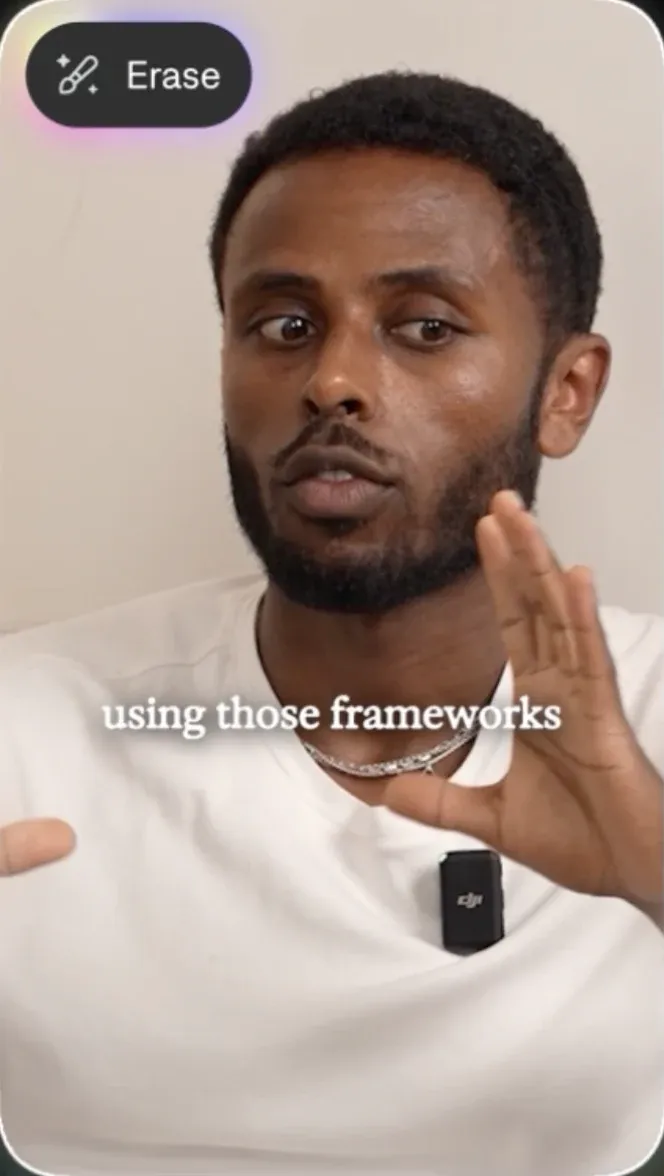

Source footage
Source footage with hardcoded captions still burned in, and the Erase control available.
Erased with Clips
The same footage with the hardcoded captions fully erased, leaving clean video.

@bonsanemera, Captions power user

How to create Clips with Captions

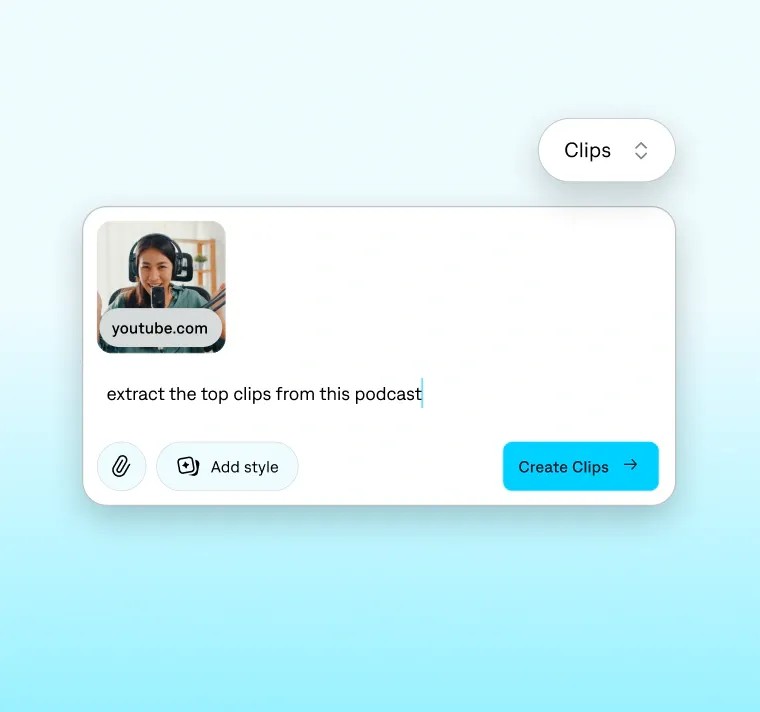
The Captions composer in Clips mode: a YouTube link added, with the prompt “extract the top clips from this podcast” and a Create Clips button.

Paste or upload a link

Drop a link or upload your video. Clips supports videos up to 3 hours or 10 GB.
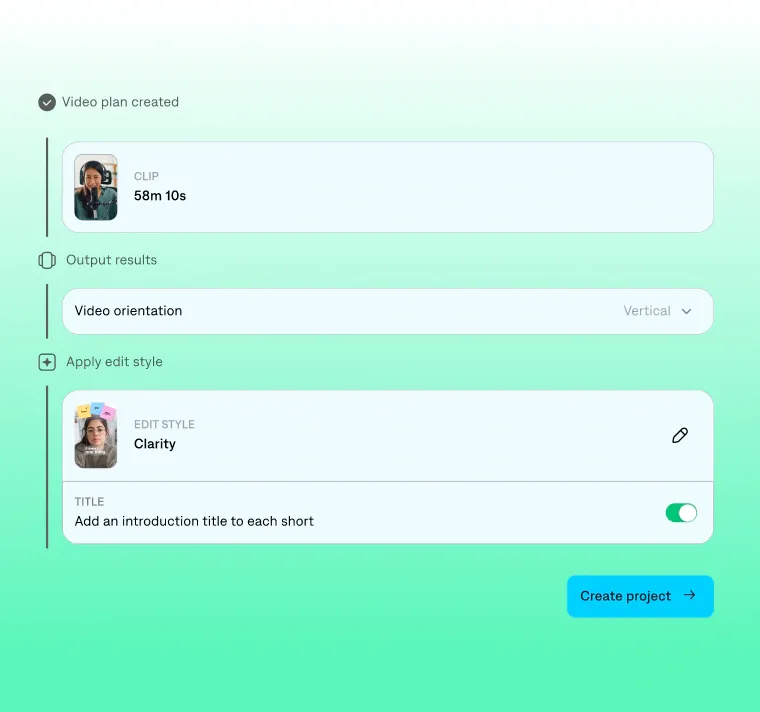
The generated video plan: a 58m 10s source clip, vertical output orientation, and the Clarity edit style applied with intro titles switched on.

Create your clips

Select the style and format you want, then instantly get up to 30+ clips.
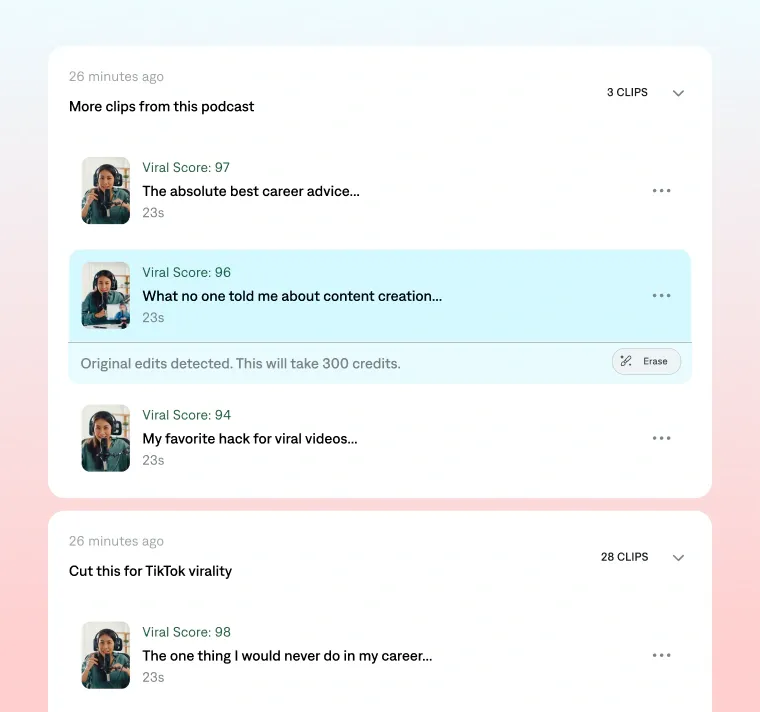
Generated clips listed with viral scores from 98 down, each 23s, with a prompt-created batch of 28 more clips below.

Generate more moments

Want funnier, spicier, or just a different take? Simply prompt the chat-based editor to generate more.

Your next month of clips is already in something you've made

Try Clips

Frequently asked questions

How long can my video be?
Captions supports up to 3 hours and 10 GB per video. Paste a YouTube link or upload a video file.
My podcast has three people talking over each other. Does that work?
Yes. Clips are built specifically for multi-speaker conversation. Our AI can detect overlapped speech and fast speaker switching, and reframes to follow whoever is talking.
Will it caption over captions I already have?
No. Clips detects captions already present in your footage and edits around them, so you don't end up with two sets of subtitles fighting each other.
What if I don't like the selected clips?
You can simply prompt to generate more clips, with a different direction in mind — like a specific topic, speaker, or tone. Our technology can go back through the same footage looking for that instead. Additionally, you can manually trim the clip length before exporting.