
AI video dubbing that actually sounds natural
Dub videos into 30+ languages with Captions. AI adds accurate translated voiceovers with high-quality audio. Captions can also sync your speaker's lips to the new language so it looks organic.
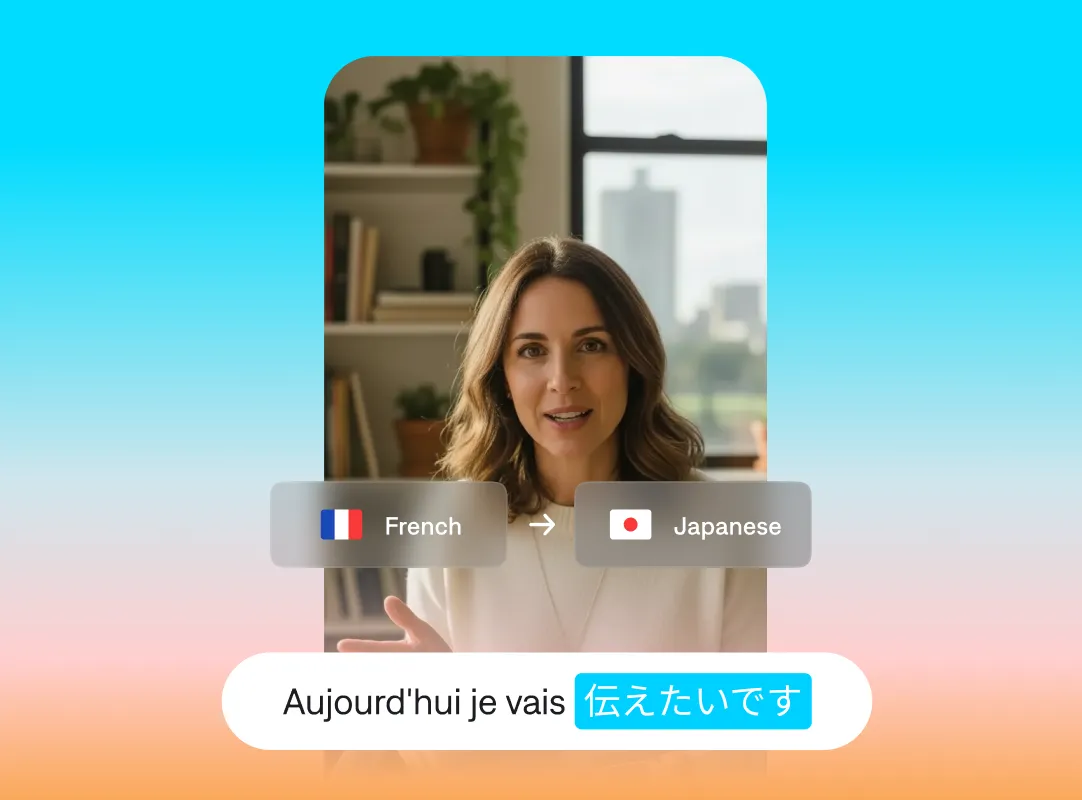
What is AI dubbing?
AI dubbing replaces your video's spoken audio with a translated version in another language. With most dubbing, only the audio track changes. With more advanced tools, like Captions' Lipdub, the visuals also change. Lipdub reanimates speakers' lips so they match the new language's words.
Localize faster and better
Simple workflows
Dub in minutes. AI makes it easy to use the same video for multiple countries or audiences, sparing you costly reshoots and lengthy translation processes.
Smooth delivery
Captions uses organic voices, even for AI voiceovers. No matter which language you pick, your audio will sound like a genuine recording. No clunky or robotic voices.
Audio-visual sync
It’s hard to sync audio with video, especially when you’re applying translated voiceovers. For an extra smooth video, use Captions' Lipdub feature. It's even better than standard dubbing because it also syncs the speaker's mouth and pacing to match the new audio.
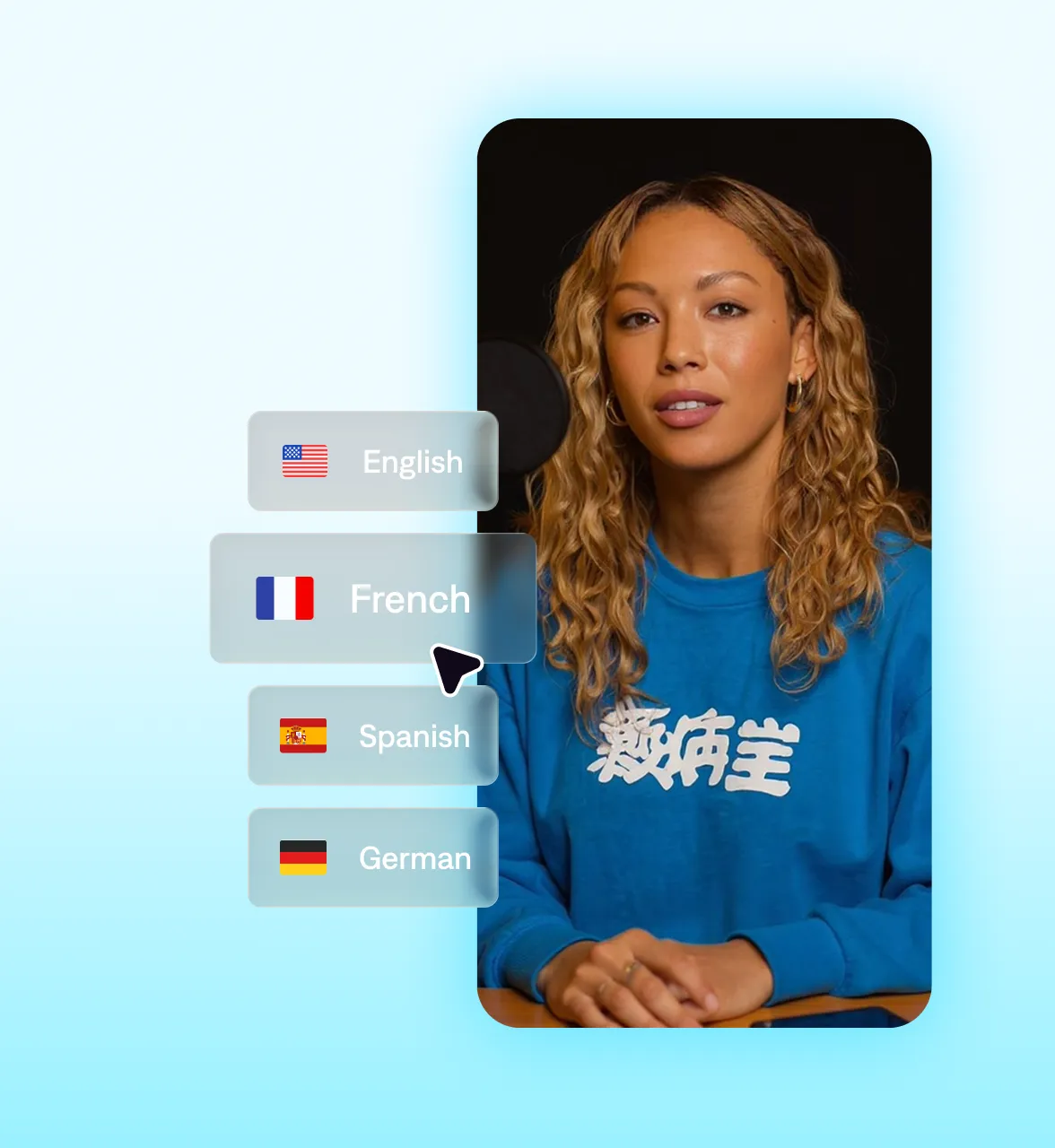
How to use AI dubbing in Captions
Options that flex with you
When you start a new project, select the tool bar to see translation options. Decide if you
want to dub your video (new audio only) or Lipdub (update the audio and
visuals).
Then, choose your target language. Captions supports 30+ languages for
dubbing. Languages include: Arabic, French, German, Hindi, Hinglish, Italian, Japanese,
Portuguese, Russian, Spanish, Ukrainian, and more.

Frequently asked questions
What is AI dubbing?
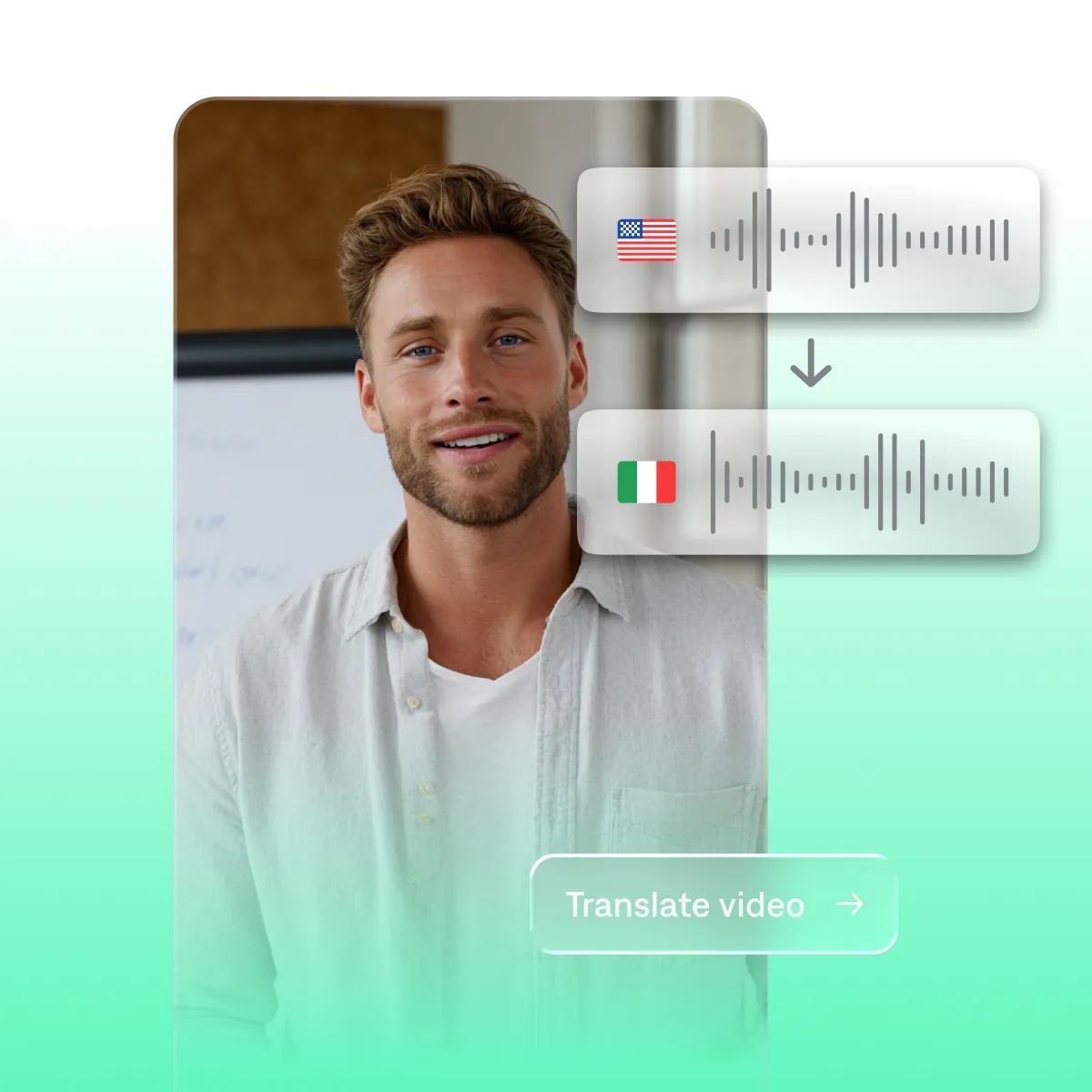
AI dubbing replaces your video's original audio with a translated version in another language. This makes it easier to repurpose the same video for multiple audiences. It's a step beyond standard subtitles, because people can listen in their preferred language rather than having to rely on text alone.
What's the difference between AI Dubbing and Lipdub?
AI Dubbing translates your audio into a new language and leaves your lips as they were. It's fast and great for faceless videos or when you just want a good voiceover. Lipdub also reshapes the speaker's mouth and face to match the translated audio so it looks like you always filmed in that language. Lipdub is helpful when you really want your audience to feel engaged in the story or for marketing purposes like ads.
Why is Lipdub better?
Lipdub is better when you want to make a perfectly cohesive video in a new language. Because it resyncs the speaker's mouth to the new language, it looks like you are using an original recording rather than a translated asset.
How do I dub a video into another language?
Dubbing adds a new voiceover in your desired language so more people can listen to your content. The easiest way to dub is using an online video editor or editing app that automatically generates a voiceover for you. That saves you the hassle of having to do your own translations or waiting for external vendors to finish it for you. Captions includes dubbing and advanced dubbing in several of our pricing plans.
Does the dubbed version sound like me or a generic voice?
With Lipdub, it sounds like you. Captions clones your voice from the original video and uses it for the dubbed track, preserving your tone, energy, and cadence. More basic dubbing uses generated voices so it won't sound just like you, but it will still sound realistic. All of Captions' AI voices are hyper-realistic and organic so delivery always sounds good.
How accurate is the lip sync?
Captions matches your mouth movements to the sounds of the target language frame by frame, so the sync holds naturally across the whole clip.
What languages can I dub into?
Captions supports 30+ languages for dubbing including Arabic, English, French, German, Hindi, Italian, Japanese, Korean, Portuguese, and Spanish.
Is dubbing free?
You can start dubbing in Captions for free. Lipdub is a premium feature on Max and Scale plans. For more information, see our pricing page.