
The best teleprompter for videos
The easiest way to record videos on your phone. Scroll your script right by the lens, pace it with your voice, and look people in the eye while you read. No memorizing, no darting glances, no tenth take.
What does the AI teleprompter do?
A teleprompter displays your script on screen so you can read while looking at the camera. Captions’ teleprompter uses AI to adjust to your own pace and recording style so it’s easier to get good footage.
Top teleprompter features
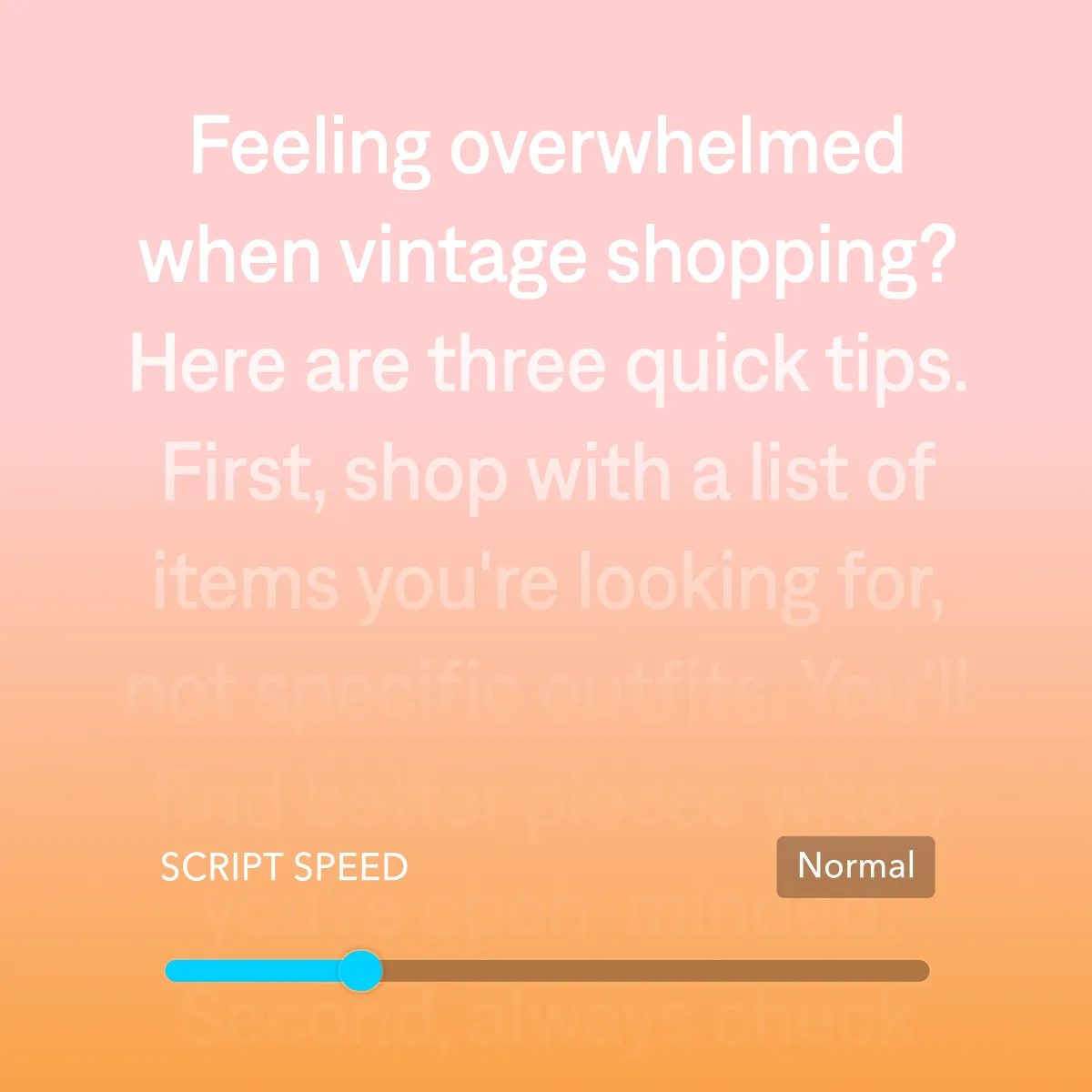
Set your own pace
Choose whether the script scrolls scene-by-scene or continuously, and whether you see it in the camera itself or via notifications. As you record, Captions automatically adjusts the teleprompter speed to match your pace.
Flexible camera settings
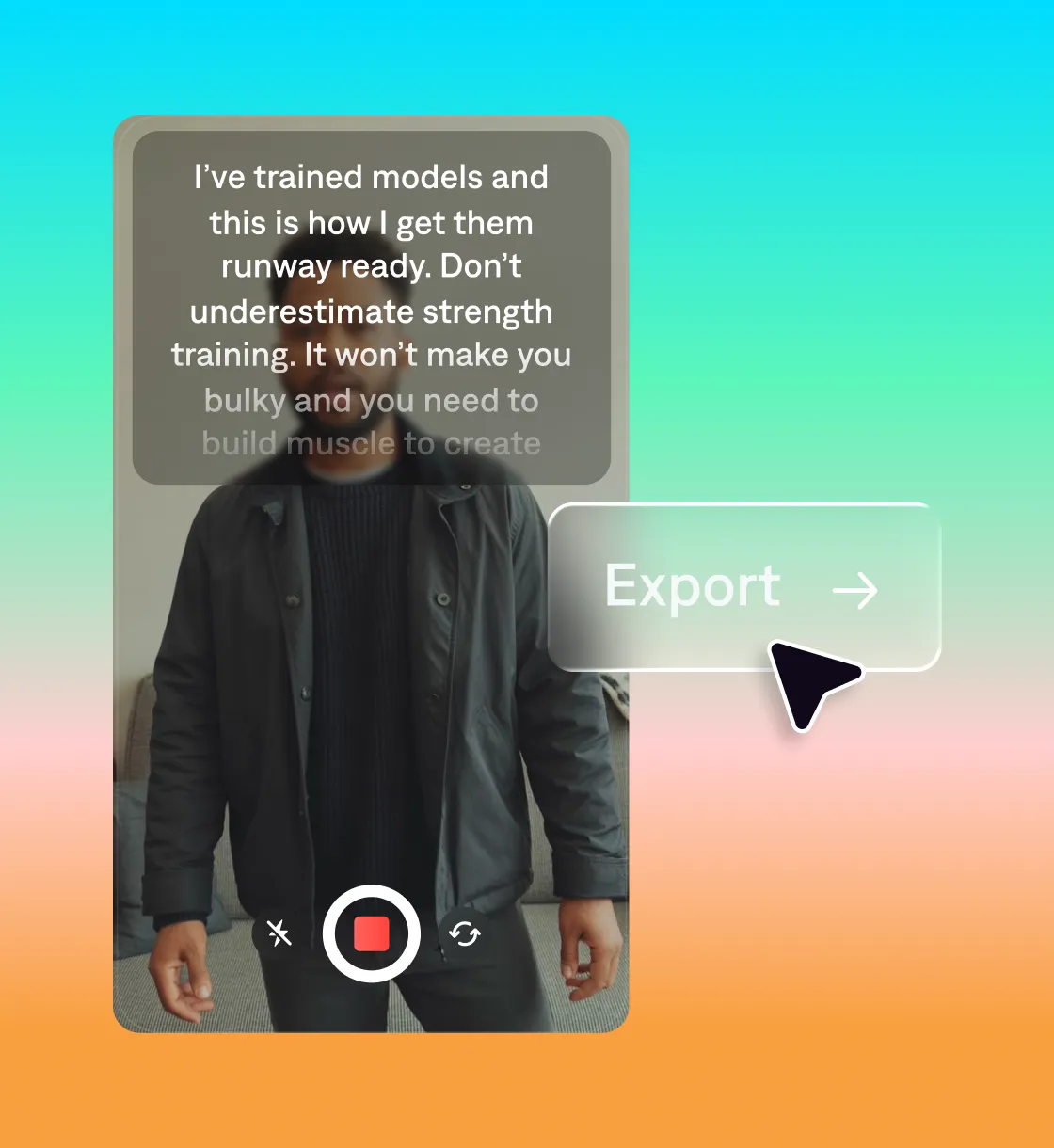
Change output quality and frame rate easily. You can also flip between the front or back camera and control flash right in the app.
Look natural
Your eyes stay where they belong, facing the screen. Reshoot specific segments, or use other Captions features like eye contact correction to fix issues later.
How to use the Captions teleprompter
Add your script
Paste your script or generate a new script from prompts.
Pick your settings
Pick the scroll pace and text size that feel right for you.
Hit record
When you’re done, either keep editing or export for top platforms.
A complete recording-to-edit workflow
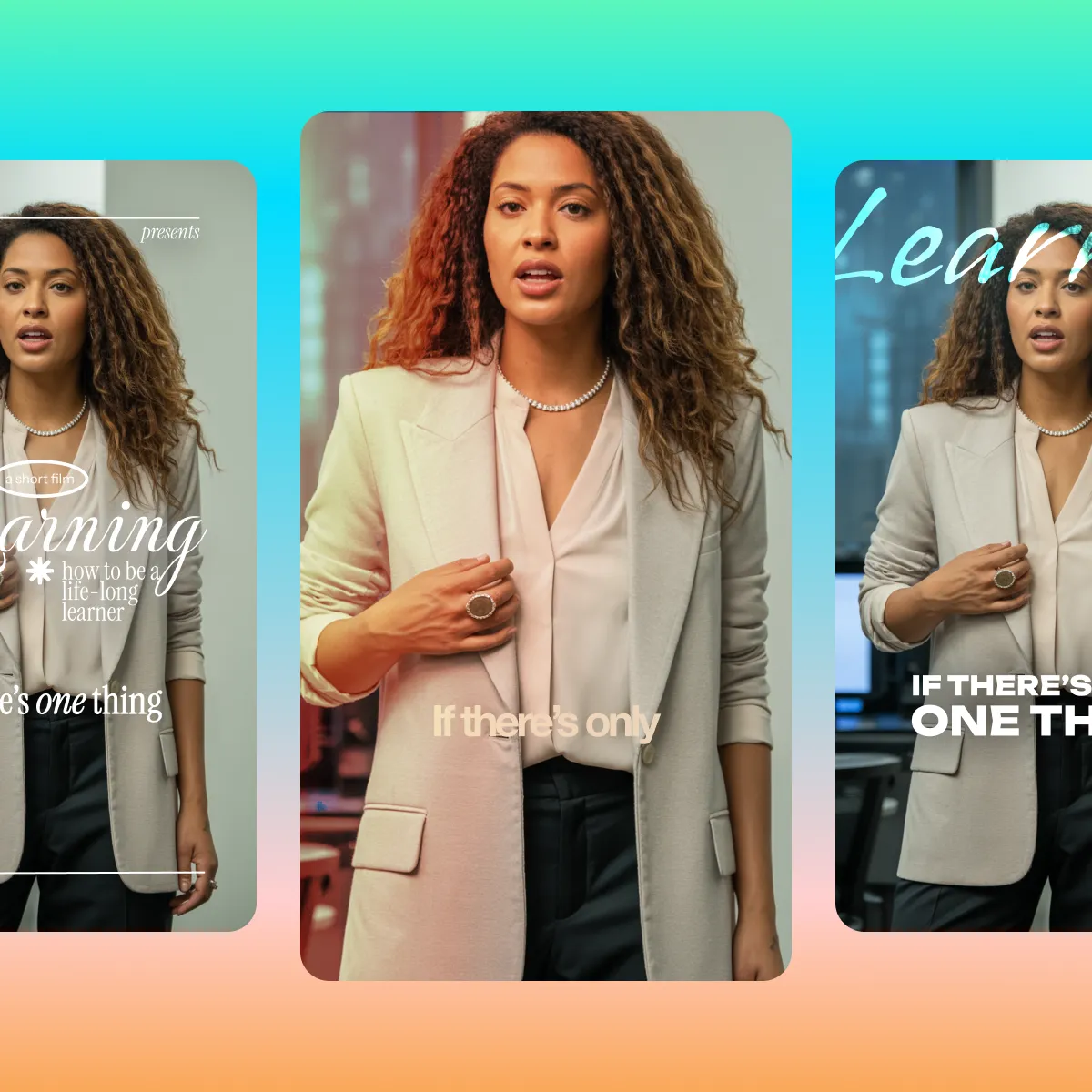
Other teleprompter apps stop when you stop recording. Captions keeps going. Make your entire video in one place, from recording to final edits.
Try it in Captions

More features to explore

Correct eye contact
Automatically fix inconsistent eye contact or awkward glances.

Automatic captions
Create auto-captions with stylized fonts.

AI Editing
Explore a library of diverse styles and transform footage in minutes.
Frequently asked questions
Can I use a teleprompter without looking unnatural on camera?
Yes, if you pick the right teleprompter. Look for a tool that automatically adjusts to your recording behavior so the pace feels natural and you can keep up with the script.
Will I look like I'm reading?
No. Your script sits right next to the lens so your eyes stay on camera, and you can pair it with AI eye-contact correction to keep your gaze locked on your audience even when you're reading.
What is an AI teleprompter for video?
An AI teleprompter scrolls your script while you record, so you can speak directly to the camera without memorizing lines. AI helps the teleprompter perform better than more traditional tools because it adjusts to your own rhythm and style more accurately.
Is Captions' teleprompter different from other apps?
Yes, because it’s part of a full video editing app. Most teleprompter apps focus on recording, but you can move your entire video workflow to Captions. Once you record a video, use features like eye contact correction and background noise removal to improve the quality. You can also add captions, insert B-roll or even apply a preset editing style to the whole video. Normally, you’d need multiple tools to handle these steps.
Where is the Captions AI teleprompter available?
The teleprompter is currently available in our iOS and Android apps. We plan to add it to our web editor soon. In the meantime, you can record on your phone and edit in the web editor, if you prefer that.
Can I edit my video after recording with the teleprompter?
Yes, Captions makes it easy to edit your footage. You can make manual adjustments or use AI Edit to edit the entire video at once. Then, export in the right format for platforms like TikTok and Instagram. Everything happens inside the same app.