
Ecommerce videos that build business, no matter your budget.
Your product is the star. Let Captions be your director. Our AI video editor and generator makes demo videos, product ads and feature highlights easier than ever. Produce the video your goals demand, with the quality your business deserves.
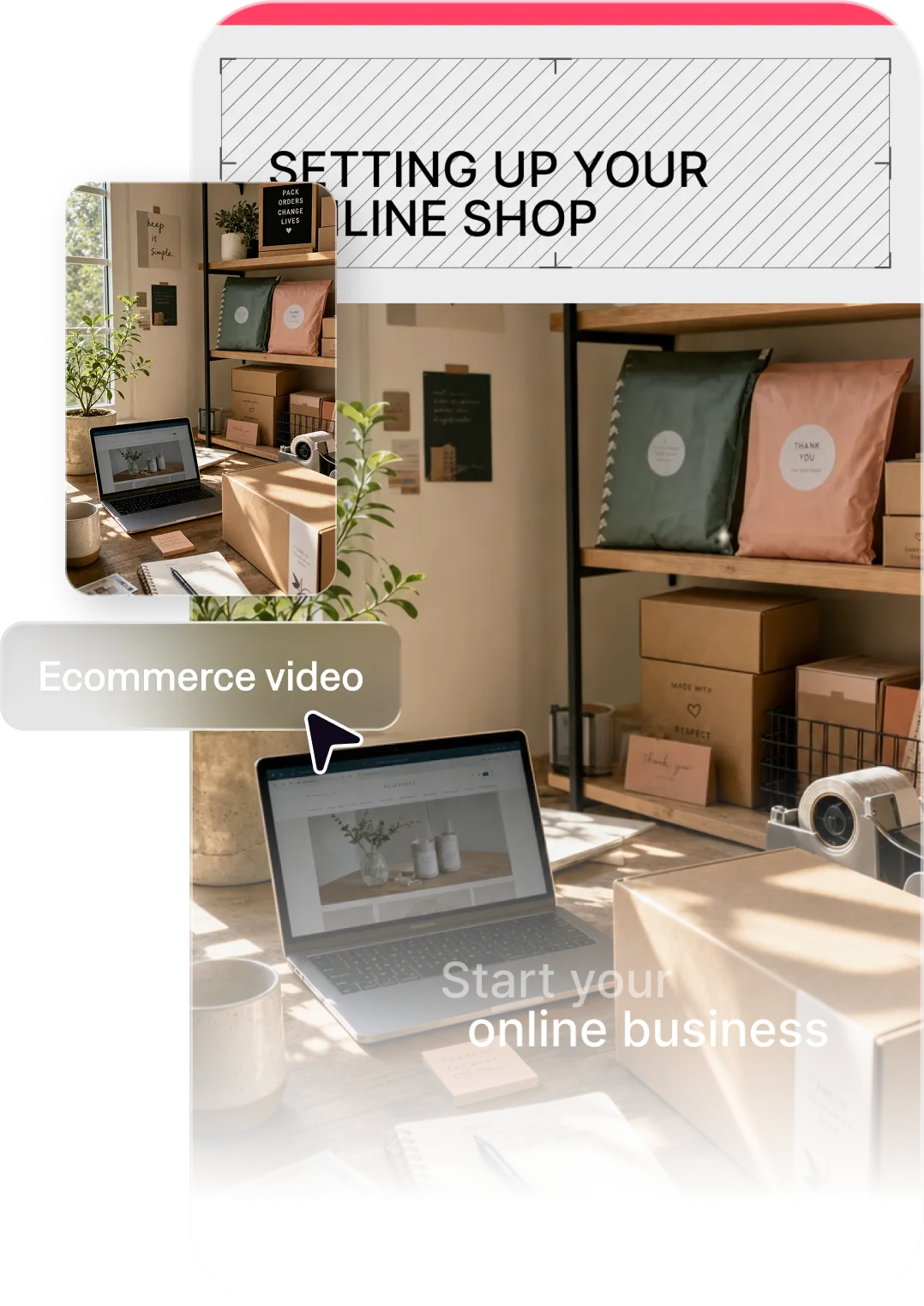
Key benefits for ecommerce brands
Scale faster than ever
Whether you sell 10 products or 10,000, you need videos that show them off. Captions makes it possible to produce product content at volume, even without a professional production team.
Nail the take, every time
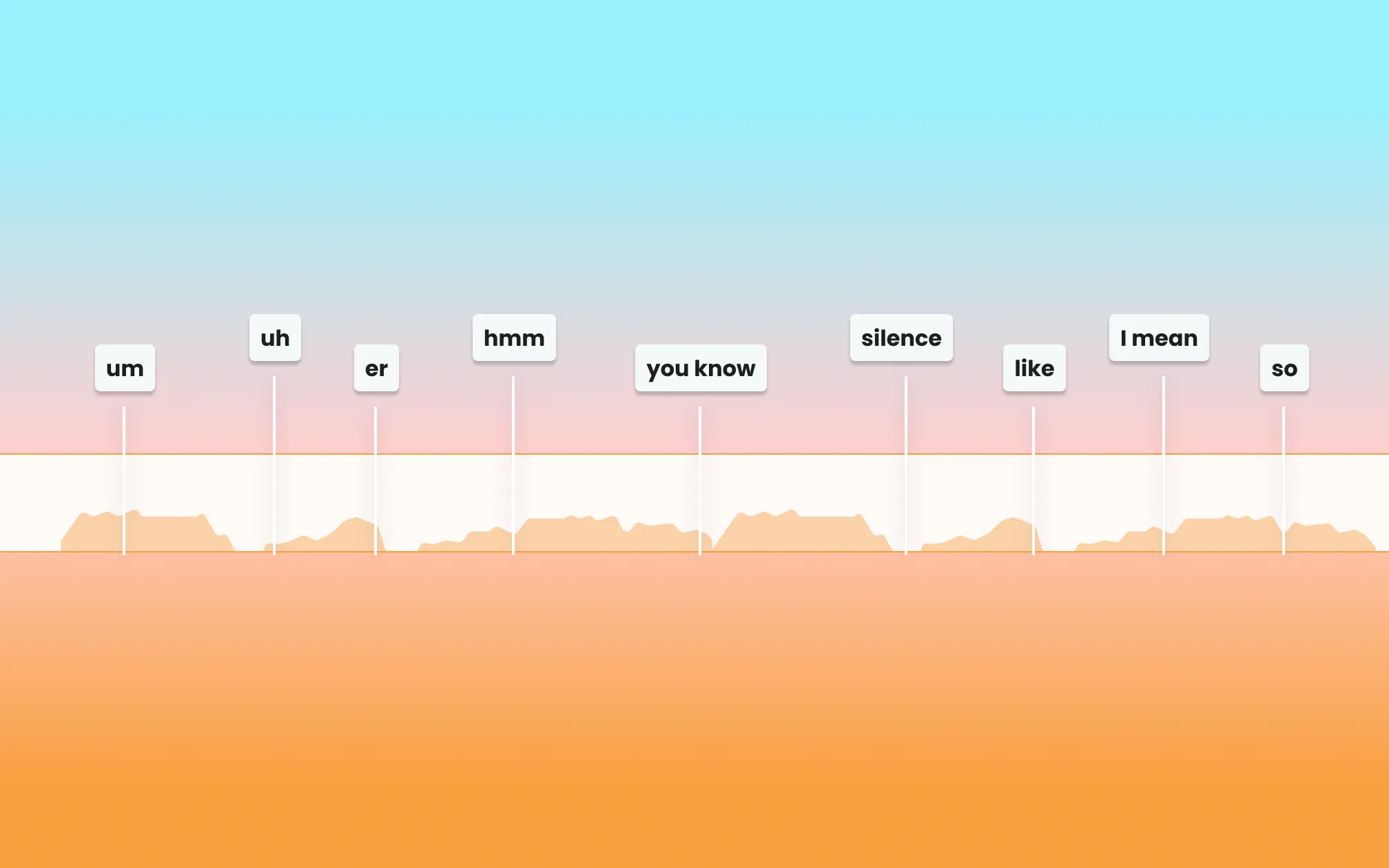
Captions uses AI to quickly clean up your footage with smart fixes like eye contact correction, background removal and noise removal. You can also edit an entire video with AI.
Convert more customers
The difference between a listing that converts and one that doesn’t often comes down to your creative. Produce multiple listings or variants quickly and see what converts best.
Import your video to start
By uploading a video to be edited using AI, you are agreeing to our Terms and have read our Privacy Policy.
Prompts we've loved
Product demo video
“Create a 60-second product demo video for a portable blender. Highlight the leak-proof lid and USB charging. Use upbeat music, bold on-screen text callouts, and a clean visual style. Format for Instagram Reels.”
Video ad for social media
“Make a 30-second video ad for a natural skincare serum targeting women ages 25–40. Open with a bold hook about skin clarity, show before/after texture, and end with a clear CTA to shop now.”
Customer use case story
“Create a 90-second video showing how a home office organizer transformed a messy workspace. Show the before state and the end result with a customer voiceover and on-screen callouts.”
Popular with ecommerce brands


Start making better videos

Frequently asked questions
What kinds of product videos can I make with AI?
Our customers love using Captions for ecommerce marketing content like product demos, ads and UGC-style content.
Do I need a physical product shoot to make product videos with Captions?
Not necessarily. Captions can create compelling product content using images, written descriptions, and brand assets. You can even insert product shoots into other footage using the conversational editor to guide you.
How can AI make ecommerce videos easier to make?
AI opens up new possibilities for ecommerce videos, even if you don’t have a full production team or editor on staff. You can upload raw footage from product shoots or previous marketing workstreams and edit them into new assets in minutes. Or, upload product images and prompt the video generator to make something new for you.
Can I create videos for multiple products at once?
Yes. Captions makes it practical to produce video content for multiple products in a single session—especially useful for brands with large catalogs or frequent new arrivals. Once you find a style you like, it’s easy to swap which product is being shown, or even other details like voiceovers or the edit style.
How do product videos help increase ecommerce conversion rates?
Product videos reduce uncertainty. When shoppers can see how something works and how it looks in use, they’re more confident buying. Studies consistently show video improves conversion rates.
What's the ideal video length for product videos on different platforms?
For TikTok and Instagram Reels, 15–45 seconds works best. For YouTube and product page embeds, 60–90 seconds is optimal. Captions can create versions optimized for each platform.
What hook format converts best for product ads?
Lead with the problem, not the product. A hook like “Tired of foundation that transfers?” typically outperforms something like “Introducing StaySet.” We also see customers succeed with formats like before-and-after content, results videos and social proof hooks.
What types of ecommerce videos perform best on TikTok and Instagram?
Demo videos, before-and-after content, short unboxing clips, and UGC-style videos tend to get the highest engagement.
How do I create video ads for my Shopify store without a big budget?
Captions removes most of the cost associated with traditional video production. You describe the ad, Captions creates it, you publish. No videographer, editor, or post-production team required.