
Add structure to how-to videos
The “Blueprint” editing style shines for how-to videos and advice content. It gives videos an organized look, with diagram elements and gridded backdrops. If you want your visuals to communicate the same clarity as your ideas, this is the editing style for you.
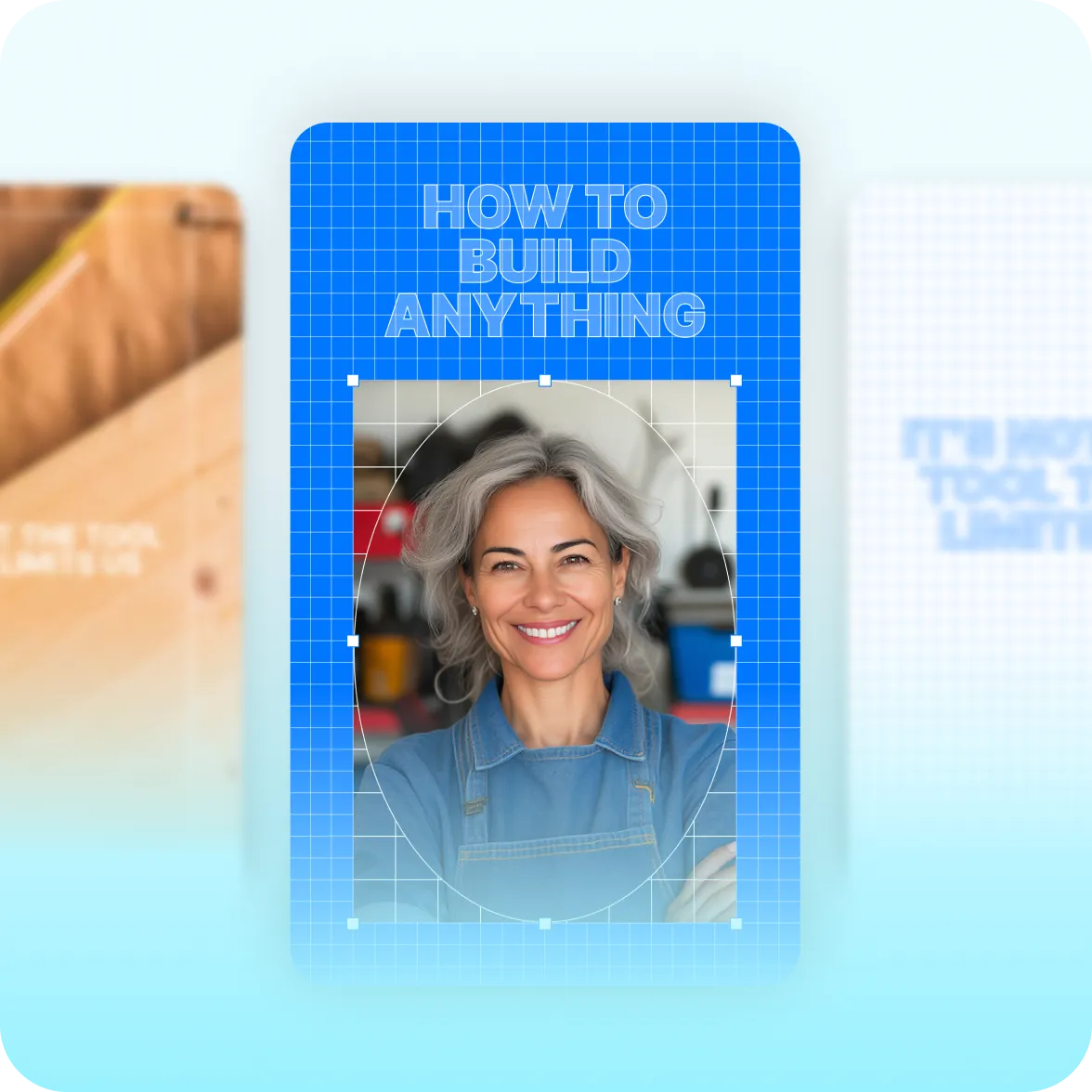
What it looks like:
Technical cues
Every frame looks purposeful and methodical. Footage is wrapped with a gridded background that references blueprints and diagrams. Technical annotation marks and arrows reinforce the instructional aesthetic.
Step-by-step callouts
Numbered step badges and labeled callouts guide viewers sequentially, making it clear what step they’re on and what comes next. It’s perfect for how-to videos, professional advice and other instructional content.
Authoritative and confident
Whether you’re teaching a framework or sharing DIY ideas, Blueprint makes your content look organized and thoughtful. It signals authority—the right look for educators, DIY experts and other creators sharing technical ideas or tactical instructions.
Create it fast with AI Edit
Captions’ AI Edit feature turns any footage into a fully edited video that’s ready to share. To get the Blueprint style, just upload footage to Captions and pick “Blueprint” from the style library. It’ll transform your entire video—no editing experience needed.
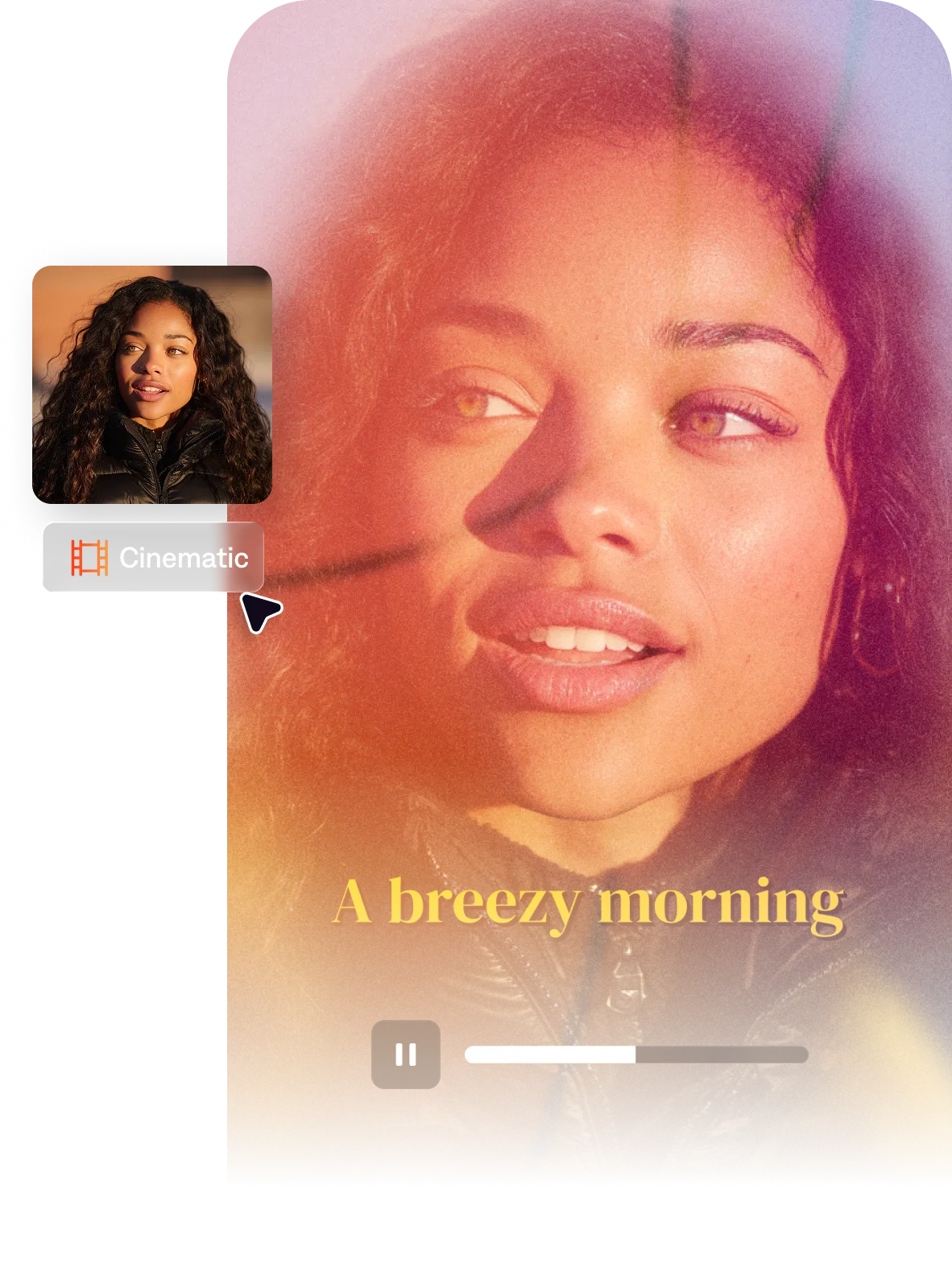
Import your video to start
By uploading a video to be edited using AI, you are agreeing to our Terms and have read our Privacy Policy.
Behind the Blueprint aesthetic
How-to content is one of the fastest-growing video formats, but so many videos look exactly alike. Blueprint was inspired by technical drafting and scientific diagrams. It’s precise and structured, emphasizing your expertise.

Popular for:
Start making better videos



Frequently asked questions
When should I use the Blueprint style?
It’s best for structured information, technical steps or instructions. We see it work well for tutorial videos, tips, how-to content, process explainers, educational reels, and step-by-step guides. If your educational content is more casual or personal (coaching, mentorship, everyday tips), Chalk’s hand-drawn warmth or Sketch’s notebook feel might be a better pick.
What is the blueprint video aesthetic?
The blueprint aesthetic is a video editing style inspired by technical drafting and diagram design. It uses elements like grid backgrounds, schematic overlays and structured layouts to make videos feel like a technical document or engineering drawing. If you’re interested in the aesthetic, you can apply it easily in Captions. Just pick “Blueprint” in the AI Edit library and it’ll transform your whole video.
What types of videos work best with a diagram or technical aesthetic?
Technical explainers, vocational and trade content, step-by-step tutorials, science education, and practical how-to videos benefit most from diagram-style aesthetics. The layout helps viewers absorb and retain information. It signals that your video is education, and not just entertainment. It’s less useful for content that needs to feel more personal or emotive.
How do I make my tutorial videos look more professional?
If you’re discussing technical instructions or detailed steps, it’s important to use a structured video style. This communicates expertise and thoughtfulness. The organization also helps viewers follow along, increasing engagement. To get this style fast, try the Blueprint style in Captions. Captions is an all-in-one video editor that has preset styles to help you achieve a specific look.