

Looking for a CapCut alternative?
Both apps caption your videos. Only Captions edits them for you, in one tap.
Try Captions freeFeature by feature
Based on publicly available features as of October 2026.
| Feature | Captions | CapCut |
|---|---|---|
| AI auto-captions Accurate subtitles with animated styles | ✓ Animated, word-by-word | ✓ Auto captions |
| One-tap AI Edit Cuts, zooms, b-roll and music in one pass | ✓ Full edit in one tap | ~ Templates + manual edits |
| Eye Contact correction Keeps your gaze on camera while reading | ✓ Built in | – Not available |
| AI dubbing with lip sync Translate in your own voice | ✓ Voice + lip sync | ~ Translation tools, limited lip sync |
| AI avatars Make videos without filming | ✓ Realistic AI talent | ~ Basic avatars |
| Filler-word & silence removal Clean up ums and pauses | ✓ Automatic | ~ Manual or semi-auto |
| Teleprompter Read a script while recording | ✓ Built in | ✓ Built in |
| Template library Ready-made trend formats | ~ Focused set | ✓ Very large |
| Platforms Where you can edit | ✓ iOS, Android, Mac, web | ✓ iOS, Android, desktop, web |
The biggest difference
CapCut gives you tools. Captions does the edit.
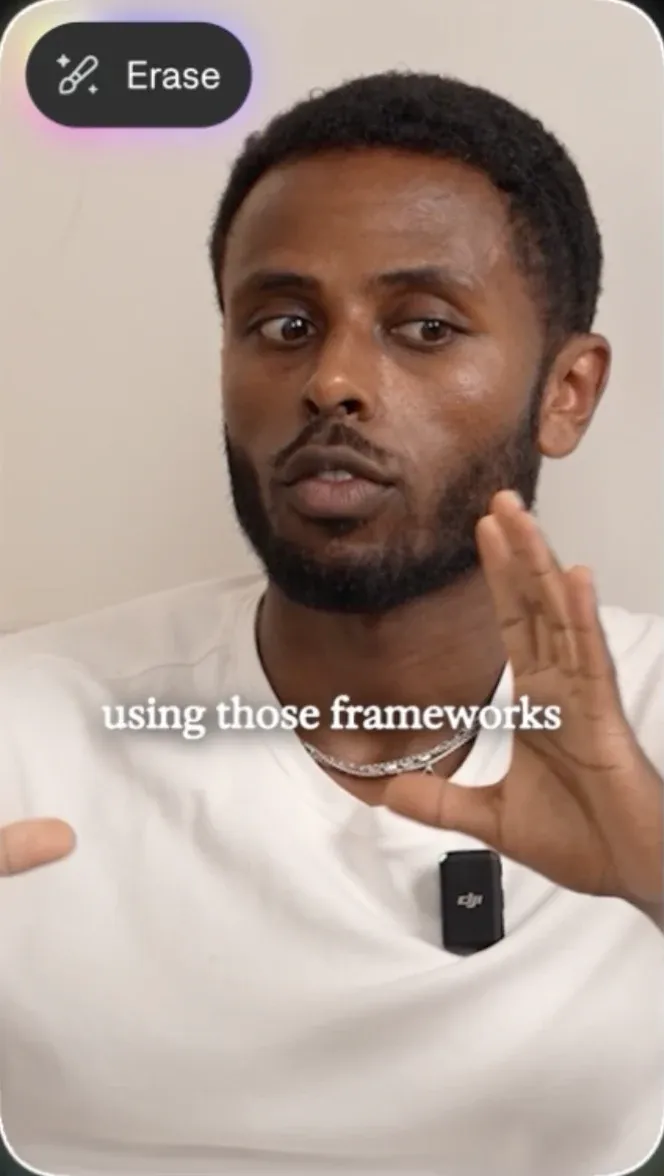
In CapCut you build an edit clip by clip — trimming, keyframing, picking a template. In Captions you record or upload, tap AI Edit, and get a finished video with captions, cuts, zooms, b-roll and sound. You can still tweak anything after.

Questions people ask
Is Captions better than CapCut?
For talking videos, yes. Captions automates the edit and adds AI tools like Eye Contact and lip-synced dubbing. CapCut is better if you mostly work from templates.
Is Captions free to use?
You can try Captions for free. Paid plans unlock more AI Edit credits, dubbing and exports.
Which is easier for beginners?
Captions. There's no timeline to learn — record, tap AI Edit, and adjust what you want.
Can I use Captions on desktop?
Yes. Captions works on iPhone, Android, Mac and in your browser, and your projects sync across devices.
Can Captions translate my videos?
Yes. AI Dubbing translates your speech into other languages in your own voice, with matching lip movement.
Can I switch from CapCut to Captions?
Yes. Export your footage from CapCut and import it into Captions to start editing right away.